HOOK-UP
GUIDE
lIT
IIEtWIII
•
The PowerCenter comes
with
keyholes for convenientwall-mounting.
1.
Select
the
bestlocation
to
mount
the
PowerCenter and mark
the
position
for
the
four
mounting
screws (screws
not
supplied).
2.
Drive pan-head
screWs
with
spacer eyelets
Into
the
wall (use drywall anchors
for
hollow
walls) at
the
locations
you
marked, leaving
the
eyelet exposed.
3.
Position
the
key-holes
on
the
back
of
the
unit
over
the
screw/eyelets
and slide
the
PowefCenter
down
until
it
locks
into
position.
WALL-MOUNTING
INSTRUCTIONS
To
ensurecompletepoWer surge protection,
all
lines thatconnect
to
your
AV
components
need
to
beconnected
to
surge protected connections
on
thePowerCenter. •
PHONE
CONNECTIONS
HOOK-UP
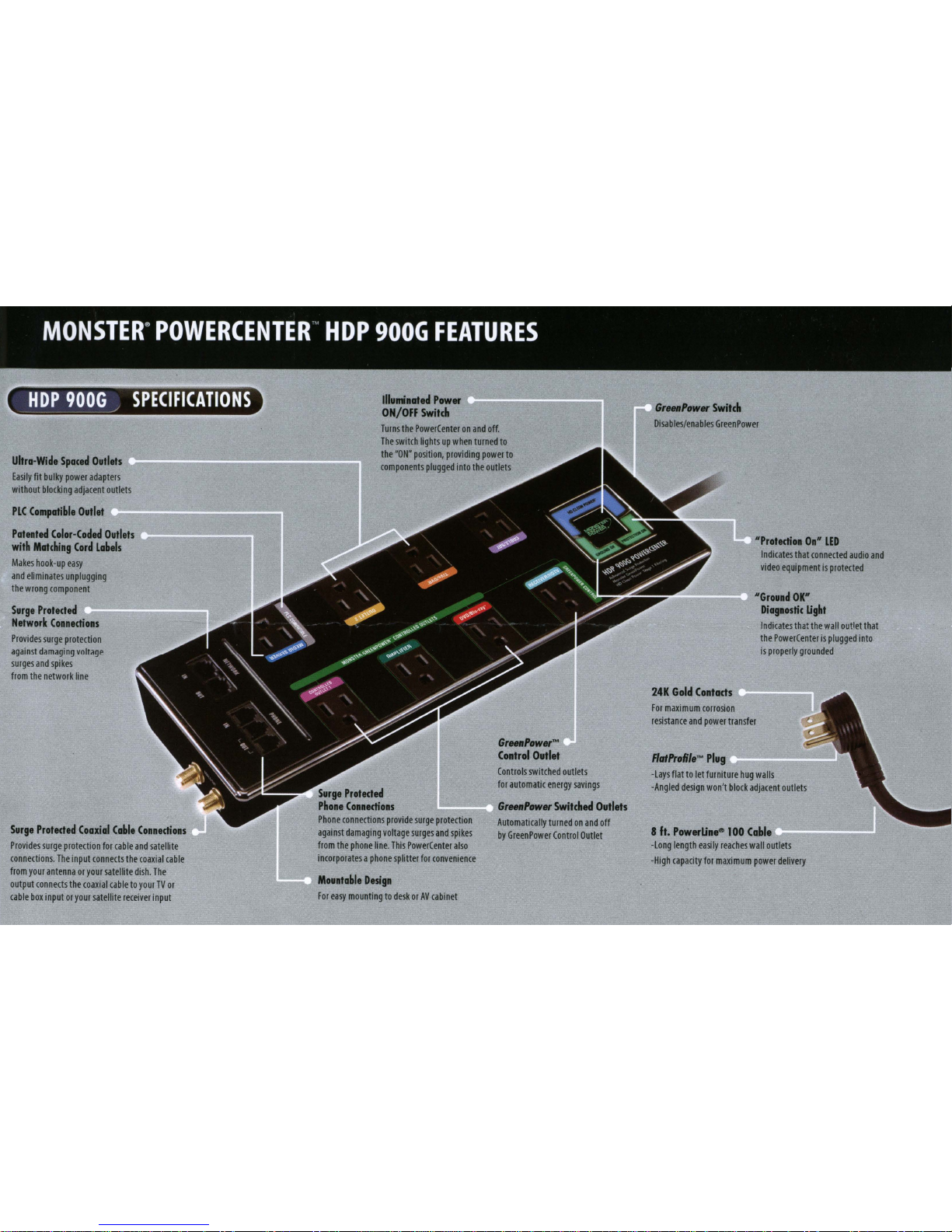
Phone connections provide surge protection against damaging voltage surges
and spikes
coming
from
the
phone
line.This PowerCenter also incorporates
asplitter for convenience. Protect Phone Line Connections
as
follows:
NETWORK
CONNECTION
HOOK-UP
Network
(Ethernet
~J45)
connections provide surgeprotectionagainst
damaging
voltage
surges and spikes
coming
from
the
Ethernet line
or
local area
network
(LAN).
Protect
Network
ConnedIons
as
Fellows:
Te
..
lY/CllIIIe
..
1 • :
1.
Connectyour
AV
Receiver or HDTV
to
the
"GREENPOWER
CONTROL
H
out
et.
2.
Connect devices such
as
Plasma
TV,
Subwoofer, and DVDlBlu-ray Disc
lM
Player
to
HGREENPOWER
CONTROLLED"
switched outlets
so
they
won't
use
power
when
the
component
connectedtotheHGREENPOWER
CONTROL
H
outlet
is
powered
off
or
in
sleep mode.
CONNECTING
TO
GREENPOWER
OUTLETS
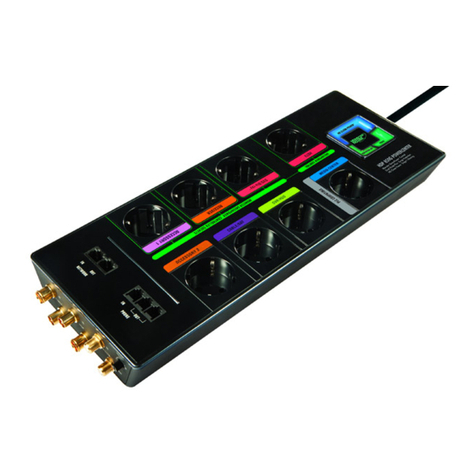
Attach aMonster Power identification label
to
each
component's
power
cord before
you
plug
it
into
the
appropriate color-coded PowerCenter outlet.
Plug each component's
power
cord
(HDTV,
AV
receiver,
CablelSatellite box, etc.)
into
the
PowerCenter's
corresponding outlet.
NOJE:
The
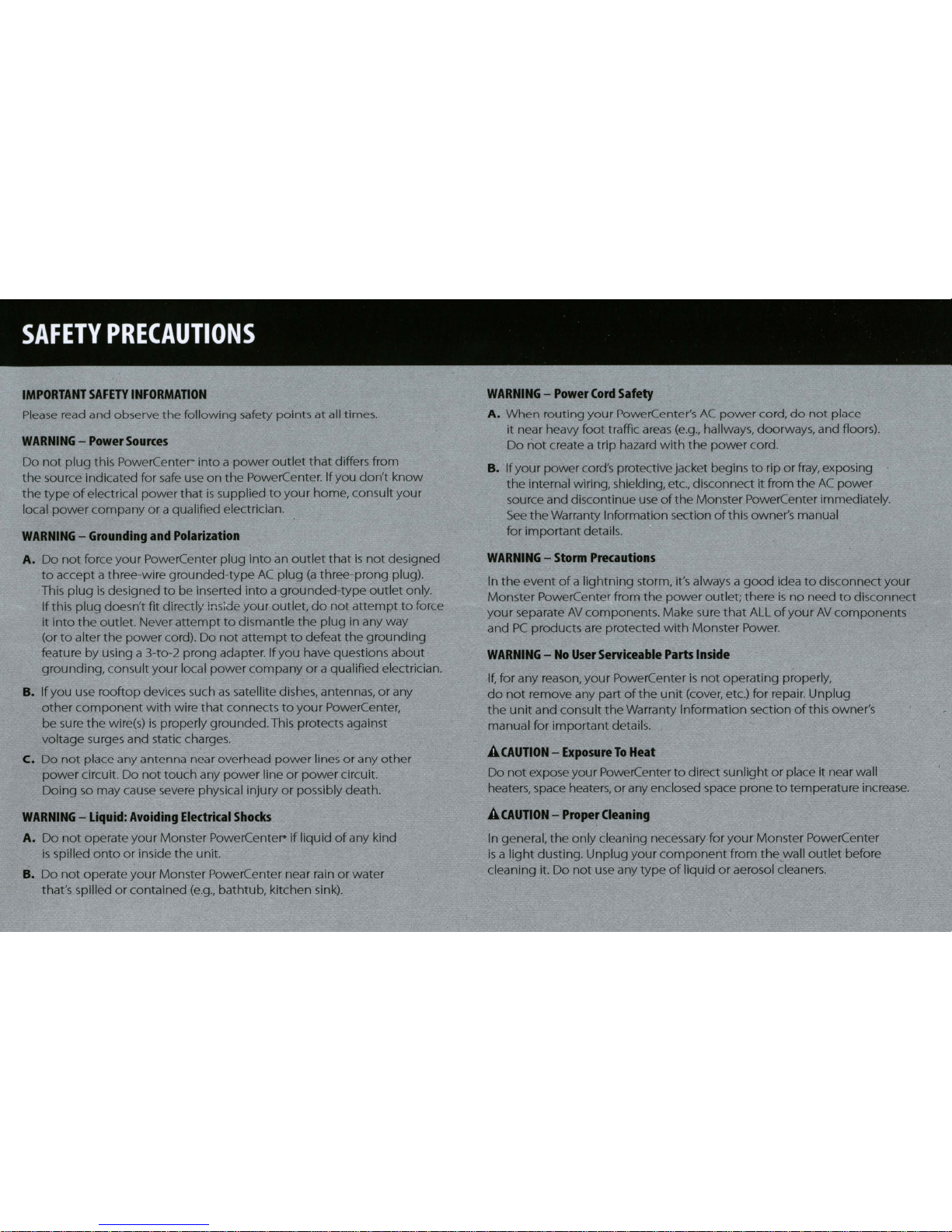
outletsonyour PowerCenter
are
labeled
fOf
yourconvenience.
It
will notharmyourequipment
to
plug Into
an
outletthat's labeled differently.
NOJE:
If
you don'twant
any
outlets
to
automatlcally switch
off.
Monster
GreenPower
can
bedisabled
by the switch located onthe end
of
the
PowerCenter.
CAUI1GII:
Important
data
and
settings store on hard
drtves
(recorded
TV
shows,
game
saves,
elX:.)
may be
corrupted ordeleted Ifpower
Is
turned
off
while the
hard
dt1Ve
Is
being
read
from
or
written
to.
lf
you hook
up
a
hard
drIVe-based
device
such
as
a
Wo·,
DVR
or
Video
gameconsole to a
"GREENPOWER
CONTROLLED;"
switched outlet,
make
sure
the
deVIce
Is
NOr
being
read
from orwritten
to
when you turn
off
theequipmentconnected tothe
"GREENPOWER
CONTROL"
outlet
To
ensure
against the possibility
of
data
loss
orcorruption,you should c;onnect
hard
dt1Ve-based
deVices
to unswltched outlets ordisable GreenPower using the switch located on theend
of
the
PowerCenter.
Monster
assumes
no responsibilityfor data
loss,
corruptlon ordamage to
hard
drlVe-based
deVIces
connected
to
PowerCenters
withGreenPower automaticoutletswitching.
COAXIAL
CONNECTIONS
HOOK-UP
Coaxial Connections provide surge
protection against damaging voltage
surges and spikes on
the
incoming
cableTV and satellite lines.