SWITCHING BETWEEN MODES
-In Auto Mode: Use the ‘fan’ button on remote or ‘fan speed’ on the control panel to
enter ‘Manual Mode’, where fan speed will remain what you set it at. Press ‘mode’
(remote) once or ‘fan speed’(control panel) four times to enter Sleep Mode.
-In Sleep Mode: All lights except for the sleep mode indicator will be turned off. You
can press any key once to activate the light. If no other key is pressed in 2 minutes, it
will go back to Sleep Mode. When light is activated, press ‘mode’ or 'fan' (remote) or
‘fan speed’(control panel) to exit Sleep Mode.
-In Manual Mode, press ‘mode’ (remote) to enter Auto Mode, then Sleep Mode. You
can also use the ‘fan speed’(control panel) to enter Sleep Mode, then Auto Mode.
Real-time
monitoring of
air quality
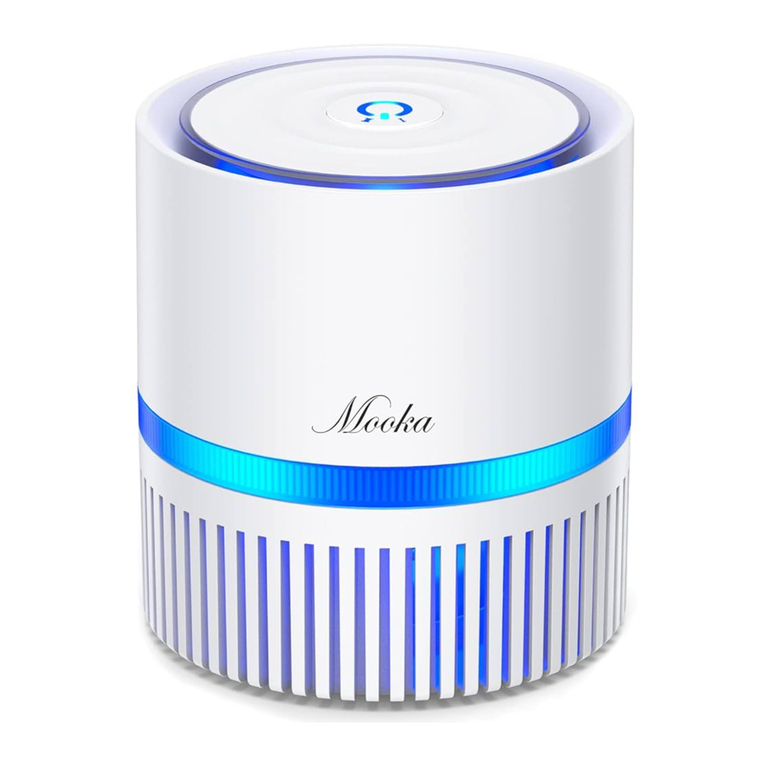
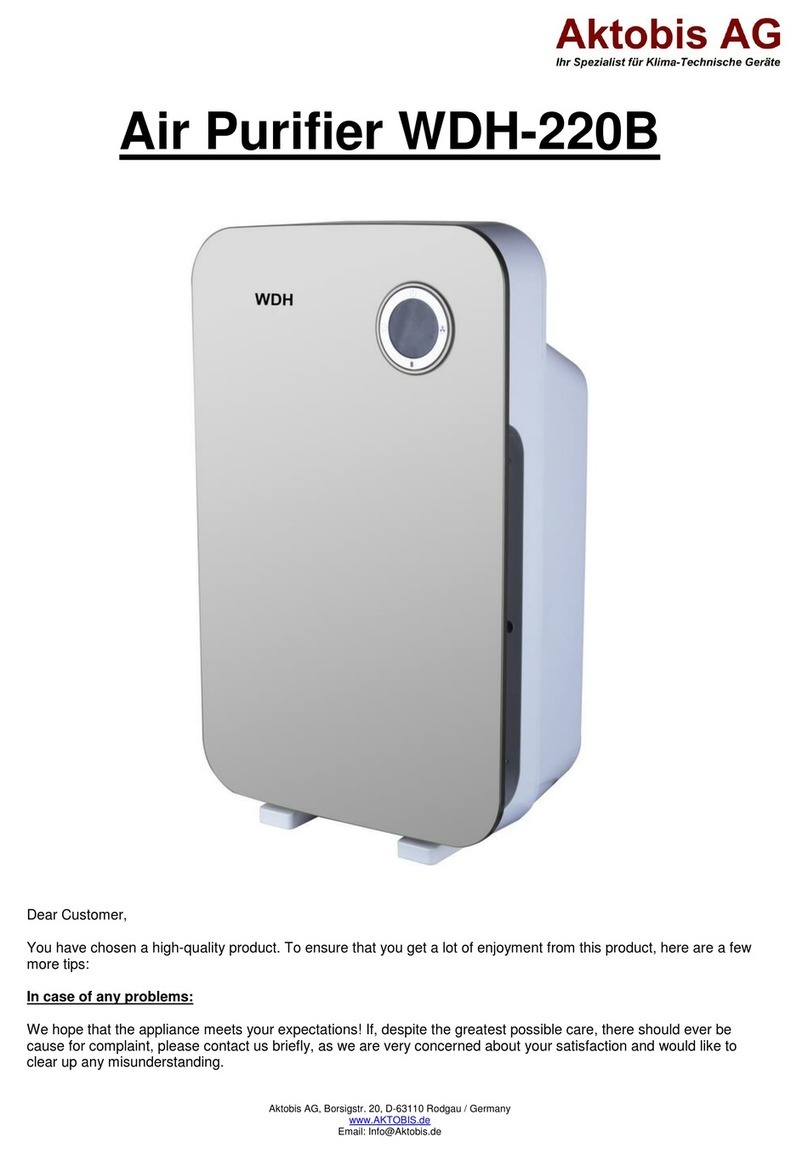
This air purifier can defect air quality and automatically adjust
the air flow. The color of the LED will show the air quality:
Blue LED: Air is clean, no pollutants, air quality is good.
Green LED: Some air pollutants, air quality is average.
Red LED: High amount of pollutants, air quality is bad.
Multiple levels
of air
purification
This air purifier adopts the most advanced negative ion
technology. With a HEPA filter, activated carbon filter, special
formaldehyde adsorption particles and UV sterilizer, it effectively
filters the air, eliminating peculiar smells and decomposing
harmful gases.
MORE INFORMATION
- 06 -