manuals.online logo
Brands
  1. Home
  2. •
  3. Brands
  4. •
  5. Moso
  6. •
  7. Industrial Monitor
  8. •
  9. Moso Pop Pillar Brochure Holder User manual

Moso Pop Pillar Brochure Holder User manual

Popular Industrial Monitor manuals by other brands

Regin E3-DSP Instruction

Regin

Regin E3-DSP Instruction

SWEDX SWSS156 user manual

SWEDX

SWEDX SWSS156 user manual

JUMO mTRON T operating manual

JUMO

JUMO mTRON T operating manual

Saia PCD7.D410VTCF manual

Saia

Saia PCD7.D410VTCF manual

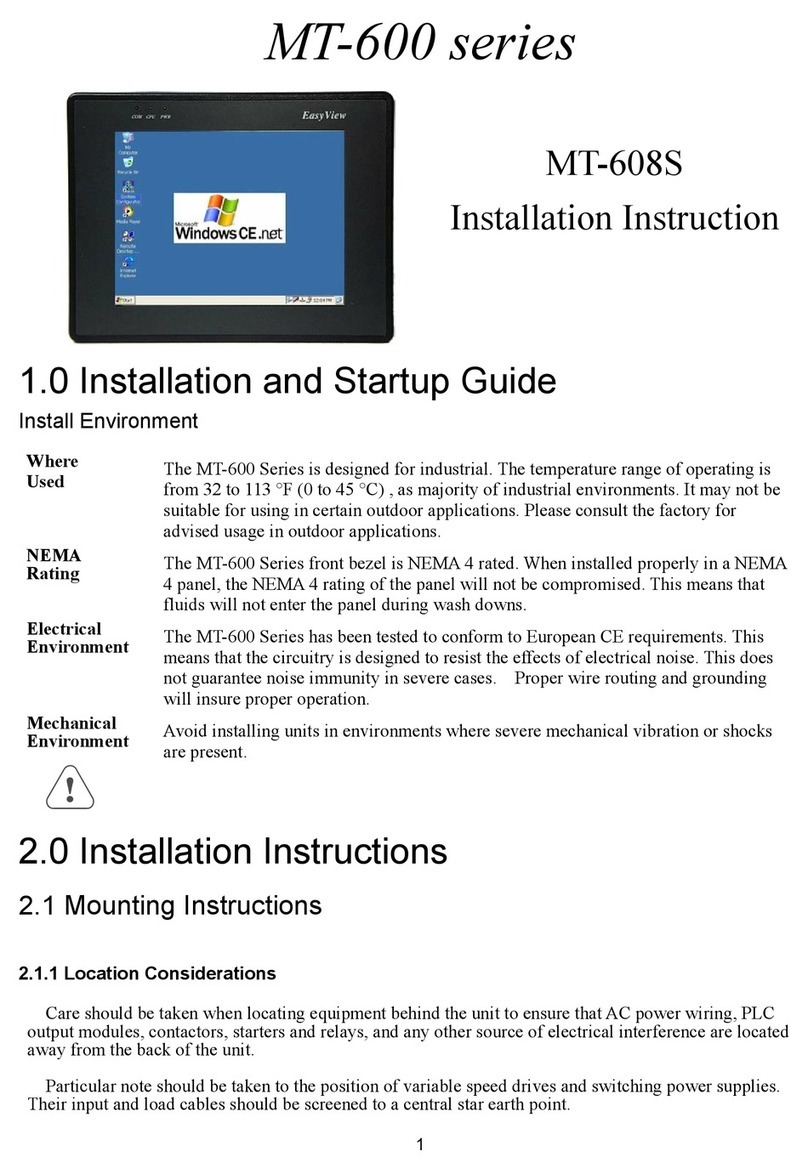
weintek EasyView MT-608S Installation instruction

weintek

weintek EasyView MT-608S Installation instruction

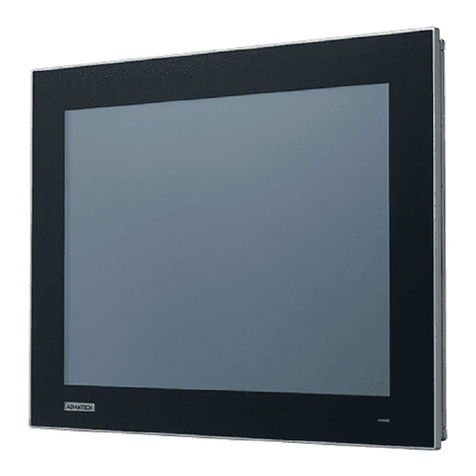
Advantech FPM-212 Series user manual

Advantech

Advantech FPM-212 Series user manual

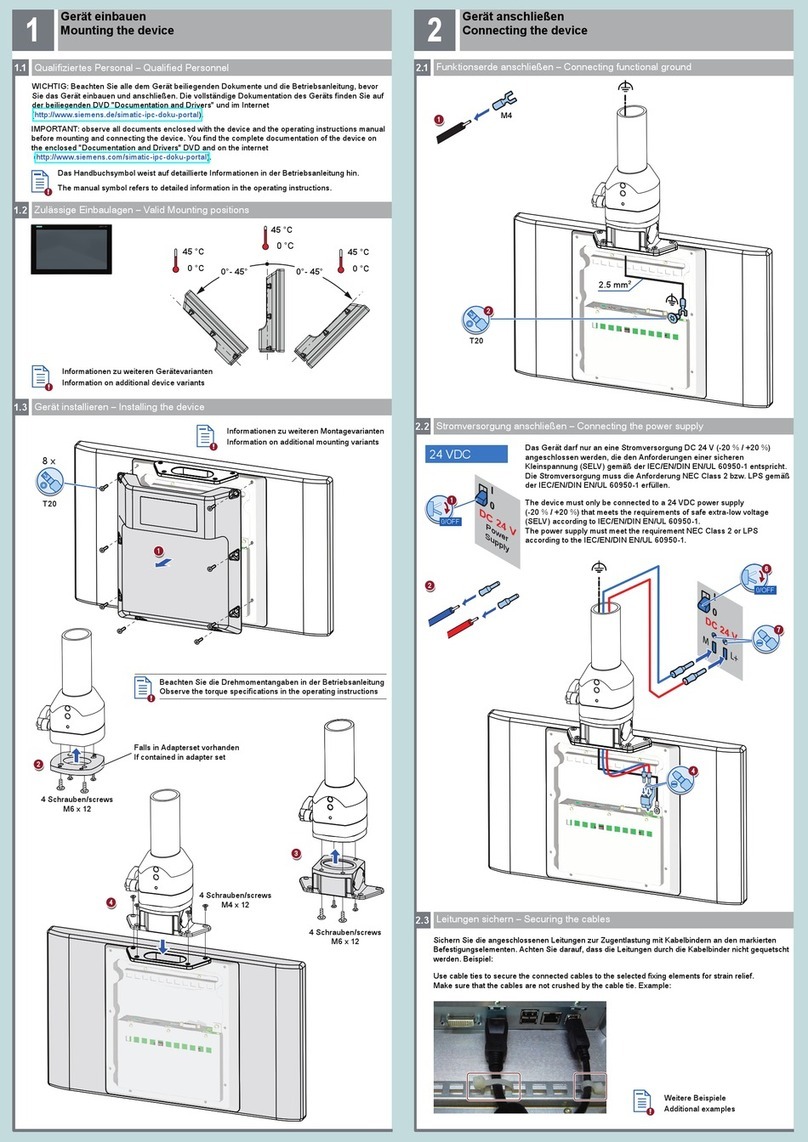
Siemens INOX PRO SIMATIC IFP1900 Quick install guide

Siemens

Siemens INOX PRO SIMATIC IFP1900 Quick install guide

Simrad NSS12 EVO3S quick guide

Simrad

Simrad NSS12 EVO3S quick guide

eSID 03-06 user guide

eSID

eSID 03-06 user guide

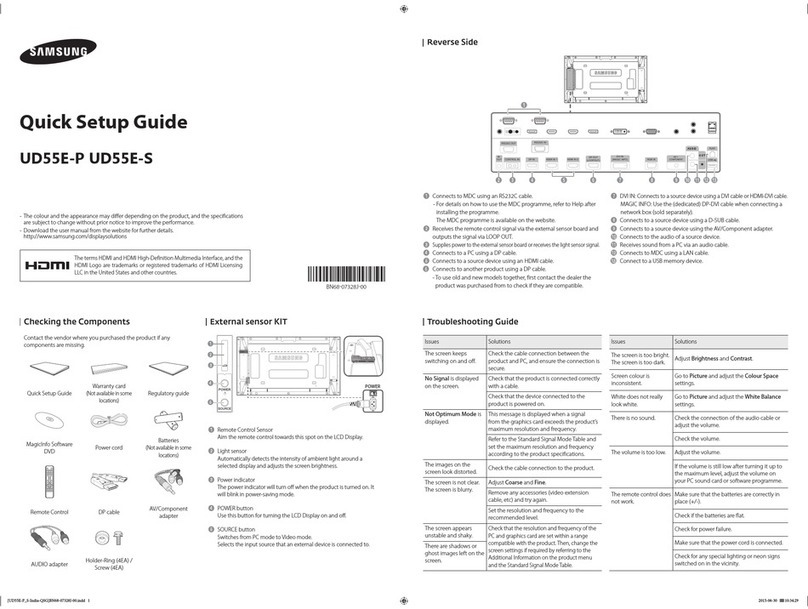
Samsung UD55E-P Quick setup guide

Samsung

Samsung UD55E-P Quick setup guide

HIS HIS-ML12-Series D user manual

HIS

HIS HIS-ML12-Series D user manual

Acnodes APM 5084 Specifications

Acnodes

Acnodes APM 5084 Specifications

BenQ TL650 user manual

BenQ

BenQ TL650 user manual

Kontron FlatClient ECO user guide

Kontron

Kontron FlatClient ECO user guide

AllSee AB49HD7 Hardware user manual

AllSee

AllSee AB49HD7 Hardware user manual

Pentair Raychem ECW-GF-DP Installation and operating instructions

Pentair

Pentair Raychem ECW-GF-DP Installation and operating instructions

Siemens INOX PRO SIMATIC IFP1900 Compact operating instructions

Siemens

Siemens INOX PRO SIMATIC IFP1900 Compact operating instructions

IEI Technology ISDM-084G user manual

IEI Technology

IEI Technology ISDM-084G user manual

manuals.online logo
manuals.online logoBrands
  • About & Mission
  • Contact us
  • Privacy Policy
  • Terms and Conditions

Copyright 2025 Manuals.Online. All Rights Reserved.

For more information please visit: nice.moso.design
ASSEMBLY GUIDE
Pop Pillar Brochure Holder(18” X18” X 80”)
ASSEMBLY GUIDE
POP PILLAR BROCHURE HOLDER ASSEMBLY INSTRUCTIONS pg 1
Step 1 Remove cardboard sign from the packaging.
Unfold the tower and lay flat on a table or clean surface.
Step 2 Fold bottom stabilizing foot up and insert tabs
into the the corresponding notches.
Step 3 Flip over your sign, Tape the Tabs down to give
the tower more stability. (optional)
Step 4 Fold the sides up towards the middle.
Remove the tape from the flap.
STEP 1
STEP 2
STEP 4
STEP 3
Step 5 Align the edge at the bottom of the tower as
straight and square as possible. Tack to the top edge.
STEP 5
Step 6 Using your hand, press the back of the cardboard
firmly against the flap smoothing it out from the middle.
STEP 6

ASSEMBLY GUIDE
Pop Pillar Brochure Holder(18” X18” X 80”)
ASSEMBLY GUIDE
POP PILLAR BROCHURE HOLDER ASSEMBLY INSTRUCTIONS page 2
Step 7 Fold the brochure holder flaps forward then back
to create a straight folded edge.
Step 8 Insert the side tabs
of the brochure holder into
the the vertical slits in
the tower. Then push the
bottom tab in the
horizontal slit.
Repeat steps 7and 8until
all holders are placed on
the tower.
STEP 8
STEP 7
For more information please visit: nice.moso.design
Step 9 Place brochures in to the holders.
STEP 9