manuals.online logo
Brands
  1. Home
  2. •
  3. Brands
  4. •
  5. Motorola
  6. •
  7. Receiver
  8. •
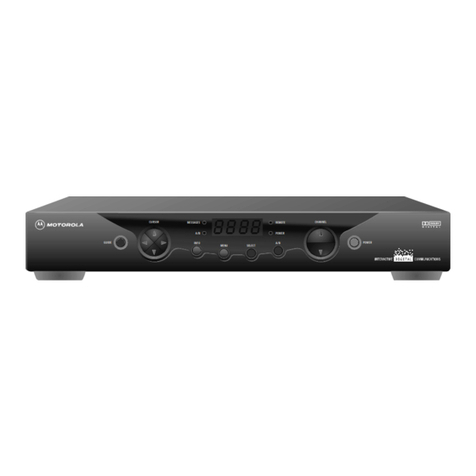
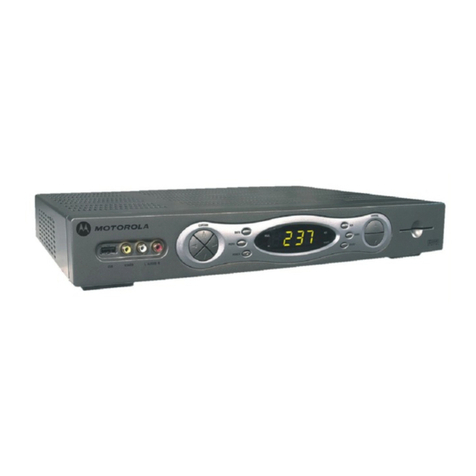
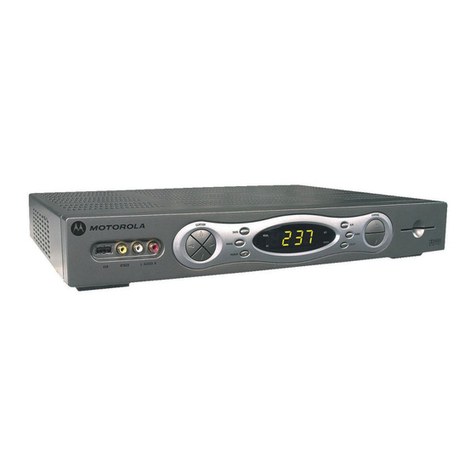
  9. Motorola TIME WARNER DCT6200 User manual

Motorola TIME WARNER DCT6200 User manual

Other manuals for TIME WARNER DCT6200

6

Other Motorola Receiver manuals

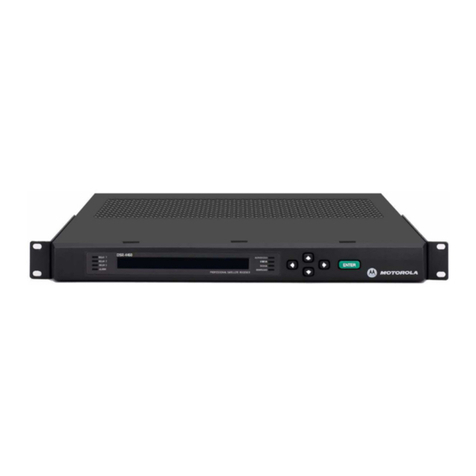
Motorola DSR-6050 How to use

Motorola

Motorola DSR-6050 How to use

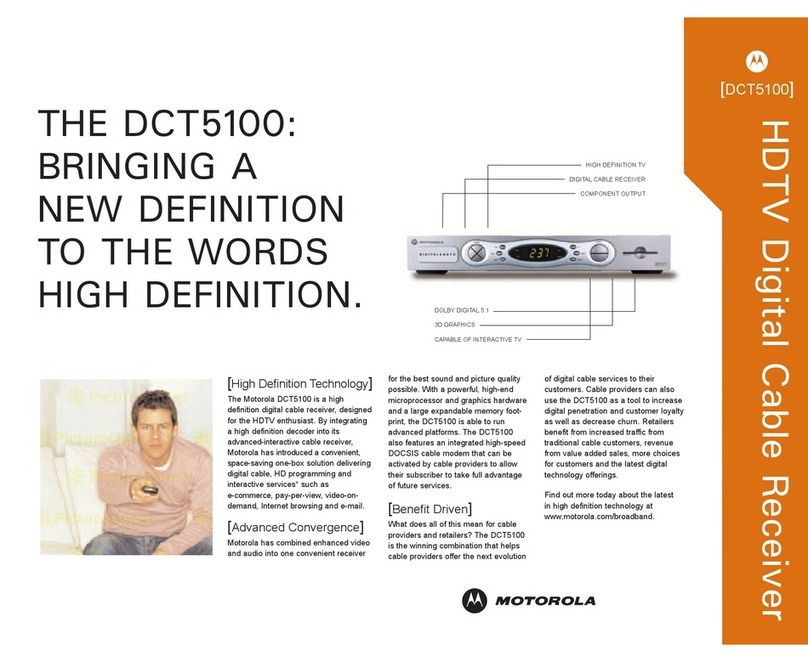
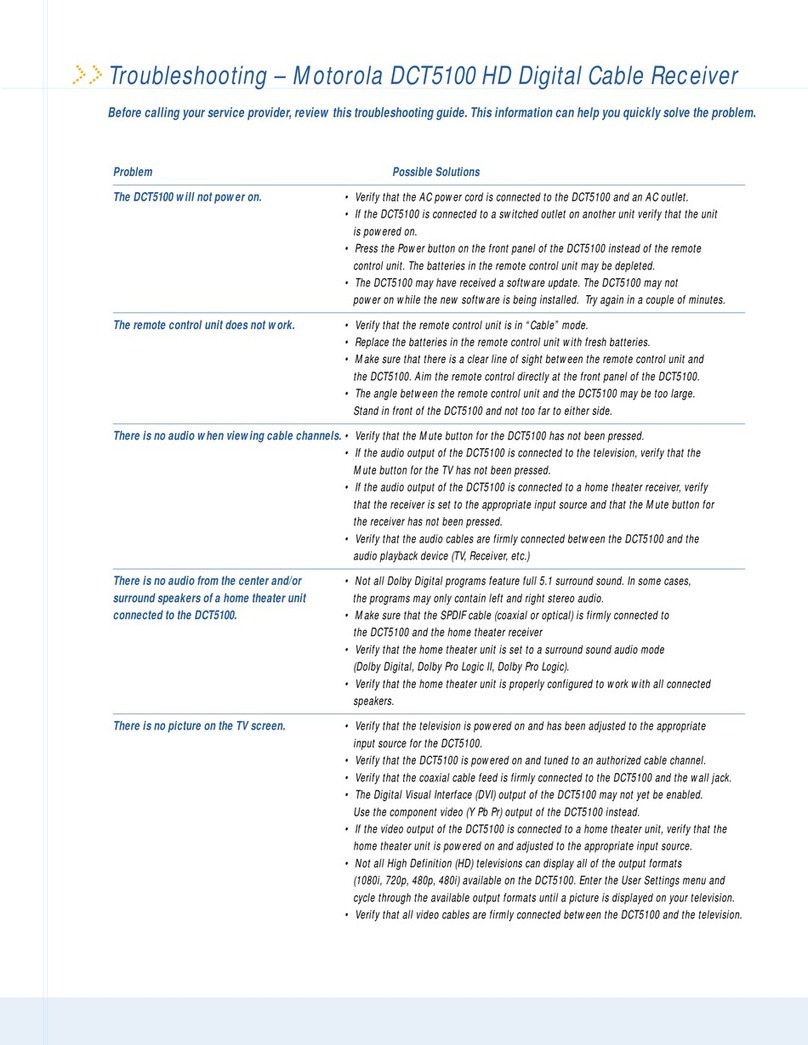
Motorola DCT5100 Owner's manual

Motorola

Motorola DCT5100 Owner's manual

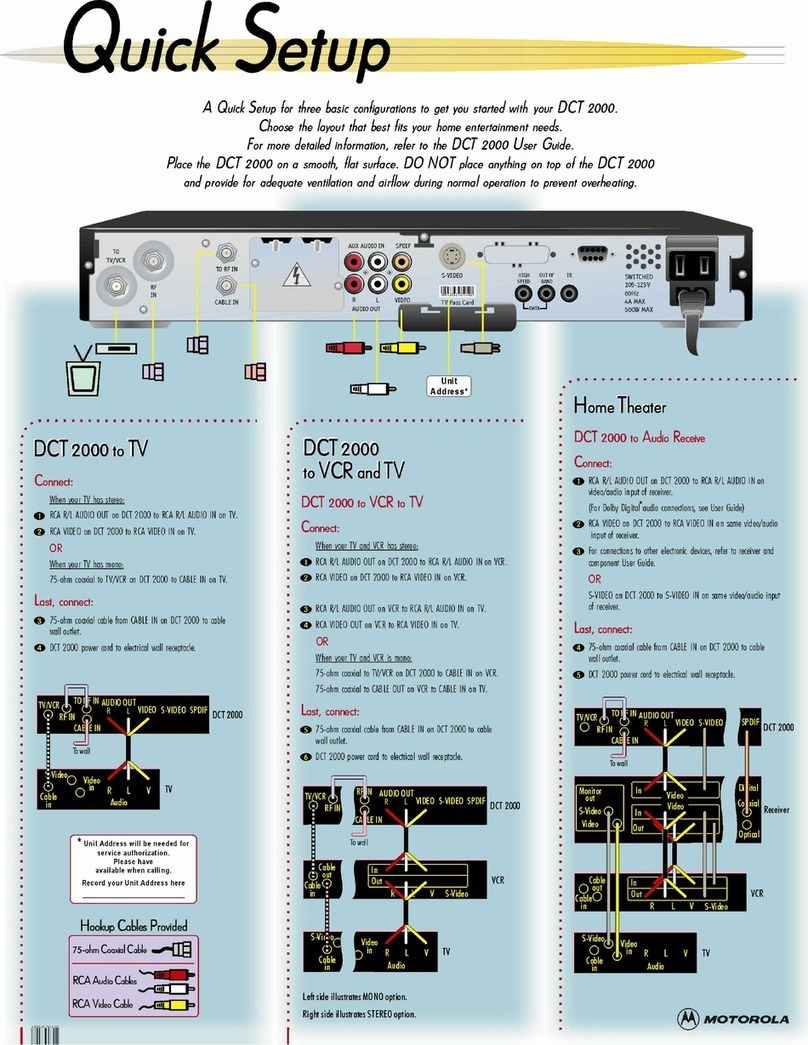
Motorola DCT2000 User manual

Motorola

Motorola DCT2000 User manual

Motorola DSR405 User manual

Motorola

Motorola DSR405 User manual

Motorola DCT5100 Operating instructions

Motorola

Motorola DCT5100 Operating instructions

Motorola MTR2000 User manual

Motorola

Motorola MTR2000 User manual

Motorola DCT6412 DUAL-TUNER DVR AND HD SET-TOP - MICROSOFT... User manual

Motorola

Motorola DCT6412 DUAL-TUNER DVR AND HD SET-TOP - MICROSOFT... User manual

Motorola Scriptor LX4 User manual

Motorola

Motorola Scriptor LX4 User manual

Motorola HD-DTA100u User manual

Motorola

Motorola HD-DTA100u User manual

Motorola DCT2000 User manual

Motorola

Motorola DCT2000 User manual

Motorola DSR-470 User manual

Motorola

Motorola DSR-470 User manual

Motorola TIME WARNER DCT6200 User manual

Motorola

Motorola TIME WARNER DCT6200 User manual

Motorola DCT700 User manual

Motorola

Motorola DCT700 User manual

Motorola Monitor V User manual

Motorola

Motorola Monitor V User manual

Motorola CP185 Series User manual

Motorola

Motorola CP185 Series User manual

Motorola DSR-4530 Manual

Motorola

Motorola DSR-4530 Manual

Motorola DCT5100 User manual

Motorola

Motorola DCT5100 User manual

Motorola Syntor X9000 User manual

Motorola

Motorola Syntor X9000 User manual

Motorola audex S805 User manual

Motorola

Motorola audex S805 User manual

Motorola HDT101 Use and maintenance manual

Motorola

Motorola HDT101 Use and maintenance manual

Motorola DSR-6050 Manual

Motorola

Motorola DSR-6050 Manual

Motorola DSR4410 Manual

Motorola

Motorola DSR4410 Manual

Motorola DSR4410 Manual

Motorola

Motorola DSR4410 Manual

Motorola ISR-4410 User manual

Motorola

Motorola ISR-4410 User manual

Popular Receiver manuals by other brands

Televes ZAS HD SAT user manual

Televes

Televes ZAS HD SAT user manual

Realistic DX-75 Operating and service instructions

Realistic

Realistic DX-75 Operating and service instructions

Saris 4620 Assembly instructions

Saris

Saris 4620 Assembly instructions

Mini DTR 206C PVR user manual

Mini

Mini DTR 206C PVR user manual

RF Elements TwistPort manual

RF Elements

RF Elements TwistPort manual

Denon DN-200WS user guide

Denon

Denon DN-200WS user guide

Yamaha RX-V467 owner's manual

Yamaha

Yamaha RX-V467 owner's manual

Russound SaphIR 858 instruction manual

Russound

Russound SaphIR 858 instruction manual

Quasonix RDMS Firmware update procedure

Quasonix

Quasonix RDMS Firmware update procedure

Pioneer XV-HTD1 Service manual

Pioneer

Pioneer XV-HTD1 Service manual

ATZ HDMI-V2-44HE150 manual

ATZ

ATZ HDMI-V2-44HE150 manual

Sony XNV-770BT MyTomTom Specifications

Sony

Sony XNV-770BT MyTomTom Specifications

Grundig STR 7122 TWIN Service manual

Grundig

Grundig STR 7122 TWIN Service manual

Creative Blaster Modem user guide

Creative

Creative Blaster Modem user guide

Panduit ATLONA AT-OME-RX11 installation guide

Panduit

Panduit ATLONA AT-OME-RX11 installation guide

VOLTCRAFT UTPS-40 operating instructions

VOLTCRAFT

VOLTCRAFT UTPS-40 operating instructions

JVC KW-ADV794 instructions

JVC

JVC KW-ADV794 instructions

Litelink VT-1001 operating instructions

Litelink

Litelink VT-1001 operating instructions

manuals.online logo
manuals.online logoBrands
  • About & Mission
  • Contact us
  • Privacy Policy
  • Terms and Conditions

Copyright 2025 Manuals.Online. All Rights Reserved.

STANDARD INTERFACES:
•YPbPr component output
•DVI and IEEE-1394 (DTV) digital outputs
•Optical and coaxial SPDIF/Dolby Digital connectors
•S-Video output
•RF and baseband output (Video, L/R Audio) outputs
•Front and rear panel L/R audio and video inputs
•Three USB connectors (one on front panel)*
•Smart Card Interface Connector (E-Commerce)*
WHAT’S INCLUDED:
•High-Definition Cable Receiver
•Coaxial cable
•Component video cable
•L/R baseband audio cable
•Power cord
•Quick Start Guide
•User manual
•Universal remote control with batteries
SYSTEM REQUIREMENTS:
•Check with your local cable provider for HDTV service
prior to purchase to verify they are using Motorola
network equipment
•You will need an HD-readyTV to enjoy the full
benefits of HDTV viewing
Continued on back
All Packed and Ready to Go.
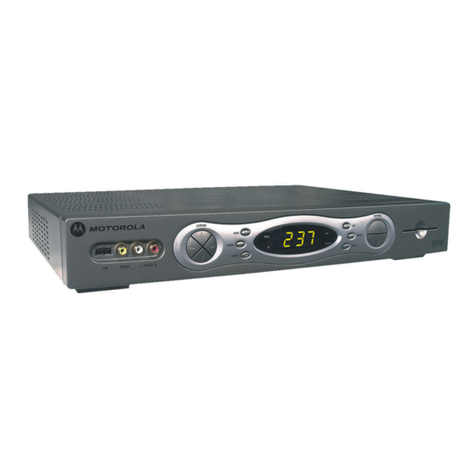
Motorola’s High-Definition Cable Receiver delivers analog and digital cable,
High-Definition (HD) programming and more.
This set-top box is packed with options. It offers the diversity of analog cable channels, the
interactive features and commercial-free music of digital cable, plus the unbelievable picture
and movie-quality sound of HD programming. Now that’s advanced home entertainment.
BENEFITS:
•Built with an HD decoder for an incredibly crisp
picture and Dolby®Digital 5.1 movie-quality audio
•Compatible with standard and HD televisions
•Delivers both analog and digital cable
•Supports hundreds of local and cable channels
including sports, news, movies and more
•Offers digital cable’s advanced services, such as
Video on Demand, Pay Per View, interactive program
guides and commercial-free digital music channels*
•User-friendly universal remote control with batteries
are included
•24 x 7 technical support available over theWeb
or by phone
FEATURES:
•High-Definition (HD), digital cable receiver
•Integrated High-Definition decoder withYPbPr
component output
•DVI and dual 1394 (DTV) digital outputs
•Built-in MPEG analog encoder
•PCM and Dolby®Digital 5.1 digital audio output;
Dolby®ProLogic®II audio capability
•Full-feature access from front panel
•LED display with IR receiver for remote or/and keyboard
•Universal remote (DRC450)
HHiigghh--DDeeffiinniittiioonn
CCaabblleeRReecceeiivveerr
DDCCTT66220000

Continued from front
HHiigghh--DDeeffiinniittiioonnCCaabblleeRReecceeiivveerrDDCCTT66220000

TECHNICAL SPECIFICATIONS
To view our full line of Home Entertainment Products,
visit ourWeb site at www.motorola.com/broadband/consumers.
MOTOROLA and the Stylized M logo are registered in the US Patent &Trademark Office. All other product or service names are property of
their respective owners. Dolby, Pro Logic, Dolby Digital Audio and the double-D symbol are trademarks of Dolby Laboratories Licensing
Corporation, used with permission. © Motorola, Inc. 2003.
*Cable, high-definition and interactive services such asVideo on Demand and interactive program guides, are services that may require a subscription from your local cable provider.
Services may vary by provider and may not be available in all areas. Features such as a smart card interface, USB is a feature added for future use by your cable provider and may not
be activated at time of purchase.These features were designed for future use and applications that your local cable provider may make available to you in the future. Contact your
service provider for more information.
JACK PACK
Dolby®Digital Out 1 (Coaxial), 1 (Optical)
DVI Out 1
Hi-Res Component,Video Out (Y, PB, PR)1
S-Video Out 1
A/V Out 1
RF In 1
RF Out 1
IEEE-1394 Out 2
A/V In 2
Ethernet (10/100Base-T) 1
USB 1.1 3
ADDITIONAL INFORMATION
Cabinet Dimensions
Width x Height x Depth 17.1'' x 12.75'' x 2.75''
Weight 9.5 lbs.
Dimensions with Package
Width x Height x Depth 20.25'' x 16.375'' x 6.25''
Weight 14 lbs.
UPC Code 6 12572 09800 4

Power Consumption 35Watts (Maximum)
ACCESSORIES (INCLUDED)
L/R Baseband Audio Cable 1
ComponentVideo Cable 1
Coax RF Cable 1
Remote Control Yes (Universal)
Batteries Yes
User Manual Yes
Quick Set Up Guide Yes
CABINET DESCRIPTION
Finish Silver
SERVICE/LIMITEDWARRANTY
Warranty: Parts/Labor IRD: 1Year/90 Days

VIDEO FEATURES
TV Aspect Ratio Selection 4:3, 16:9
Component Out/DVI Out 1080i, 720p, 480p, 480i
Composite Out 480i (Always)
S-Video 480i (Always)
TUNING SYSTEM
HDTV Can Up-Convert/Down-Convert to
1080i, 720p, 480i/p Formats
AUDIO FEATURES
Dolby®Digital Yes
Dolby®ProLogic®Downmix Yes
SPECIAL FEATURES
Sources NTSC, 64 QAM, 256 QAM)
Auto Programming Yes
Channel Labels Yes
Favorite Channel Selections Yes
Closed Caption (Digital) Yes
NTSC Outputs for Analog Hook Up Yes
Switched AC Power Outlet Yes
5615-1003-5K
Some features are available depending on program guide.
Dimensions and weights are approximate. Design and specifications subject to change without notice.