manuals.online logo
Brands
  1. Home
  2. •
  3. Brands
  4. •
  5. mr. steam
  6. •
  7. Iron
  8. •
  9. mr. steam MS Series Guide

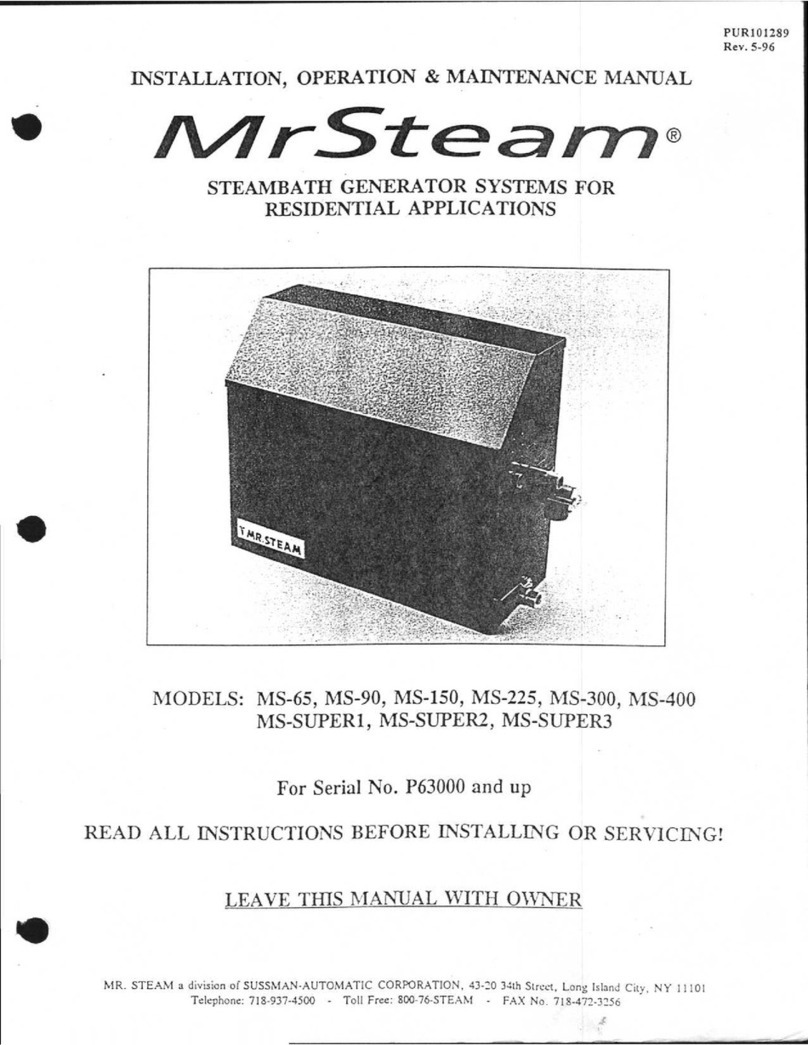
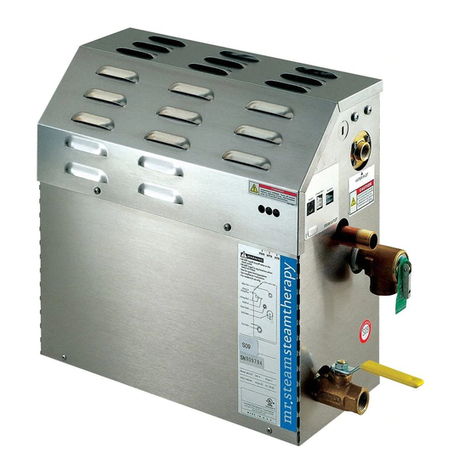
mr. steam MS Series Guide

This manual suits for next models

20

Other mr. steam Iron manuals

mr. steam Steam@home SAH3000 Instruction manual

mr. steam

mr. steam Steam@home SAH3000 Instruction manual

mr. steam MS-65T Instruction manual

mr. steam

mr. steam MS-65T Instruction manual

mr. steam MS-65T Owner's manual

mr. steam

mr. steam MS-65T Owner's manual

mr. steam MS 81500SK User manual

mr. steam

mr. steam MS 81500SK User manual

mr. steam MS-90E User manual

mr. steam

mr. steam MS-90E User manual

mr. steam MS SUPER 6E User manual

mr. steam

mr. steam MS SUPER 6E User manual

mr. steam CU Series User manual

mr. steam

mr. steam CU Series User manual

mr. steam Steam@home SAH3000 User manual

mr. steam

mr. steam Steam@home SAH3000 User manual

mr. steam MS-90 Instruction manual

mr. steam

mr. steam MS-90 Instruction manual

mr. steam Steam@Home 3000 Instruction manual

mr. steam

mr. steam Steam@Home 3000 Instruction manual

mr. steam MS-65 Instruction manual

mr. steam

mr. steam MS-65 Instruction manual

mr. steam MS-225E User manual

mr. steam

mr. steam MS-225E User manual

mr. steam MS-90E User manual

mr. steam

mr. steam MS-90E User manual

Popular Iron manuals by other brands

Lelit PG024N manual

Lelit

Lelit PG024N manual

Imetec INTELLIVAPOR K1 operating instructions

Imetec

Imetec INTELLIVAPOR K1 operating instructions

Hoyer DB 1750 C3 operating instructions

Hoyer

Hoyer DB 1750 C3 operating instructions

Singer SteamLogic instruction manual

Singer

Singer SteamLogic instruction manual

Russell Hobbs RHI007 Instructions and warranty

Russell Hobbs

Russell Hobbs RHI007 Instructions and warranty

Philips GC2900 series user manual

Philips

Philips GC2900 series user manual

Clatronic DB 3703 instruction manual

Clatronic

Clatronic DB 3703 instruction manual

TEFAL FV4093Z0 manual

TEFAL

TEFAL FV4093Z0 manual

Gorenje SIH 2200 BS instruction manual

Gorenje

Gorenje SIH 2200 BS instruction manual

Maxwell MW-3010 Manual instruction

Maxwell

Maxwell MW-3010 Manual instruction

Primula Vapormat instruction manual

Primula

Primula Vapormat instruction manual

Magio MG-541 manual

Magio

Magio MG-541 manual

Bosch Sensixx B22L manual

Bosch

Bosch Sensixx B22L manual

Philips GC651 Specifications

Philips

Philips GC651 Specifications

Vitek VT-1247 VT Manual instruction

Vitek

Vitek VT-1247 VT Manual instruction

Cleanmaxx 3397 instruction manual

Cleanmaxx

Cleanmaxx 3397 instruction manual

Philips GC800 user manual

Philips

Philips GC800 user manual

dyras ESI-2400AC instruction manual

dyras

dyras ESI-2400AC instruction manual

manuals.online logo
manuals.online logoBrands
  • About & Mission
  • Contact us
  • Privacy Policy
  • Terms and Conditions

Copyright 2025 Manuals.Online. All Rights Reserved.

Instructions for MS, MX, CT & SAH
Generator PC Board Replacement
mr
.steam
®
For MrSteam Models MS90E MS150E MS225E MS400E MSSUPER1E MSSUPER2E MSSUPER3E
MX4E MX5E MX6E CT6E CT9E CT12E CT15E SAH3000 SAH4500 and SAH6000
1. MS MX CT & SAH Generator PC Board Replacement only to be performed after consultation with a MrSteam
Technical Service Representative.
2. REPAIR PROCEDURES MUST BE ACCOMPLISHED BY A QUALIFIED LICENSED ELECTRICIAN.
3. Use only MrSteam supplied replacement parts.
4. Follow all instructions in the Steam Generator Installation Operation and Maintenance Manual. This manual is
provided with the generator and is also available online at: www.mrsteam.com/technical.
GENERATORS WITH EXPRESS STEAM AND MAX GENERATORS REQUIRE JUMPER
ADJUSTMENT. FAILURE TO ADJUST JUMPERS MAY RESULT IN EQUIPMENT DAMAGE.
IMPORTANT NOTE:
As you follow these instructions you will notice warning and caution symbols. This blocked information is
important for the safe and efficient installation and operation of this Generator. These are types of potential hazards that may occur
during this installation and operation:
states a hazard may cause serious injury or death if precautions are not followed.
signals a situation where minor injury or product damage may occur if you do not follow instructions.
IMPORTANT NOTE:
This highlights information that is especially relevant to a problem-free installation.
BE CERTAIN ELECTRICITY IS SHUT OFF AT MAIN PANEL BEFORE ATTEMPTING TO WIRE OR SERVICE THE PC BOARD.
WARNING
!
WARNING
!
CAUTION
!
CAUTION
!
PC Board Replacement
1. Turn off breaker to the steam
generator.
2. Unplug all connections to the
right side of the generator
see figure 1.
3. Unscrew 2 screws on top cover
and remove top cover to the
generator see figure 2.
Steam
Generator
Figure 1
Steam
Generator
Screws
Top Cover
Figure 2
1 2 3 4 5 6 7 8
Position 2
Position 1
Position 2
Position 1
12345678
Position 2
Position 1
12345678
Default Jumper Express Steam Jumper Location MX Generator Jumper Location
Location • Move Jumper 4 to Position 1 • Move Jumper 6 to Position 1

mr
.
steam
®
Instructions for MS MX CT & SAH Generator PC Board Replacement
––––––––––––––––––––––––––––––––––––––––––––––––––––––––––––––––––––––––––––––––––––––––––––––––––––––
6Wire
Cable Assembly
Test
Button
WLS
Terminal
GND
Terminal
Green
Wire
Purple
Wire
6Wire
Cable Assembly
Test
Button
WLS
Terminal
GND
Terminal
Green
Wire
Purple
Wire
6Wire
Cable Assembly
Test
Button
WLS
Terminal
GND
Terminal
Green
Wire
Purple
Wire
Models MS 90E–MS 400E
(single phase wiring shown)
Models MS Super 1E-3E and CT6E-1 E
(single phase wiring shown)
Models SAH3000, SAH4 00, SAH6000
Model MX 4E-6E
Figure 3
Flat Head
Screw Driver
Standoff
Figure 4
Steam
Generator
Figure
mr
.steam®
Sussman-Automatic Corporation®[email protected] www.mrsteam.com
43-20 34th Street Long Island City NY 11101 TEL: 1 800 76 STEAM
9410 S. La Cienega Blvd. Inglewood CA 90301 TEL: 1 800 72 STEAM
PUR 100530 REV 6.19
4. Unplug 6 wire cable assembly from PC Board see figure 3.
5. Unplug green and purple wire from PC Board see figure 3.
6. Unplug all accessories connected to PC Board.
7. With a flat head screw driver use its tip to push in triangular
locking tab on white plastic standoff while pushing PC
Board up with another hand one standoff at a time to
remove PC Board see figure 4.
8. Fasten new PC Board to 8 white plastic standoffs.
9. Plug green wire to GND terminal on PC Board and plug in
purple wire to WLS terminal on PC Board see figure 3.
10. Plug in 6 wire cable assembly to PC Board see figure 3.
11. Plug in control to the right side of generator see figure 5.
12. Plug in all previously disconnected accessories.
13. Turn on breaker box.
14. Press Test Button on PC Board see figure 3 it will let the
generator run for 10 minutes
15.
Press Test Button on PC Board again to turn off generator.
16. Place the generator’s top cover back on and fasten 2
screws see figure 2.
Purple
Wire
WLS
Terminal
Green
Wire
Test
Button
GND
Terminal
6 Wire
Cable
Assembly