© MuxLab Inc. 2023 6 94-001008-A/SE-001008-A
7. Operation
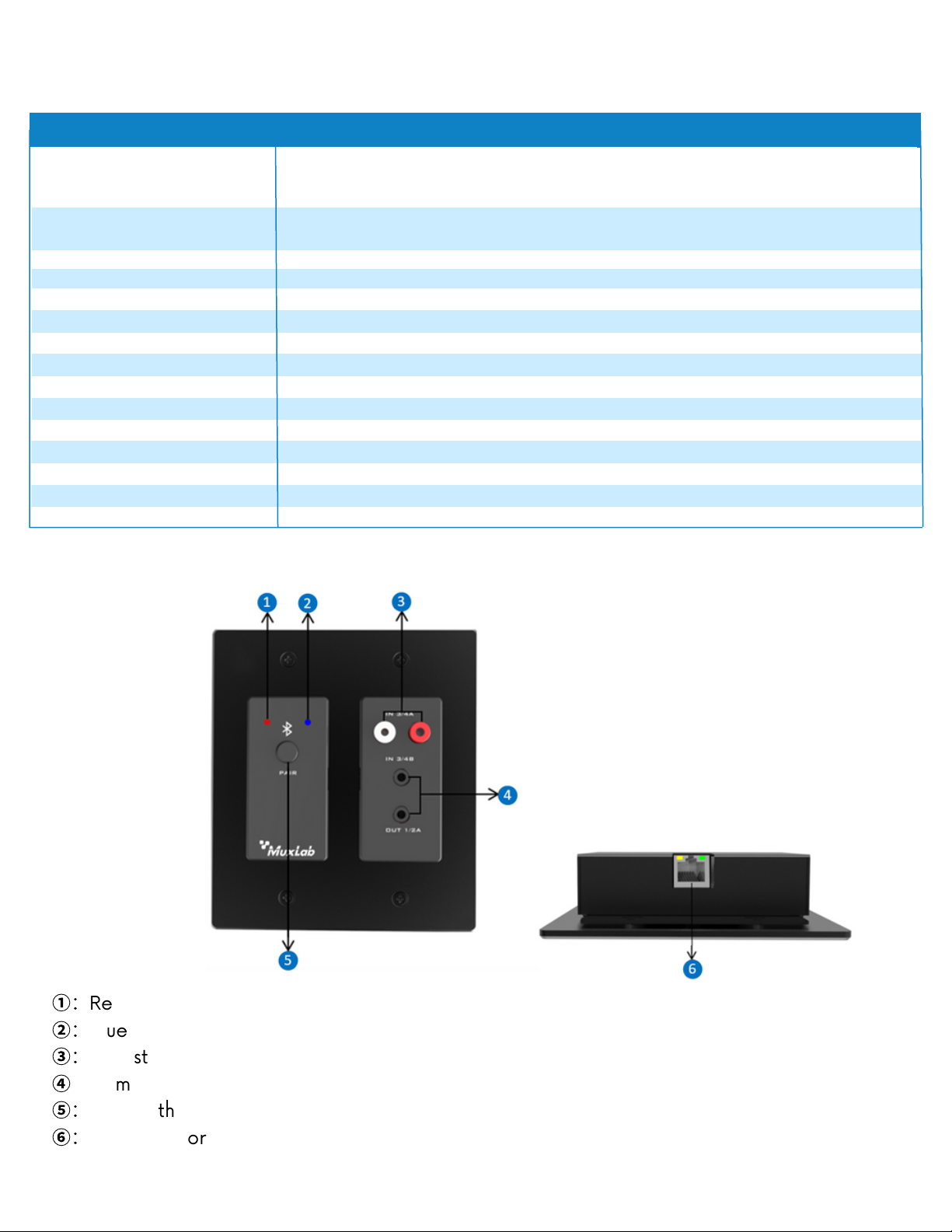
Channels 1 and 2 route stereo Bluetooth audio directly to the Dante network.
Channels 3 and 4 can route analog signal RCA input or 3.5mm TRS input to the Dante
network
The Dante digital signal input can be converted into analog signal through the 3.5mm TRS
output interface.
①
Connect the equipment correctly.
②
Long press the PAIR button on the panel for about 3S, the red and blue LED indicator lights
start to flash alternately, it means that it is visible to other devices and can receive pairing
③
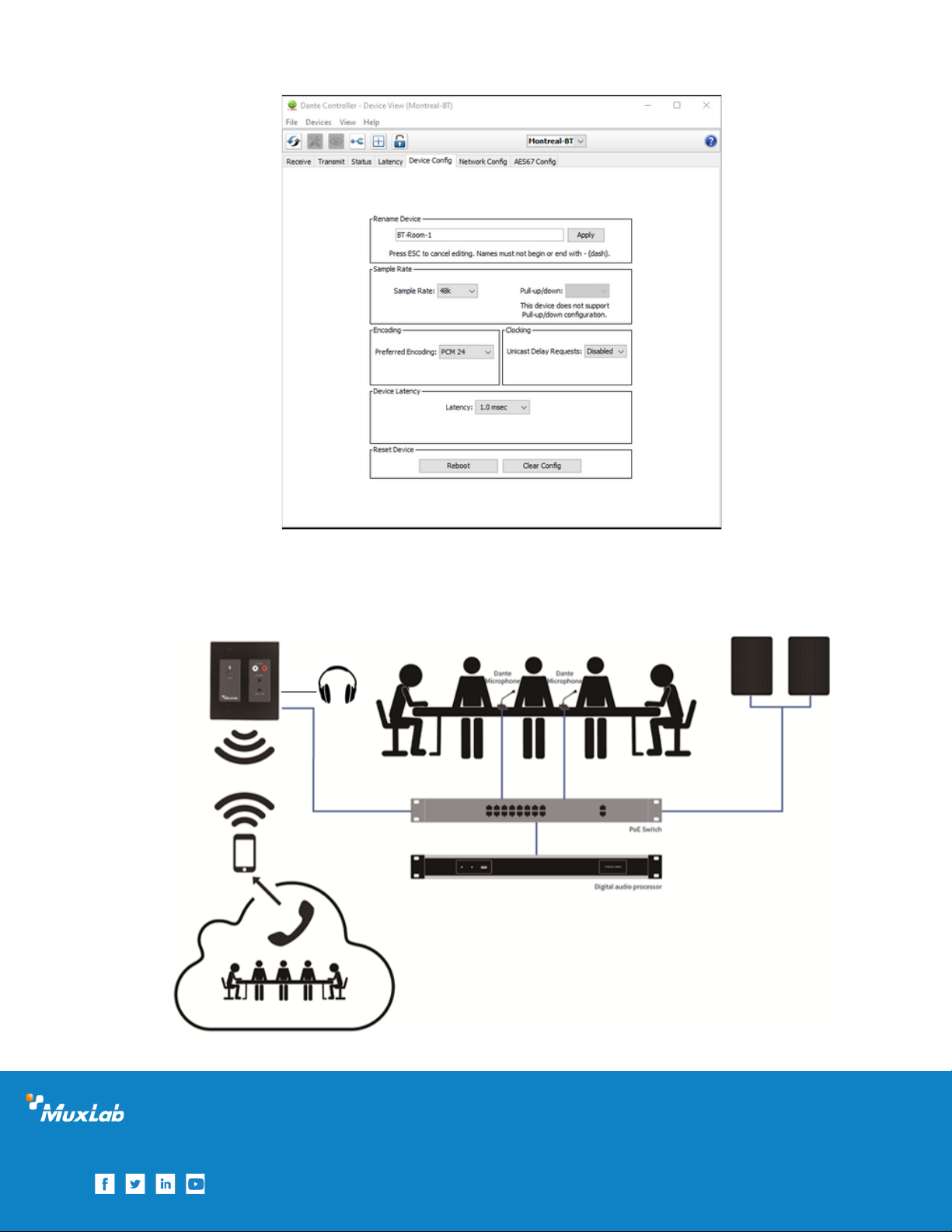
Use Dante Controller software to control DANTE audio routing:
7.1 Power On
After starting the Bluetooth & Analog Audio to Dante Interface, the red and blue LED indicator
on the panel will flash alternately for a short time, after successfully power on, it will turn into
red light flash.
If the LED indicator light is not on or always on, the equipment will fail. It is recommended to
power off and restart the equipment again.
7.2 Pairing and Connect
To enable the pairing mode, the user only needs to press and hold the PAIR button on the
panel for about 3S.
The LED red and blue indicators on the panel will start to flash alternately, indicating that the
Bluetooth & Analog Audio to Dante Interface is now visible to other Bluetooth devices and
accepts pairing. Then you can turn on other Bluetooth devices to search the Bluetooth &
Analog Audio to Dante Interface and pair them. When only the blue LED indicator flashes on
the panel, it means the pairing is successful.
Note: The device saves the last 10 paired devices in a list, any device present in this list will be
able to reconnect without requesting pairing again. The user only needs to select the name
corresponding to the Bluetooth Audio to Dante Interface on the smart device.
7.3 Routing Configuration
After the above steps are completed, users only need to open the Dante Controller control
software on their PC and configure the audio route to complete the system construction.
Download and install the Dante Controller from Audinate website (www.audinate.com).
Bluetooth & Analog Audio to Dante Interface