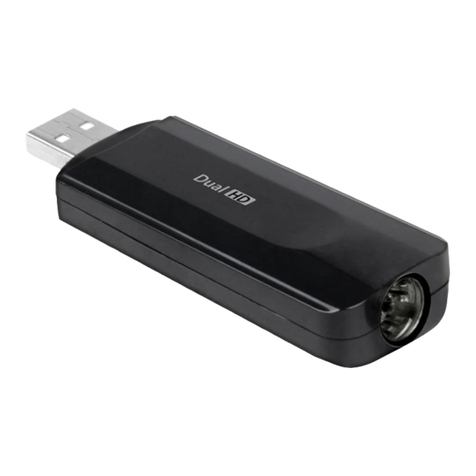
Windows Driver and Software download link: www.mygica.com/support
MAC Software download link: https://www.geniatech.eu/support/eyetv-3-en/
Chapter 2 How to install driver and software
3.1 Windows Driver Installation:
Step1: OS will remind a new hardware-- “New Hardware Device” was found. Please choose “Cancel”
Step2: Open the windows driver file which you downloaded from website, and click setup.exe to install driver
Step3: Click “Next” to continue installation
Step4: Click Install to begin the installation.
Step5: Click “Finish” to completely install the Driver Software.
3.2 Software installation
Step6: Click “HiDTV Install”,
Step7: Installation of HiDTV, Choose setup language
Step8: Click “Next” to continue installation
Step9: If you want to change the destination folder, please click “Browse” and click “next”
(Recommended is better)
Step10: Please click “Next”
Step11: Click “Finish”, the Hidtv software is installed on your computer.
Step12: You will see that HiDTV application icons will appear on your desktop.
3