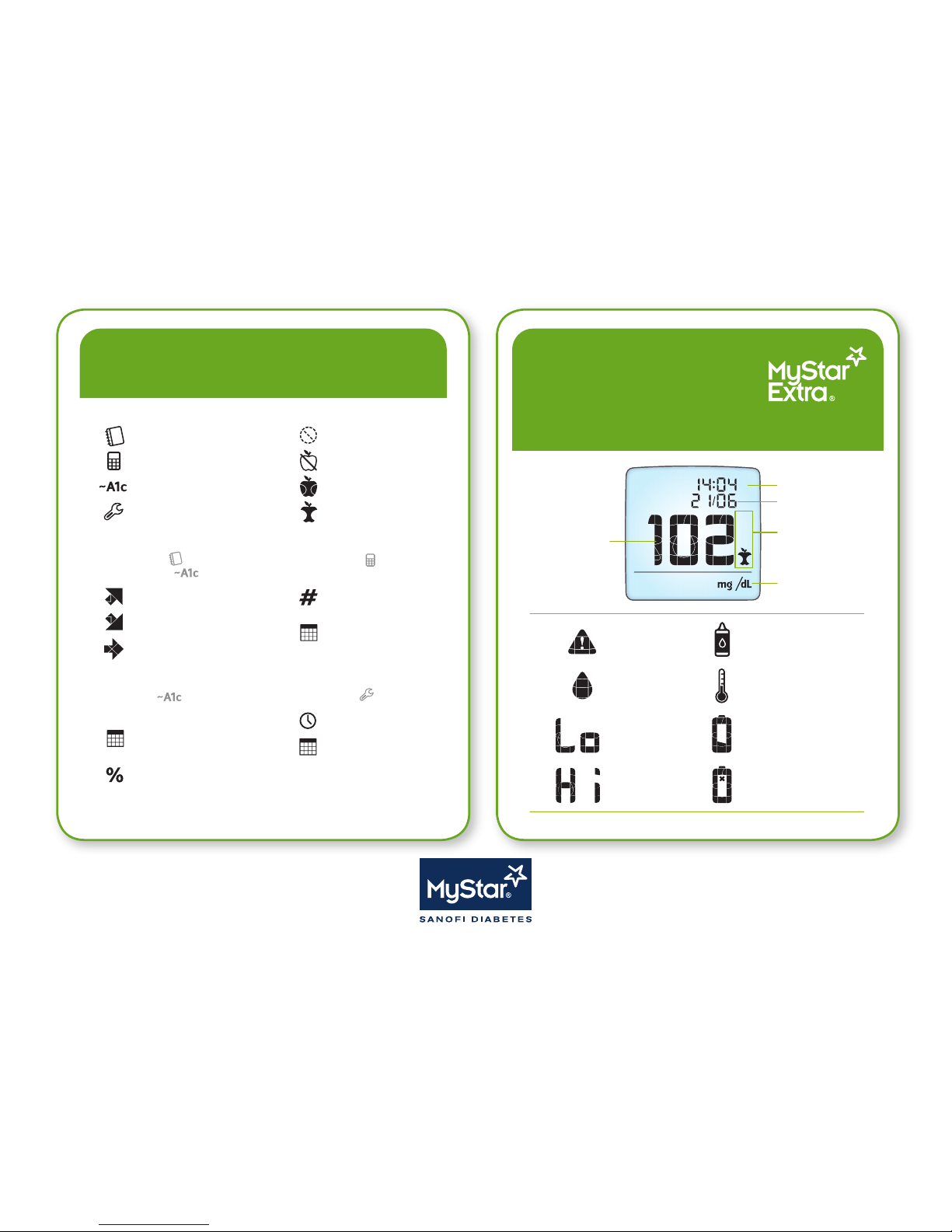
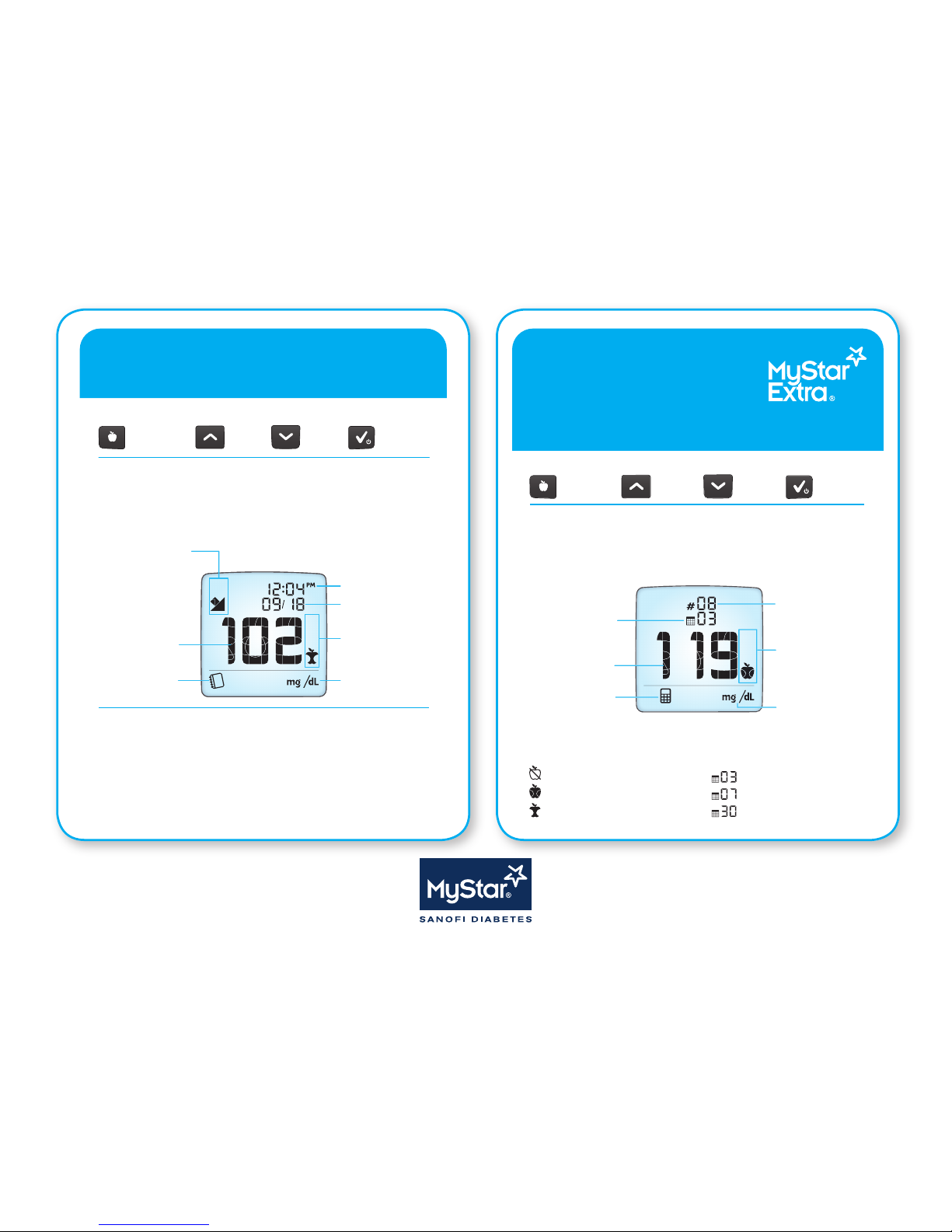
Viewing Estimated A1c (~A1c)
Viewing Estimated A1c (~A1c)
Refer to the MyStar Extra® Owner’s Guide for complete instructions for use.
Refer to the MyStar Extra® Owner’s Guide for complete instructions for use.
Obtaining an ~A1c result
To obtain an ~A1c result, perform the following steps in order:
[1] Create a“Prole”
[2] Conrm that a“Prole”was created
[3] Take “Fasting”blood glucose tests every day for the next 6 days after your“Prole”day
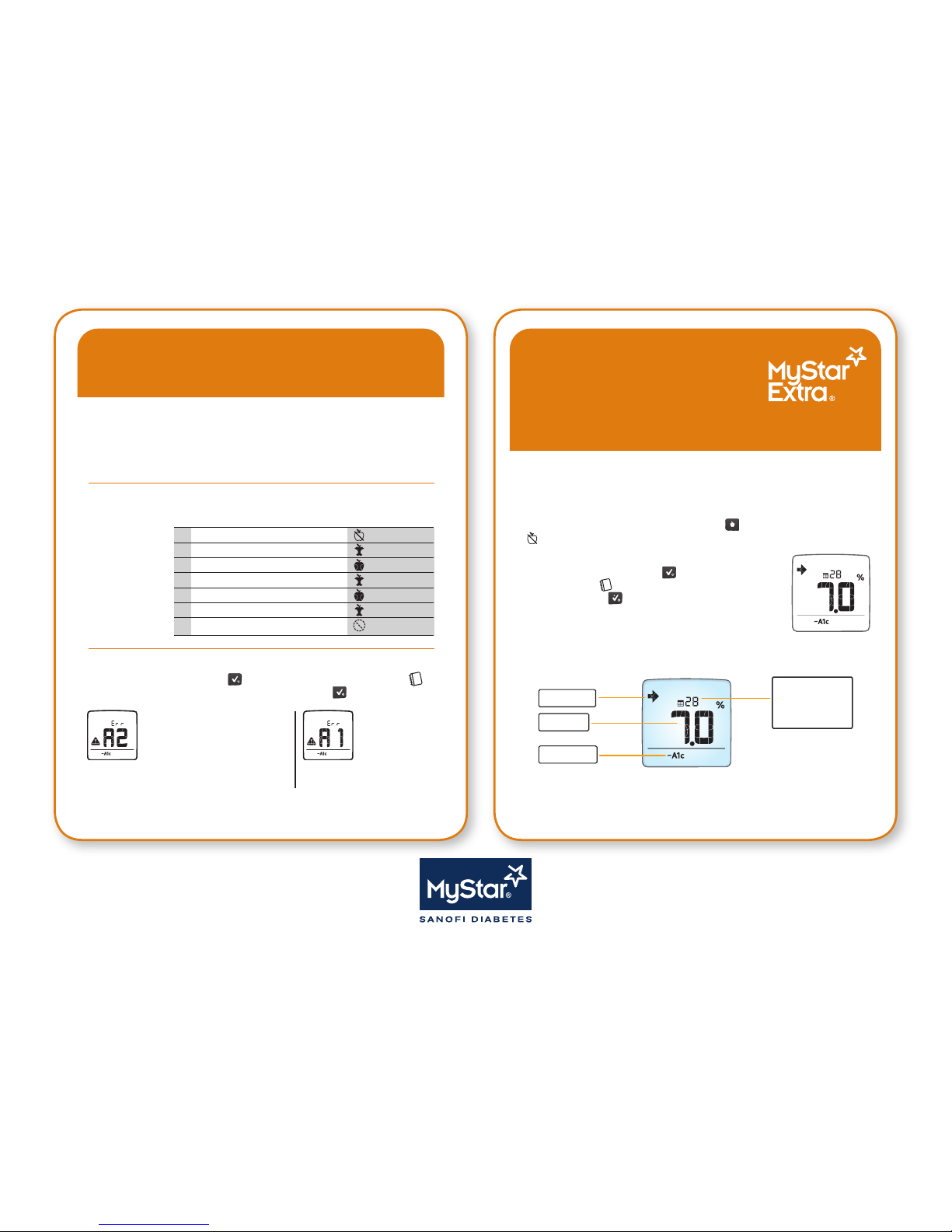
“Prole”Created
If message“A2”is displayed, you
have successfully created your
“Prole”and are now required to
take 6“Fasting”blood glucose tests (refer to
section [3] Take “Fasting”Blood Glucose Tests).
“Prole”Not
Created
If message“A1”is
displayed, refer to
“Prole”Troubleshooting in
the Owner’s Guide.
[3] Take “Fasting” Blood Glucose Tests
After you have conrmed that a“Prole”was created, take a“Fasting”blood glucose test
every day for the next 6 days.
Take a“Fasting”blood glucose test when you have not had any food or drink (except
water) for at least 6-8 hours (usually immediately upon waking up).
Tag the“Fasting”blood glucose test by pressing the ( ) button on the meter until the
( ) is displayed.
View Your ~A1c Result
Activate the meter by pressing the ( ) button.The“Logbook”
screen will appear ( ), displaying your most recent blood glucose
test result. Press the ( ) button twice more.
If you have taken enough“Fasting”blood glucose tests,
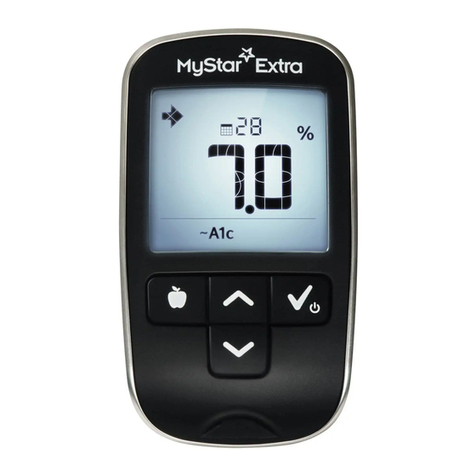
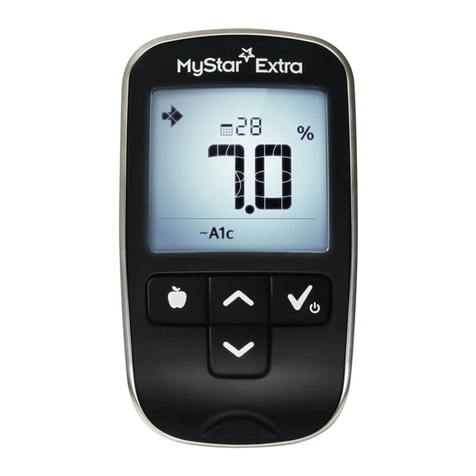
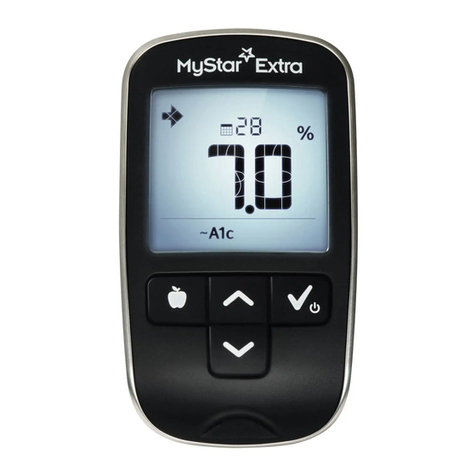
an ~A1c result is displayed (example ~A1c).
Continue to Obtain ~A1c Results by taking“Fasting”blood glucose tests every day and
creating a“Prole”once every 32 days.
[1] Create a “Prole”
A “Prole” consists of
7 blood glucose tests
taken in one day.
[2] Conrm that a “Prole” was Created
• Take the 7 blood
glucose tests using
the“Prole”
Schedule.
Prole Schedule
Prole Measurement Number Tag
1. Fasting (05:00 - 10:59)
2. Post breakfast (05:00 - 10:59)
3. Pre Lunch (11:00 - 15:59)
4. Post Lunch (11:00 - 15:59)
5. Pre Dinner (16:00 - 20:59)
6. Post Dinner (16:00 - 20:59)
7. Bedtime (21:00 - 23:59)
Fasting
Post-meal
Pre-meal
Post-meal
Pre-meal
Post-meal
No tag
Example of ~A1c Screen:
Trend Arrow
~A1c (%)
~A1c Mode
Number of days
remaining until
the next prole is
required.
Only ~A1c values
between 6% and 10%
will be displayed.
CAUTION: Do not use these ~A1c values to make treatment decisions.
Any changes in treatment must be done in consultation with your physician.
Activate the meter by pressing the ( ) button. The“Logbook”screen will appear ( )
displaying your most recent blood glucose test result. Press the ( ) button twice more.