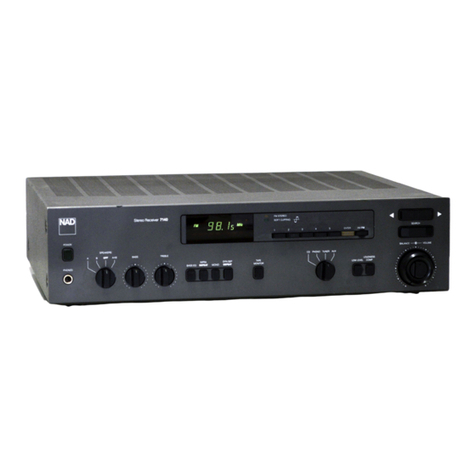
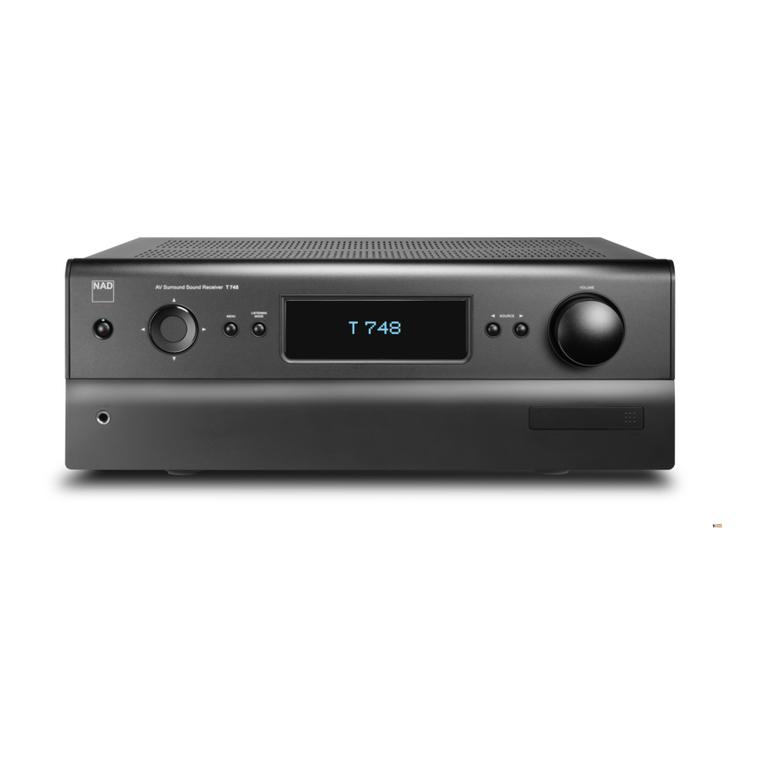
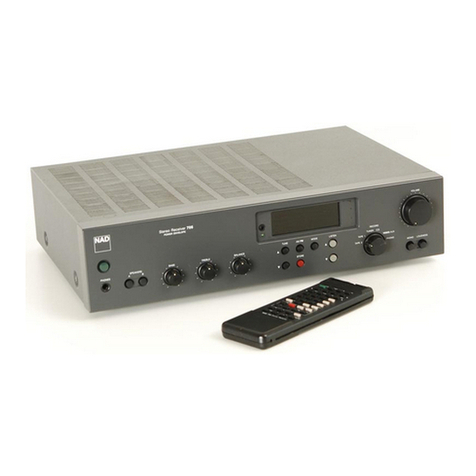
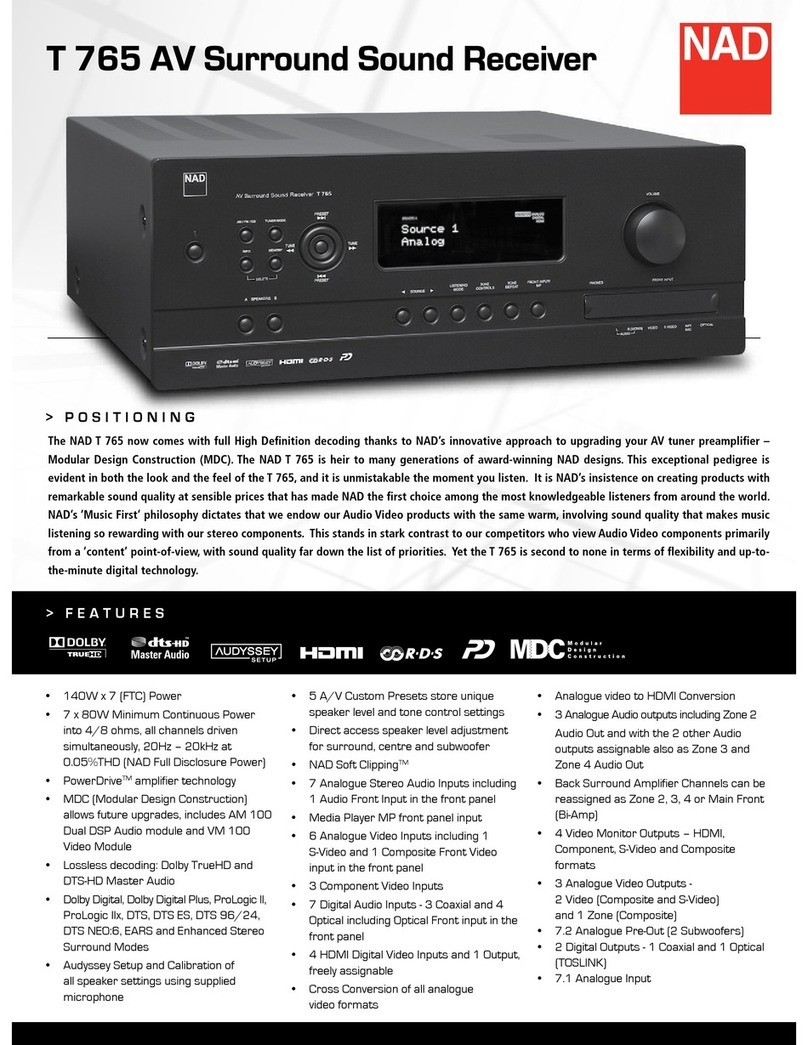
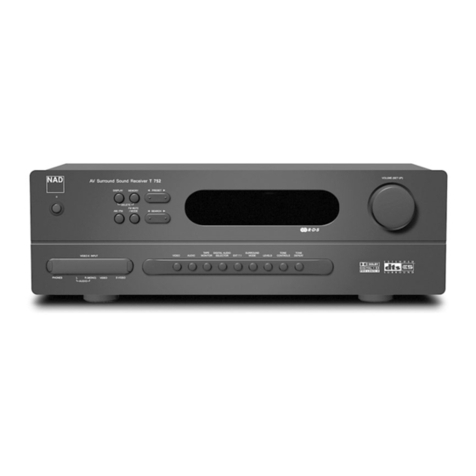
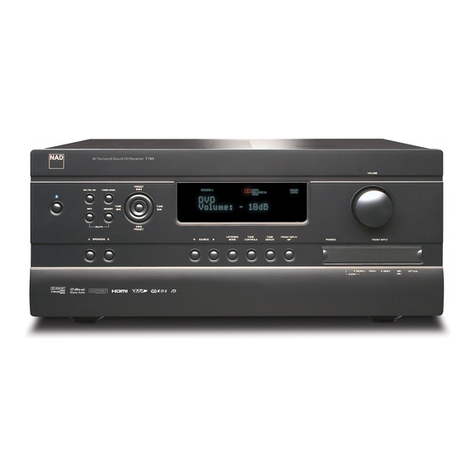
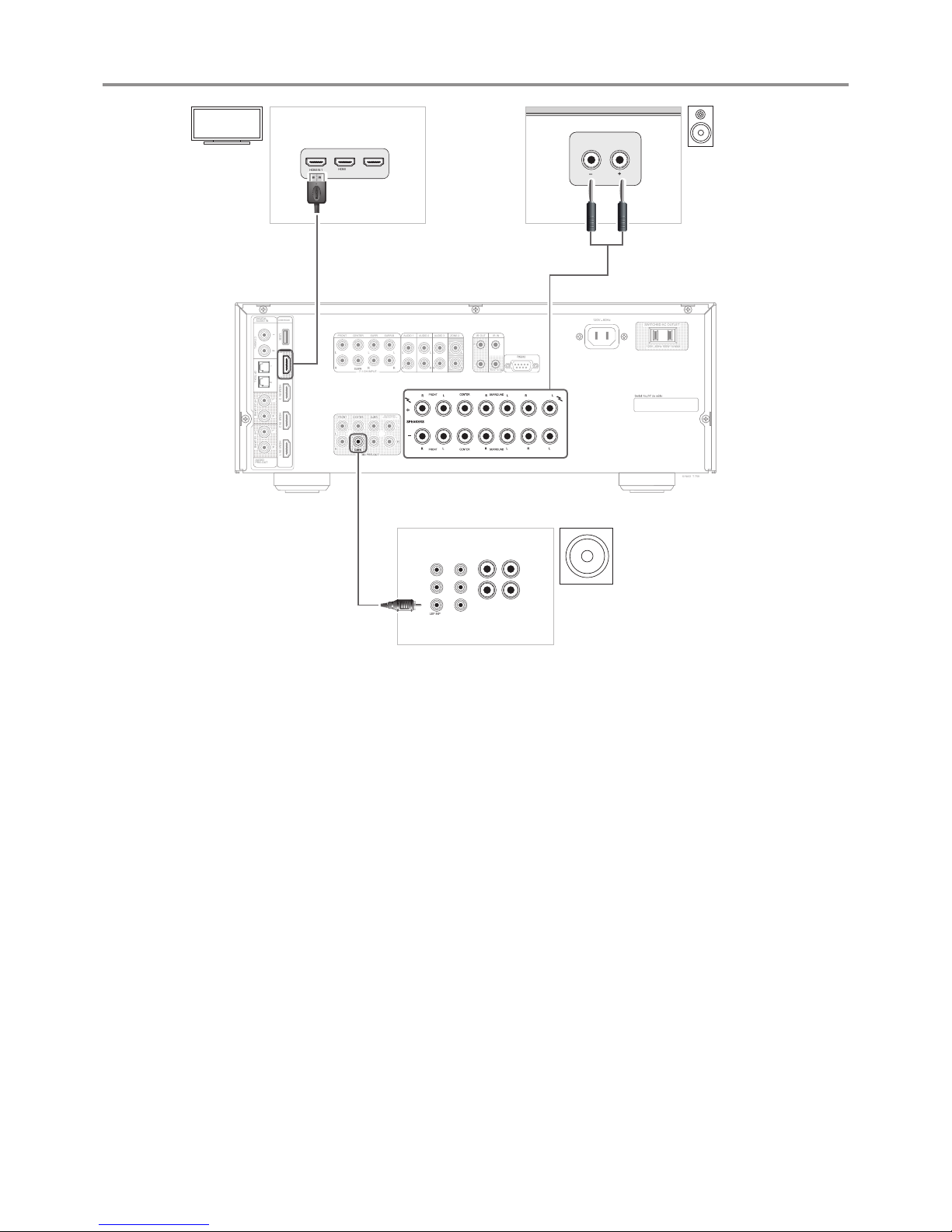
© NAD T 758
BACK/FRONT/
ZONE 2/HT 1/HT 2
BACK/FRONT/
ZONE 2/HT 1/HT 2
7.1 CH INPUT
AUDIO 1FRONT CENTER SURR SURR-B AUDIO 2 AUDIO 3 ZONE 2 IR INIR OUT
2
BACK/FRONT/
ZONE 2/HT 1/HT 2
1
SWITCHED AC OUTLET
120V 60Hz 100W 1A MAX
120V 60Hz
USB/HDMI
HDMI OUT (4K) HDMI IN 3USB HDMI IN 2
HDMI IN 1
COAXIAL OPTICAL
AUDIO
PRE-OUT
DIGITAL
AUDIO IN
L L
RR
HT 2/SURR-B HT 1/SURR-B
TRIG OUT +12V
© NAD T 758
BACK/FRONT/
ZONE 2/HT 1/HT 2
BACK/FRONT/
ZONE 2/HT 1/HT 2
7.1 CH INPUT
AUDIO 1FRONT CENTER SURR SURR-B AUDIO 2 AUDIO 3 ZONE 2 IR INIR OUT
2
BACK/FRONT/
ZONE 2/HT 1/HT 2
1
SWITCHED AC OUTLET
120V 60Hz 100W 1A MAX
120V 60Hz
USB/HDMI
HDMI OUT (4K) HDMI IN 3USB HDMI IN 2
HDMI IN 1
COAXIAL OPTICAL
AUDIO
PRE-OUT
DIGITAL
AUDIO IN
L L
RR
HT 2/SURR-B HT 1/SURR-B
TRIG OUT +12V
1
3
2
NOTES
• Download the latest T 758 Owner’s manual from the NAD website nadelectronics.com.
• Refer to the owner’s manual for more information about your T 758 including further setup guidelines, operation, BluOS conguration and other features.
• The information provided in this Quick Setup Guide maybe subject to change without notice. Check the NAD website for the latest T758 Quick Setup Guide.
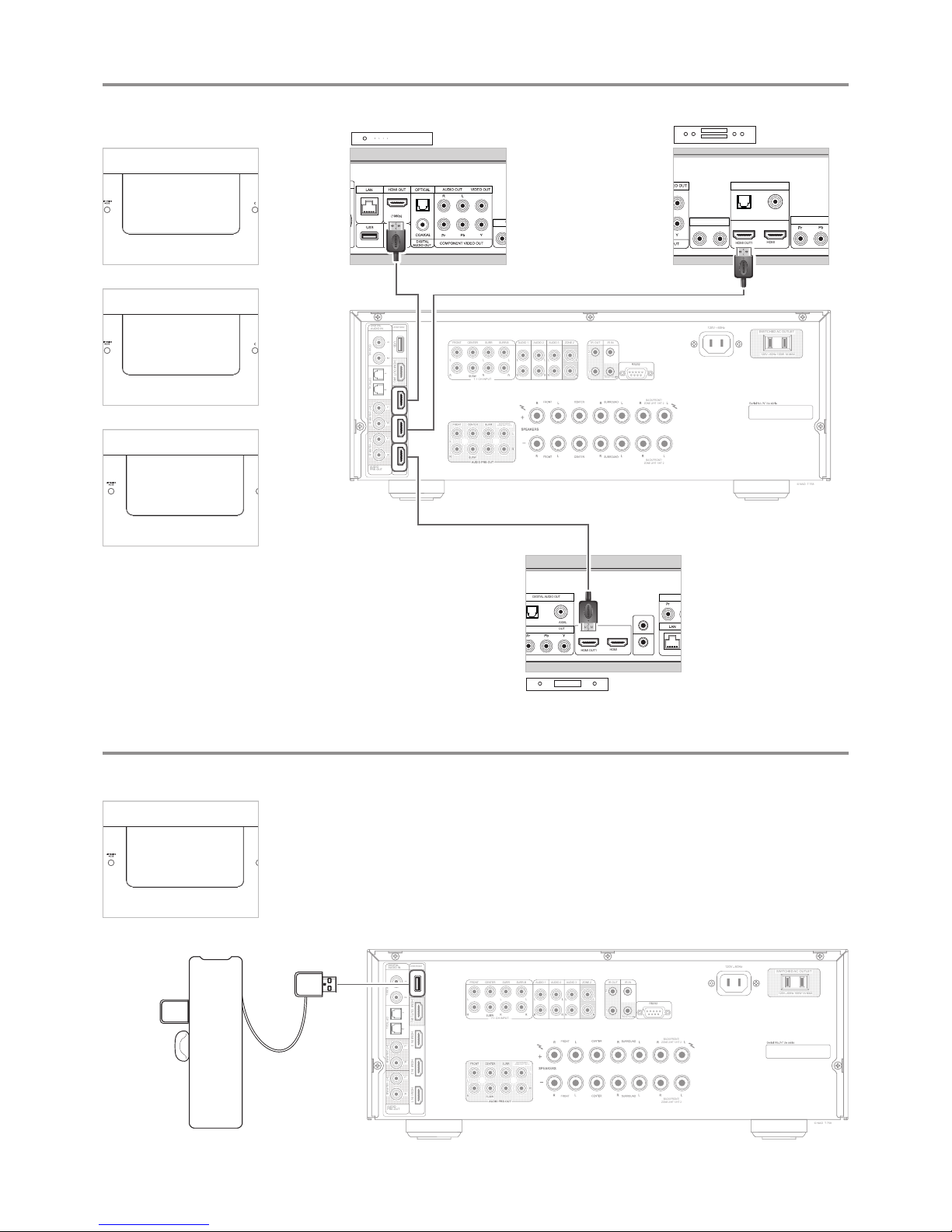
Wi-Fi Key
Bluetooth USB Micro Adaptor
NOTES
• The Wi-Fi dongle and Bluetooth USB
Micro Adaptor can be connected to any
of the 4 ports of the USB hub. If wireless
connectivity is poor, connect Wi-Fi
dongle to the supplied extension cable
and straighten out for better reception.
• Refer to T 758 owner’s manual for
guidelines about network conguration
and BluOS operation.
USB connector