manuals.online logo
Brands
  1. Home
  2. •
  3. Brands
  4. •
  5. Nakanishi
  6. •
  7. Sander
  8. •
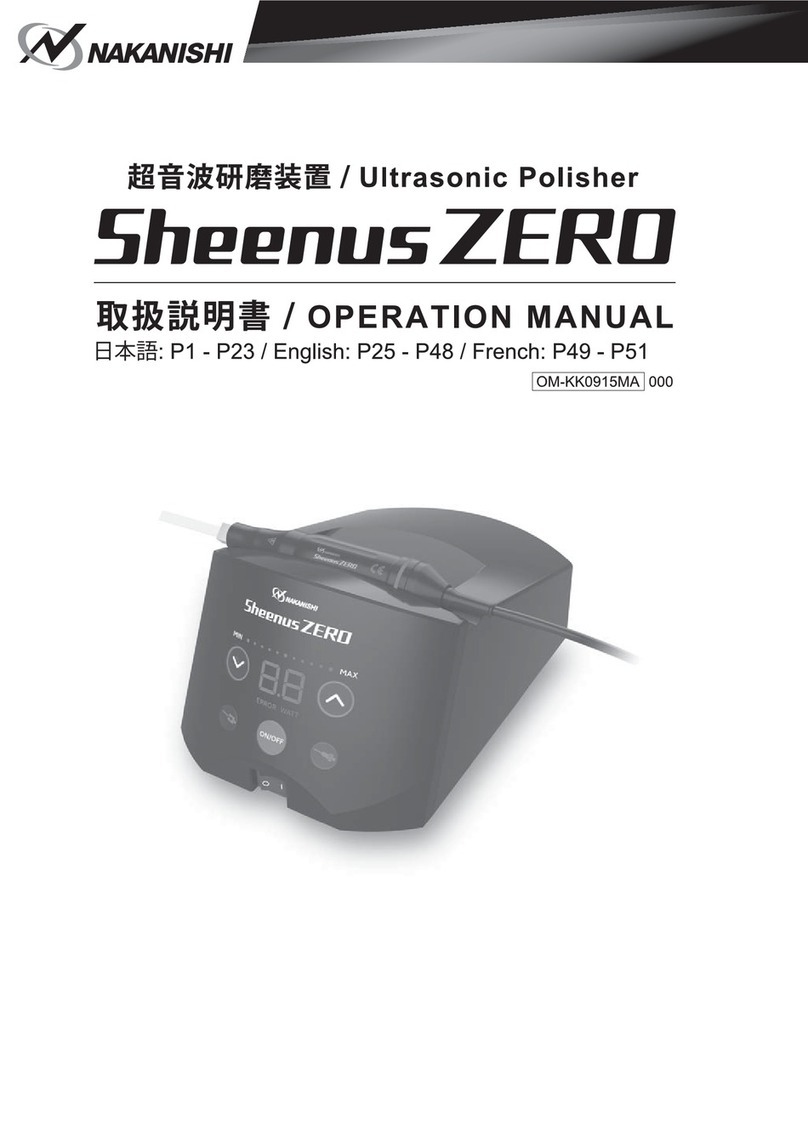
  9. Nakanishi Sheenus ZERO User manual

Nakanishi Sheenus ZERO User manual

Other manuals for Sheenus ZERO

1

Other Nakanishi Sander manuals

Nakanishi MINI-LUSTER User manual

Nakanishi

Nakanishi MINI-LUSTER User manual

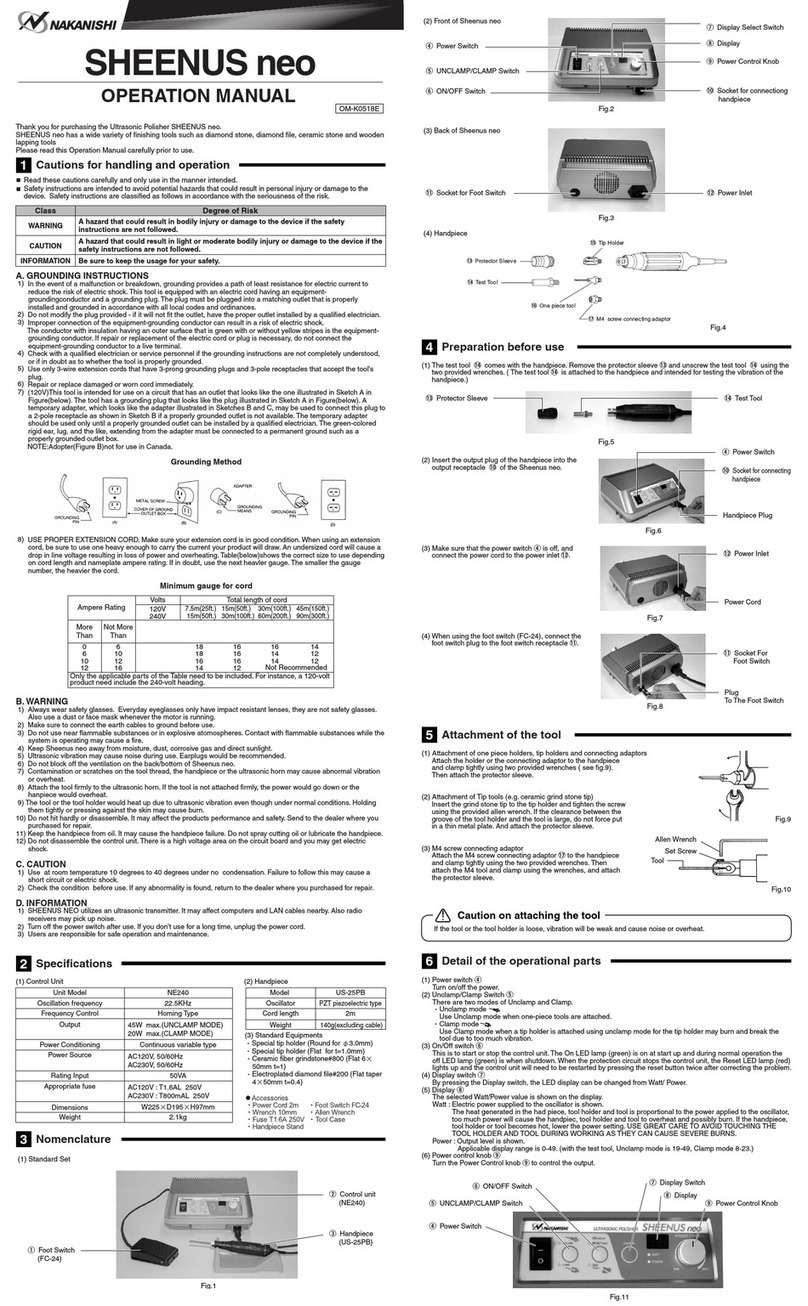
Nakanishi Sheenus neo User manual

Nakanishi

Nakanishi Sheenus neo User manual

Nakanishi KBS-101 User manual

Nakanishi

Nakanishi KBS-101 User manual

Nakanishi Sheenus ZERO User manual

Nakanishi

Nakanishi Sheenus ZERO User manual

Popular Sander manuals by other brands

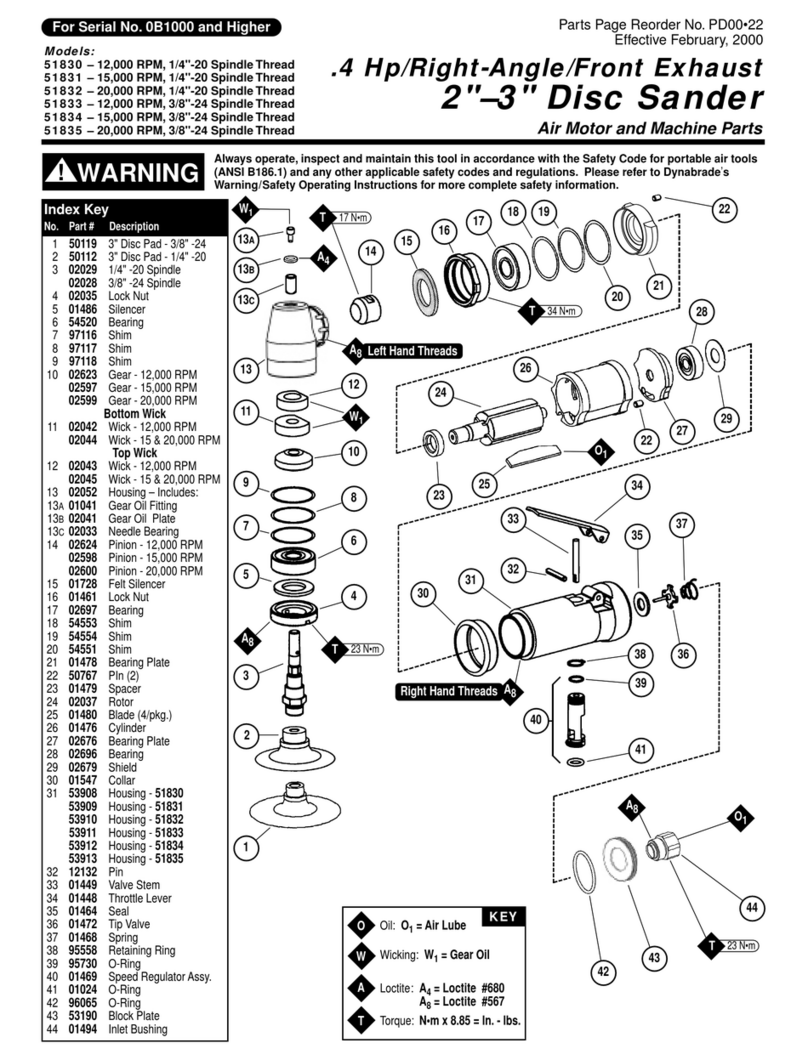
Dynabrade 51830 user manual

Dynabrade

Dynabrade 51830 user manual

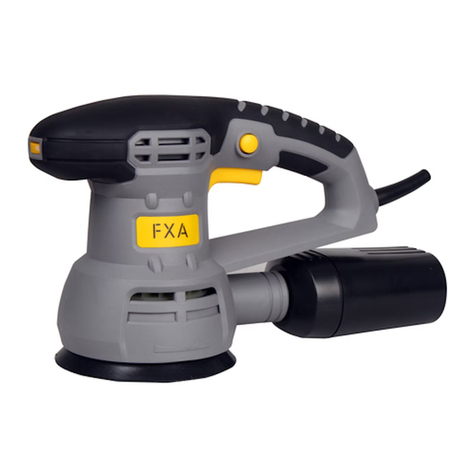
FXA FXAJD2523 instruction manual

FXA

FXA FXAJD2523 instruction manual

Grizzly T33256 owner's manual

Grizzly

Grizzly T33256 owner's manual

Silverline 631320 User instructions

Silverline

Silverline 631320 User instructions

Black & Decker 7041 instruction manual

Black & Decker

Black & Decker 7041 instruction manual

DeWalt D26441 instruction manual

DeWalt

DeWalt D26441 instruction manual

OMCA SMR 930 Handbook

OMCA

OMCA SMR 930 Handbook

Schleifhexe BS 200 Original instructions

Schleifhexe

Schleifhexe BS 200 Original instructions

Ryobi RPS80 Original instructions

Ryobi

Ryobi RPS80 Original instructions

Oliver 6305 owner's manual

Oliver

Oliver 6305 owner's manual

Jet 22-44 Pro-3 Operating instructions and parts manual

Jet

Jet 22-44 Pro-3 Operating instructions and parts manual

Workzone 47561 user guide

Workzone

Workzone 47561 user guide

Makita M9204 technical information

Makita

Makita M9204 technical information

Makita M9204 instruction manual

Makita

Makita M9204 instruction manual

Clarke Woodworker CBS1-5B Operation & maintenance instructions

Clarke

Clarke Woodworker CBS1-5B Operation & maintenance instructions

Chicago Pneumatic CP9778 Operator's manual

Chicago Pneumatic

Chicago Pneumatic CP9778 Operator's manual

Ferm FEOS-135 user manual

Ferm

Ferm FEOS-135 user manual

Unior 1510 Operating	 instruction

Unior

Unior 1510 Operating instruction

manuals.online logo
manuals.online logoBrands
  • About & Mission
  • Contact us
  • Privacy Policy
  • Terms and Conditions

Copyright 2025 Manuals.Online. All Rights Reserved.

700 Shimohinata, Kanuma, Tochigi 322-8666, Japan TEL: +81 289 64 3520 FAX: +81 289 62 1135
Operation Guide
Ultrasonic Polisher
DOWN key
Reduce
the power level.
DOWN key
UP key
Increase
the power level.
UP key
ON / OFF key
Start and stop
the handpiece.
CLAMP key UNCLAMP key
Main power switch
Power ON: Press [Main power switch]
Mode selection: Select [CLAMP key] or [UNCLAMP key]
The LED on the control panel lights up.
The LED of the selected key lights up.
Displays the power level.
(Can be adjust during vibrating)
1
2
Power level adjustment: Press [DOWN key] or [UP key]
3
Startup: Press [ON / OFF key] or use the foot switch
4
The ON / OFF key and the LED on the
handpiece light up when starting up.
■CLAMP mode (low power)
for ceramic fiber grindstone
(also used for one piece tool)
■UNCLAMP mode
for electroplated diamond file
(One piece tool)
When using the foot switch
• Factory default setting: Pressing the foot switch to start
and releasing it to stop.
• The setting can be changed to pressing the foot switch
to start and pressing it again to stop. See attached
operation manual to check how to change the setting.
If it is activated by a foot switch, it can only be stopped by a foot
switch. See reverse side for connecting.
See attached operation manual
for details.
PR-K350E Ver.1 '20.09.XX.N

2-22-1
①
②
A B
①
②①
②
• Controller • Foot switch• Handpiece• Main power cord
• Electroplated diamond file • Tip holder (Flat)
• Wrench: 2pcs.
• Hexagon wrench
• Tip holder (Round)
• Fuse
• Tool box
• Operation Manual
Connecting the cords to back of controller
1
Remove the test horn
2
Tool installation
3
Main power cord Handpiece Foot switch
Back of controller
Align each
●marks and
insert the plug.
Remove the test horn
using attached two
wrenches.
Turn the
protector sleeve
and remove it.
Electroplated
diamond file
(One piece tool)
Tighten firmly using attached two
wrenches
Ceramic fiber
grindstone
Insert the protector sleeve
into the handpiece and turn
it to install it.
1. Attach the tip holder to the handpiece and
tighten firmly with two wrenches.
2. Insert the ceramic fiber grindstone into the
tip holder(①) and tighten the set screw firmly
with the attached hexagon wrench(②).
Common to A and B
*Always make sure that the protector
sleeve is installed before using the
handpiece, as using the handpiece
without it may result in burns.
A B
• Ceramic fiber grindstone
Clamp with the tip holder
(Flat) for use.
Setup Guide
Ultrasonic Polisher
Bundled items
See attached operation manual
for details.