A3LA-RS QUICK START GUIDE Support Phone#: 571-833-2169
Support@Nalresearch.com
451-92899-002B
2023-03-31
2
DEVICE DESCRIPTION (continued)
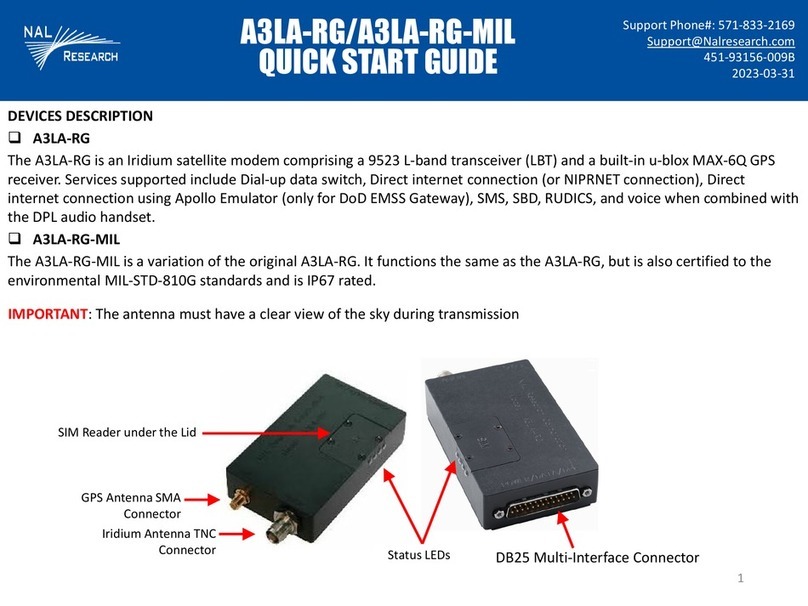
Antenna: NAL Research recommends the SYN7391-C antenna.
CAUTION: Do not connect or disconnect the antenna while device is powered.
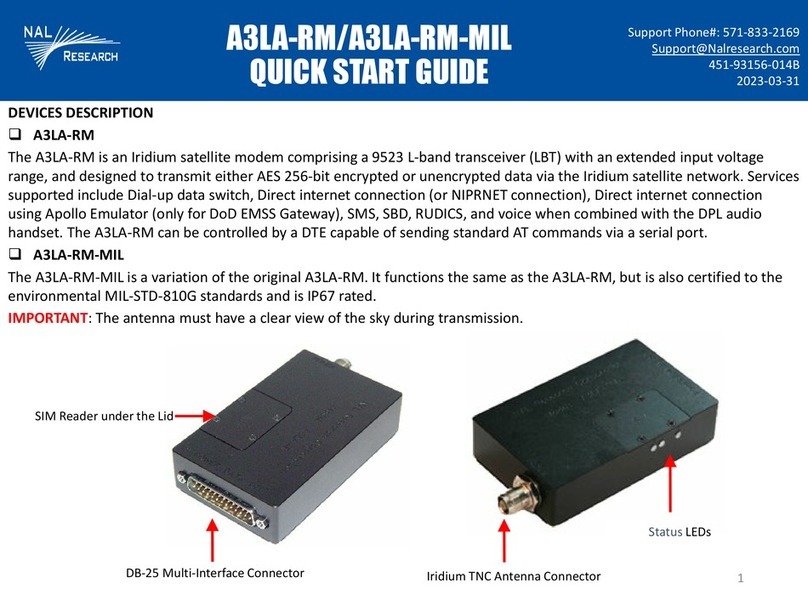
SIM Card Interface: The device uses and requires an Iridium SIM chip for operation,
in support of Non-SBD features.
RS232 Data Interface: This interface allows a connected DTE to utilize the A3LA-RS’s
modem functionality through standard AT and extended sets of AT commands.
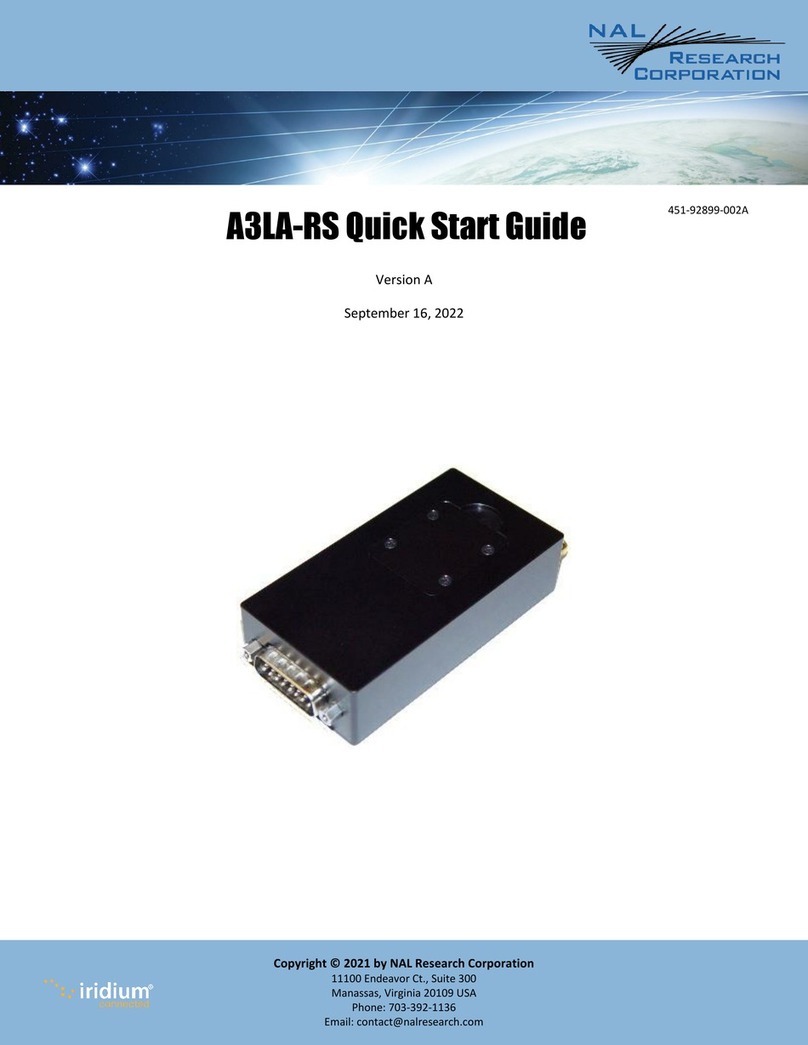
DC Power Input: Power is supplied through pin 1 (EXT_B+) and pins 3 & 8 (EXT_GND)
on the DB-15 connector. Factory default: the A3LA-RS automatically powers on when
external DC power is applied. SYNC7391-C
CONFIGURE DEVICE TO OPERATE
1. With the device turned off, remove the SIM cover located on top of the device.
2. Insert the SIM chip (facing down) into the SIM chip reader bracket, ensure SIM chip
cut-off aligns with the SIM reader, and then lower and lock the SIM chip reader’s
bracket.
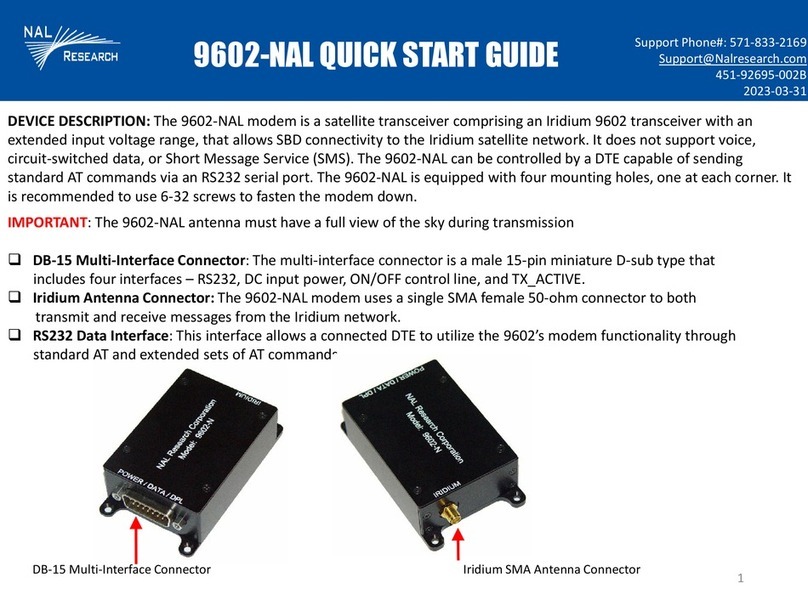
3. Connect the antenna connector to the Iridium connector port on the device.
4. Verify the antenna has a clear view of the sky and the cable loss between the
modem and antenna is <3 dB.
5. Connect a DTE to the DB15 port on the device using the RS232/data cable model
HRC-24-7R.
6. Supply DC power through pin 1 (EXT_B+) and pins 3 & 8 (EXT_GND.
7. Configure the A3LA-RS using AT commands (SatTerm).
SIM Reader
SIM Chip