Page 10 Natcomm
2)
Transfer all of the Remote Extension wires from the Original Telephone
socket (now labelled Line In) to the corresponding positions on the New
Telephone Socket (labelled Line Out).
-----------------------------------------------------------------------------------------------
A) Leave the original incoming Telephone Line wires connected to the
ORIGINAL Telephone Socket.
B) These Telephone Wires connected to the NEW Telephone socket (labelled
Line Out) are the connections to all of your EXTENSION telephones.
C) If a telephone is to be used at this same socket location, it should be
connected to the LINE OUT port of DS1, using a standard RJ style Modular
Double Telephone adaptor.
VERY IMPORTANT NOTE - LOSS OF TELEPHONE SERVICE
D) Should the DS1 device ever need to be removed, or if it becomes faulty,
you will lose your telephone service.
To overcome this, you should remove the cable from the LINE IN port of
DS1 and connect this cable direct to the new LINE OUT socket (you
will need to remove the existing cable connected to the LINE OUT
socket first). This will re-connect your telephone service.
-----------------------------------------------------------------------------------------------
3)
Now connect the LINE INPUT port of DS1 to the LINE IN socket, using the
supplied RJ to RJ telephone cable.
4)
Connect the LINE OUTPUT port of DS1 to the LINE OUT telephone socket,
using the other supplied RJ to RJ telephone cable.
5)
Connect the supplied 12VAC (or 12VDC) power adaptor to DS1, and switch
the POWER ON.
6)
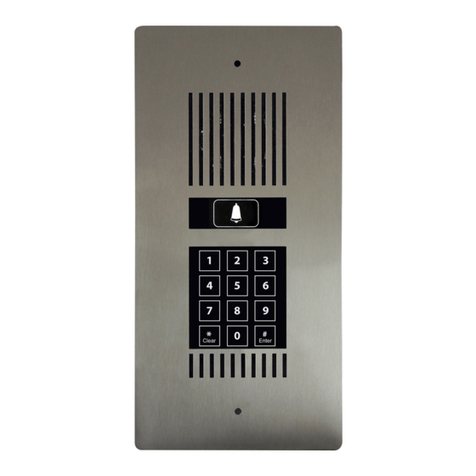
Connect the SUPPLIED DOOR PHONE to the DOOR PHONE PORT of
DS1. See page 14 for important details.
For convenience, an interface unit with screw terminals is supplied and should
be connected to the DOOR PHONE PORT using the supplied RJ to RJ cable.
Run a solid core telephone cable (preferably CAT5) between the interface unit
and the Door Phone. Now refer to your Door Phone User Guide Installation Instructions.