GETTING STARTED GUIDE
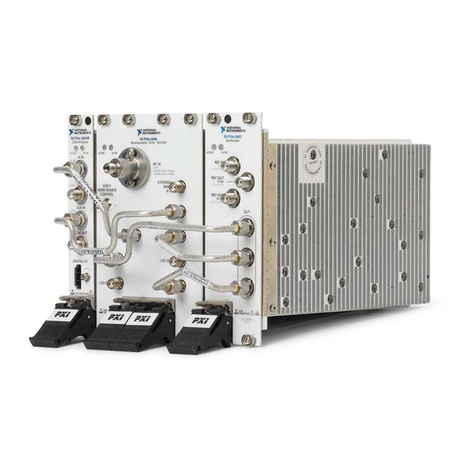
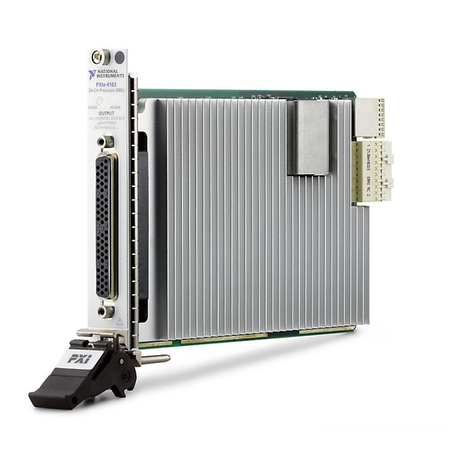
PXIe-5764
PXI FlexRIO Digitizer
Note Before you begin, install and configure your chassis and controller.
This document explains how to install, configure, test, and use the PXIe-5764. You can
program the PXIe-5764 with the following software options.
• FlexRIO Support driver software
• NI LabVIEW Instrument Design Libraries for FlexRIO (instrument design libraries)
Note Adapter modules are not installable or interchangeable on PXIe-5764
devices.
Caution This icon denotes a caution, which advises you to consult documentation
where this symbol is marked.
Contents
Safety Guidelines...................................................................................................................... 2
Electromagnetic Compatibility Guidelines...............................................................................2
FlexRIO Documentation and Resources...................................................................................2
Verifying the System Requirements..........................................................................................3
Unpacking the Kit..................................................................................................................... 3
PXIe-5764 Kit Contents............................................................................................................4
Preparing the Environment....................................................................................................... 4
Installing the Application Software and Driver........................................................................ 4
Installing the PXIe-5764........................................................................................................... 5
PXIe-5764 Front Panel..............................................................................................................6
Configuring the PXIe-5764 in MAX........................................................................................ 8
FlexRIO Examples....................................................................................................................9
Accessing FlexRIO Examples.......................................................................................... 9
Block Diagram.......................................................................................................................... 9
Component-Level Intellectual Property (CLIP)......................................................................11
PXIe-5764 CLIP............................................................................................................. 12
Making a Measurement...........................................................................................................12
Making a Measurement with LabVIEW.........................................................................12
Troubleshooting...................................................................................................................... 12
What Should I Do if the PXIe-5764 Doesn't Appear in MAX?......................................12
What Should I Do if the PXIe-5764 Fails the Self-Test?................................................13