manuals.online logo
Brands
  1. Home
  2. •
  3. Brands
  4. •
  5. Navig8r
  6. •
  7. Action Camera
  8. •
  9. Navig8r NAV-FHDACAM19 User manual

Navig8r NAV-FHDACAM19 User manual

Other Navig8r Action Camera manuals

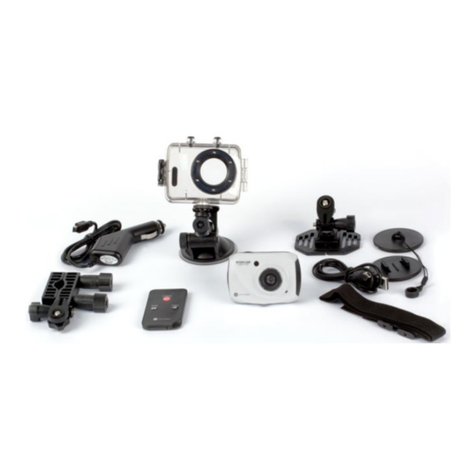
Navig8r NAVSPORTMINI User manual

Navig8r

Navig8r NAVSPORTMINI User manual

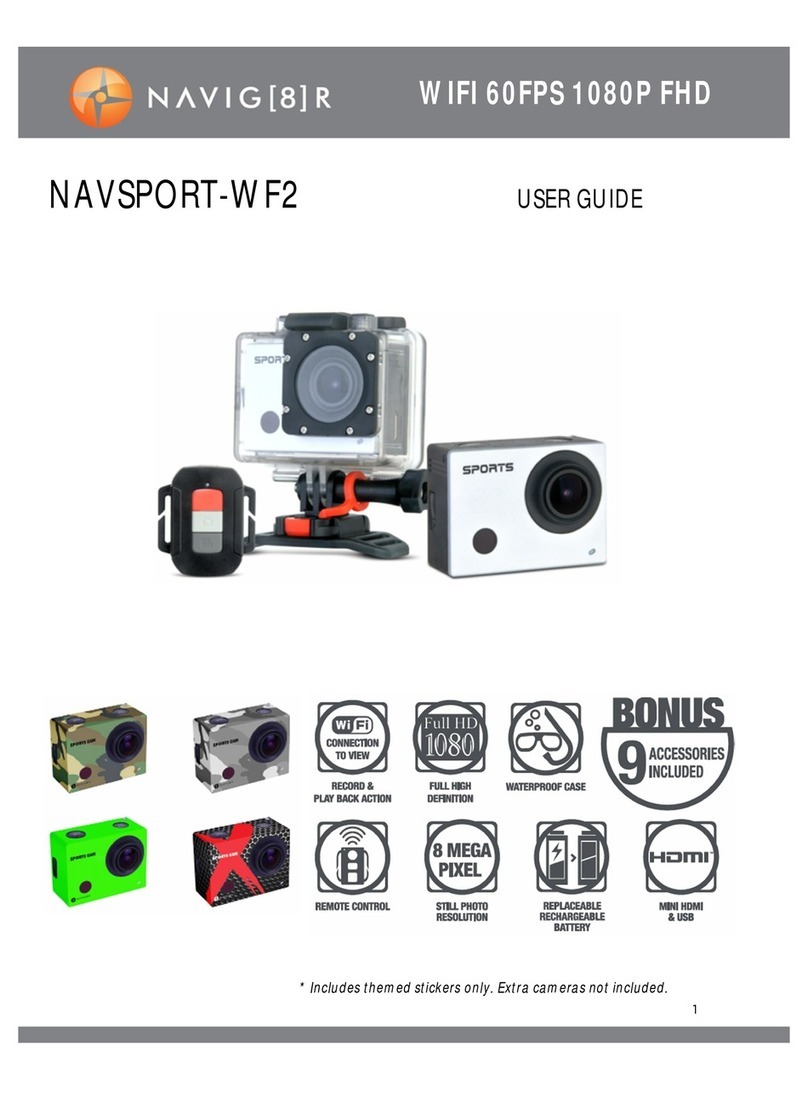
Navig8r NAVSPORT-WF2 User manual

Navig8r

Navig8r NAVSPORT-WF2 User manual

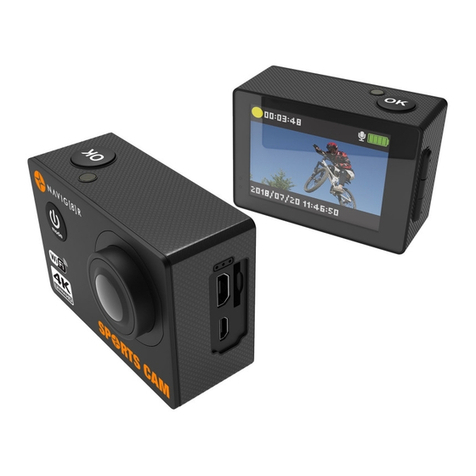
Navig8r NAVSPORT4KX2 User manual

Navig8r

Navig8r NAVSPORT4KX2 User manual

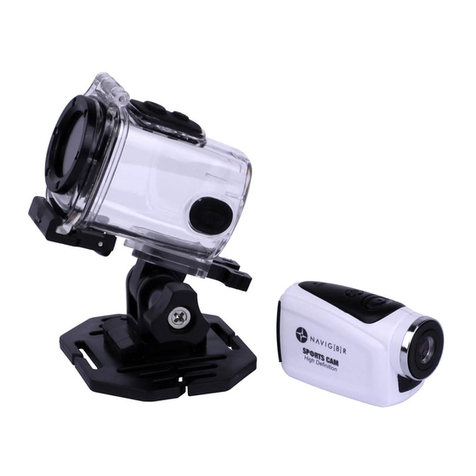
Navig8r NAVSPORT1080 User manual

Navig8r

Navig8r NAVSPORT1080 User manual

Navig8r NAVSPORTPRO User manual

Navig8r

Navig8r NAVSPORTPRO User manual

Popular Action Camera manuals by other brands

Denver ACT-1013 quick start guide

Denver

Denver ACT-1013 quick start guide

DeepSea Power & Light SEACAM Operator's manual

DeepSea Power & Light

DeepSea Power & Light SEACAM Operator's manual

Epic STC-EPC1T user manual

Epic

Epic STC-EPC1T user manual

Brinno MAC200 DN user manual

Brinno

Brinno MAC200 DN user manual

GoPro HERO5 Important product information

GoPro

GoPro HERO5 Important product information

ION Air Pro 2 quick start guide

ION

ION Air Pro 2 quick start guide

Firefly 6s instruction manual

Firefly

Firefly 6s instruction manual

Pyle eXpo PSCHD90 user manual

Pyle

Pyle eXpo PSCHD90 user manual

MOFILY YOCAM quick guide

MOFILY

MOFILY YOCAM quick guide

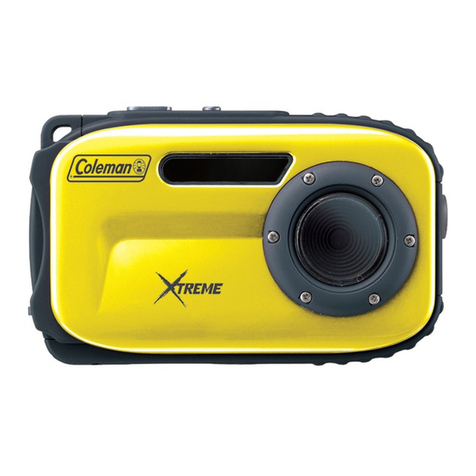
Coleman C5WP Xtreme instruction manual

Coleman

Coleman C5WP Xtreme instruction manual

MCM Electronics 82-19749 user manual

MCM Electronics

MCM Electronics 82-19749 user manual

Aim SmartyCam 3 Sport user manual

Aim

Aim SmartyCam 3 Sport user manual

Omni HERO4 user manual

Omni

Omni HERO4 user manual

nedis ACAM41BK user manual

nedis

nedis ACAM41BK user manual

Naxa NDC-409 user manual

Naxa

Naxa NDC-409 user manual

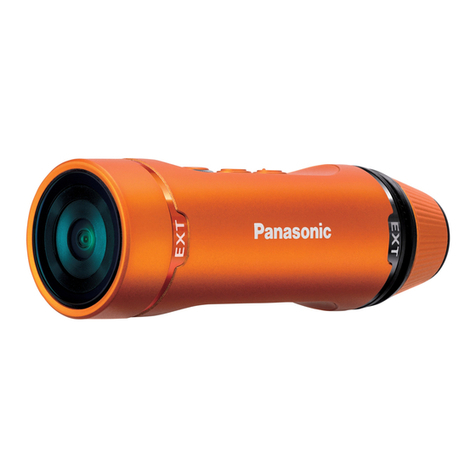
Panasonic HX-A1M operating instructions

Panasonic

Panasonic HX-A1M operating instructions

Kodak Pixpro SP1 user manual

Kodak

Kodak Pixpro SP1 user manual

Akaso V50X user manual

Akaso

Akaso V50X user manual

manuals.online logo
manuals.online logoBrands
  • About & Mission
  • Contact us
  • Privacy Policy
  • Terms and Conditions

Copyright 2025 Manuals.Online. All Rights Reserved.

Sports Action Camera
WARRANTY AGAINST DEFECTS
Navig8r is a brand sold and marketed by Laser Corporation Pty Ltd
(“Laser”). Laser hereby warrants your new product to be free from defects
in materials and workmanship for 12 months, from the date of purchase,
provided that the product is used in accordance with accompanying
recommendations or instructions where provided. The benefit of this
warranty is in addition to your rights under the Australian Consumer Law and
to other rights and remedies of the consumer under
law in relation to the goods or services to which the warranty relates.
Through a network of retailers and resellers, Laser will provide you with your
choice of a refund, repair or exchange (where possible) for this product if it
becomes defective within the warranty period. This warranty will no longer
apply where the defect is a result of alteration, accident, misuse, abuse,
normal wear and tear, neglect or improper storage. Please retain your receipt
as proof of purchase.
How to make a product warranty claim:
Step 1: Find your receipt which proves the date of purchase. Where the date
of purchase cannot be verified, your place of purchase or Laser will make an
assessment based on the date of manufacture, the condi¬on of the Laser
Product and the type of defect.
Step 2a): Contact your place of purchase. They will assess the nature of the
fault and refund or replace the product as per their store refund or warranty
policy.
Step 2b): If your place of purchase cannot be contacted, then you can contact
Laser. Customer Service with details of your defectve Laser Product: Phone:
(02) 9870 3388; or Email: [email protected] or online
www.laserco.com.au/warran-ty (click on “Consumers (End Users)”). Our
business address is at 1/6-8 Byfield Street, North Ryde, NSW 2113
Step 3: Laser will issue you with a Return Authorisation (RA) number within
48 hours. When requested, send us the defective Product and a copy of your
receipt. Laser will cover the cost of the return delivery.
Step 4: Wait for us to contact you. Once we have received your defective
Laser Product for inspection, we will inform you of our assessment of your
claim within 7 days. When we contact you, we will first let you know whether
you have a valid claim under this Warranty, and if so, we will inform you
whether your defective Laser Product will be replaced or repaired, together
with the number of days you can expect to wait to receive your replaced or
repaired Laser Product. Our goods come with guarantees that cannot be
excluded under the Australian Consumer Law. You are entitled to a
replacement or refund for a major failure and compensation for any other
reasonably foreseeable loss or damage. You are also entitled to have the
goods repaired or replaced if the goods fail to be of acceptable quality and
the failure does not amount to a major failure.
NAV-FHDACAM19

MOUNTING YOUR CAMERA



 +=�
<+•=


 

PHOTO SETTINGS







SYSTEM SETTINGS
GETTING STARTED








RECORD VIDEO





 
 

 






 
 

CAPTURING VIDEO + PHOTOS




SETTINGS





RECORD VIDEO

.
STORAGE/MICRO SD CARDS
 
&







CHARGING THE BATTERY









