manuals.online logo
Brands
  1. Home
  2. •
  3. Brands
  4. •
  5. NEBO
  6. •
  7. Flashlight
  8. •
  9. NEBO MYCRO User manual

NEBO MYCRO User manual

This manual suits for next models

1

Other NEBO Flashlight manuals

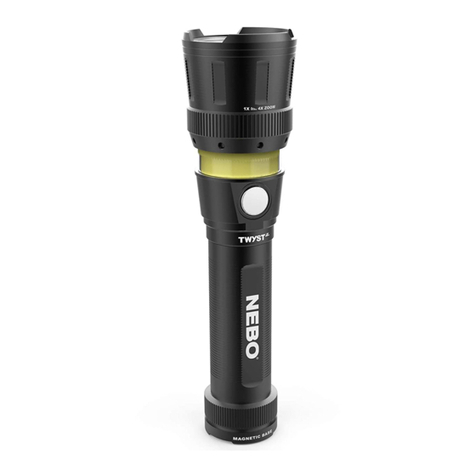
NEBO Twyst Z User manual

NEBO

NEBO Twyst Z User manual

NEBO PAL-360 User manual

NEBO

NEBO PAL-360 User manual

NEBO TORCHY 2K User manual

NEBO

NEBO TORCHY 2K User manual

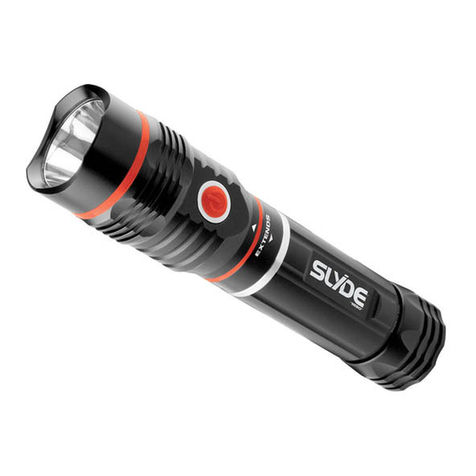
NEBO Slyde Z 6267 User manual

NEBO

NEBO Slyde Z 6267 User manual

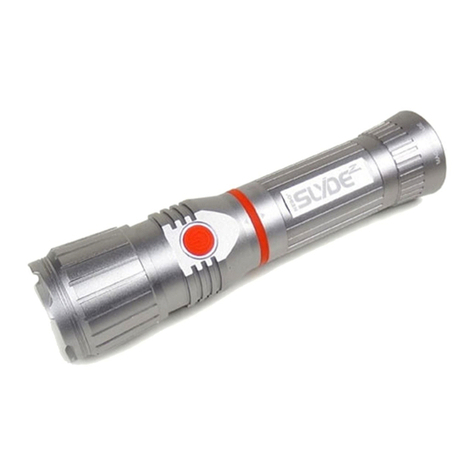
NEBO Slyde 6156 User manual

NEBO

NEBO Slyde 6156 User manual

Popular Flashlight manuals by other brands

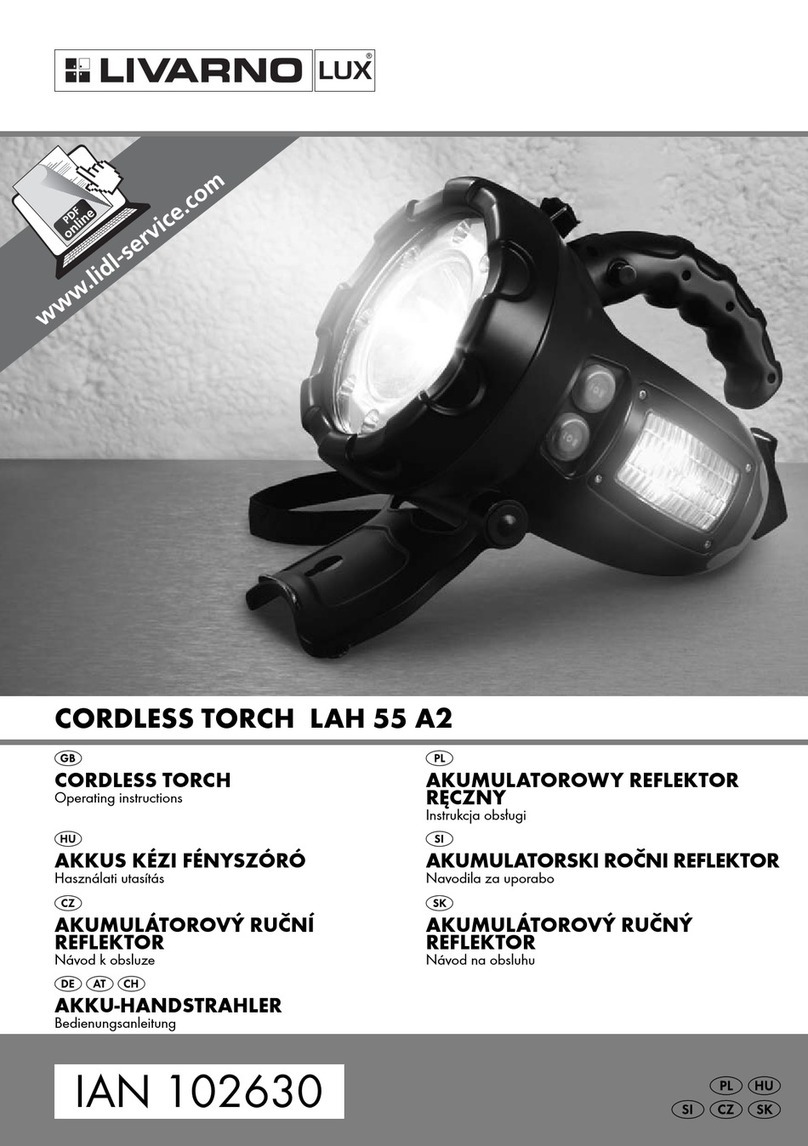
LIVARNO LUX LAH 55 A2 operating instructions

LIVARNO

LIVARNO LUX LAH 55 A2 operating instructions

Gama Sonic 23i60065 instruction manual

Gama Sonic

Gama Sonic 23i60065 instruction manual

Avacom AVACOM Ain user manual

Avacom

Avacom AVACOM Ain user manual

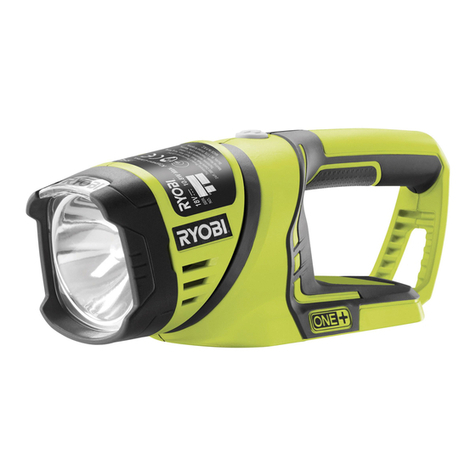
Ryobi RFL180M Original instructions

Ryobi

Ryobi RFL180M Original instructions

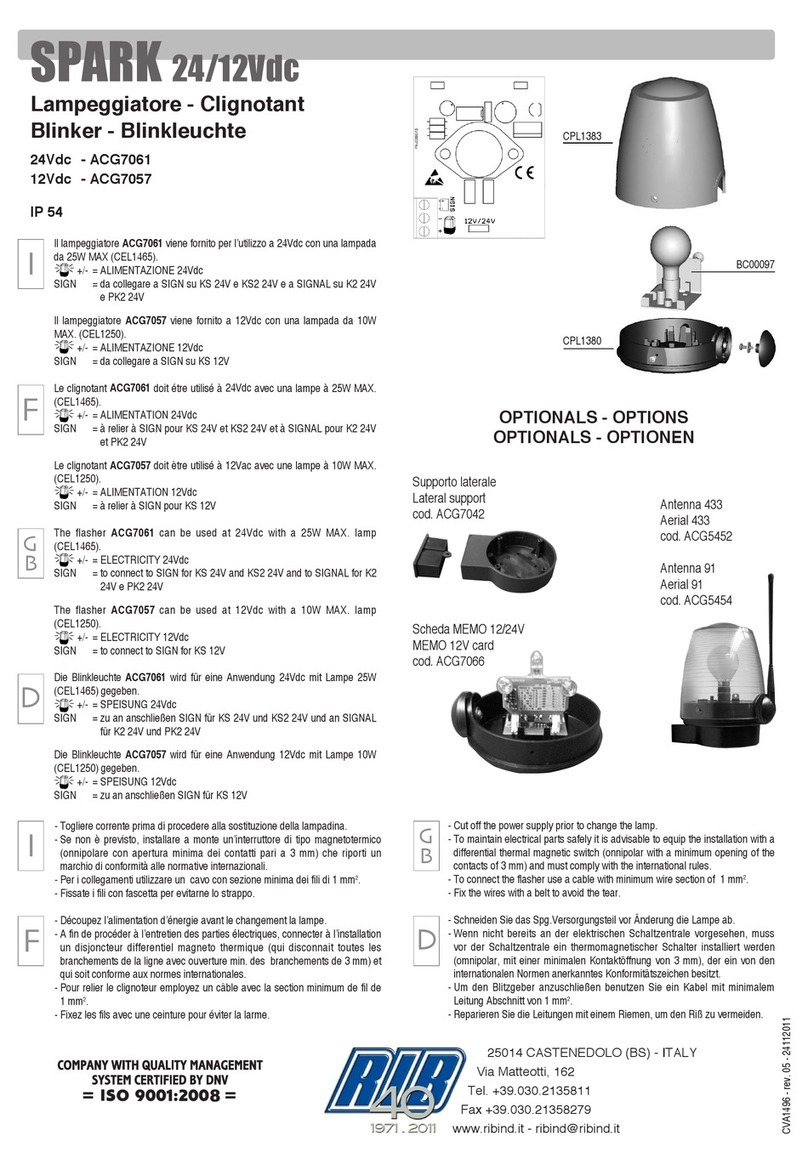
RIB SPARK ACG7061 quick start guide

RIB

RIB SPARK ACG7061 quick start guide

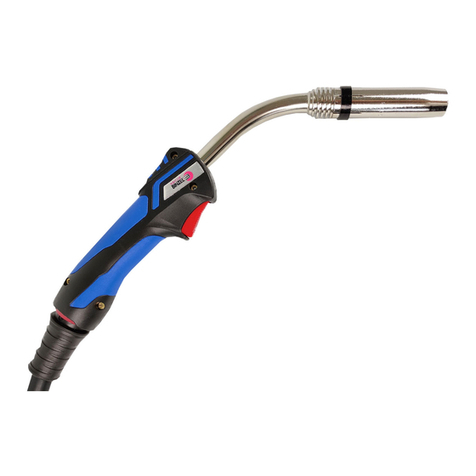
Abicor Binzel MB EVO PRO Series operating instructions

Abicor Binzel

Abicor Binzel MB EVO PRO Series operating instructions

PELI 7610 instruction manual

PELI

PELI 7610 instruction manual

Black & Decker FSL18 manual

Black & Decker

Black & Decker FSL18 manual

Black & Decker 9506 instruction manual

Black & Decker

Black & Decker 9506 instruction manual

Berner 341709 instruction manual

Berner

Berner 341709 instruction manual

PELI 3415 Zone 0 operating instructions

PELI

PELI 3415 Zone 0 operating instructions

ADC Adlite Pro Use, Care and Maintenance

ADC

ADC Adlite Pro Use, Care and Maintenance

tiki Cabos Warnings and Instructions

tiki

tiki Cabos Warnings and Instructions

Fervi 0338 Operation and maintenance manual

Fervi

Fervi 0338 Operation and maintenance manual

Milwaukee M18 IL Original instructions

Milwaukee

Milwaukee M18 IL Original instructions

Spectronics Spectroline LeakTracker SPI-LT instruction manual

Spectronics

Spectronics Spectroline LeakTracker SPI-LT instruction manual

Larson Electronics SLEDB-110V-M instruction manual

Larson Electronics

Larson Electronics SLEDB-110V-M instruction manual

vulta hurricane 262 lumen fg-e15 user manual

vulta

vulta hurricane 262 lumen fg-e15 user manual

manuals.online logo
manuals.online logoBrands
  • About & Mission
  • Contact us
  • Privacy Policy
  • Terms and Conditions

Copyright 2025 Manuals.Online. All Rights Reserved.

All copyrighted and copyrightable materials, including, without limitation,
the logo, design, text, graphics, pictures, copywriting and the selection
and arrangement ("Materials") thereof are ALL RIGHTS RESERVED
Copyright © 2019 Alliance Sports Group L.P.
NOTE: Before using the MYCRO, it is best to fully charge the unit.
(MYCRO should fully recharge in less than 2 hours )
A Micro USB to USB charging cable is included to charge the MYCRO.
• Charging indicator will glow RED
when battery is charging.
• Charging indicator will glow GREEN
when battery is fully charged.
CHARGING INSTRUCTIONS
The MYCRO is also equipped with a Direct-to-Low feature, which will
reverse the normal lighting sequence, starting with RED light, GREEN
light, LOW, MEDIUM and HIGH. Press and hold the Primary Button from
Off for 2 seconds to activate.
After light has been turned OFF, the MYCRO will default to the normal
light cycle: HIGH, MEDIUM, LOW, GREEN and RED
DIRECT-TO-LOW FEATURE
Mode Recall Feature remembers the last used light mode. If any light
mode (except Turbo) is left on for more than 8 seconds, the next press
of the Primary Button will turn the light OFF. When pressed again, the
MYCRO will automatically recall the last used light mode. The normal
light mode sequence (HIGH, MEDIUM, LOW, GREEN and RED) will begin
upon the next press of the Primary Button, unless the Mode Recall
Feature is again activated.
MODE RECALL FEATURE
HIGH
150 LUMENS
• 1 Hour
• 51 Meters
TURBO MODE
400 LUMENS
• 30 Seconds
• 82 Meters
MEDIUM
50 LUMENS
• 2 Hours
• 31 Meters
LOW
15 LUMENS
• 5 Hours
• 18 Meters
GREEN
• 40 Hours
• 1 Meter
RED
• 40 Hours
• 1 Meter
The MYCRO features 2 power buttons, the Primary Mode Button and
Turbo Mode Button.
Turbo Mode Button
• Press and hold for momentary Turbo
activation. Release button to restore
previous mode.
Primary Button
• Press 1x for HIGH
• Press 2x for MEDIUM
• Press 3x for LOW
• Press 4x for GREEN
• Press 5x for RED
Turbo Mode
Button
Turbo Mode
Button
Primary
Button
Primary Button
LIGHTING INSTRUCTIONS