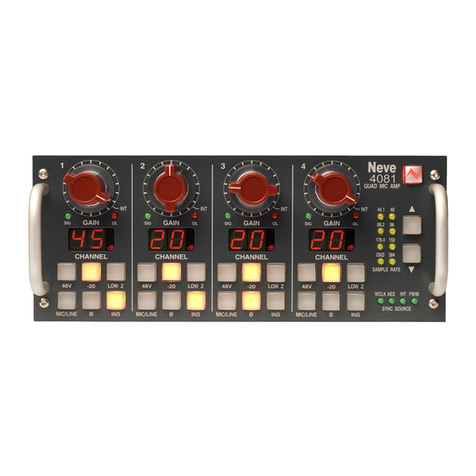
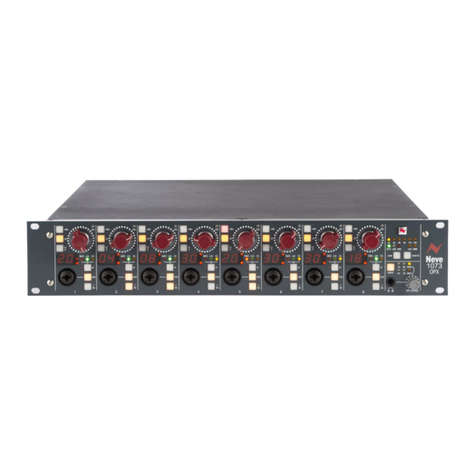
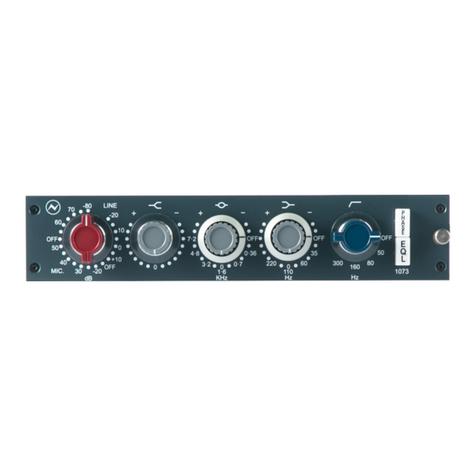
Phase: Reverses the phase of the output signal. In the default position, absolute
phase is preserved through the unit.
EQ: Switches the equalisation circuit into the signal path.
INS: Switches the insert loop into the signal path.
PRE: Positions the insert loop before the equalisation circuit (pre-EQ). In the
default position (switch not depressed) the insert loop is positioned
immediately after the equalisation circuit (post EQ).
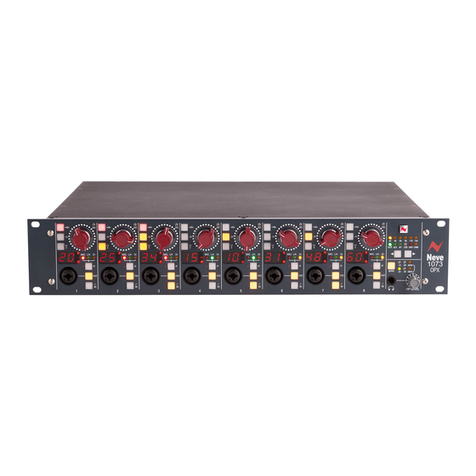
LEVEL: Adjusts the output audio level. This control is post-EQ but pre-output
stage. The thick line on the graticule indicates the point of nominal unity
gain; the unit has ~5dB in hand.
Short-pressing this knob cycles the level meter take-off point through
three possible points in the signal path, indicated by the adjacent LEDs.
When the Digital I/O option is fitted, long-pressing this knob
cycles through the sample rate selection and a further long-press
will cycle through the clocking source selection.
Take-off LEDs and Clip Indication:
One of three LEDs lights green to indicate the selected take-off point
for the level meter, chosen by pressing the LEVEL knob. The three
possible take-off points are: pre-EQ, post-EQ, post output stage. In
addition, LEDs will light red if their respective take-off point is close to
clipping. Clip indication is always active whichever take-off point
happens to be selected.
Level Meter:
Peak responding level meter. The audio level can be monitored at one of
three locations chosen by pressing the LEVEL knob.
Sample Rate indicator and Clock source indicator:
(optional Digital I/O module must be fitted)
The Sample Rate indicator LED shows the selected sample rate. The
sample rate selection can be changed by long-pressing the LEVEL knob
which will begin cycling through the sample rates and releasing the
LEVEL knob when the desired sample rate selection LED illuminates.
The Clock Source indicator LED shows the selected clock source. The
clock source selection can be changed by long-pressing the LEVEL knob
(after long-pressing once to select the sample rate as above and then
releasing) which will then begin cycling through the clock source
selections and releasing the LEVEL knob when the desired clock source
selection LED illuminates.