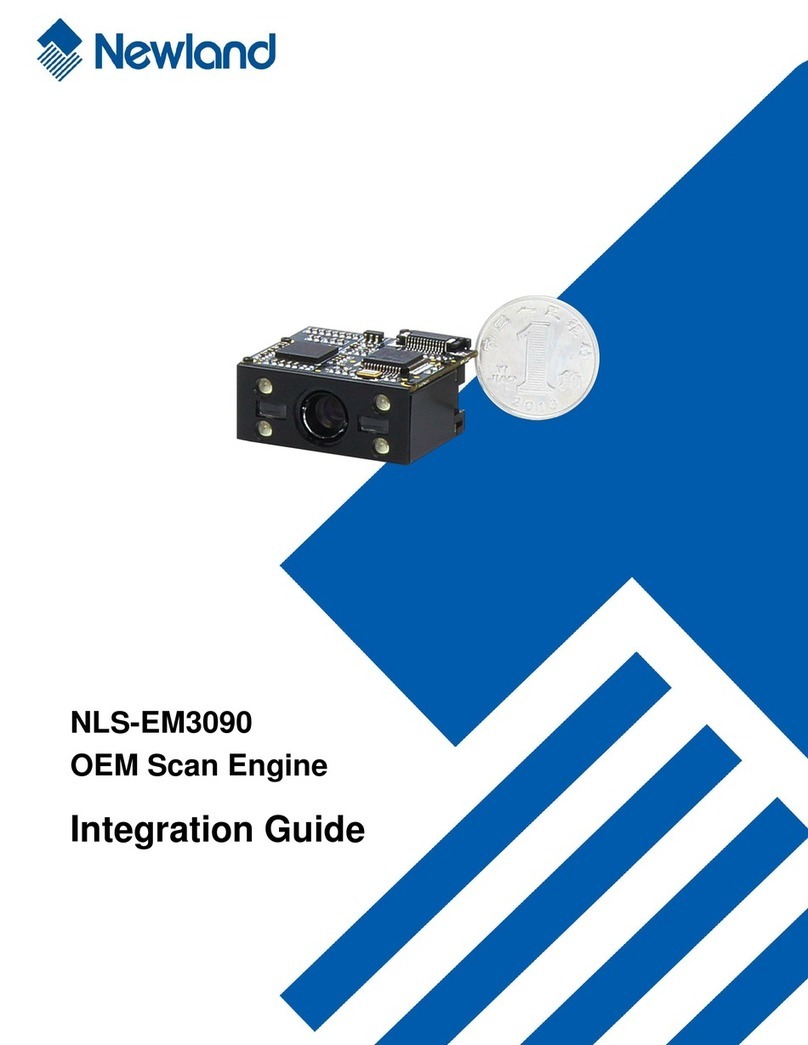
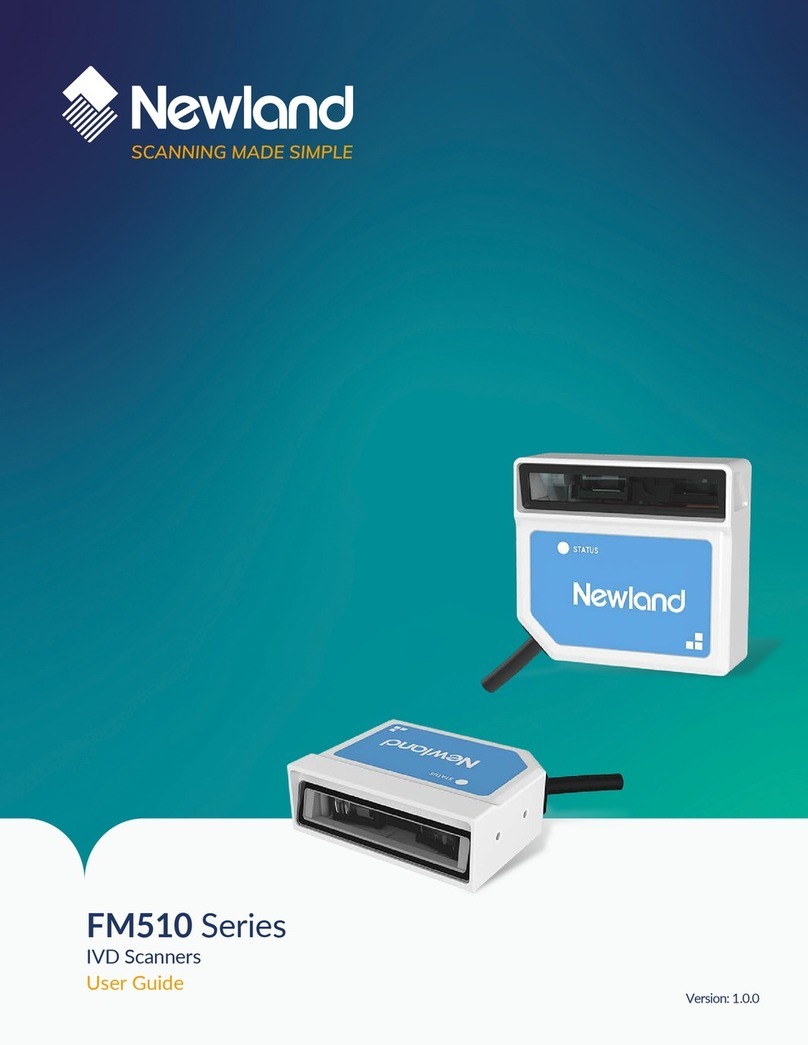
Newland EM3095 Quick setup guide

EM3095
OEM Scan Engine
Inregration Guide


Disclaimer
© 2013 Fujian Newland Auto-ID Tech. Co., Ltd. All rights reserved.
Please read through the manual carefully before using the product and operate it according to the manual. It is
advised that you should keep this manual for future reference.
Do not disassemble the device or remove the seal label from the device. Otherwise, Fujian Newland Auto-ID
Tech. Co., Ltd. does not assume responsibility for the warranty or replacement.
All pictures in this manual are for reference only and actual product may differ. Regarding to the product
modification and update, Fujian Newland Auto-ID Tech. Co., Ltd. reserves the right to make changes to any
software or product to improve reliability, function, or design at any time without notice. Besides, the
information contained herein is subject to change without prior notice.
The products depicted in this manual may include software copyrighted by Fujian Newland Auto-ID Tech. Co.,
Ltd or a third party. The user, corporation or individual, shall not duplicate, in whole or in part, distribute, modify,
decompile, disassemble, decode, reverse engineer, rent, transfer or sublicense such software without prior
written consent from the copyright holders.
This manual is copyrighted. No part of this publication may be reproduced, distributed or used in any form
without written permission from Newland.
Fujian Newland Auto-ID Tech. Co., Ltd. reserves the right to make final interpretation of the statement above.

2
Revision History
Version Description Date
V1.0.0 Initial release. January 07, 2014

Table of Contents
Chapter 1 Introduction.......................................................................................................................................1
Overview .......................................................................................................................................................... 1
Illumination ....................................................................................................................................................... 1
Aimer ................................................................................................................................................................ 1
Chapter 2 Installation.........................................................................................................................................2
General Requirements ..................................................................................................................................... 2
ESD .............................................................................................................................................................. 2
Dust and Dirt ................................................................................................................................................ 2
Ambient Environment ................................................................................................................................... 2
Thermal Considerations ............................................................................................................................... 2
Installation Orientation ................................................................................................................................. 3
Optics ............................................................................................................................................................... 4
Window Placement ...................................................................................................................................... 4
Window Material and Color .......................................................................................................................... 4
Scratch Resistance and Coating ................................................................................................................. 5
Window Size ................................................................................................................................................ 5
Ambient Light ............................................................................................................................................... 6
Eye Safety .................................................................................................................................................... 6
Mounting ........................................................................................................................................................... 7
Front View (unit: mm) ................................................................................................................................... 7
Side View (unit: mm) .................................................................................................................................... 7
Top View (unit: mm) ..................................................................................................................................... 8
Chapter 3 Electrical Specifications..................................................................................................................9
Power Supply ................................................................................................................................................... 9
Ripple Noise ................................................................................................................................................. 9
DC Characteristics ......................................................................................................................................... 10
Operating Voltage ...................................................................................................................................... 10

4
Operating Current ...................................................................................................................................... 10
Chapter 4 Interfaces.........................................................................................................................................11
Host Interface Connector ............................................................................................................................... 11
Dimensions of the Host Interface Connector (unit: mm) ........................................................................... 12
Flat Flexible Cable (unit: mm) .................................................................................................................... 13
Communication Interface ............................................................................................................................... 14
Trigger ............................................................................................................................................................ 15
Beeper ............................................................................................................................................................ 16
Good Read LED ............................................................................................................................................. 17
Chapter 5 Development Tools ........................................................................................................................18
EVK ................................................................................................................................................................ 18

1
Chapter 1 Introduction
Overview
TM
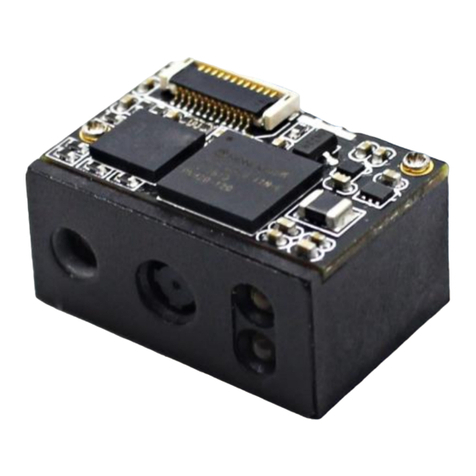
NLS-EM3095 embedded 2D barcode scan engines, armed with the Newland patented , a
computerized image recognition system, bring about a new era of 2D barcode scan engines.
The EM3095’s 2D barcode decoder chip ingeniously blends technology and advanced chip design
& manufacturing, which significantly simplifies application design and delivers superior performance and
solid reliability with low power consumption.
The EM3095 supports the following barcode symbologies:
1D: EAN-13, EAN-8, UPC-A, UPC-E, ISSN, ISBN, Codabar, Code 128 (including FNC1, FNC2 and
FNC3), Code 93, ITF-6, ITF-14, Interleaved 2 of 5, Industrial 2 of 5, Standard 2 of 5, Matrix 2 of 5,
GS1 Databar (RSS-Expand, RSS-Limited, RSS-14), Code 39, Code 11, MSI-Plessey, Plessey.
2D: PDF417, QR Code (QR1、QR2、Micro QR), Data Matrix.
Illumination
The EM3095 has two red LEDs for supplementary lighting, making it possible to scan barcodes even in
complete darkness. The illumination can be programmed On or Off.
The EM3095 uses red LEDs for illumination, so the engine shows better reading performance on
barcodes printed in non-red colors. For applications involving red barcodes, it is advised to turn off the
engine’s illumination and use non-red supplementary lighting instead. The user can conduct some tests to
determine the proper wavelengths to be used.
Aimer
The EM3095 has a view finder that produces a solid circle-shaped aiming pattern to help the user to easily
position the target barcode within the engine’s field of view to increase scan efficiency. The aiming pattern
can be turned On or Off. It is advisable to turn it on when scanning barcodes.

2
Chapter 2 Installation
General Requirements
ESD
ESD protection has been taken into account when designing the EM3095 and the engine is shipped in
ESD safe packaging. Always exercise care when handling the engine outside its package. Be sure
grounding wrist straps and properly grounded work areas are used.
Dust and Dirt
The EM3095 must be sufficiently enclosed to prevent dust particles from gathering on the imager, lens
and circuit board. Dust and other external contaminants will eventually degrade the engine’s performance.
Ambient Environment
The following environmental requirements should be met to ensure good performance of the EM3095:
Working Temperature -20℃ ~ 60℃
Storage Temperature -40℃ ~ 80℃
Humidity 5% ~ 95% (non-condensing)
Thermal Considerations
Electronic components in the EM3095 will generate heat during the course of their operation. Operating
the EM3095 in continuous mode for an extended period may cause temperatures to rise on CIS and
decoder chip. Overheating can degrade image quality and affect scanning performance. Given that, the
following precautions should be taken into consideration when integrating the EM3095.
Reserve sufficient space for good air circulation in the design.
Avoid wrapping the EM3095 with thermal insulation materials such as rubber.

3
Installation Orientation
The following figure illustrates a front view of the EM3095 after correct installation.
U
p

4
Optics
Window Placement
The window should be positioned properly to let the illumination and aiming beams pass through as much
as possible and no reflections back into the engine (reflections can degrade the reading performance).
The window should be mounted close to the front of the engine (parallel). The maximum distance is
measured from the front of the engine housing to the farthest surface of the window. In order to reach
better reading performance, the distance from the front of the engine housing to the furthest surface of the
window should not exceed 3mm and the distance from the front of the engine housing to the nearest
surface of the window should not exceed 2mm.
If the window is required to be in a tilted position, the above distance requirements should be met and tilt
angle should ensure no reflections back into the lens.
Window Material and Color
CIS’s responsiveness (mainly to wavelengths of red light)should be taken into consideration when
choosing window material and color, in order to achieve the possible highest spectral transmission, lowest
haze level and homogeneous refractive index. It is suggested to use PMMA or optical glass with spectral
transmittance over 90% and haze less than 1%. Whether to use an anti-reflection coating or not depends
on the material and application needs.
This manual suits for next models
1
Table of contents
Other Newland Scanner manuals

Newland
Newland EM3080-W-V2 Quick setup guide
Newland
Newland NLS-EM3296 Quick setup guide
Newland
Newland FM515 Series User manual

Newland
Newland FM530 User manual
Newland
Newland NLS-EM20-M37 Quick setup guide

Newland
Newland NLS-HR100 User manual
Newland
Newland NLS-EM3396 V2 Quick setup guide

Newland
Newland NLS-EM2037 Series Use and care manual

Newland
Newland NLS-EM20-85 User manual

Newland
Newland Wear WD1 User manual