manuals.online logo
Brands
  1. Home
  2. •
  3. Brands
  4. •
  5. Oben
  6. •
  7. Camera Accessories
  8. •
  9. Oben CTM-2400 User manual

Oben CTM-2400 User manual

This manual suits for next models

3

Other Oben Camera Accessories manuals

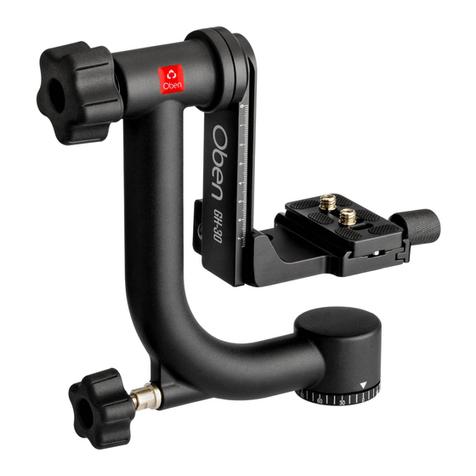
Oben GH-30 User manual

Oben

Oben GH-30 User manual
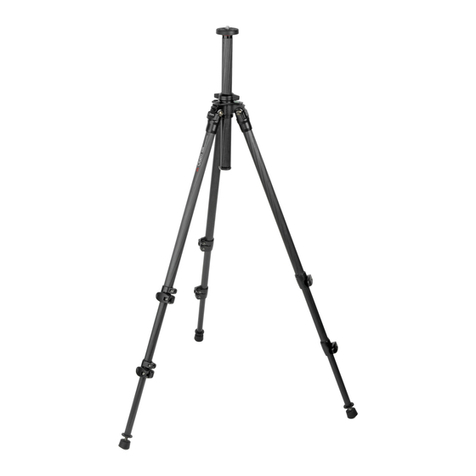
Oben GH-30C User manual

Oben

Oben GH-30C User manual

Oben CTT-1000 User manual

Oben

Oben CTT-1000 User manual

Oben VH-A30 User manual

Oben

Oben VH-A30 User manual

Oben LH-2510 User manual

Oben

Oben LH-2510 User manual

Oben CTT-1000 User manual

Oben

Oben CTT-1000 User manual

Oben Skysill Series User manual

Oben

Oben Skysill Series User manual

Oben BA Series User manual

Oben

Oben BA Series User manual

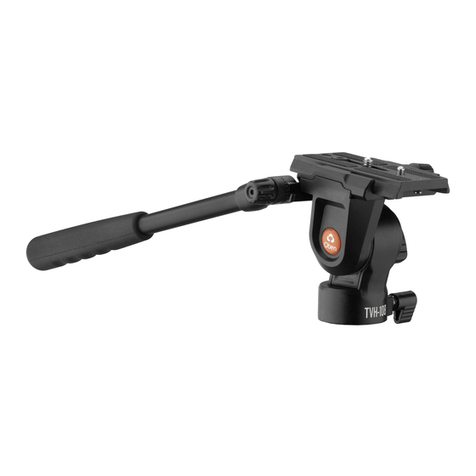
Oben TVH-108 User manual

Oben

Oben TVH-108 User manual

Oben BE Series User manual

Oben

Oben BE Series User manual

Oben AC-2300 series User manual

Oben

Oben AC-2300 series User manual
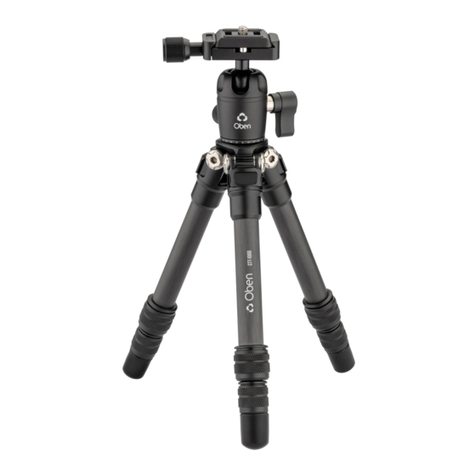
Oben Travel Series User manual

Oben

Oben Travel Series User manual

Oben CT-2300 series User manual

Oben

Oben CT-2300 series User manual

Oben MBH-11 User manual

Oben

Oben MBH-11 User manual

Oben AT-3535 User manual

Oben

Oben AT-3535 User manual

Oben AC-1300 series User manual

Oben

Oben AC-1300 series User manual

Oben AC-2300 series User manual

Oben

Oben AC-2300 series User manual

Oben GH3W-15 User manual

Oben

Oben GH3W-15 User manual
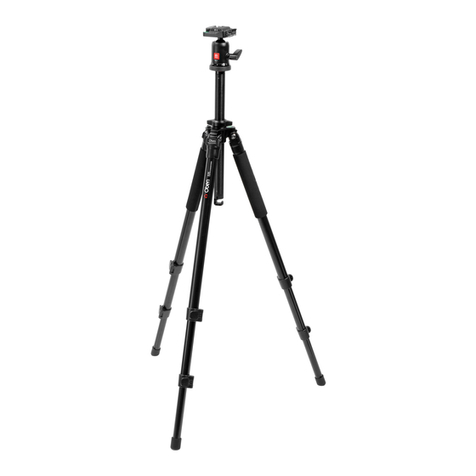
Oben Lander Series User manual

Oben

Oben Lander Series User manual

Oben 3500 Series User manual

Oben

Oben 3500 Series User manual
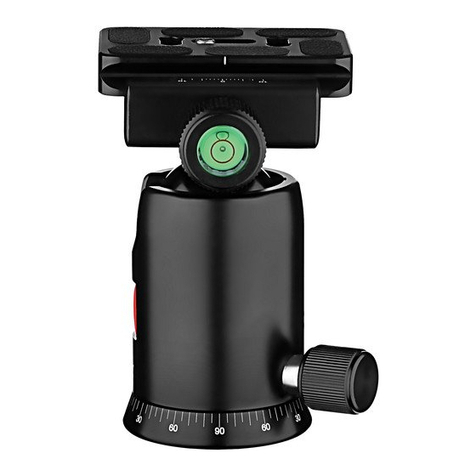
Oben TTVLK-8 User manual

Oben

Oben TTVLK-8 User manual
Popular Camera Accessories manuals by other brands

CamRanger CamRanger user manual

CamRanger

CamRanger CamRanger user manual

Custom Brackets HDV CAGE KIT Instructions for use

Custom Brackets

Custom Brackets HDV CAGE KIT Instructions for use

Aegis ABL052010P user manual

Aegis

Aegis ABL052010P user manual

Saft SRA Series Installation and operating instructions

Saft

Saft SRA Series Installation and operating instructions

Kodak TIB5200 technical information

Kodak

Kodak TIB5200 technical information

Videotec HEG instruction manual

Videotec

Videotec HEG instruction manual

Ikelite 6171.11 manual

Ikelite

Ikelite 6171.11 manual

Pentax Auto Bellows Slide Copier K user manual

Pentax

Pentax Auto Bellows Slide Copier K user manual

Nikon UT-1 user manual

Nikon

Nikon UT-1 user manual

dji RONIN 4D quick start guide

dji

dji RONIN 4D quick start guide

SLIK ABLE 300DX user manual

SLIK

SLIK ABLE 300DX user manual

Rebelcell 36V70 user manual

Rebelcell

Rebelcell 36V70 user manual

Trojan GC2 48V quick start guide

Trojan

Trojan GC2 48V quick start guide

Calumet 7100 Series CK7114 operating instructions

Calumet

Calumet 7100 Series CK7114 operating instructions

Ropox 4Single Series User manual and installation instructions

Ropox

Ropox 4Single Series User manual and installation instructions

Cambo Wide DS Digital Series Main operating instructions

Cambo

Cambo Wide DS Digital Series Main operating instructions

Samsung SHG-120 Specification sheet

Samsung

Samsung SHG-120 Specification sheet

Ryobi BPL-1820 Owner's operating manual

Ryobi

Ryobi BPL-1820 Owner's operating manual

manuals.online logo
manuals.online logoBrands
  • About & Mission
  • Contact us
  • Privacy Policy
  • Terms and Conditions

Copyright 2025 Manuals.Online. All Rights Reserved.

You’reonsteadyground™
CTM-2400/2500
CTM/ATM-2600
Monopod
Thank you for choosing Oben.
Oben monopods are versatile and durable supports. Both
carbon fiber and aluminum models are constructed to
provide rigidity and strength to support for your camera.
The leg features secure twist locks for swift height
adjustment. And leg sections, designed with anti-twist
alignment, are extremely easy to operate when opening
and collapsing the monopod.
The monopods include a wrist strap to help secure the
monopod and keep it stable during shooting, and a leg
warmer for comfortable handling in cold weather.
Please read this entire manual before using your Oben
monopod.
Warnings:
Do not exceed the monopod’s maximum load
capacity.
Ensure that all appropriate locks are engaged
when necessary.
The monopod should be used only in
temperatures between -22°F and 140°F. Do not
use it in salt water. Dry the monopod if it gets
wet.
Remove the camera from the monopod during
transport.
Keep out of reach of children.
Images are for illustrative purposes only.
INTRODUCTION
2
Overview
3
TwistLocks
Retractable
Spike
Wrist Strapand
BeltClip
LegWarmer
Padded leg for
handling the
monopod in cold
weather.
Integrated
Mount
The top mount
attaches a camera
or a lens collar
directly onto the
monopod. A tilt
head can be used
for greater control.
Integrated rubber
and spiked foot
for stability on a
variety of surfaces
and terrains.
Twist locks
provide quick
and secure height
adjustment.
Wrist strap for
more secure
handling while
shooting. Belt clip
oers a convenient
carry option.
4
1.Height Adjustment
Twist the lock clockwise
, and reposition the leg
. Then twist the lock
counterclockwise until
secure.
2.Mounting Screw
The monopod comes with
a reversible 3/8-16 and
1/4-20 mounting screw
that allows you to mount
any tripod head or camera.
To switch between the two
sizes, loosen the set screw
with the included hex key.
Then unscrew the plate and
reverse the screw. Screw
the plate back onto the
tripod until it’s secure, and
retighten the set screw.
OPERATION
5
3.Mounting aHead
Align the head’s socket
with the monopod’s
mounting screw , and
twist it clockwise until fully
secured. Be sure that the
bottom of the head is flush
with the plate.
For compatible heads,
tighten the three integrated
set screws with the
included hex key .
Important!
Do not overtighten the
head or the set screws.
Overtightening may
damage the monopod or
head.
OPERATION
4.WristStrap
For a more stable monopod
when shooting, secure the
wrist strap around your
wrist while also gripping
the pad, as shown. To
ensure stability, make sure
there’s enough tension on
the strap and your wrist.
6
5.Belt Clip
The monopod’s wrist strap
includes an integrated belt
clip. Slide the clip onto
your belt for hands-free
transport.
6. Retractable Spike
A spike is built into the
monopod’s rubber foot. Use
the rubber foot for indoor or
flat surfaces. Use the spike
for soft ground, grass, and
sand.
To extend the spike,
rotate the rubber foot
counterclockwise. Turn the
foot clockwise to retract the
spike.
OPERATION
7
SPECIFICATIONS
CTM-
2400
CTM-
2500
CTM-
2600
ATM-
2600
Camera
Mounting
Screw
1/4-20male,
3/8-16 male
1/4-20male,
3/8-16 male
1/4-20male,
3/8-16 male
1/4-20male,
3/8-16 male
LegLockType Twistlock Twistlock Twistlock Twistlock
LegSections 4 5 6 6
LoadCapacity 22lb.
(10kg)
26lb.
(11.8kg)
26lb.
(11.8kg)
26lb.
(11.8kg)
Maximum
WorkingHeight
59.2in.
(150.4cm)
64.5in.
(164cm)
64.7in.
(164.3cm)
64.7in.
(164.3cm)
FoldedLength 18.3in.
(46.5cm)
17.3 in.
(43.9cm)
16.7in.
(42.4cm)
16.7in.
(42.4cm)
Materials Carbonfiber Carbonfiber Carbonfiber Aluminum
Weight 0.85lb.
(36 g)
1lb.
(454g)
1.1lb.
(499 g)
1.32 lb.
(599 g)
www.obensupports.com
© 2019 Gradus Group LLC. All Rights Reserved.
Obenis a registered trademark of the Gradus Group.
GG3