manuals.online logo
Brands
  1. Home
  2. •
  3. Brands
  4. •
  5. Oceanic
  6. •
  7. Diving Instrument
  8. •
  9. Oceanic VEO 250 User manual

Oceanic VEO 250 User manual

Other Oceanic Diving Instrument manuals

Oceanic VEO 3.0 User manual

Oceanic

Oceanic VEO 3.0 User manual

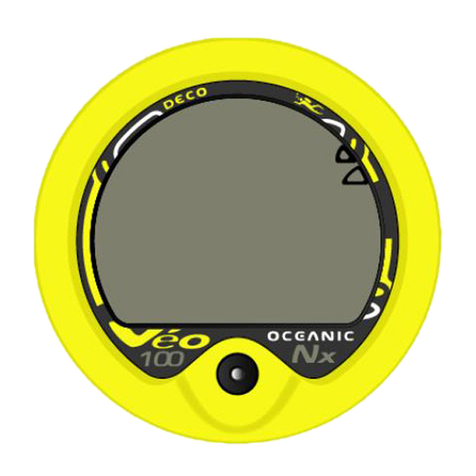
Oceanic Personal Dive Computer Veo 100Nx User manual

Oceanic

Oceanic Personal Dive Computer Veo 100Nx User manual

Oceanic GEO 2 User manual

Oceanic

Oceanic GEO 2 User manual

Oceanic GEO User manual

Oceanic

Oceanic GEO User manual

Oceanic DELTA 2 Manual

Oceanic

Oceanic DELTA 2 Manual

Oceanic VEO 200 User manual

Oceanic

Oceanic VEO 200 User manual

Oceanic Alpha 8 Octopus User manual

Oceanic

Oceanic Alpha 8 Octopus User manual

Oceanic Personal Dive Computer Veo 100Nx User manual

Oceanic

Oceanic Personal Dive Computer Veo 100Nx User manual

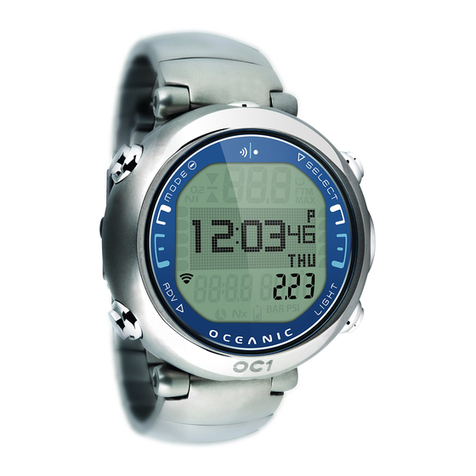
Oceanic OC1 User manual

Oceanic

Oceanic OC1 User manual

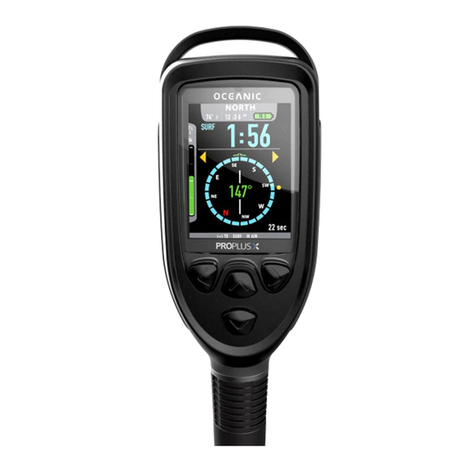
Oceanic PROPLUS X Manual

Oceanic

Oceanic PROPLUS X Manual

Oceanic Personal Dive Computer Veo 100Nx User manual

Oceanic

Oceanic Personal Dive Computer Veo 100Nx User manual

Oceanic EOS Manual

Oceanic

Oceanic EOS Manual

Oceanic VEO 1.0 User manual

Oceanic

Oceanic VEO 1.0 User manual

Oceanic Proplus 4.0 User manual

Oceanic

Oceanic Proplus 4.0 User manual

Oceanic Mako 1 User manual

Oceanic

Oceanic Mako 1 User manual

Oceanic Regulator Equipment User manual

Oceanic

Oceanic Regulator Equipment User manual

Oceanic VEO 200 User manual

Oceanic

Oceanic VEO 200 User manual

Oceanic OCL User manual

Oceanic

Oceanic OCL User manual

Oceanic DataTrans Plus User manual

Oceanic

Oceanic DataTrans Plus User manual

Oceanic ATOM 2.0 User manual

Oceanic

Oceanic ATOM 2.0 User manual

Oceanic VT 4.0 User manual

Oceanic

Oceanic VT 4.0 User manual

Oceanic GEO 4.0 User manual

Oceanic

Oceanic GEO 4.0 User manual

Oceanic DataTrans Plus User manual

Oceanic

Oceanic DataTrans Plus User manual

Oceanic Pro Plus User manual

Oceanic

Oceanic Pro Plus User manual

Popular Diving Instrument manuals by other brands

Aqua Lung i300C owner's manual

Aqua Lung

Aqua Lung i300C owner's manual

Sherwood Amphos manual

Sherwood

Sherwood Amphos manual

Zeagle N2ition owner's manual

Zeagle

Zeagle N2ition owner's manual

OCEANS S1 Supersonic manual

OCEANS

OCEANS S1 Supersonic manual

SUBMERSIBLE SYSTEMS Spare Air 600 owner's manual

SUBMERSIBLE SYSTEMS

SUBMERSIBLE SYSTEMS Spare Air 600 owner's manual

Apeks BLACK SAPPHIRE Maintenance manual

Apeks

Apeks BLACK SAPPHIRE Maintenance manual

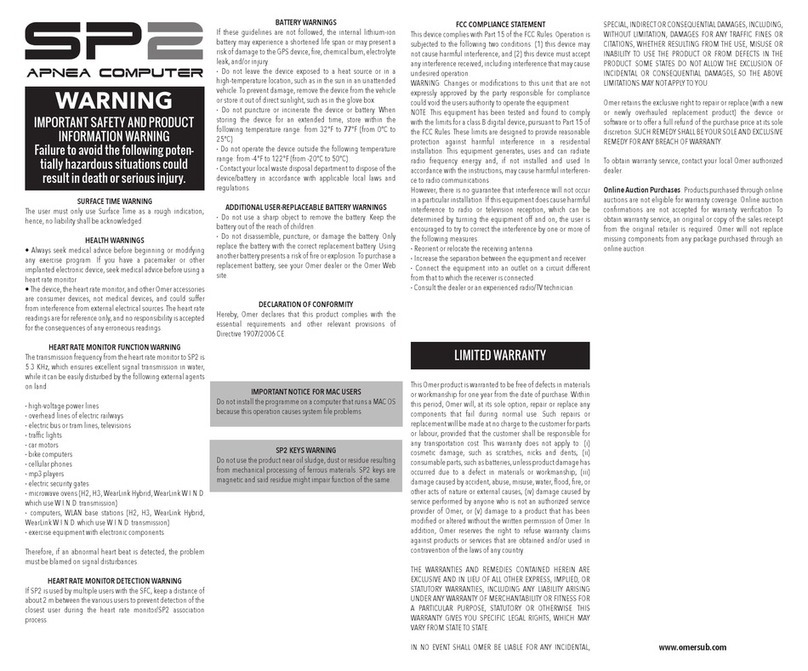
Omer SP2 instructions

Omer

Omer SP2 instructions

Dräger PAS AirPack 1 Instructions for use

Dräger

Dräger PAS AirPack 1 Instructions for use

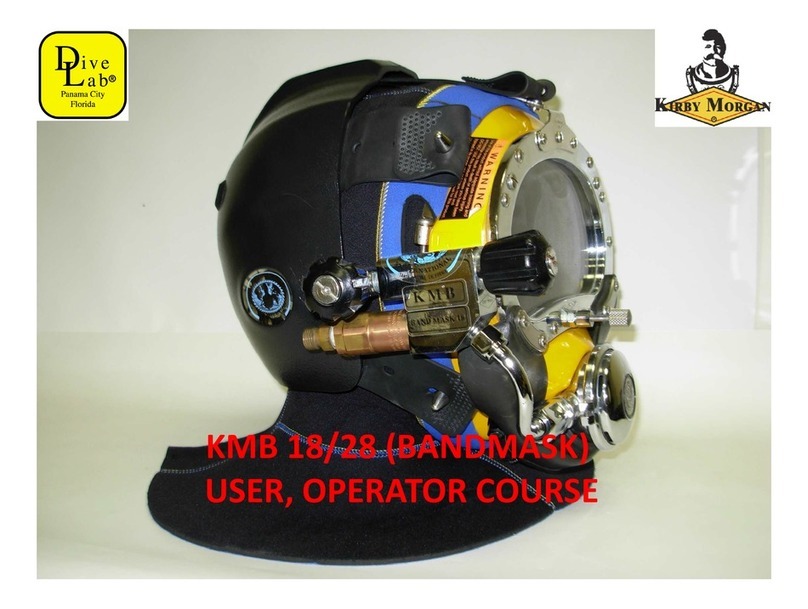
Dive Lab KIRBY MORGAN KMB 18 USER, OPERATOR COURSE

Dive Lab

Dive Lab KIRBY MORGAN KMB 18 USER, OPERATOR COURSE

Ratio Computers iDive user manual

Ratio Computers

Ratio Computers iDive user manual

CFA MSA G1 Reference manual

CFA

CFA MSA G1 Reference manual

Tusa Q 1203 CE Start guide

Tusa

Tusa Q 1203 CE Start guide

Sherwood Scuba Insight Manual guide

Sherwood Scuba

Sherwood Scuba Insight Manual guide

TREND GAUGE/60 manual

TREND

TREND GAUGE/60 manual

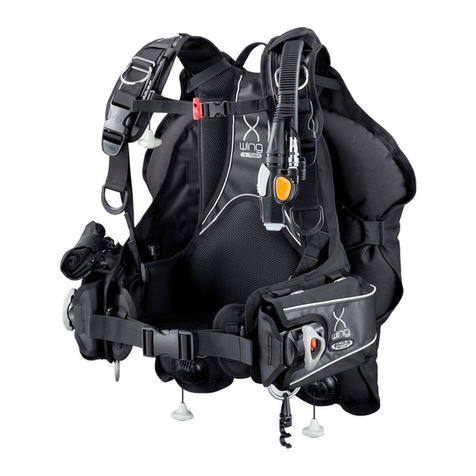
Tusa B.C.J. owner's manual

Tusa

Tusa B.C.J. owner's manual

Dräger Panorama Nova Dive Instructions for use

Dräger

Dräger Panorama Nova Dive Instructions for use

heinrichs weikamp OSTC 2 user manual

heinrichs weikamp

heinrichs weikamp OSTC 2 user manual

Genesis Centauri manual

Genesis

Genesis Centauri manual

manuals.online logo
manuals.online logoBrands
  • About & Mission
  • Contact us
  • Privacy Policy
  • Terms and Conditions

Copyright 2025 Manuals.Online. All Rights Reserved.

VEO 200/250
Dive Computers
Operating Manual
2
LIMITED TWO-YEAR WARRANTY
For details, refer to the Product Warranty Registration Card provided.
COPYRIGHT NOTICE
This operating manual is copyrighted, all rights are reserved. It may not, in whole or in part, be
copied, photocopied, reproduced, translated, or reduced to any electronic medium or machine
readable form without prior consent in writing from Oceanic / 2002 Design.
Veo 200/250 Operating Manual, Doc. No. 12-2377
© 2002 Design 2001
San Leandro, Ca. USA 94577
TRADEMARK NOTICE
Oceanic, the Oceanic logo, Veo 200/250, the Veo 200/250 logos, Smart Glo, and Oceanglo are
all registered and unregistered trademarks of Oceanic. All rights are reserved.
PATENT NOTICE
U.S. Patents have been issued, or applied for, to protect the following design features:
Dive Time Remaining (U.S. Patent no. 4,586,136), Data Sensing and Processing Device (U.S. Patent
no. 4,882,678), and Variable Ascent Rate Indicator (U.S. Patent no. 5,156,055). User Setable
Display (U.S. Patent no. 5,845,235) is owned by Suunto Oy (Finland).
DECOMPRESSION MODEL
The programs within the Veo 200/250 simulate the absorption of nitrogen into the body by using a
mathematical model. This model is merely a way to apply a limited set of data to a large range of
experiences. The Veo 200/250 dive computer model is based upon the latest research and experi-
ments in decompression theory.
Still, using the Veo 200/250, just as using the U.S. Navy
(or other) No Decompression Tables, is no guarantee of avoiding decompression
sickness, i.e. the bends.
Every divers physiology is different, and can even vary from day to
day. No machine can predict how your body will react to a particular dive profile.
3
CONTENTS
LIMITED TWO-YEAR WARRANTY ............................................................................................................................ 2
NOTICES ..................................................................................................................................................................... 2
DECOMPRESSION MODEL ....................................................................................................................................... 2
FEATURES AND DISPLAYS............................................................................................. 7
INTERACTIVE CONTROL CONSOLE ....................................................................................................................... 9
BAR GRAPHS ........................................................................................................................................................... 10
Tissue Loading Bar Graph (TLBG) ....................................................................................................................... 10
Oxygen Bar Graph (O2BG) .................................................................................................................................. 11
Variable Ascen Ra e Indica or (VARI) .................................................................................................................. 11
ALPHA / NUMERIC DISPLAYS ................................................................................................................................. 12
Dep h Displays ...................................................................................................................................................... 12
Time and Da e Displays ....................................................................................................................................... 13
Tempera ure Display ............................................................................................................................................. 14
AUDIBLE ALARM ...................................................................................................................................................... 14
LED Warning Ligh ............................................................................................................................................... 14
BACKLIGHT .............................................................................................................................................................. 16
POWER SUPPLY ...................................................................................................................................................... 16
Ba ery Indica or ................................................................................................................................................... 16
Low Ba ery Condi ion .......................................................................................................................................... 17
O2 MODE ................................................................................................................................................................ 18
FO2 50% Defaul .................................................................................................................................................. 19
ACTIVATION AND SETUP .............................................................................................. 21
ACTIVATION .............................................................................................................................................................. 22
Backup Ac iva ion ................................................................................................................................................. 23
SUR ACE MODE ...................................................................................................................................................... 23
SET MODES .............................................................................................................................................................. 24
ENTERING SETTINGS -SET MODE #1 .............................................................................................................. 25
ENTERING SETTINGS -SET MODE #2 .............................................................................................................. 29
4
CONTENTS (continue )
PLAN AND DIVE MODES ............................................................................................... 43
PRE DIVE PLANNING SEQUENCETM ...................................................................................................................... 44
TISSUE LOADING BAR GRAPH .............................................................................................................................. 46
OXYGEN ACCUMULATION BAR GRAPH ............................................................................................................... 47
VARIABLE ASCENT RATE INDICATOR .................................................................................................................. 47
CONTROL O DISPLAYS ......................................................................................................................................... 48
NO DECOMPRESSION DIVE MODE ....................................................................................................................... 48
DECOMPRESSION DIVE MODE .............................................................................................................................. 51
VIOLATION MODES .................................................................................................................................................. 54
Condi ional Viola ion Mode ................................................................................................................................... 54
Delayed Viola ion Modes ...................................................................................................................................... 56
Immedia e Viola ion Mode and Gauge Mode ....................................................................................................... 57
HIGH PO2 DIVE MODE............................................................................................................................................. 59
HIGH OXYGEN ACCUMULATION ............................................................................................................................ 60
USER SET DIGITAL GAUGE MODE ........................................................................................................................ 61
UNEXPECTED LOSS O DISPLAYED IN ORMATION .......................................................................................... 61
RESET EATURE ...................................................................................................................................................... 62
POST DIVE MODES ....................................................................................................... 63
POST DIVE SUR ACE MODE .................................................................................................................................. 64
TRANSITION PERIOD .............................................................................................................................................. 64
A TER THE TRANSITION PERIOD (THE IRST 2 HOURS) .................................................................................. 66
To ac iva e he Backligh - .................................................................................................................................... 66
To access he Pre Dive Planning Sequence - ...................................................................................................... 66
To access he Time o Fly Coun down ................................................................................................................. 67
To access he Time o Desa ura e Coun down .................................................................................................... 67
Log Mode .............................................................................................................................................................. 68
A TER THE IRST 2 HOURS .................................................................................................................................. 70
WET CONTACTS ....................................................................................................................................................... 71
DOWNLOADING DATA TO A PC .............................................................................................................................. 72

5
CONTENTS (continue )
WARNING: Prior to iving with the Veo 200/250, you must also rea
an un erstan the Oceanic Dive Computer Safety an Reference
Manual.
SIMULATOR (DEMO) MODE .......................................................................................... 73
GENERAL ....................................................................................................................... 79
CARE AND CLEANING ............................................................................................................................................. 80
INSPECTIONS AND SERVICE ................................................................................................................................. 80
MODULE REMOVAL ROM A BOOT ...................................................................................................................... 82
BATTERY REPLACEMENT ...................................................................................................................................... 83
RETURNING A MODULE TO A BOOT ..................................................................................................................... 87
ALTITUDE COMPENSATION .................................................................................................................................... 88
SPECI ICATIONS ..................................................................................................................................................... 89
OCEANIC WORLD WIDE ......................................................................................................................................... 94
SERVICE RECORD ................................................................................................................................................... 95
Pay special attention to items marked
with this Warning symbol.
6
LCD DISPLAY
Componen s:
a. Icon - Opera ing Mode
b. Ba ery Indica or
c. O2 (oxygen) Bar Graph
d. Icon - Time
e. Variable Ascen Ra e Indica or
f. Graphic - Ascen Too Fas
g. Graphic - Dep h
h. Graphic - Demo Mode
i. Icon - (Dive No. - Log only)
j. Icon - Log Mode
k. Graphic - Maximum Dep h
l. Icon - Tempera ure
m. Tissue Loading Bar Graph
n. Icon - Alarm
o. Graphic - Maximum Dep h
p. Icon - Ascend Arrow
Icon - Ceiling S op Bar
Icon - Descend Arrow
ab
c
d
e
f
g
h
i
j
k
l
m
n
op
7
FEATURES and DISPLAYS
WARNING: Prior to iving with the Veo 200/250,
you must also rea an un erstan the Oceanic
Dive Computer Safety an Reference Manual which
provi es Important Warnings an Safety Recom-
men ations as well as general pro uct informa-
tion.
8
Warning
LED SmartGlo
Sensor
Advance
Button
(Left)
Veo 200 FULL DISPLAY Veo 250 FULL DISPLAY
Select
Button
(Right)
Advance
Button
( ront)
Select
Button
(Side)
SmartGlo
Sensor
Warning
LED
9
INTRODUCTION
Welcome to Oceanic and thank you for choosing the Veo 200 or Veo 250 !
It is extremely important that you read this Operating Manual in sequence and understand
it completely before attempting to use the Veo 200/250. It is equally important that you
read the Oceanic Dive Computer Safety and Reference Manual (Doc. No. 12-2262)
provided with your Veo 200/250. It contains information that you must become familiar
with prior to diving with your Veo 200/250.
Remember that technology is no substitute for common sense, and a dive computer only
provides the person using it with data, not the knowledge to use it.
The Veo 200 and 250 are configured with the same features and functions. The differ-
ence between them is the location of the 2 Control Buttons (page 8). The Veo 200 is
designed for mounting in a Console Boot and has both Buttons on the front. The Veo 250
is designed to wear on the wrist and has 1 button on the front and 1 on the right side.
INTERACTIVE CONTROL CONSOLE
The Control Buttons, referred to as the Interactive Control Console allow you to select
display options and access specific information when you want to see it. They are also
used to enter settings, activate the Backlight, and acknowledge the Audible Alarm.
The Left button of the Veo 200 and Front button of the Veo 250 are referred to as the
Advance
button. The Right button of the Veo 200 and Side button of the Veo 250 are
referred to as the Select button. The terms used in this manual are Left/Front (Advance)
and Right/Side (Select) referring to the Veo 200/250.
10
BAR GRAPHS
Tissue Loa ing Bar Graph (TLBG)
The Tissue Loading Bar Graph (Fig. 1a) represents tissue loading
of nitrogen, showing your relative no decompression or decom-
pression status. As your depth and elapsed dive time increase,
segments will add to the Graph, and as you ascend to shallower
depths, the Bar Graph will begin to recede, indicating that
additional no decompression time is allowed for multilevel
diving.
The Tissue Loading Bar Graph monitors 12 different nitrogen
compartments simultaneously and displays the one that is in
control of your dive. It is divided into a green No Decompres-
sion (normal) zone, a yellow Caution zone (also No Decompres-
sion), and a red Decompression (danger) zone.
While you cannot provide a guarantee against the occurrence of
decompression sickness, you may choose your own personal
zone of caution based upon age, physique, excessive weight,
etc., to reduce the statistical risk.
NOTE: Displays associate with oxygen an the O2
Bar Graph will only appear if FO2 has been set at a
value other than 'Air' (e.g., a numerical value).
Fig. 1 - TLBG
a