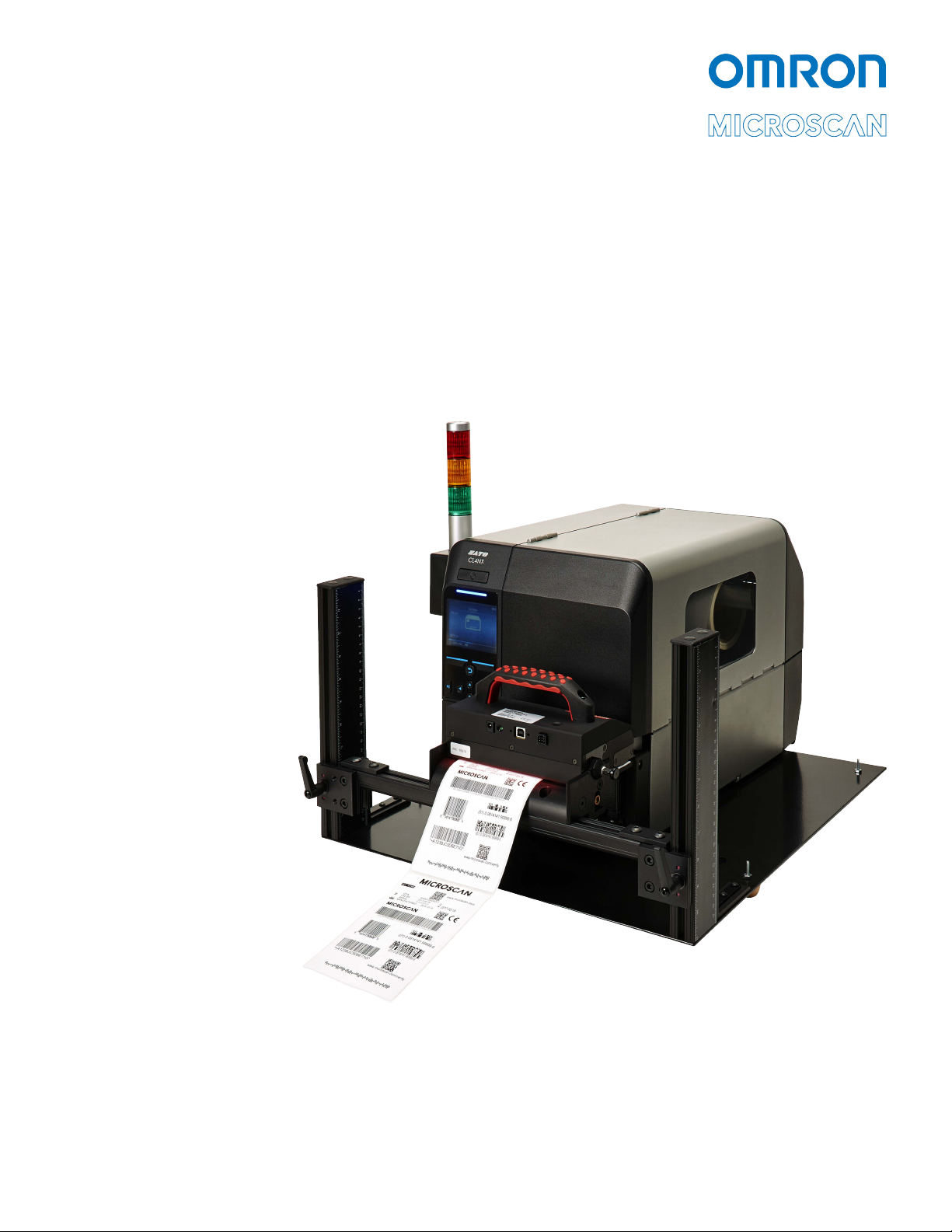
LVS-7500 External System Operations Manual
LVS-7500 External System Operations Manual Page 3 of 129
Table of Contents
Safety Instructions.........................................................................................................................4
Important Information....................................................................................................................4
Introduction ....................................................................................................................................5
Barcode Validation.......................................................................................................................5
Barcode Verification.....................................................................................................................5
Master-to-Label Comparison (Blemish Detection) ......................................................................5
Optical Character Recognition (OCR).........................................................................................6
Optical Character Verification (OCV)...........................................................................................6
Number Validation.......................................................................................................................6
Data and Code Matching.............................................................................................................6
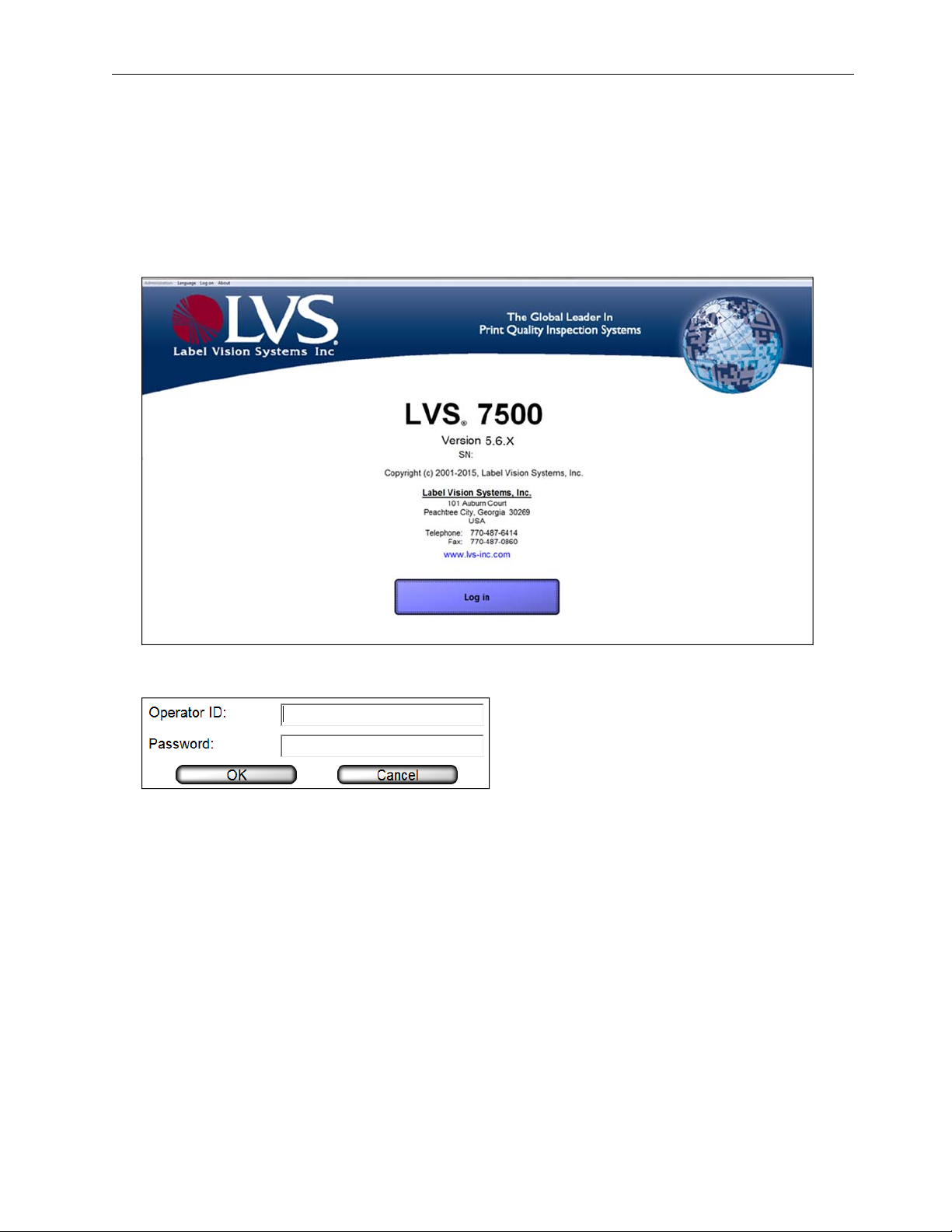
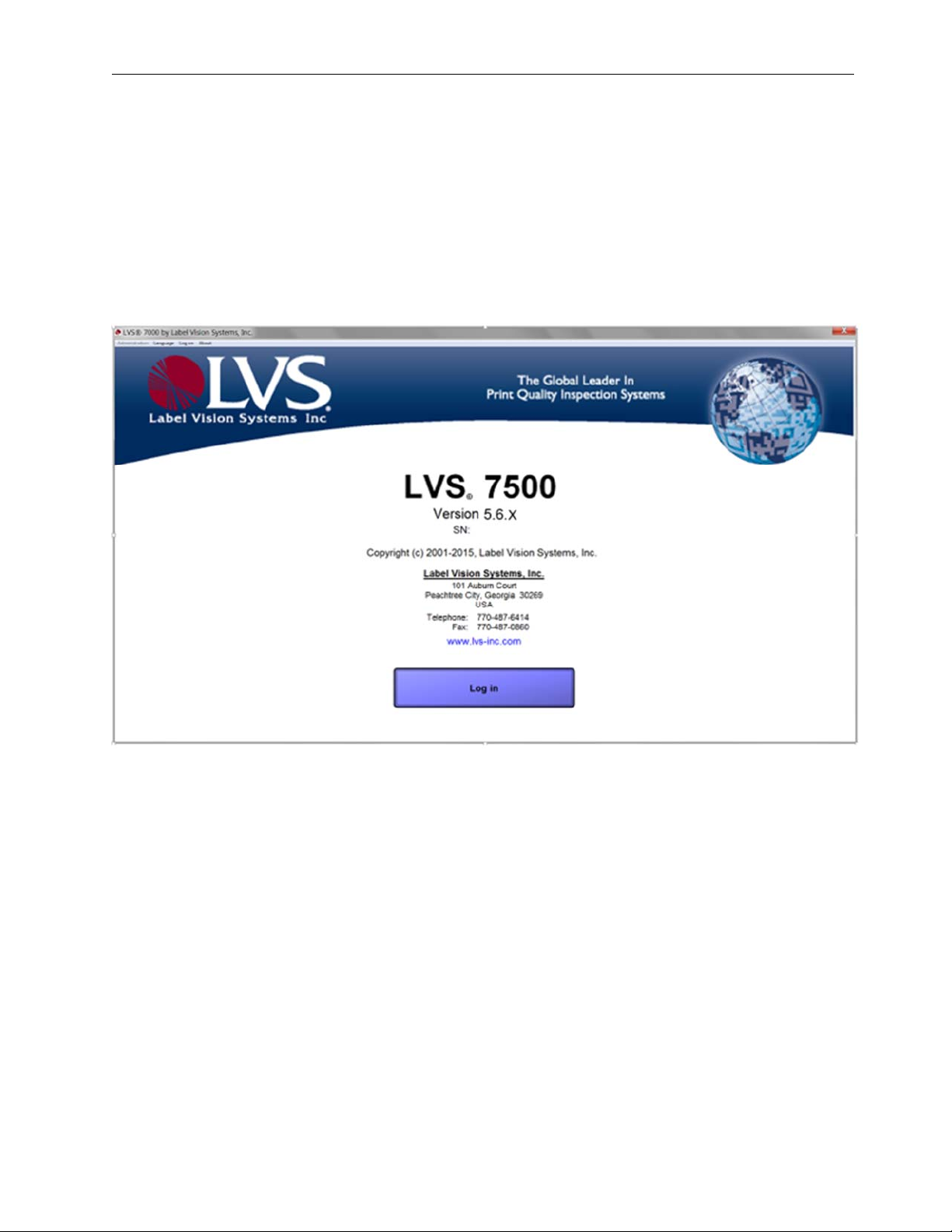
Log In...............................................................................................................................................7
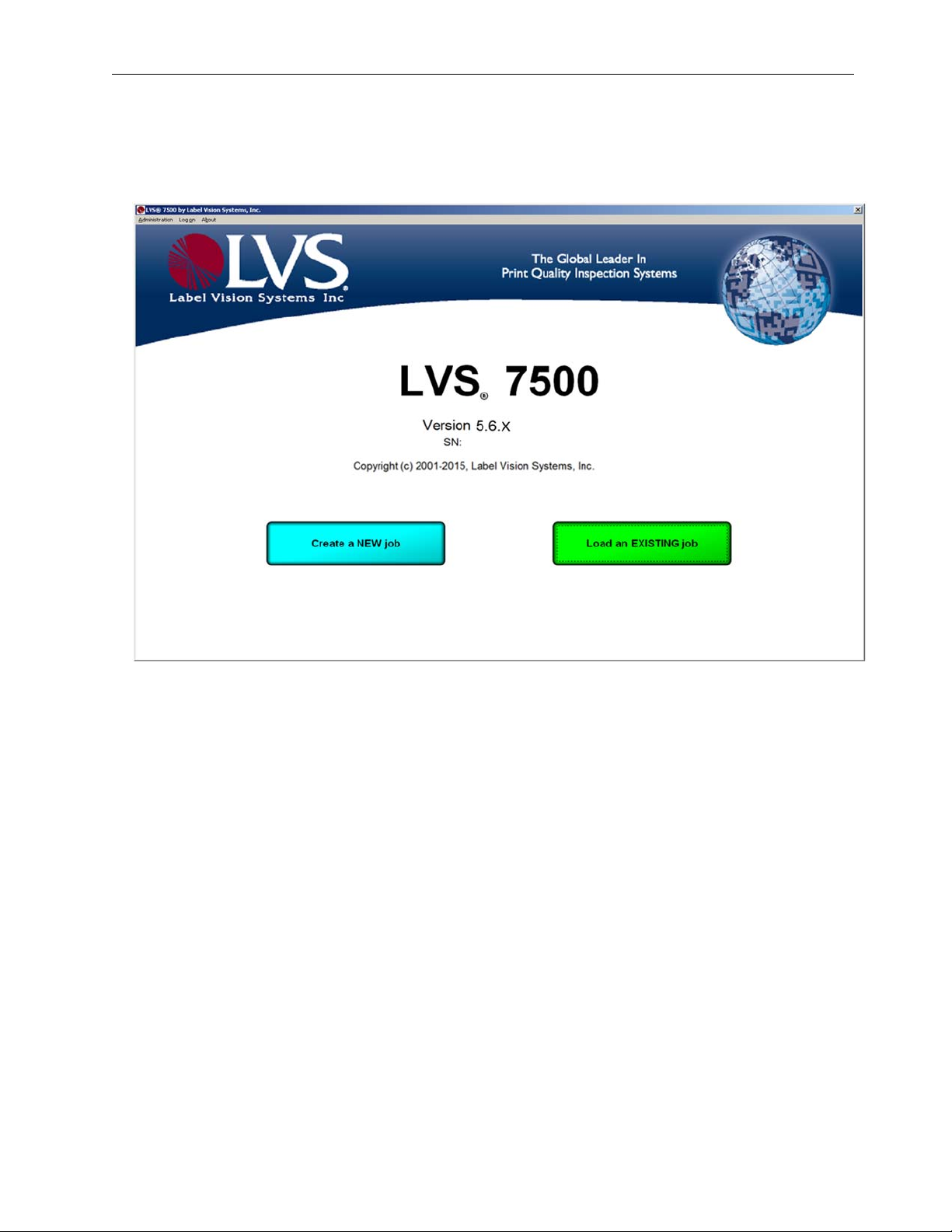
Welcome Screen Overview ...........................................................................................................9
Administration............................................................................................................................10
Log On.......................................................................................................................................21
About..........................................................................................................................................21
Create a New Job .........................................................................................................................22
Automatic Setup ........................................................................................................................24
Manual Setup.............................................................................................................................27
Load an Existing Job...................................................................................................................79
Operate Screen: Ready to Run...................................................................................................80
Make Ready Mode.....................................................................................................................81
Operate Screen: Running the Job..............................................................................................82
Error Display.................................................................................................................................88
Blemish Error Display................................................................................................................91
Reports / QC File Viewer...........................................................................................................92
Preventive Maintenance..............................................................................................................98
Troubleshooting...........................................................................................................................99
Mechanical Diagrams ................................................................................................................100
LVS-7500 Stop Motion and Light Tower Printer Interface.......................................................101
Appendix A: LVS7500.INI File...................................................................................................103
Appendix B: ePedigree..............................................................................................................117
Appendix C: ImageSaver Instructions.....................................................................................120
Saving Images Without a Label Repeat..................................................................................120
Saving Images With a Label Repeat.......................................................................................122
Appendix D: Upgrading Software.............................................................................................124
Appendix E: Automatic Login...................................................................................................128