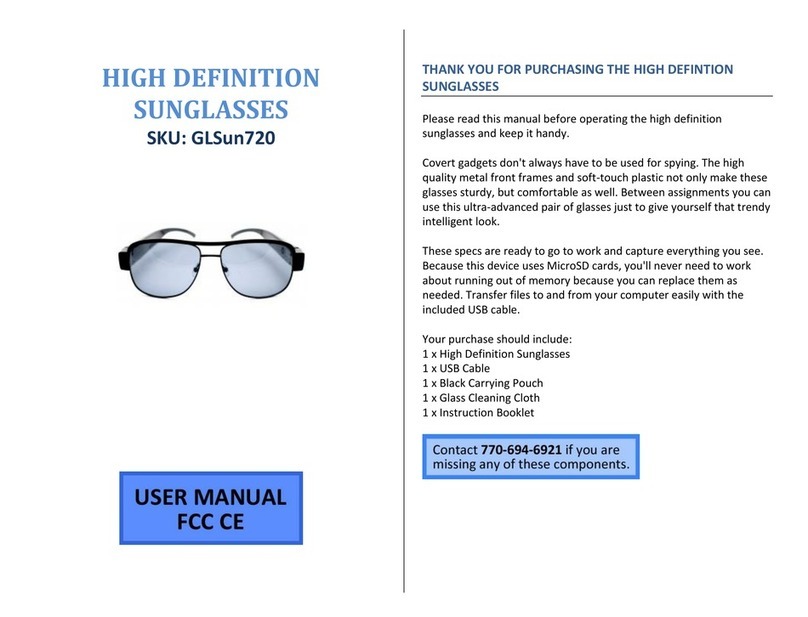
When the product is insert into the USB port of computer. After a while, a removable disk symbol will appear on the computer
screen. The blue light will twinkle (charging battery), or the blue light will keep on (battery power is full). When take out the product,
please click on a removable disk symbol on the right corner, unloading the removable disk, let the system make sure you can pull out
safety then disconnect products and computer connection.
Note: when connect to PC, if no response for 30 seconds after connected, please disconnect the product, and reconnect again.
Function as a removable disk: When connect the product to PC, you can copy, move, or delete files.
Note: It is highly recommended to copy the recorded video files into the hard disk of computer, and then to playback. Because
of large amount of data flow, directly playback the video files stored in micro SD card may cause the playback not smoothly.
Setting time:The product has the function of real-time display, the date and time will be shown on the image. The format is
“Year.month.day. hour. Minutes. seconds”. Second”. To set or correct the date and time when you use it in the first time in the
following steps: Edit a text file according to the format of “Year.month.day. hour. Minutes. seconds”. Connect the product to computer,
save the modified file “time.txt” to the root directory of the product memory. Disconnect the product from computer; turn the product
on, the time will be set up automatically.
Auto power off function: The product will shut down automatically in following three conditions:
.The battery’s power is low. At this time, the blue indicator will blink for seconds, and then the product will save data and shut
down automatically.
. The memory is full. At this time, the blue and green indicators will blink for seconds, and then the product will save data and shut
down automatically.
. If no operation for 5 minutes in Standby Mode, the product will shut down to save power.
Reset function: if the product can not work normally in unknown reason, please reset the product
Press the reset button inside the hole. Restart the product, it will work normally again.
Specifications Features
View Angle:62° high resolution, Low illumination
Minimum Illumination:1’ Lux High speed recording and quick light
response
Video Format:AVI Video Resolution:640X480 //1280X720
Frame Rate:30fps Photo Resolution:1600X1200
Voice Sampling:16KHz Voice recording function.
Operation System:2000/XP/Vista Flexible use as a removable disk
USB Interface:USB 2.0 Built-in flash memory, 4G /8G/16G optional
Battery Charge: DC 5V Image compression technology
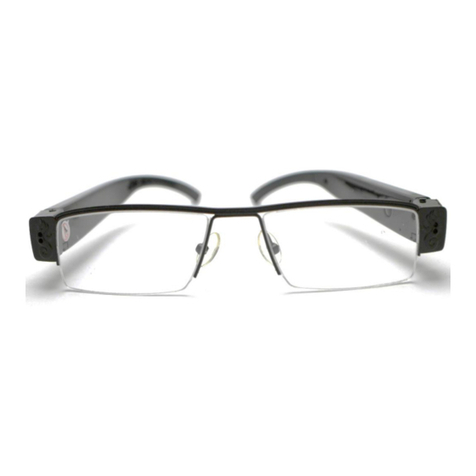
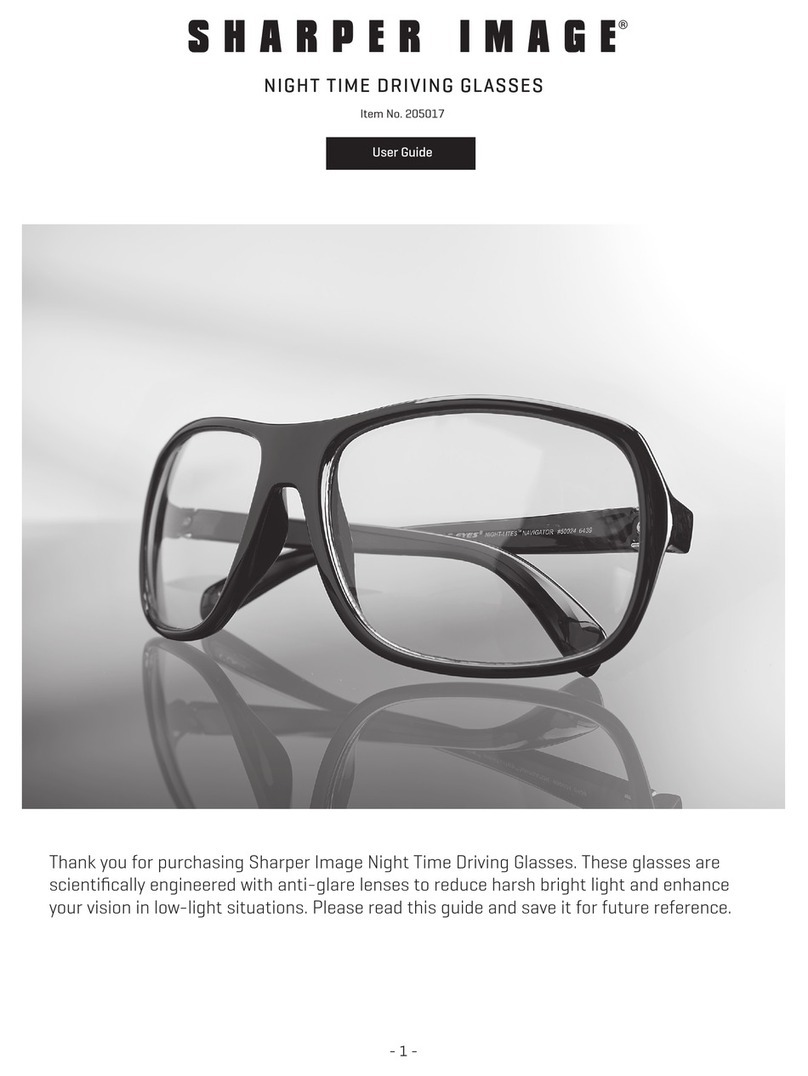
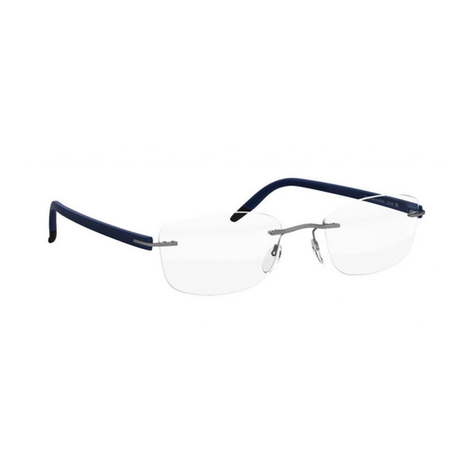
Store Temperature:-20°- 80° Glasses type design
Battery types: High capacity
polymerization of lithium battery
fool-operation ,Integration lamp control
instructions
Continuous recording time:90minutes
(Specifications are subject to minor change with upgrade and update. Please base on real object.)
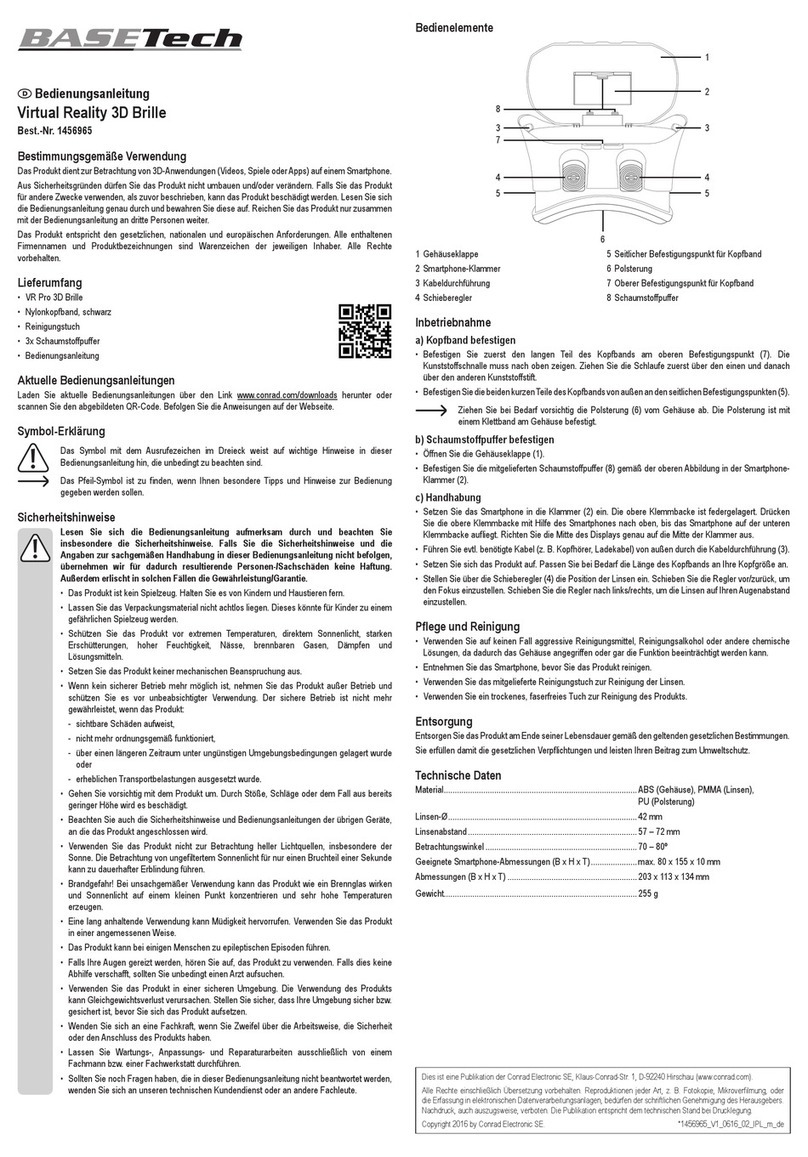
Packing Contents: one User Manual, one data line, one Glasses cloth
Note:Please strictly abide by the relevant laws and may not use this product in any illegal ways, otherwise the consequence is
Responsible by yourself
In order to make products with better performance, the manufacturer will constantly improve the product software, this
product can convenient to our customers to upgrade the software, please ask the local dealers for the latest version of the
software information and upgrade method.
To use the product in the natural temperature, please do not use in the temperature that human can not adapt. Do not put
the product in the damp working environment, the product does not have waterproof function, please avoid making the products
to drench water or exposed to rain.
Do not throw this product in fire, avoid producing explosion.
Different countries use different lighting power supply system (of two kinds of rate frequency 50 Hz and Hz), if the rate of
product driver is not consistent to the country, it will lead to water lines under fluorescent, in order to avoid this kind of happens,
please pay attention the rate type of product during the purchase .
Do not put the camera to the super light source directly, in order to avoid damaging optical device.
Do not use or store the device in dusty, dirty areas. Its moving parts and electronic components can be damaged.