6
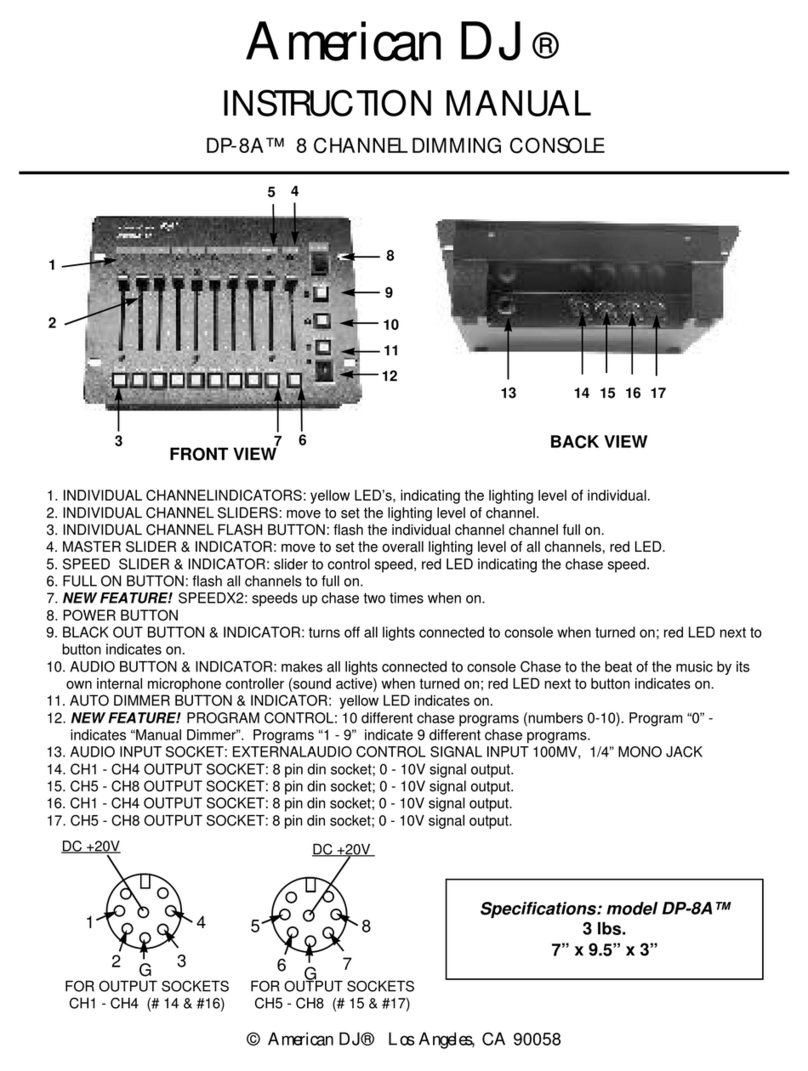
CHASE MODE “P” 01 -16
(The LED next to the letter “P” on the display will turn ON)
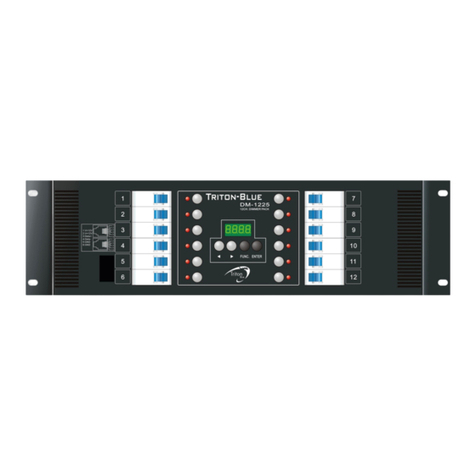
Choose this mode only when you want the device to act as a 4-channel chaser. This device has 16 built-
in programs. You can select to run any of these programs and control the chase speed (SP:01-99), the
light output (d000-100) dimming or music mode (EC: FF or ON).
1. Connect your lighting fixture to any of the four channel power sockets on the pack. Keep in mind
that if you connect lights on the same channel they will turn on at the same time.
2. Use the MODE button to select chase mode: Chase mode is indicated on LCD display as “P”
followed by numbers 01-16. “P” stands for Program Applied. If an “A” appears in the LCD
display, you are in DMX mode, “A” stands for address.
3. Once you have selected the chase program, use the MENU button to select your desired
function:
SP –This function will control the speed your chase will run, minimum 01 maximum 99.
d–This function will control the light intensity of your program, 000 minimum 100 maximum (In
d mode you will control the intensity of all 4 channels in an equal way).
EC –this will set your program to music mode ON or automatic mode FF. (In music mode you
will need to set the microphone sensitivity to your preference).
4. You will be able to change the program, chase speed, light intensity or music mode setting by
selecting the up or down button (All values will loop so once you reach the maximum value
the next value will be the lowest or vise versa).
Keep in mind that if you leave your pack in any of the sub menu categories for more than 30
seconds the pack will automatically return to the main menu P:xx.
Manual dimming mode C:01-04:
(The LED next to the letter “C” on the display will turn ON)
In this mode you will be able to dim any of the 4 channels manually. Click the MODE button until
you get to the “C” mode. Select the channel you would like to control by clicking the or
button. Once you reach the desired channel click the MENU button and the display will show
the current manual dimming value for the selected channel dxxx. Push the or to change
the intensity of the light connected to this channel. Keep in mind that you will be able to loop
thru the value 000 –100 just by holding or clicking the or button.
Once you are in the dxxx mode and would like to control your next channel, click the MENU
button. That will get you back to the C:xx mode. Select the desired channel with the or
button and then click the MENU button that will bring you to the dxxx mode and you will be
able to control the light intensity.
If you do not change any value in the dxxx mode for more than 30 seconds the unit will return
to the main menu C:xx