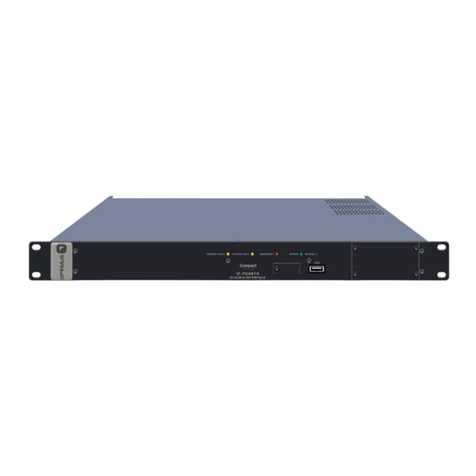
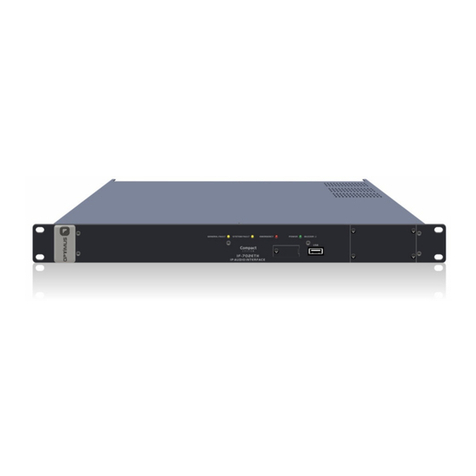
IF-722ETH version 5.0.001
IP Audio interface
2 inputs / 2 outputs
3.1.IP Connection, communication and control module
Ground connection1)
FUSE. 2.5 A Secondary power supply fuse.2)
POWER SUPPLY 23)
24 VDC Secondary power input.
GND Contact4)
FAIL Contacts5)
Output relay used to indicate a system failure.
If the COM contact is linked to the NO contact, it
indicates that there are no faults or alarms in the
system. If on the other hand, COM is linked to NC, it
indicates that the equipment is switched off or that
alarms were detected (figure 4).
Maximum DC charge current: 150 mA
Maximum DC or AC peak charge voltage: 350 V
BUS CAN Contacts6)
Data communication bus between the IF-722ETH and
the system peripherals (MD-30C, ME-200C, NS-CAN).
OUTPUT CT Contacts7)
Incorporates three output contacts configured as dry
contacts. Each contact has two terminals (A and B).
The functionality and stand-by state (NC/NO) are
configured through the Call Point software. They may be
configured as general purpose contacts or in the
evacuation system as fault notification contacts,
Emergency Mode indicator activated...
INPUT Contacts CT 1, 2 and 38)
Incorporates three input contacts.
The functionality and stand-by state (NC/NO) are
configured through the Call Point software. They may be
configured as general purpose contacts or in the
evacuation system as emergency mode activation
contacts, evacuation message activated...
The detection time of the activation pulse of the input
contacts is configurable through the Call Point software
(0-50-100-200-300-400-500-1000-1500-2000
milliseconds).
If you wish, the system may monitor these contacts
(short-circuit or open line detection).
ETH B Connector9)
Is used in a redundant network as a secondary
connection to the IP network.
ETH A Connector10)
Is used to connect the unit to the IP network.
LINK/ACTIVITY indicator (green LED):11)
When illuminated it indicates a network connection.
When flashing it indicates that data is being sent or
received.
SPEED indicator (yellow LED):12)
Speed of the network. If the LED is lit, indicates a speed
of 100 Mbps. If unlit, indicates a network speed of 10
Mbps (it is highly recommended to use a transmission
speed of 100 Mbps).
COMPACT is turned off
or alarms detected