10
Note
1. Freeze mode
Freeze mode can be used only in M mode. Freeze mode is a special feature
that shortens the flash duration.
2. Wireless remote control
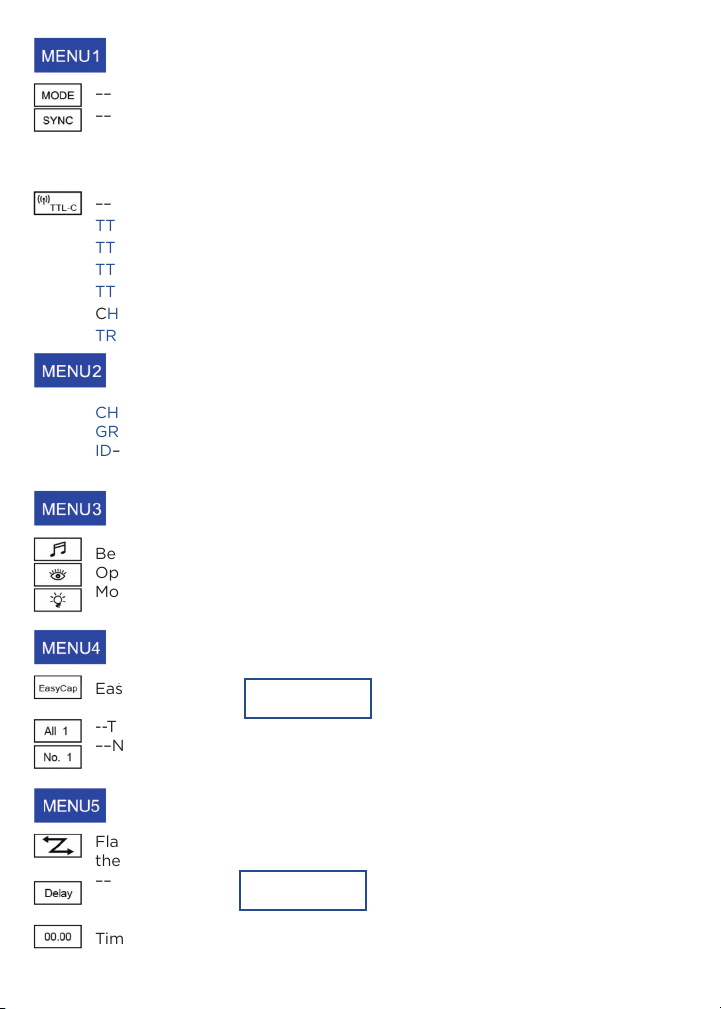
When TTL-C/TTL-N/TTL-S/TTL-F is selected in wireless remote control
on screen, the RT-400 is set to be triggered or controlled ONLY by an
Orlit TTL trigger. When CH/GR is selected in wireless remote control on
screen, RT-400 is set to be triggered or controlled by a TR-V6 by Orlit. In
this mode, GR does not appear on the RT-400. Set the TR-V6 in the same
channel on the RT-400. When TRS-V is selected in wireless remote control
on screen, RT-400 is set to be triggered or controlled by TRS-V offered
by Orlit. Is this mode, GR does not appear on the RT-400. Set TRS-V in
the same channel on the RT-400. When “SL” is displayed on the screen
check the mode setting on your remote transmitter, especially on the Orlit
RT600 C. The RT-400 does not support the “ExtA” mode and will not fire
when the speedlight transmits. Use modes “M” or “TTL” to link.
3. Overheat protection
When the system overheats, overheat protection mode automatically turns
on. The screen displays OH, which means the built-in over-temperature
protection is activated. In the event of overheating, the system will stop
working. When the temperature is back to an acceptable level, the RT-400
will start to work again.
4. Continuous Capture
When the camera changes into continuous capture mode, the power
output range of the RT-400 is from 1.0-4.0. How ever the RT-400 itself
does not have continuous capture mode, and there is not an icon for
continuous capture mode on RT-400.
5. Flash master mode
When the flash enters into flash master mode, (icon turns red). All
functions and settings should be set on the RT-400 panel. Remote
transmitter synchronizes to the flash with out any other functions.