FOLD IN HALF
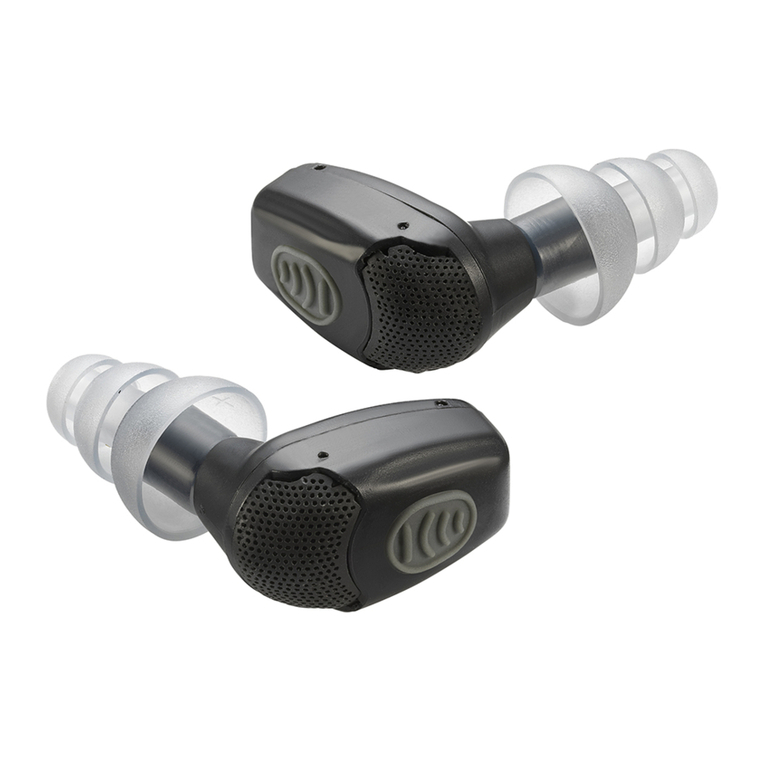
QUICK REFERENCE NoizeBarrier®Micro Comms Kit
SINGLE EAR KIT
Please refer to the Eartip Installation section before beginning the next steps.
1Adjust the acoustic tube so that it will rise vertically over the top of the
ear, curve over, and direct back towards the nape of the neck.
2 Install the acoustic tube into an earphone or surveillance kit as usual.
The volume of communications received can be controlled by the radio.
ENHANCED SINGLE AND DUAL EAR KITS
1Refer to the Eartip Installation and conrm proper eartip placement.
2Follow Single Ear Acoustic Tube Installation directions.
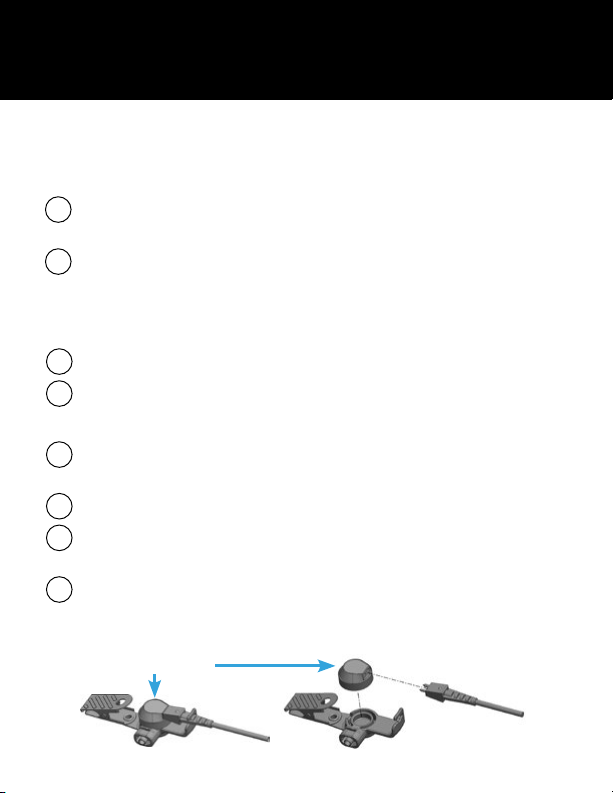
To change the transducer:
1Holding the earphone assembly cable, rotate down and out of the
strain relief holder pulling it straight out of the transducer.
2Push the clothing clip out to a 90° angle revealing the open slot.
3Insert a at object (like a at-head screwdriver) into the opening and
pry the transducer off. Snap the new transducer in its place.
4Plug the cable into the new transducer (Note that the 2 pins on the
cable are different sizes and will only t back into the transducer one
way). Rotate the wire back into the strain relief holder securely.
HEARING PROTECTION WARNING
OTTO products are designed to produce a specic audio output level at
maximum rated power. Modifying these devices in any way including
adding or removing components or accessories may change the audio
output of the device and could result in PERMANENT HEARING
DAMAGE. Many countries have regulations dening the amount of
noise that an individual can be subjected to during a normal workday.
The duration of exposure, the level of audio output, and the level of
ambient noise will affect compliance with these regulations. Compliance is
application dependent and standards vary. It is the SOLE RESPONSIBILITY
of the end-user to determine the applicability of and compliance with local
hearing protection regulations. Also, if purchasing any OTTO accessories
which use earphone kits, it is the SOLE RESPONSIBILITY of the user
to determine proper t. Always use caution when inserting any of the
products into your ear.
POWERING ON/OFF
Consult the NoizeBarrier®Micro user guide for directions on how to
properly power on and off the Micro.
Transducer