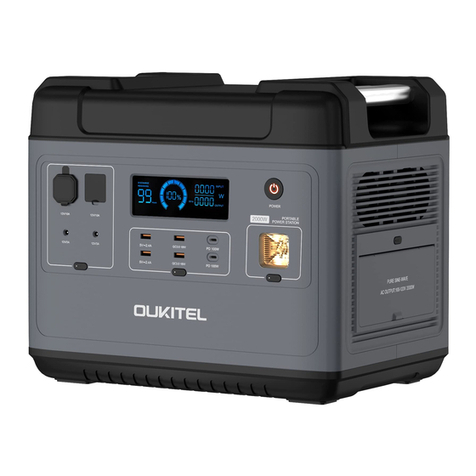
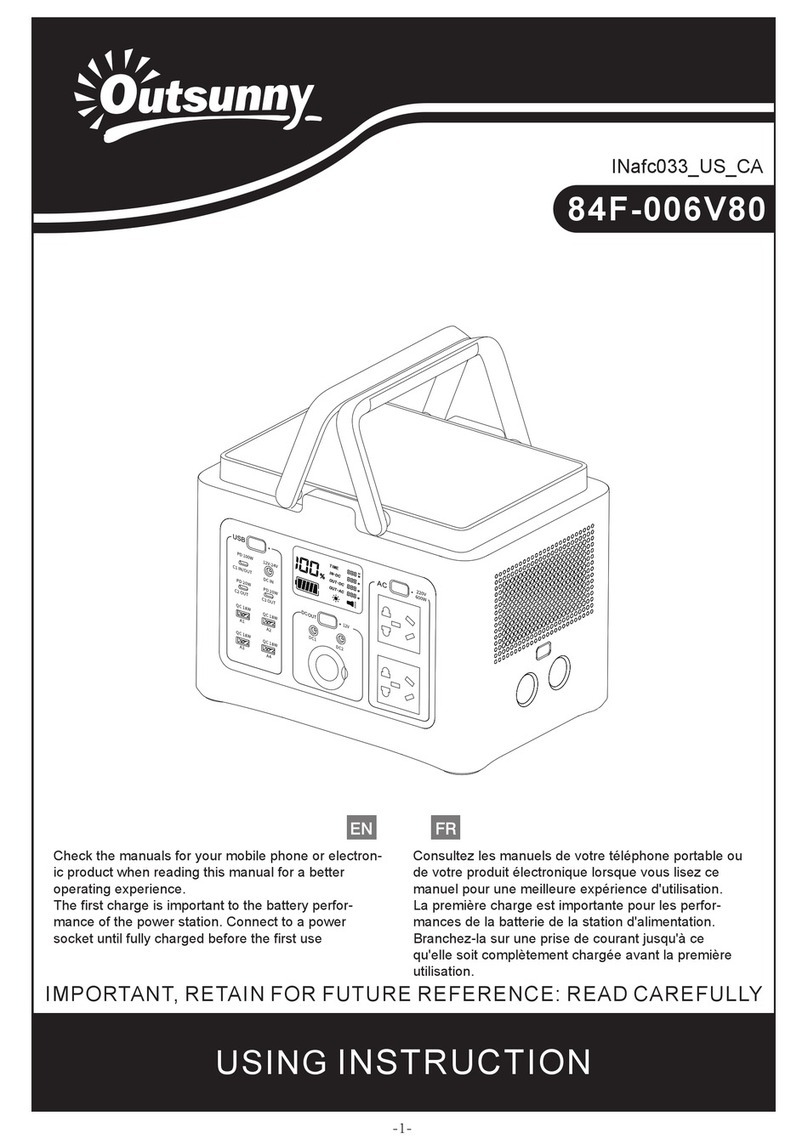
OUKITEL P1201 User manual

Outdoor Generator
User Manual
PORTABLE POWER STATION
Warning
1. Please keep dry and away from fire.
2. Do not disassemble, puncture, perform irregular operations
on exposed ports, or strongly impact the product.
3. Please recycle and dispose the product according to local
laws and regulations.
4. Pay attention to safety when carrying, and don't hit your
own feet.
5. Children or people with limited intelligence should use it
under the protection of a supervisor.

Disclaimer
Before use, please read the user manual of this product to ensure
correct use after a complete understanding. After reading, please
keep the user manual in a safe place for future reference. If you do
not use this product correctly, it may cause serious injury to your-
self or others, also product damage and property loss.
Once you use this product, it is deemed that you have understood,
approved and accepted all the terms of this manual. The user
promises to be responsible for his actions and all consequences
arising therefrom.
Our company is not responsible for all losses caused by users not
using the product in accordance with the "User Guide". In compli-
ance with laws and regulations, our company has the final right to
interpret this document and all related documents of this product.

Packing list 1
Attention 1
Specifications 2
Content
Product introduction 2
Display icon introduction 5
Recharge method 6
UPS introduction 7
FAQ
Maintenance
8
10

1
Packing list
Attention
a. Pay special attention when using the product near children.
c. When not using the product, please turn off the power.
d. DO NOT disassemble the product, it may cause unpredictable fire,
electric shock, etc.
e. DO NOT use a broken plug or wire with this product, it may cause
unpredictable risks.
f. When using the product, please ensure that the air intake/outlet is
unblocked.
g. Please place the product in a ventilated and dry environment, avoid
rain, humidity and other wet environments.
h. DO NOT use this product in a high temperature environment.
i. Please charge the product every three months.
b. Using accessories recommended or sold by non-professional
product manufacturers may have the risk of electric shock.
Please read the manual very carefully before you use the product!
Portable power station AC Charger Manual
Outdoor Generator
User Manual
PORTABLE POWER STATION
Warning
1. Please keep dry and away from fire.
2. Do not disassemble, puncture, perform irregular operations
on exposed ports, or strongly impact the product.
3. Please recycle and dispose the product according to local
laws and regulations.
4. Pay attention to safety when carrying, and don't hit your
own feet.
5. Children or people with limited intelligence should use it
under the protection of a supervisor.
MC4 to XT60 cable Car charge to
XT60 cable
2
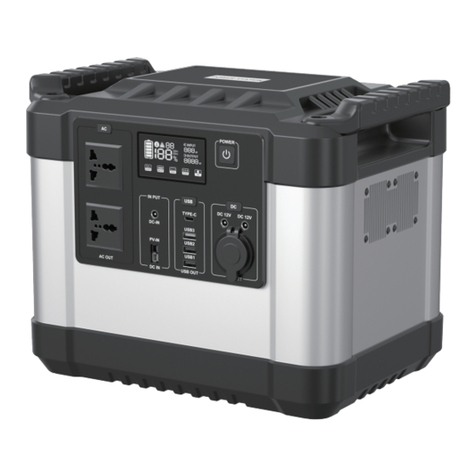
This product is a portable power station, suitable for home
emergency power backup, outdoor travel, emergency disaster, field
work and other applications.
The product has a built-in lithium iron phosphate battery, which
supports AC fast charging, car charging, solar photovoltaic panel
charging(the product has UPS function, when the power fails, it can
switch to supply power to the electrical appliance within 10ms).
The AC output is pure sine wave and can manually switch between
50Hz and 60Hz,Which will provide better protection of electrical
appliances.
Product introduction
Specifications
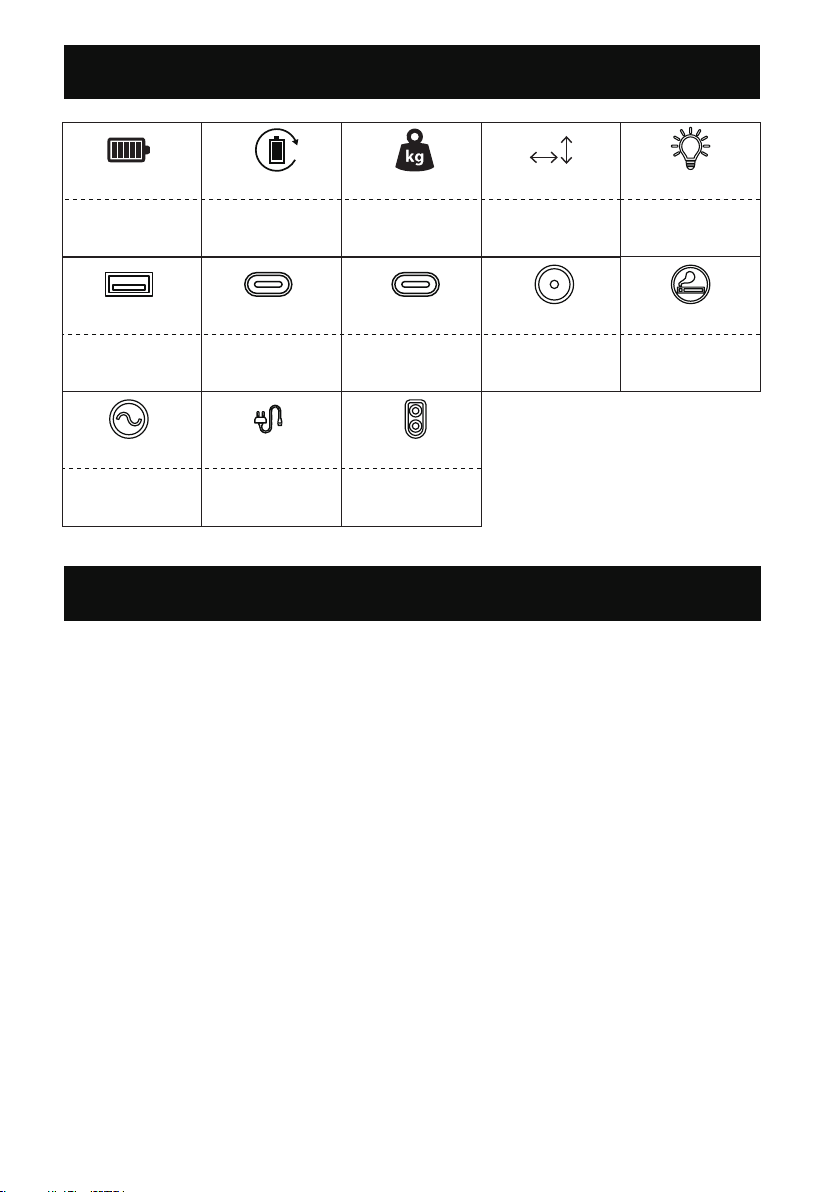
LiFePo4
48V(960Wh) 386*229*300mm12.5KG
≥3500
Cycle lifeCapacity Weight Size
5V/2.4A PD-20W 12V/10A12V/3A
PD-100W
TYPE-C *1USB-A*2 TYPE-C *3 Output*2 Cigar Lighter*1
1200W
AC 100-120V
50/60Hz
700W
100-120V 15A
12-48V Max 15A
500W Max
XT60 InputAC Output*4 AC Input
1W
LED Light

3
Main Control for the whole system turn on/off.
Operate method: long press the button for 3s to turn on/off the
system.
Main Power Control
1
Light control
2
Operate method:short press to turn on and change the light
mode(SOS/Flash).
Notice: you can turn off the light by long press the button(1-2s)
in any mode.
Operate method:short press to turn on/off.
USB control
3
5V/2.4A PD-20W PD-100W
TYPE-C*1USB-A*2 TYPE-C*3
Operate method:short press to turn on/off.
DC control
4
XT60 input port(for solar
panel)
8
AC input port
9
Overload protection
10
Main power control
1
Light control
2
USB control
3
DC control
4
LCD display
5
Air intake/outlet
6
AC on/off control(50Hz/60Hz
switching control)
7

4
XT60 port for charging by car charging or solar panel charging.
XT60 input port
8
About two to get a full charge by 700W main AC from the power
grid.
AC input port
9
When the fans are working, please don’t block the channel.
Air intake/outlet
6
12V/3A 12V/10A
Output*2 Cigar Lighter*1
Present the remaining power and using data.
LCD display
5
Operate method:short press to turn on/off.
1.Please confirm the output voltage or frequency before using.
Notice:
2.Long press the button for 2s to entry the frequency changing mode, 50Hz and
60Hz will blink in the display, press again the button to chose the right frequency,
wait till the frequency is not blinking, then you will get the frequency you want.
3.Quick short press for 10 times to switch the voltage 100V or 110V.
AC control(AC output*4, total share 1200W)
7
To protect this product, an overload protector is added. Prevent
damage to the product due to excessive AC input current caused
by lightning and power grid fluctuations. When such a situation
occurs, the overload protector will start to cut off the AC input to
protect the product.
Please restart the AC input function of this product by following.
steps:
※When the overload protector is activated, it’s unable to charge the devices.
1. For safety reasons, turn the product OFF and unplug all ports.
2. After confirming that there is no abnormality in each part, turn on the product.
3. Press the overload protection button to restart AC input.
Overload protector

6
1 2 3 4 5
7
891011121314
15
1Charging/using time
2Fan state
3High/low temperature
protection
4Power percentage
9Type-c output
10 USB output
11 AC charging
12 XT60 charging
13 DC output
14 Cigar lighter output
Display icon introduction
6Total output power
7LED light
8AC output
5Total input power
5
Icon Status Explanation Recover method
icon blinking
icon blinking
The icon corresponds to
the port short-circuit and
overload protection
Power Grid abnormal
Remove the load and
press the key to return
to normal
Check whether there is
an abnormality in the
power grid
icon blinking Input voltage is too high
Check whether the
input voltage is too
high
icon light up
On behalf of the
temperature rise, the
machine starts to dissipate
heat normally
icon light up
When H light up, the
temperature is high, and
when L light up, the
temperature is low.
The device may start the
smart protection program
and stop working
Need to wait for the
machine to return to
the normal
temperature range to
continue working

6
*Please make sure the input voltage between 12-48V. When the
voltage over 48V, the over-voltage protection will work and stop
charging.
*Free after-sales service will not be guaranteed, if you use the
wrong solar panels or in a wrong way.
2.By solar panels
Recharge method
1.By AC mains
Connecting Pattern ①
The area of charging
+ +
- -
Device

UPS introduction
The user can connect the AC charging cable to the power grid, and
then connect the electrical appliances to the AC outlet of the device
and turn the AC output on (as shown in the figure below).
7
3.By Car charger
Device
+
-
+
-
+
-
Device
Connecting Pattern ②
The area of charging
Table of contents
Other OUKITEL Portable Generator manuals