5. When you come to the option you would like to choose, Press the green send
button to transmit the new settings to the pagers.
You will then be returned to the main idle screen. At this point, all of the pagers in
your system should tone for the amount of time that you selected.
Putting Pagers to Sleep
If your Pagers serve an area that is not used very often, such as conference rooms, or
reception halls, you may find it beneficial to put the pagers to sleep. Putting the pagers
to sleep simply means setting the pagers to turn off. When pagers are asleep, they do
not tone when they are page. This may also prove helpful if you move your Pager
System from site to site as a catering company may.
This command is sent from your transmitter. It is also highly recommended to make
sure that all of the pagers are collected in from your floor before changing this feature,
as not to alert customers that may be waiting to be called.
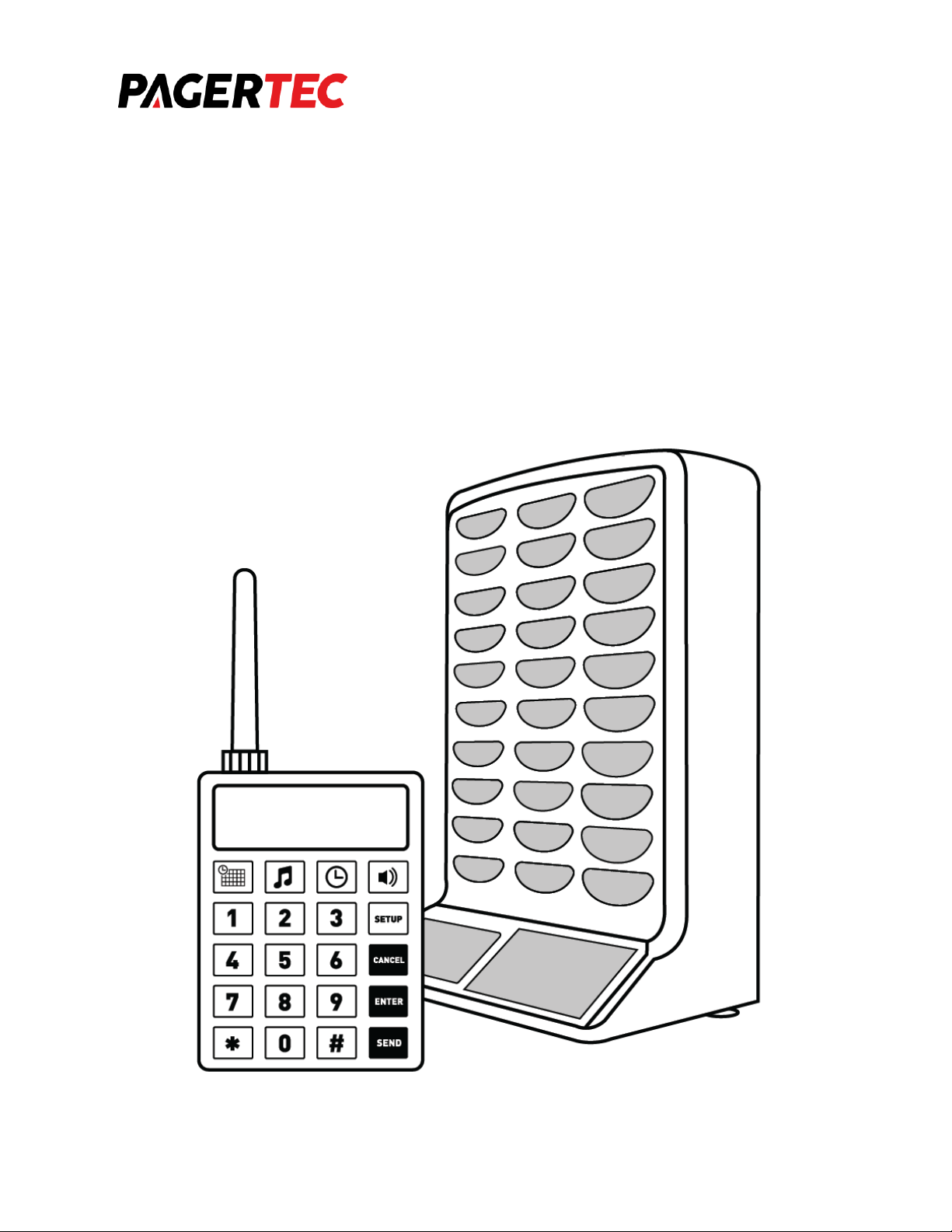
1. At the standard idle screen, enter 9513 into the To: area on your transmitter.
2. Press the orange “Enter” key.
3. The transmitter will now wait for you to input a message.
a. Enter “MusicKey” + “5”+ “#” + “*”. The screen will show on the LCD screen
as D5BA. This is normal
4. Press the green “Send” button to transmit the sleep command to the pagers.
Shortly after sending the command, all of your Pagers will go to sleep. To wake them
back up again, simply plug the charging racks back into the power.
FCC COMPLIANCE AND ADVISORY STATEMENT
This device complies with Part 15 of the FCC rules. Operation is subject to the following
two conditions: (1) this device may not cause harmful interference, and (2) this device