10
SCALE FUNCTION DESCRIPTION
Full display layout
The scale reveals the symbols on scale with white LED backlight when activated.
Turn on scale
• Press “on/off“ once.
• The scale reveals “- - - -”,
• Then shows the digits (0.0g)
Troubleshooting
Problem Possible reasons Solutions
Coffee grinder does not start Power cord is not plugged in
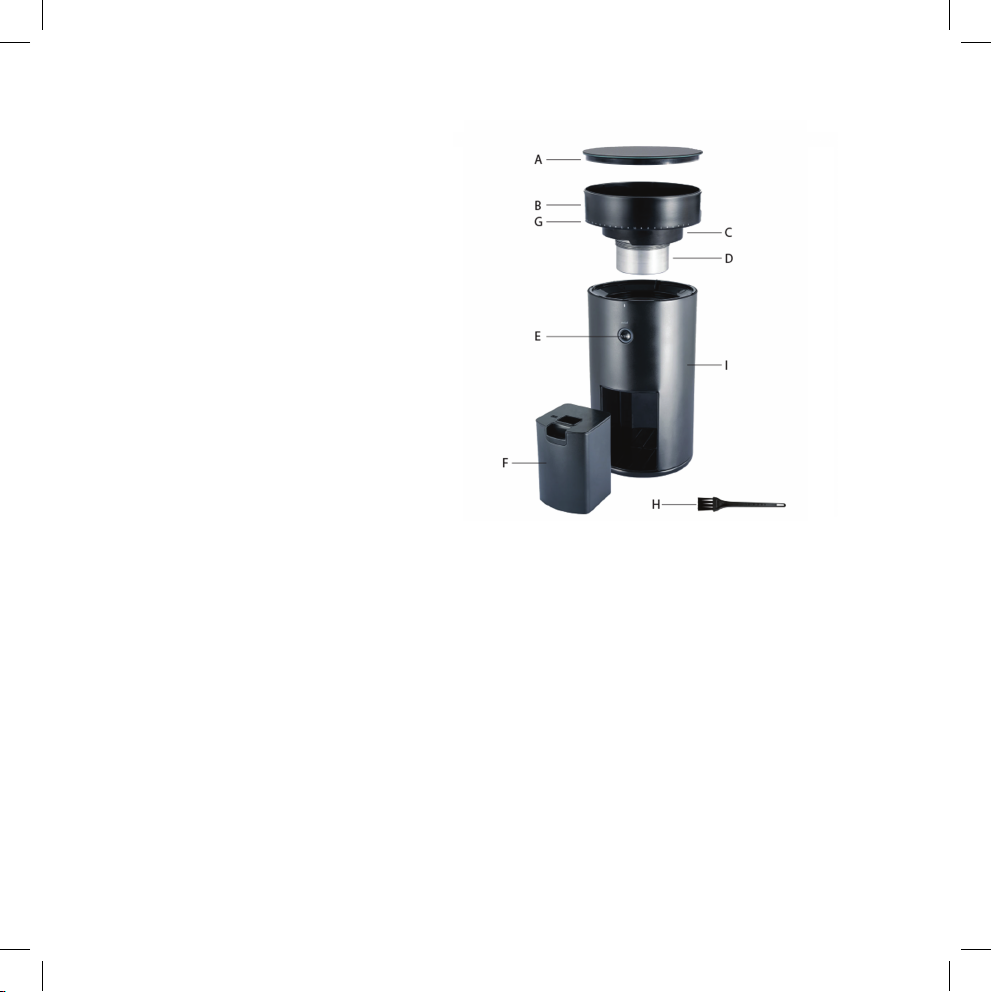
Bean hopper is not in correct
position
Plug into power socket
Rotate the bean hopper properly into
locked position.
Coffee grinder clogs Using setting 1-4 might clog the
burrs.
Set grinder to 25 and gradually adjust
back to the wanted setting while the
motor is running with beans in the
hopper. This will remove clogging of
the burrs.
Depending on type of beans, wear and
factory calibration the machine might
clog at the finest settings.
To find the finest setting before clog-
ging: Lower setting gradually until the
burrs clog. If it clogs at setting 3 then
setting 4 should be considered as finest
setting.
Coffee grinder grinds to coarse
even at finest settings
Bean hopper not fully rotated in
place.
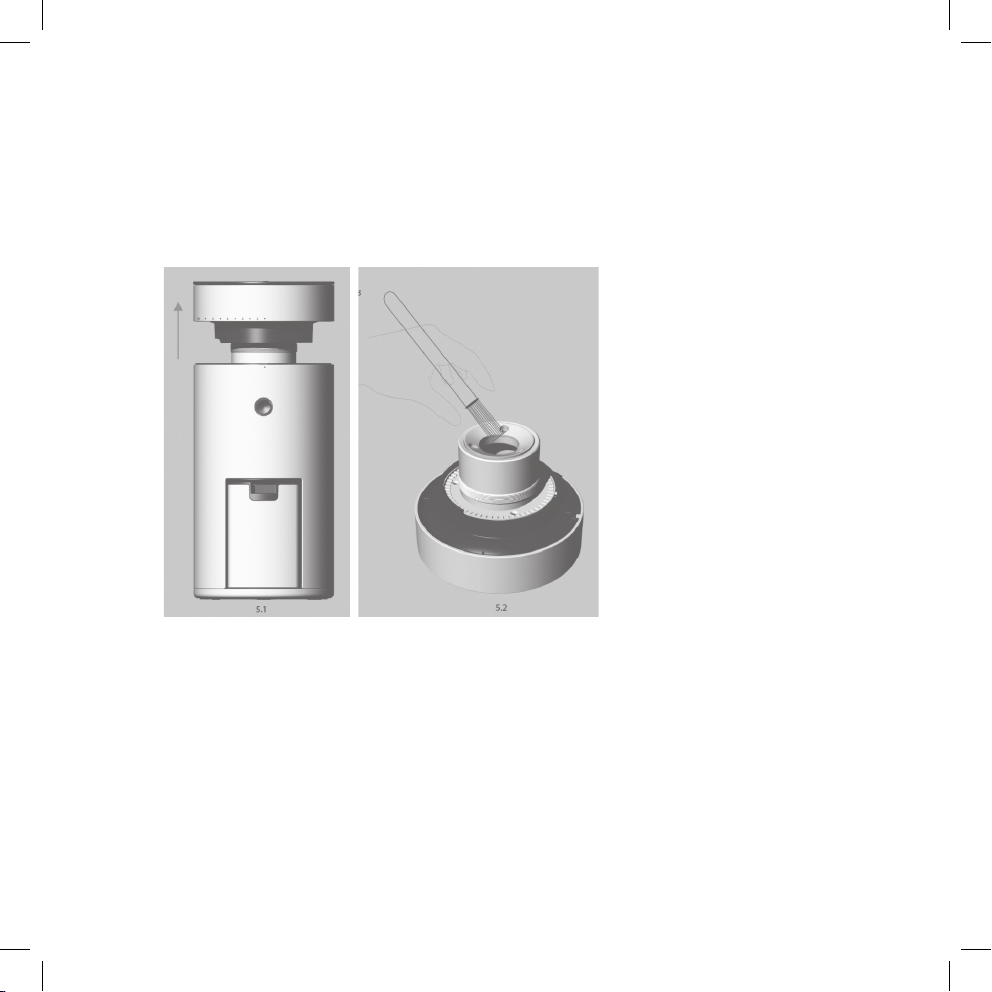
If the beans are grinded coarse even on
the finer settings the head might not be
in place. Try to rotate the bean hopper
one more revolution.
It’s hard to adjust to finer settings Grinded beans might stuck between
the burrs.
Let the motor run while adjusting to a
finer setting.