22
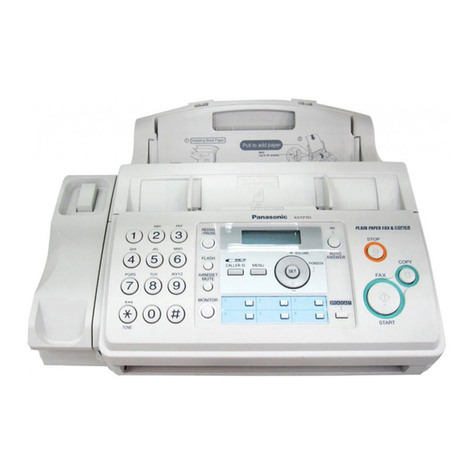
Finding the controls
Main unit 1 2 4
16 17 18
7
8
15
9
14
5 6
11 12 13 19 20
3
10
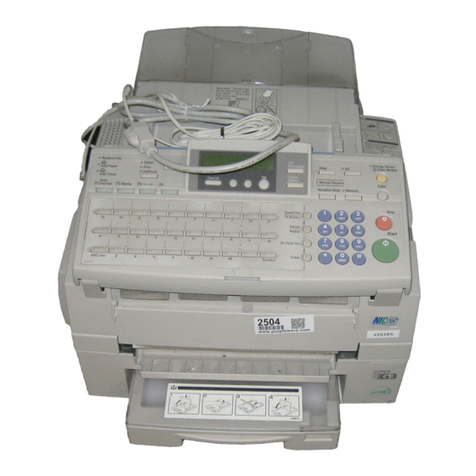
1Liquid crystal display
2Function button initiates programming.
Set button stores a parameter.
3Phonebook button
4Redial button redials the phone numbers in
the redial list. The last 10 phone numbers
dialed are stored in memory.
5Flash button (For call waiting service users.)
Erase button
6Auto Answer button & indicator
—light on: answering device activated.
—light off: used as a regular telephone.
7Playback button plays back recorded
messages.
Record button records a telephone
conversation.
To record a telephone conversation
(Playback/Record)(Cancel
the precaution voice message)
To stop recording, press (stop)
8Fax button starts faxing.
9Copy button starts copying.
10
Stop button
11
One-touch Dial buttons
12
Block button for the undesired call
13
Secure button
While the unit is ringing, press this button.
The unit announces a message to the caller.
The message is announced in Japanese
and means “This unit is currently set to
Caller Verifying mode. Could you please
speak out your name?”.
To talk to the caller, lift the handset.
To hang up, press .
14
Enhanced Record button records the
previous 1 minute of the current telephone
conversation.
To record the previous 1 minute of
telephone conversation, press
(Enhanced record).
To stop recording, press (stop)
15
Volume buttons adjust the volume.
Resolution buttons select the resolution
when faxing or copying.
Search buttons
16
Tone button switches to tone dialing.
17
Sharp button
18
Intercom button
19
Monitor button
Hold button
Call/Fax List button starts a search in
— the Number Display (Caller ID) log.
— the fax list stored in memory.
Call/Fax List indicator lights when
— a call was missed.(For Number Display
service users.)
— a fax was stored in memory.
KX-PW320DLQG.indb2KX-PW320DLQG.indb2 2009/12/1612:50:542009/12/1612:50:54