manuals.online logo
Brands
  1. Home
  2. •
  3. Brands
  4. •
  5. pathway
  6. •
  7. Repeater
  8. •
  9. pathway 901 Series User manual

pathway 901 Series User manual

This manual suits for next models

3

Other pathway Repeater manuals

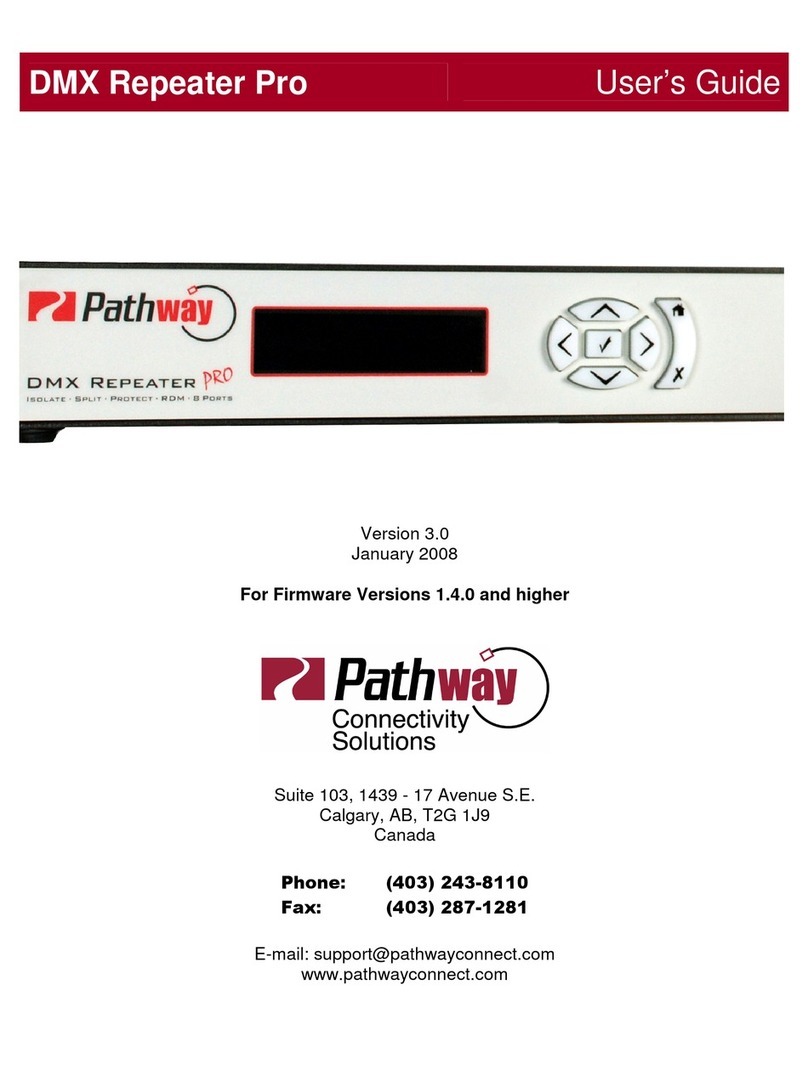
pathway DMX repeater pro User manual

pathway

pathway DMX repeater pro User manual

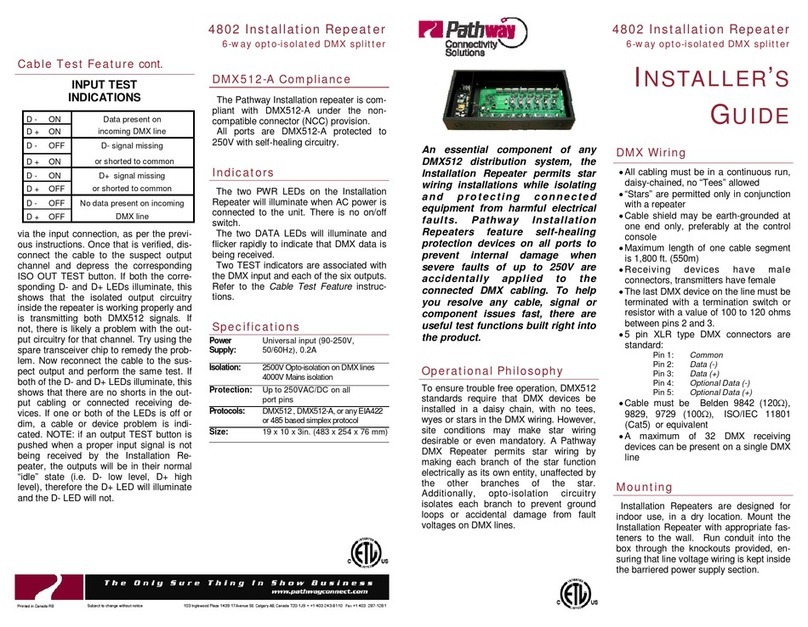
pathway 4802 Assembly instructions

pathway

pathway 4802 Assembly instructions

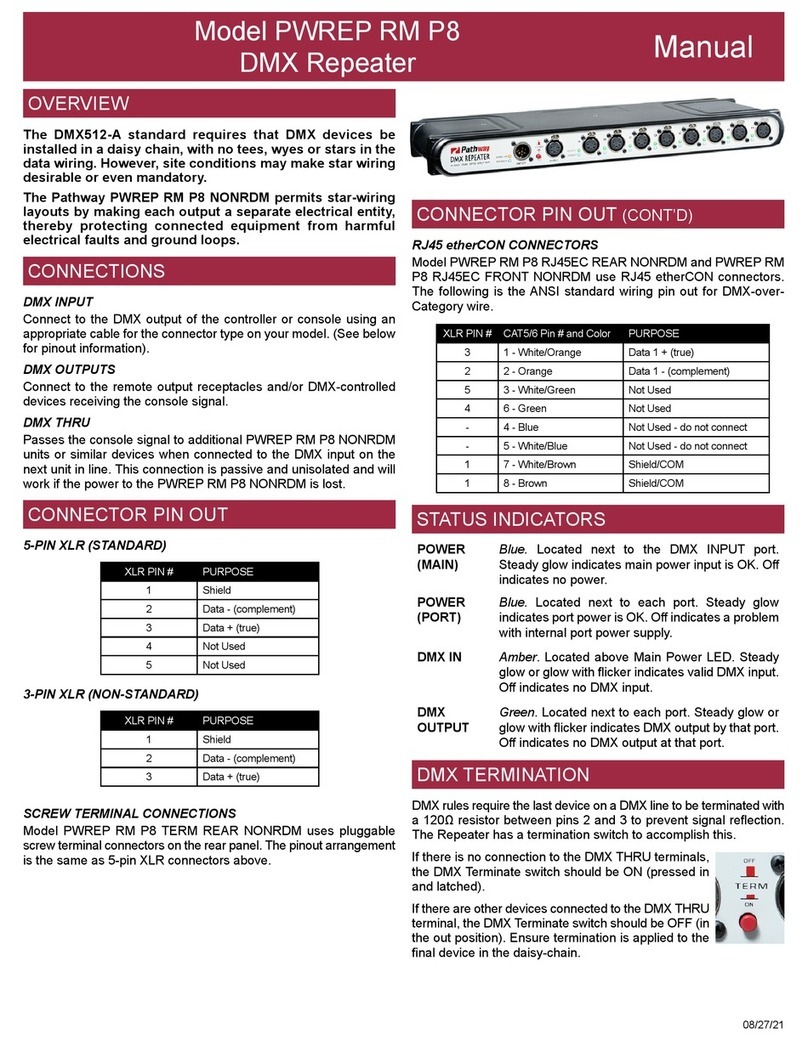
pathway PWREP RM P8 User manual

pathway

pathway PWREP RM P8 User manual

Popular Repeater manuals by other brands

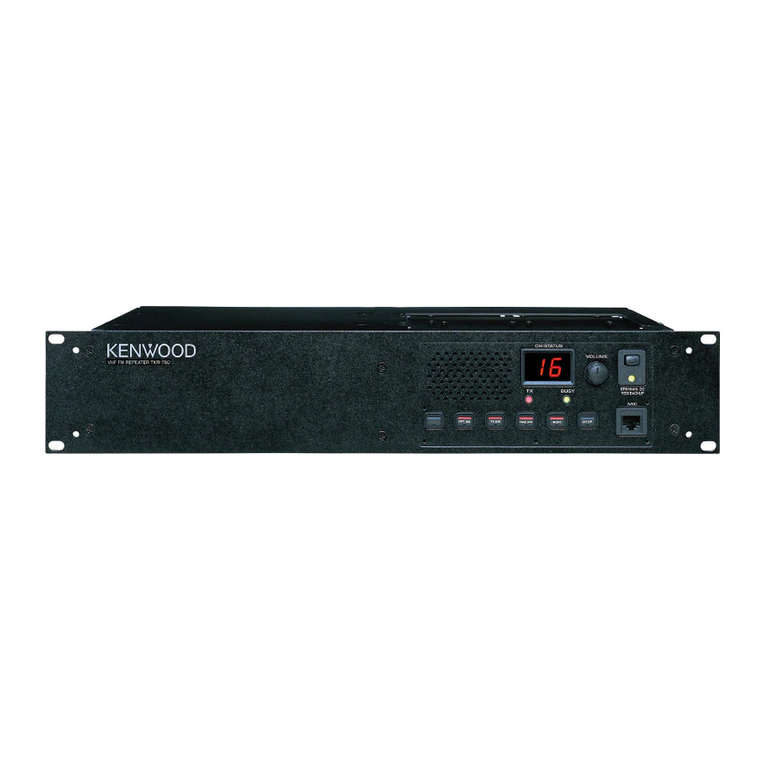
Kenwood TKR-750-850 Function reference

Kenwood

Kenwood TKR-750-850 Function reference

Asus RP-AC51 quick start guide

Asus

Asus RP-AC51 quick start guide

Exibel HRP0101 instruction manual

Exibel

Exibel HRP0101 instruction manual

Kenwood TKR-750 Service manual

Kenwood

Kenwood TKR-750 Service manual

York Universal LINC485 installation manual

York

York Universal LINC485 installation manual

MIKOM MRx01B Power Series user manual

MIKOM

MIKOM MRx01B Power Series user manual

Simrad RD 301 instruction manual

Simrad

Simrad RD 301 instruction manual

Inventronics DALI REPEATER SO operating instructions

Inventronics

Inventronics DALI REPEATER SO operating instructions

XFP 16 installation manual

XFP

XFP 16 installation manual

Andrew MRx18 user manual

Andrew

Andrew MRx18 user manual

COMBA RXA3748 user manual

COMBA

COMBA RXA3748 user manual

ADRF SDR-ICS-43 user manual

ADRF

ADRF SDR-ICS-43 user manual

Teltonika WRP100 user manual

Teltonika

Teltonika WRP100 user manual

U-Prox HW installation manual

U-Prox

U-Prox HW installation manual

Motorola VRS750 Service manual

Motorola

Motorola VRS750 Service manual

KanexPro SDI-HDRPTPRO user manual

KanexPro

KanexPro SDI-HDRPTPRO user manual

Ltech LT-3030-CС quick start guide

Ltech

Ltech LT-3030-CС quick start guide

Gigaset 108 owner's manual

Gigaset

Gigaset 108 owner's manual

manuals.online logo
manuals.online logoBrands
  • About & Mission
  • Contact us
  • Privacy Policy
  • Terms and Conditions

Copyright 2025 Manuals.Online. All Rights Reserved.

Model 901X DMX Repeater Manual
901X-300-REV1 05/24/19
5-PIN XLR (STANDARD)
3-PIN XLR (NON-STANDARD)
SCREW TERMINAL CONNECTIONS
Model 9015 uses pluggable screw terminal connectors on the rear
panel. The pinout arrangement is the same as 5-pin XLR connectors
above.
The DMX512-A standard requires that DMX devices be
installed in a daisy chain, with no tees, wyes or stars in the
data wiring. However, site conditions may make star wiring
desirable or even mandatory.
The Pathway DMX Repeater permits star-wiring layouts by
making each output a separate electrical entity, thereby
protecting connected equipment from harmful electrical
faults and ground loops.
DMX INPUT
Connect to the DMX output of the controller or console using an
appropriate cable for the connector type on your model. (See below
for pinout information).
DMX OUTPUTS
Connect to the remote output receptacles and/or DMX-controlled
devices receiving the console signal.
DMX THRU
Passes the console signal to additional DMX Repeaters or similar
devices when connected to the DMX input on the next unit in line.
This connection is passive and unisolated and will work if the power
to the DMX Repeater is lost.
OVERVIEW
CONNECTIONS
CONNECTOR PIN OUT STATUS INDICATORS
DMX TERMINATION
CONNECTOR PIN OUT (CONT’D)
RJ45 etherCON CONNECTORS
Model 9017 and 9018 use RJ45 etherCON® connectors. The
following is the ANSI standard wiring pin out for DMX-over-Category
wire.
DMX rules require the last device on a DMX line to be terminated with
a 120Ω resistor between pins 2 and 3 to prevent signal reection.
The Repeater has a termination switch to accomplish this.
If there is no connection to the DMX THRU terminals,
the DMX Terminate switch should be ON (pressed in
and latched).
If there are other devices connected to the DMX THRU
terminal, the DMX Terminate switch should be OFF (in
the out position). Ensure termination is applied to the
nal device in the daisy-chain.
POWER
(MAIN)
Blue. Located next to the DMX INPUT port.
Steady glow indicates main power input is OK. O󰀨
indicates no power.
POWER
(PORT)
Blue. Located next to each port. Steady glow
indicates port power is OK. O󰀨 indicates a problem
with internal port power supply.
DMX IN Amber. Located above Main Power LED. Steady
glow or glow with icker indicates valid DMX input.
O󰀨 indicates no DMX input.
DMX
OUTPUT
Green. Located next to each port. Steady glow or
glow with icker indicates DMX output by that port.
O󰀨 indicates no DMX output at that port.
XLR PIN # PURPOSE
1Shield
2Data - (complement)
3Data + (true)
4Not Used
5Not Used
XLR PIN # PURPOSE
1Shield
2Data - (complement)
3Data + (true)
XLR PIN # CAT5/6 Pin # and Color PURPOSE
31 - White/Orange Data 1 + (true)
22 - Orange Data 1 - (complement)
53 - White/Green Not Used
46 - Green Not Used
-4 - Blue Not Used - do not connect
-5 - White/Blue Not Used - do not connect
17 - White/Brown Shield/COM
18 - Brown Shield/COM
Model 901X DMX Repeater Manual
901X-300-REV1 05/24/19
Pathway Connectivity Solutions
#103—1439 17Avenue SE Calgary AB
Canada T2G 1J9
[email protected]
www.pathwayconnect.com
tel (403) 243-8110 fax (403) 287-1281
• Power input: Universal input 100-240VAC, 50/60Hz, 0.08A
maximum
• 250V Fault protection on DMX ports
• 1000V Opto-isolation between DMX ports (THRU port
non-isolated)
• Connections: 5-pin XLR, 3-pin XLR, screw terminal, RJ45
(depending on model)
• Input Signal: ANSI E1.11 DMX512-A
• Outputs: ANSI E1.11 DMX512-A
• Star wiring is permitted only in conjunction with a repeater
• All cabling must be a continuous daisy-chain. No “tees” are
permitted
• Cable shield is earth-grounded at one end only, preferably at the
control console
• Maximum length of one cable segment is 1,800 ft. (550m)
• The last DMX device on the line must be terminated with a 100
or 120Ω resistor between pins 2 and 3
• Cable must be Belden 9842 (120Ω), 9829, 9729 (100Ω), ISO/
IEC 11801 (Cat5) or equivalent
• Keep all DMX cabling away from high voltage or power cables
to maintain data integrity
When equipped with 5-pin XLR connectors, this product complies
with the current ANSI E1.11 DMX512-A standard and all previous
standards to DMX512 (1990).
Screw terminal connector and RJ45-equipped models are compliant
with E1.11 DMX512-A under the non-compatible connector (NCC)
provision. RJ45-equipped models are intended for installation in
restricted-access equipment rooms and should not be used as
portable gear. Accidental connection to data switching or other
equipment may cause damage to equipment and/or personal injury.
All DMX ports are protected to 250V with self-healing circuitry.
DMX Repeaters are intended for desktop use, or may be mounted
in a standard 19” equipment rack, using the rack ear kit included.
Truss-mount adaptors (#9003) and wall-mount adaptors (#9002)
are also available.
The DMX Repeater is intended for installation in a dry, indoor
location. Operating conditions: 14°F-104°F (-10°C to 40°C); 10-
90% relative humidity, non-condensing.
Warning: The AC socket outlet shall be installed near the
equipment and shall be easily accessible.
Warning: This equipment relies upon building installation primary
overcurrent protection.
Warning: Except for the IEC chassis plug marked for AC input,
all ports on the DMX Repeater are intended for low voltage data
lines only. Attaching anything other than low voltage sources to
the data ports may result in severe equipment damage, personal
injury or death.
DMX BASICS
DMX512-A COMPLIANCE
INSTALLATION
• USITT DMX512 - 1990 / ANSI E1.11 DMX512-A
R2013
• RoHS 2011/65/EU
• CE
• ETL
COMPLIANCE
• 5.2 lbs (2.4 kg)
• 17”W x 1.7”H x 7”D (432mm x 43mm x 178mm)
• Ambient operating conditions: 14°F-104°F (-10°C to 40°C);
10-90% relative humidity, non-condensing
PHYISCAL
ELECTRICAL INFORMATION