Contents
Before You Begin ........................................................................................................................................4
Safety Information ...................................................................................................................................4
Service and Support .................................................................................................................................4
Web Support ........................................................................................................................................4
Related Documents ..................................................................................................................................4
Telephone Support...............................................................................................................................4
The Phoenix Vehicle Computer...................................................................................................................5
Features of the Phoenix 104.....................................................................................................................5
Additional Features of the Phoenix 104e Only.......................................................................................5
Connector Description .............................................................................................................................5
USB 1 and USB 2 ................................................................................................................................6
COM 1 & 2 ..........................................................................................................................................6
Ethernet (104E only)............................................................................................................................6
Power ...................................................................................................................................................6
Packing List..................................................................................................................................................6
Mounting the Phoenix..................................................................................................................................7
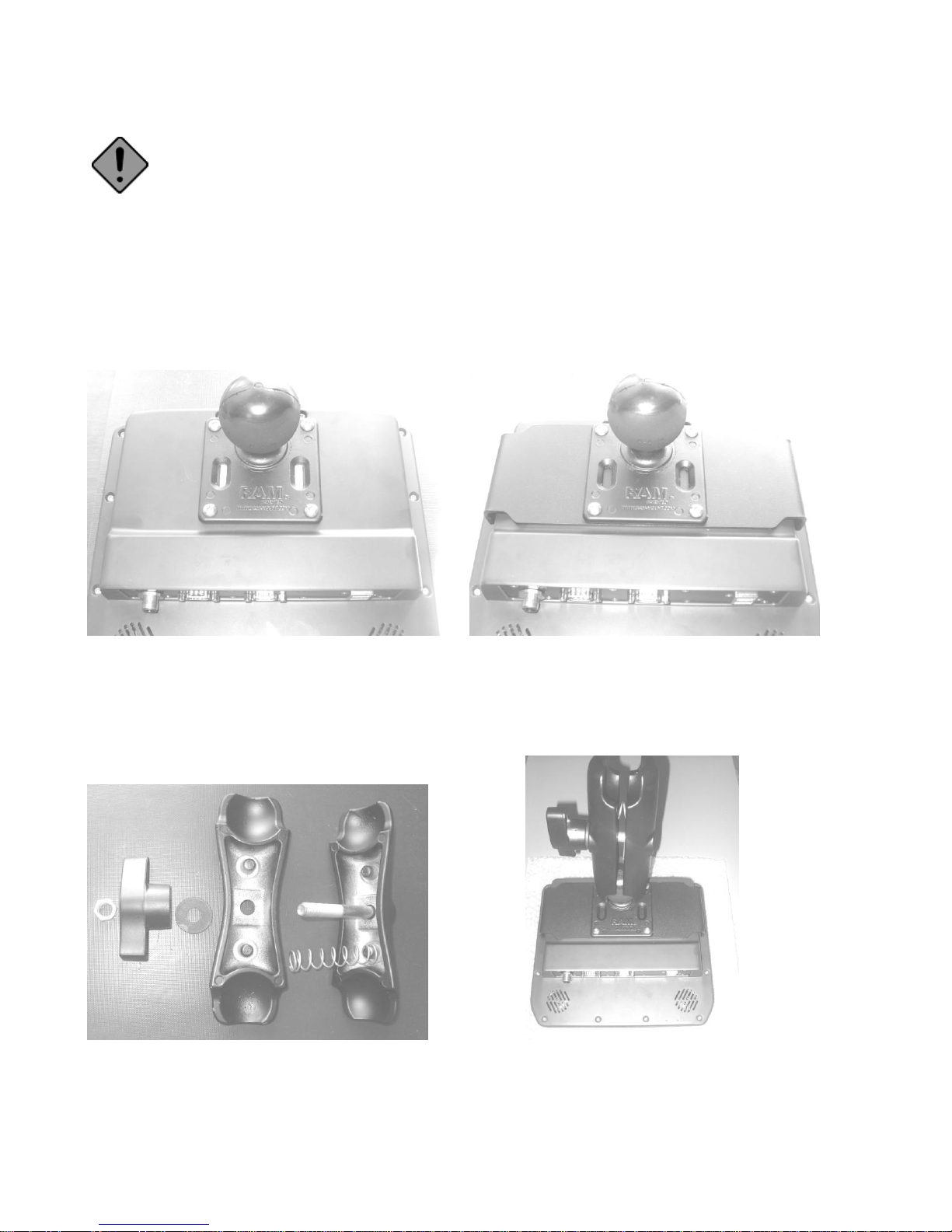
Add Mounting Base to Unit.....................................................................................................................7
Assemble the mounting arm.....................................................................................................................7
Mount the base to the vehicle...................................................................................................................8
Mount the unit to the vehicle ...................................................................................................................8
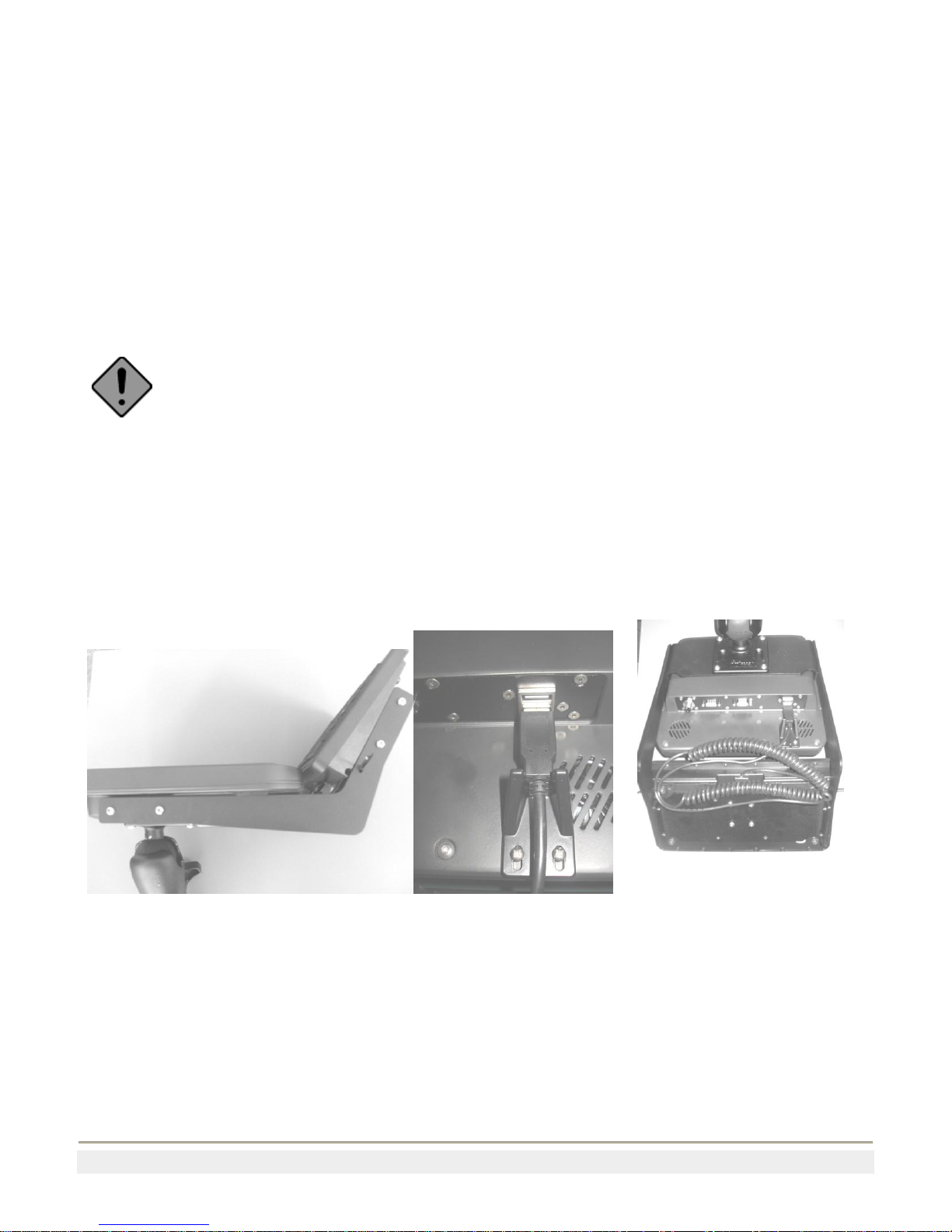
Mounting the Keyboard ...........................................................................................................................8
Attaching the Phoenix to Power...................................................................................................................9
Vehicle Connection..................................................................................................................................9
Fixed Mount Power Supply .....................................................................................................................9
Backup Power System .............................................................................................................................9
Status LED.................................................................................................................................................10
Installing an External Antenna...................................................................................................................10
Connecting a Scanner.................................................................................................................................10
Connecting a tethered Scanner...........................................................................................................10
Increasing Memory Storage.......................................................................................................................11
Cleaning the Screen....................................................................................................................................11
Contacting Product Support.......................................................................................................................11
Appendix A................................................................................................................................................12
Specifications.........................................................................................................................................12