3.2 Condition and Preparation of Surfaces
In any ultrasonic measurement scenario, the shape and roughness of the test surface are of paramount
importance. Rough, uneven surfaces may limit the penetration of ultrasound through the material, and result in
unstable, and therefore unreliable, measurements. The surface being measured should be clean, and free of any
small particulate matter, rust, or scale. The presence of such obstructions will prevent the transducer from
seating properly against the surface. Often, a wire brush or scraper will be helpful in cleaning surfaces. In more
extreme cases, rotary sanders or grinding wheels may be used, though care must be taken to prevent surface
gouging, which will inhibit proper transducer coupling.
Extremely rough surfaces, such as the pebble-like finish of some cast iron, will prove most difficult to
measure. These kinds of surfaces act on the sound beam like frosted glass on light, the beam becomes diffused
and scattered in all directions.
In addition to posing obstacles to measurement, rough surfaces contribute to excessive wear of the
transducer, particularly in situations where the transducer is “scrubbed” along the surface. Transducers should be
inspected on a regular basis, for signs of uneven wear of the wearface. If the wearface is worn on one side more
than another, the sound beam penetrating the test material may no longer be perpendicular to the material
surface. In this case, it will be difficult to exactly locate tiny irregularities in the material being measured, as the
focus of the sound beam no longer lies directly beneath the transducer.
4 Operation
4.1 Power On/Off
The instrument is turned on by pressing the key.
The gauge can be turned off by pressing the key while it is on. The tool has a special memory that
retains all of its settings even when the power is off.
4.2 Probe Zero
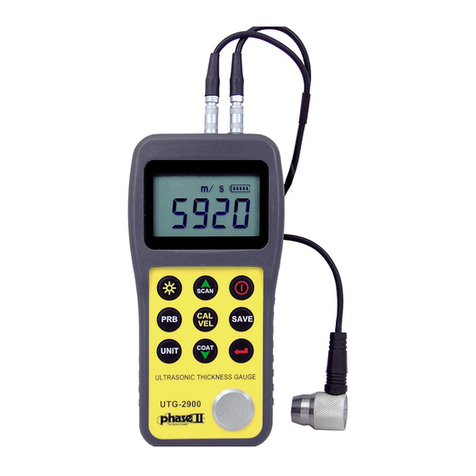
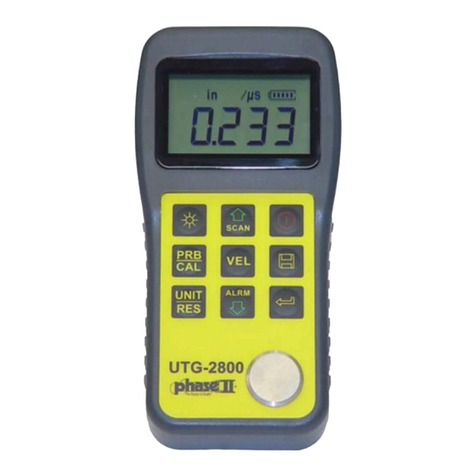
The key is used to “zero” the instrument in much the same way that a mechanical micrometer is zeroed.
If the gauge is not zeroed correctly, all the measurements that the gauge makes may be in error by some fixed
value. When the instrument is “zeroed”, this fixed error value is measured and automatically corrected for all
subsequent measurements. The instrument may be “zeroed ” by performing the following procedure.:
1) Plug the transducer into the instrument. Make sure that the connectors are fully engaged. Check that the
wearface of the transducer is clean and free of any debris.
2) Press the key to activate the probe zero mode.
3) Use the key and the key to scroll to the probe model currently being used. Be sure to set the right probe
model to the instrument. Otherwise, there will be erroneous readings.
4) Apply a single droplet of ultrasonic couplant to the face of the metal probe-disc on the front face of the gauge.
5) Press the transducer against the probe disc, making sure that the transducer sits flat against the surface.
6) Remove the transducer from the probe disc.
www. .com information@itm.com1.800.561.8187