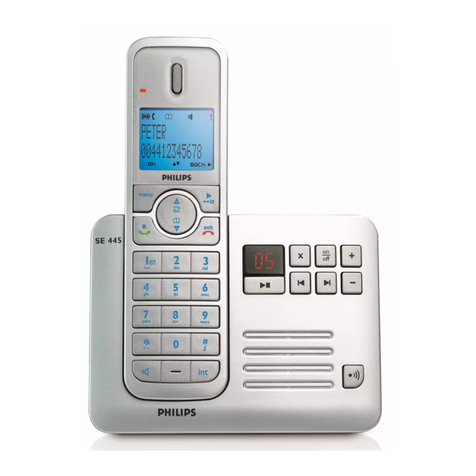
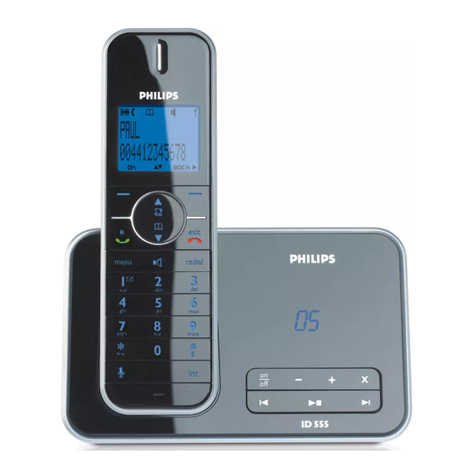
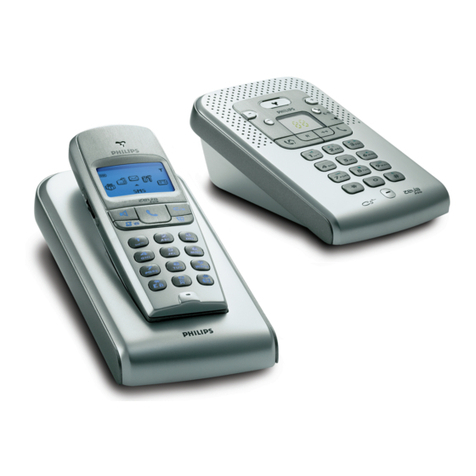
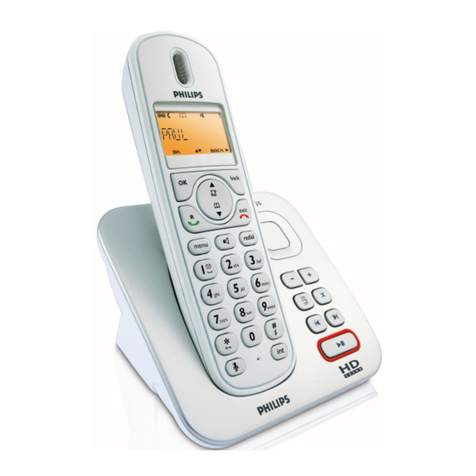
Store a contact in the phonebook
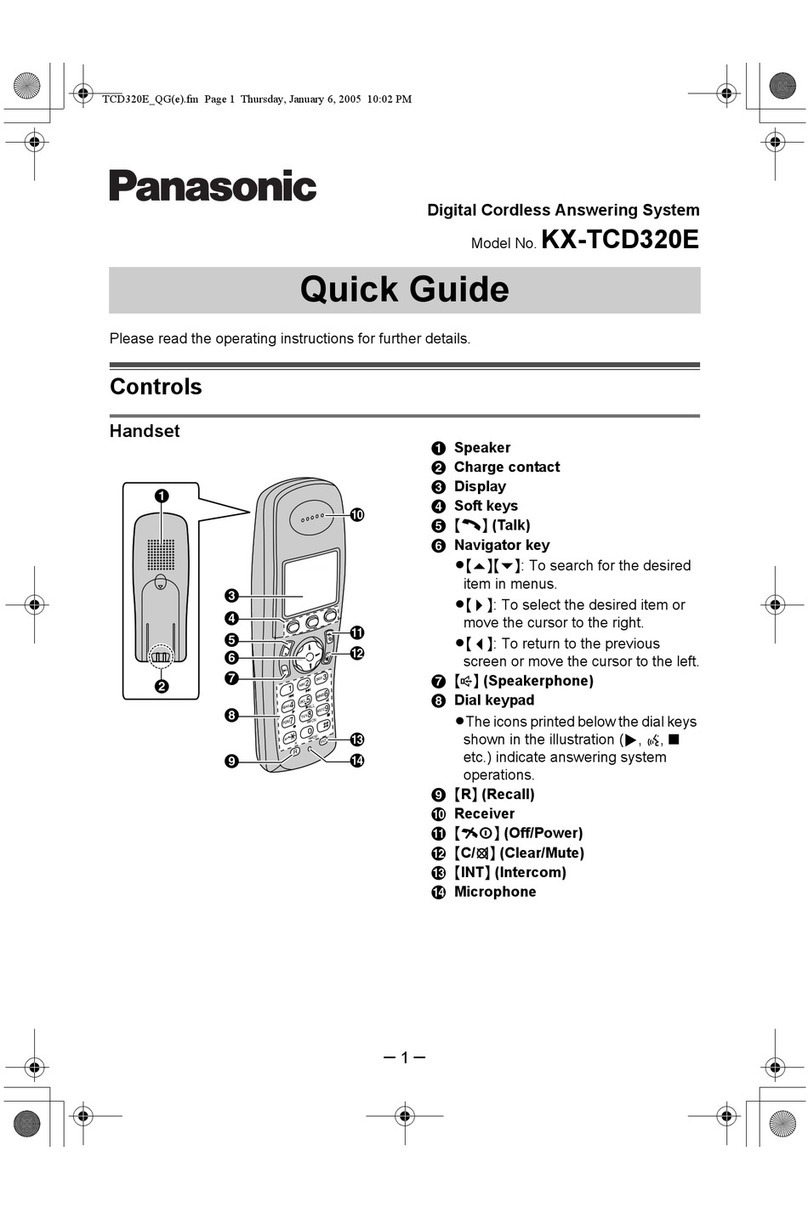
1. Press m. Phonebook is highlighted; press oSelect.
2. New Entry is highlighted; press oSelect.
3. Enter Name is displayed. Enter the name of the contact (maximum 14 characters)
and press oOK.
4. Enter Number is displayed. Enter the number (maximum 24 digits) and press
oOK.
• A validation tone is emitted.
Access phonebook
1. Press dand scroll nto browse the phonebook.
2. To view the details, press oView.
Call from the phonebook
1. Press din idle mode.
2. Scroll nto a phonebook entry.
3. Press tor l.
• The call is initiated.
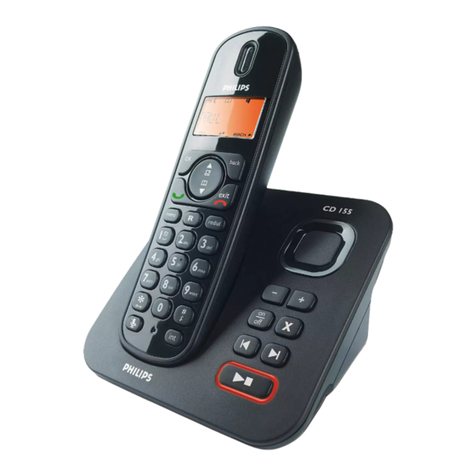
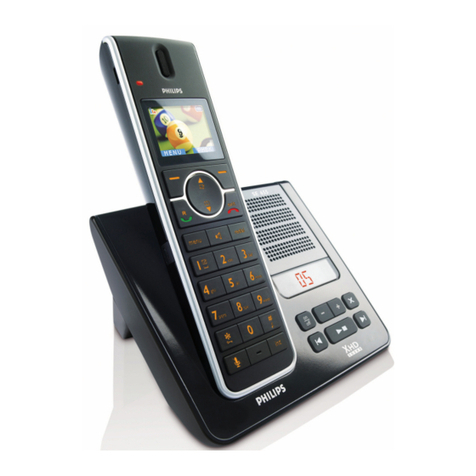
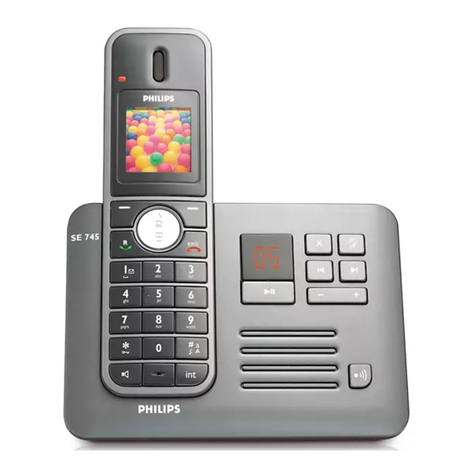
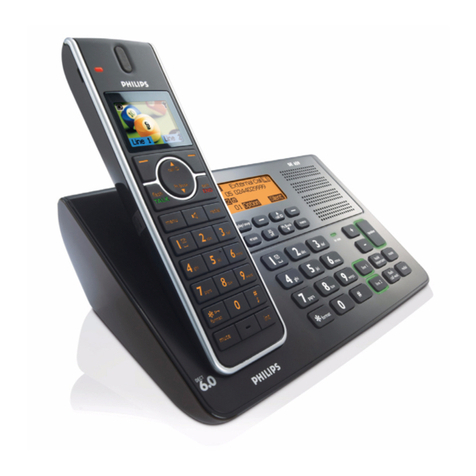
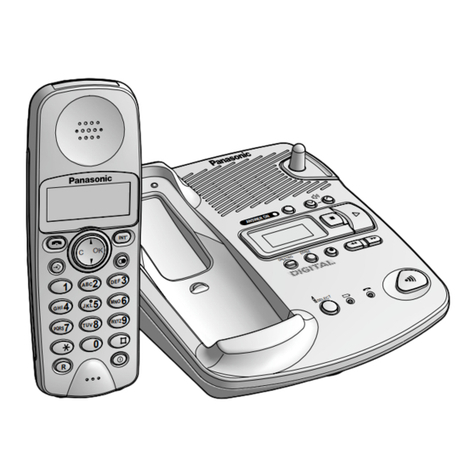
The descriptions above are available from the handset. With this model, using the
phonebook is also available from the base station. Refer to chapter 6 “Conventions Used
in this Manual” and chapter 10 “Using your Phonebook” in the User Manual that came
with this phone for details.
Note
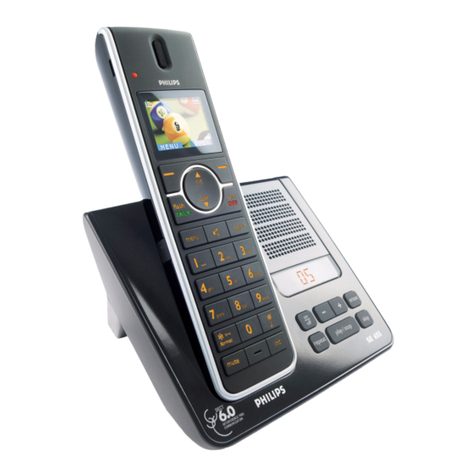
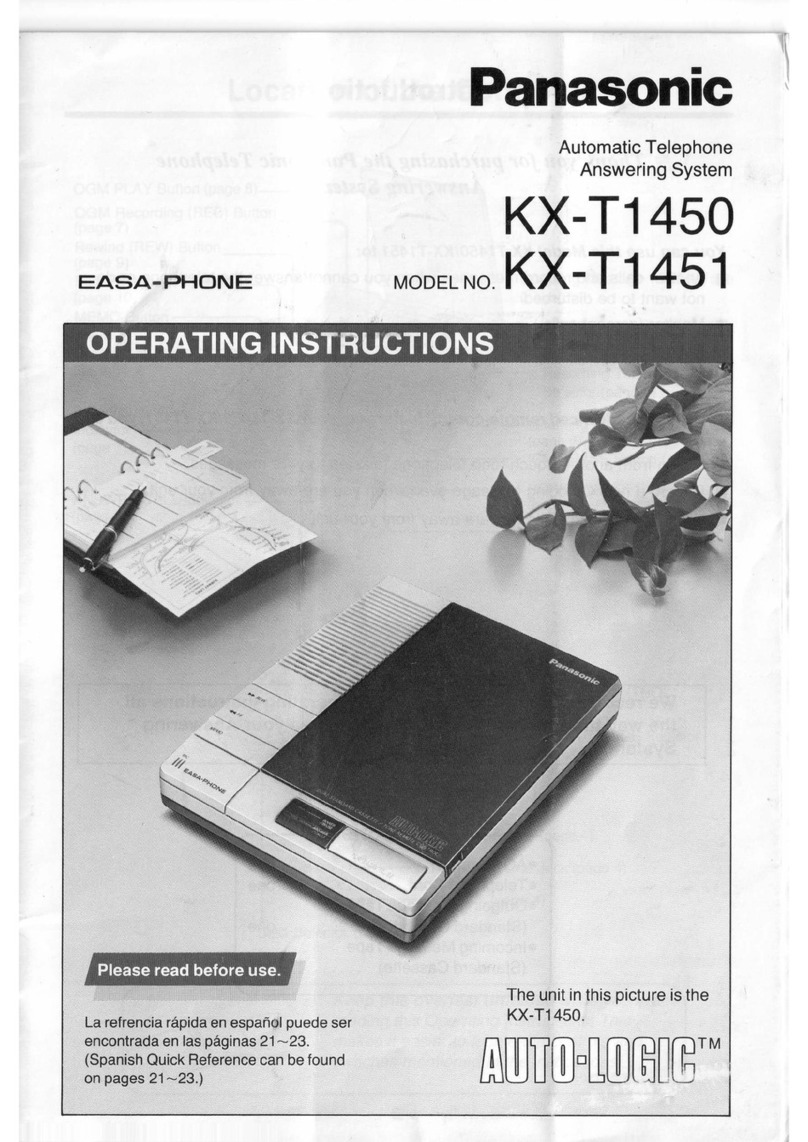
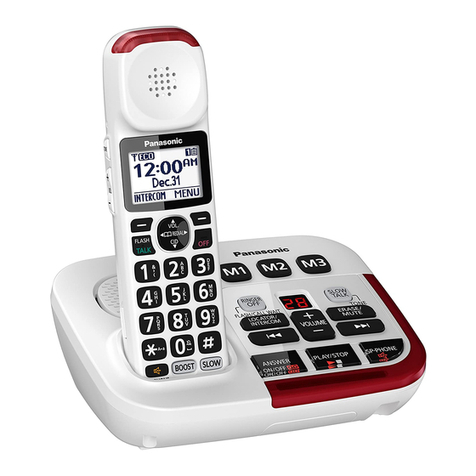
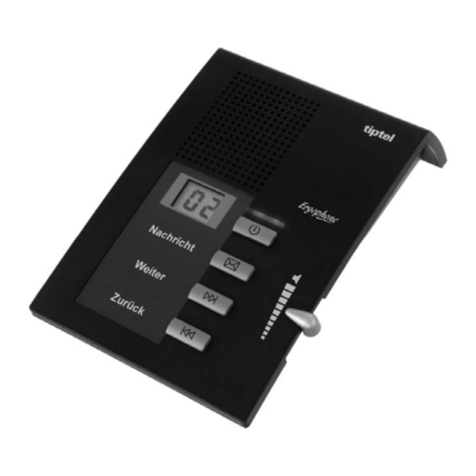
Listen to messages recorded on the answering machine
Press eto turn on the answering machine (the information display is turned on). The
outgoing message is played.
Press pto play phone messages (the first recorded message will be played first).
Press cSkip to skip the current message and play the next message.
Press cPrev. to go back to the previous message (if pressed within 1 second of
current message playback).
Press cPrev. to replay current message (if pressed after 1 second of current message
playback).
Press -or +to adjust speaker volume during message playback.
Press xto delete the current message.
Long press xto delete all old messages.
Press eagain to turn off the answering machine (the information display is turned off).
Refer to your SE658 User Manual for details about the answering machine functions.