manuals.online logo
Brands
  1. Home
  2. •
  3. Brands
  4. •
  5. Philips
  6. •
  7. Car Receiver
  8. •
  9. Philips CED320/55 User manual

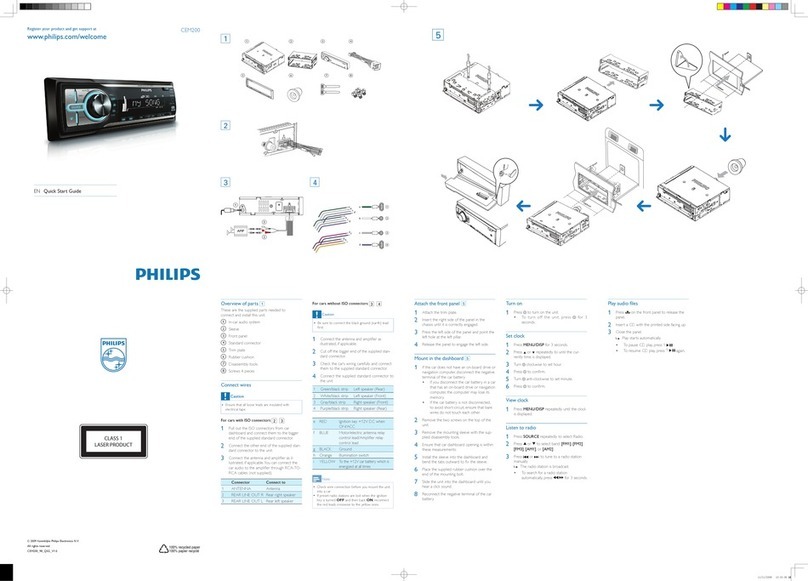
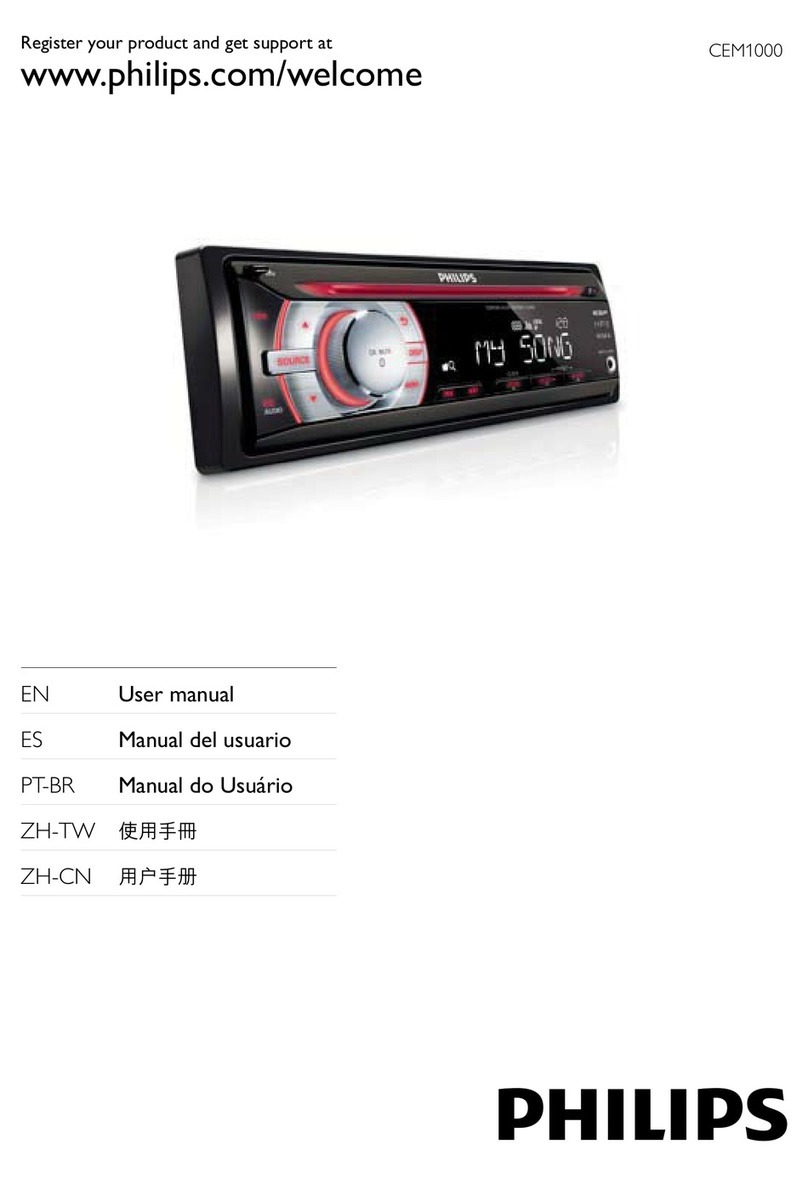
Philips CED320/55 User manual

Other manuals for CED320/55

3

This manual suits for next models

1

Other Philips Car Receiver manuals

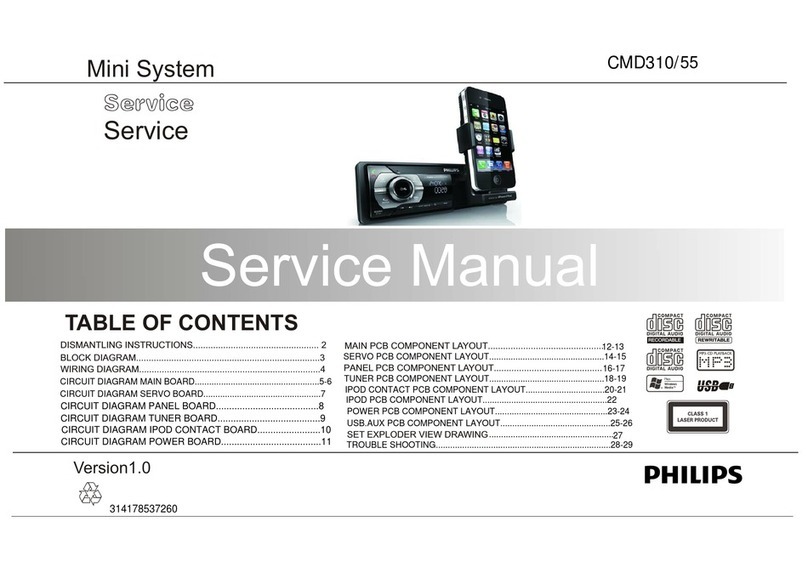
Philips CMD310 User manual

Philips

Philips CMD310 User manual

Philips CEM3000X/78 User manual

Philips

Philips CEM3000X/78 User manual

Philips CEM1102 User manual

Philips

Philips CEM1102 User manual

Philips CED781 User manual

Philips

Philips CED781 User manual

Philips CEM3000/51 User manual

Philips

Philips CEM3000/51 User manual

Philips CID2680/51 User manual

Philips

Philips CID2680/51 User manual

Philips CEM5000 User manual

Philips

Philips CEM5000 User manual

Philips CE151 User manual

Philips

Philips CE151 User manual

Philips CED320 User manual

Philips

Philips CED320 User manual

Philips CE139DR User manual

Philips

Philips CE139DR User manual

Philips CEM3000B User manual

Philips

Philips CEM3000B User manual

Philips CMD305A/05 User manual

Philips

Philips CMD305A/05 User manual

Philips CED780 User manual

Philips

Philips CED780 User manual

Philips CEM2101G User manual

Philips

Philips CEM2101G User manual

Philips CEM210/51 User manual

Philips

Philips CEM210/51 User manual

Philips CE162 User manual

Philips

Philips CE162 User manual

Philips CEM2220BT/55 User manual

Philips

Philips CEM2220BT/55 User manual

Philips CEM1100/00 User manual

Philips

Philips CEM1100/00 User manual

Philips CarStudio CMD305A User manual

Philips

Philips CarStudio CMD305A User manual

Philips CEM200/98 User manual

Philips

Philips CEM200/98 User manual

Philips CEM220/55 User manual

Philips

Philips CEM220/55 User manual

Philips CE138 User manual

Philips

Philips CE138 User manual

Philips CMD310 User manual

Philips

Philips CMD310 User manual

Philips CEM2000B User manual

Philips

Philips CEM2000B User manual

Popular Car Receiver manuals by other brands

Linear Series LS5050 Operation and installation manual

Linear Series

Linear Series LS5050 Operation and installation manual

Kenwood KRC-160 instruction manual

Kenwood

Kenwood KRC-160 instruction manual

Sony XR-CA430X Service manual

Sony

Sony XR-CA430X Service manual

T+A Elektroakustik K1 CD-RECEIVER operating instructions

T+A Elektroakustik

T+A Elektroakustik K1 CD-RECEIVER operating instructions

SoundMax SM-CDM1052 instruction manual

SoundMax

SoundMax SM-CDM1052 instruction manual

Xtrons HD107HD user manual

Xtrons

Xtrons HD107HD user manual

Mopar RB3 manual

Mopar

Mopar RB3 manual

Clarion ADDZEST DMZ615 owner's manual

Clarion

Clarion ADDZEST DMZ615 owner's manual

Sony XAV-601BT Specifications

Sony

Sony XAV-601BT Specifications

PIE GM12-POD/S Operation manual

PIE

PIE GM12-POD/S Operation manual

Hyundai H-910H instruction manual

Hyundai

Hyundai H-910H instruction manual

Sony XR-C6100 Service manual

Sony

Sony XR-C6100 Service manual

Sony CDX-L600X - Fm/am Compact Disc Player Installation/connections

Sony

Sony CDX-L600X - Fm/am Compact Disc Player Installation/connections

Motorola VWA63 Service manual

Motorola

Motorola VWA63 Service manual

Sound Storm STM93R user manual

Sound Storm

Sound Storm STM93R user manual

Nextar D3201 instruction manual

Nextar

Nextar D3201 instruction manual

Alpine CDE-163BT owner's manual

Alpine

Alpine CDE-163BT owner's manual

Kenwood KDC-X303 quick start guide

Kenwood

Kenwood KDC-X303 quick start guide

manuals.online logo
manuals.online logoBrands
  • About & Mission
  • Contact us
  • Privacy Policy
  • Terms and Conditions

Copyright 2025 Manuals.Online. All Rights Reserved.

CED320/55
©Copyright 2008 Philips Consumer Electronics B.V. Eindhoven, The Netherlands
All rights reserved. No part of this publication may be reproduced, stored in a retrieval system or
transmitted, in any form or by any means, electronic, mechanical, photocopying, or otherwise without
the prior permission of Philips.
Published by JZ-SL 0845 Service Audio Printed in The Netherlands Subject to modification
Car Entertainment System
Version 1.1
CLASS 1
LASER PRODUCT
©3141 785 33201
TABLE OF CONTENTS Page
PCBs Location......................................................................1-1
Specifications .......................................................................1-2
Measurement Setup.............................................................1-3
Service Aids, Safety Instruction, etc.....................................1-4
Instructures on CD Playability ....................................1-5 to 1-6
Disassembly Diagrams...............................................2-1 to 2-2
Software Version Check & Upgrade.....................................3-1
Malfunction Check Chart......................................................3-2
Set Block Diagram................................................................4-1
Set Wiring Diagram ..............................................................5-1
Main Board..............................................................................6
Servo Board.............................................................................7
Conn. Board1 + AV Board .......................................................8
Conn. Board2 + SD Board.......................................................9
Long Board............................................................................10
Key Board.............................................................................. 11
Set Mechanical Exploded View & Parts List..........................12
CED320X/78

1-1
Location of PCBS
Service policy /55
/55
VERSION VARIATIONS:
Type/Versions
Type/Versions
Board inused:
CED320
CED320
Feature diffrence
Features
* TIPS:C--Component Lever Repair.
M--Module Lever Repair
--Used
MAIN BOARD
MAIN BOARD
SERVO BOARD
SERVO BOARD
KEY BOARD
KEY BOARD
CONNECT BOARD
CONNECT BOARD
SD BOARD
SD BOARD
CONNECT BOARD2
CONNECT BOARD2
LONG BOARD
LONG BOARD
C
C
C
C
C
C
C
SPECIFICATIONS
1-2
Disc Player
LCD
General Tuner
Note: Specifications and design are subject to change
without notice for product improvements.
Components
Front panel carry case
Car audio system
Trim plate
Remote control
Rubber cushion
Standard connector
Removal keys
Screws M5X6mm
User manual
Quike start guide
MP3-link wire
1
1
1
1
1
1
2
4
1
1
1
Power supply:
Fuse:
Suitable speaker impedance:
Maximum power output:
Continuous power output:
Pre-Amp output voltage:
Subwoofer output voltage:
Aux-in level:
Dimensions(WxHxD):
Weight:
12V DC(11V-16V)
negative ground
15A
4-8Ω
50Wx4channels
24Wx4channels(4Ω 10% T.H.D.)
2.0V(CD play mode;1kHz,0dB,
10KΩ load)
2.0V (CD play mode)
≥500mV
188x58x193mm
1.9kg
System:
Frequency response:
Signal/noise ratio:
Total harmonic distortion:
Channel separation:
Video signal for mat:
Video output:
Disc digital audio system
20Hz-20k Hz
>75dB
Less than 0.3%(1KHz)
>55dB
NTSC/PAL/AUTO
1+/0.2V
Screen size:
Display resolution:
Active area:
Dot pitch:
Contrast ratio:
Brightness:
3.5 inches(16.91)
320x234 dots
76.32x42.822mm
0.2385x0.183mm
350
220cd/m
Frequency range
-FM
Frequency range
-AM(MW)
Usable sensitivity
-FM
Usable sensitivity
-AM(MW)(S/N=20dB)
Frequency response
Stereo separation
Signal/noise ratio
87.5-108.0MHz(Eur)
65.0-74.0MHz(OIRT)
87.5-107.9MHz(Ame)
522-1620KHz(Eur)
530-1710MHz(Ame)
8uV
30uV
30Hz-15KHz
30db(1KHz)
>55dB
MEASUREMENT SETUP
Tuner FM
DUT
RF Generator
Bandpass
LF Voltmeter
e.g. PM5326
250Hz-15kHz
e.g. 7122 707 48001 e.g. PM2534
S/N and distortion meter
e.g. Sound Technology ST1700B
Ri=50Ω
Use a bandpass filter to eliminate hum(50Hz,100Hz) and disturbance from the pilottone(19kHz,38kHz).
Tuner AM (MW,LW)
DUT
RF Generator
Bandpass
LF Voltmeter
e.g. PM5326
250Hz-15kHz
e.g. 7122 707 48001 e.g. PM2534
S/N and distortion meter
e.g. Sound Technology ST1700B
Ri=50Ω
Frame aerial
e.g. 7122 707 89001
To avoid atmospheric interference all AM-measurements have to be carried out in a Faraday s cage.
Use a bandpass filter ( or at least a high pass filter with 250Hz) to eliminate hum ( 50Hz,100Hz ).
'
DUT DUT
L
R
LF Generator
e.g. PM5110
LEVEL METER
e.g. Sennheiser UPM550
with FF-filter
S/N and distortion meter
e.g. Sound Technology ST1700B
L
R
LEVEL METER
e.g. Sennheiser UPM550
with FF-filter
S/N and distortion meter
e.g. Sound Technology ST1700B
Use Audio Signal Disc SBC429 4822 397 30184
(replaces test disc 3)
Cassette
Use Universal Test Cassette CrO2 SBC419 4822 397 30069
or Universal Test Cassette Fe SBC420 4822 397 30071
CD
1-3
1-4
SERVICE AIDS
GB
GB
WARNING
All ICs and many other semi-conductors are
susceptible to electrostatic discharges (ESD).
Careless handling during repair can reduce life
drastically.
When repairing, make sure that you are
connected with the same potential as the mass
of the set via a wrist wrap with resistance.
Keep components and tools also at this
potential.
ESD
CLASS 1
LASER PRODUCT
Safety regulations require that the set be restored to its original
condition and that parts which are identical with those specified,
be used
Safety components are marked by the symbol !.
Lead free
1-5
INSTRUCTIONS ON CD PLAYABILITY
Set remains closed!
check playability
N
N
N
Y
Y
Y
check playability
Exchange CDM
"fast" lens cleaning
playability
ok?
playability
ok?
playability
ok?
①
Customer complaint
"CD related problem"
Check playability
Play a CD
for at least 10 minutes
ann lnfo for customer
"SET OK"②
return set
①-④For description-see following pages
③
For flap loaders(=access to CD drive possible)
clesning method④is recommended
1-6
Disassembly Diagram
2-1 2-1
2、Press the release key first,
then take out the panel.
1
2
3
4
5
3、Take out the top cover with a forceps. 1、Pull out the mounting collar from the
main set with two L-keys.
4、Take out the bottom cover with a forceps. 5、loosen and take out the bolt
①with a screw-driver.
6、loosen and take out the five bolts
②with a screw-driver,
7、Pull out the two pieces of connection-pegs
③carefully
8、loosen and take out the five bolts
④with a screw-driver,
9、loosen and take out the bolt
⑤with a screw-driver,
Disassembly Diagram
2-2 2-2
6
7
8

9
10、loosen and take out the bolt
⑥with a screw-driver,
11、loosen and take out the bolt
⑦with a screw-driver,
12、Pull out the two pieces of connection-pegs
⑧carefully
13、Take out the knob from panel.
14、Loosen and take out the five bolts
⑨with a screwdriver.