manuals.online logo
Brands
  1. Home
  2. •
  3. Brands
  4. •
  5. Philips
  6. •
  7. Clock Radio
  8. •
  9. Philips AJ6000/05 Product information sheet

Philips AJ6000/05 Product information sheet

Other manuals for AJ6000/05

1

Other Philips Clock Radio manuals

Philips AJ3040 User manual

Philips

Philips AJ3040 User manual

Philips AJ3916 Series User manual

Philips

Philips AJ3916 Series User manual

Philips AJ-3950 User manual

Philips

Philips AJ-3950 User manual

Philips AJ 3950 User manual

Philips

Philips AJ 3950 User manual

Philips AJ3122 User manual

Philips

Philips AJ3122 User manual

Philips 4000 series User manual

Philips

Philips 4000 series User manual

Philips AJB1002 User manual

Philips

Philips AJB1002 User manual

Philips AJL308 User manual

Philips

Philips AJL308 User manual

Philips AJL303/37B User manual

Philips

Philips AJL303/37B User manual

Philips AJ1000B User manual

Philips

Philips AJ1000B User manual

Philips AJ3011/05 User manual

Philips

Philips AJ3011/05 User manual

Philips AJ3940 - annexe 2 User manual

Philips

Philips AJ3940 - annexe 2 User manual

Philips AJL308 User manual

Philips

Philips AJL308 User manual

Philips AJ3600 User manual

Philips

Philips AJ3600 User manual

Philips AJ3925 - Cd Clock Radio User manual

Philips

Philips AJ3925 - Cd Clock Radio User manual

Philips AJ3320/00 User manual

Philips

Philips AJ3320/00 User manual

Philips AJ3230 User manual

Philips

Philips AJ3230 User manual

Philips AJ1050 User manual

Philips

Philips AJ1050 User manual

Philips AJ3600 User manual

Philips

Philips AJ3600 User manual

Philips AJ3600 User manual

Philips

Philips AJ3600 User manual

Philips AJ3110/12 User manual

Philips

Philips AJ3110/12 User manual

Philips AJ130 User manual

Philips

Philips AJ130 User manual

Philips AJ3231 User manual

Philips

Philips AJ3231 User manual

Philips DC220/98 User manual

Philips

Philips DC220/98 User manual

Popular Clock Radio manuals by other brands

Denver CRQ-105 quick start guide

Denver

Denver CRQ-105 quick start guide

Audiovox CE90 Operation instructions

Audiovox

Audiovox CE90 Operation instructions

Sony Dream Machine ICF-C763L operating instructions

Sony

Sony Dream Machine ICF-C763L operating instructions

Sanyo DMP-P6 instruction manual

Sanyo

Sanyo DMP-P6 instruction manual

Yamaha ISX-80 owner's manual

Yamaha

Yamaha ISX-80 owner's manual

Pyle PLMR20W user manual

Pyle

Pyle PLMR20W user manual

Blaupunkt CR7BK user manual

Blaupunkt

Blaupunkt CR7BK user manual

HoMedics SS-5500-2EU instruction manual

HoMedics

HoMedics SS-5500-2EU instruction manual

RCA RC66i user manual

RCA

RCA RC66i user manual

Versaudio Vers user manual

Versaudio

Versaudio Vers user manual

SOUNDMASTER UR8100 instruction manual

SOUNDMASTER

SOUNDMASTER UR8100 instruction manual

Audiovox CE90 operating instructions

Audiovox

Audiovox CE90 operating instructions

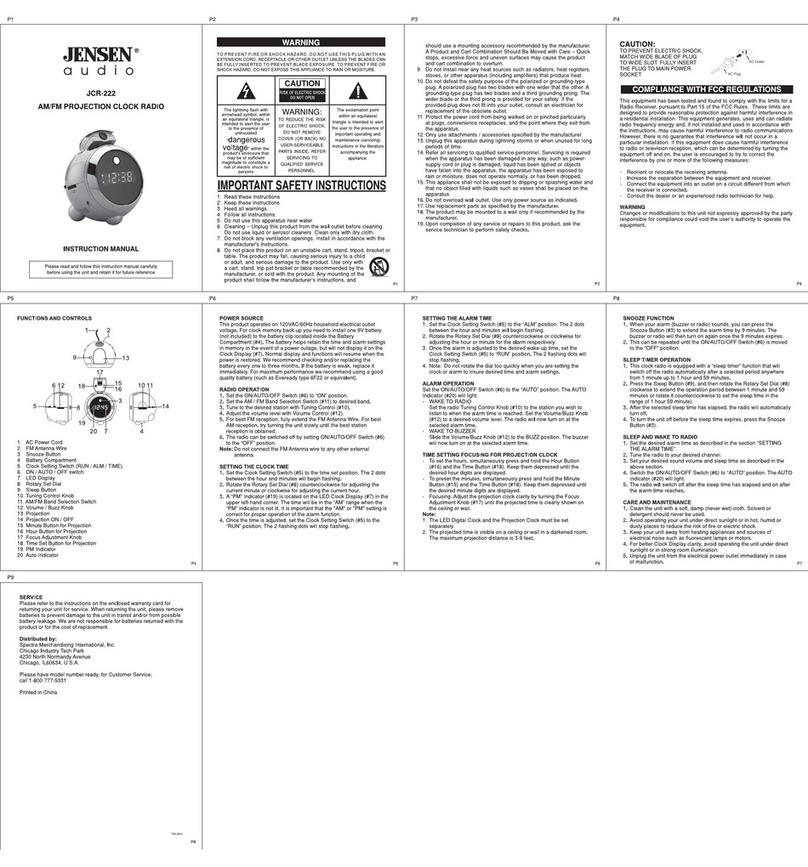
Jensen Audio JCR-222 - AM/FM Projection Alarm Clock Radio instruction manual

Jensen Audio

Jensen Audio JCR-222 - AM/FM Projection Alarm Clock Radio instruction manual

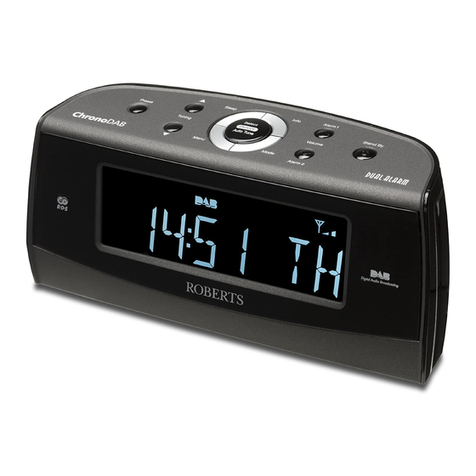
Roberts ChronoDAB user manual

Roberts

Roberts ChronoDAB user manual

AEG MRC 4132 BT instruction manual

AEG

AEG MRC 4132 BT instruction manual

Tokai TC-155 user manual

Tokai

Tokai TC-155 user manual

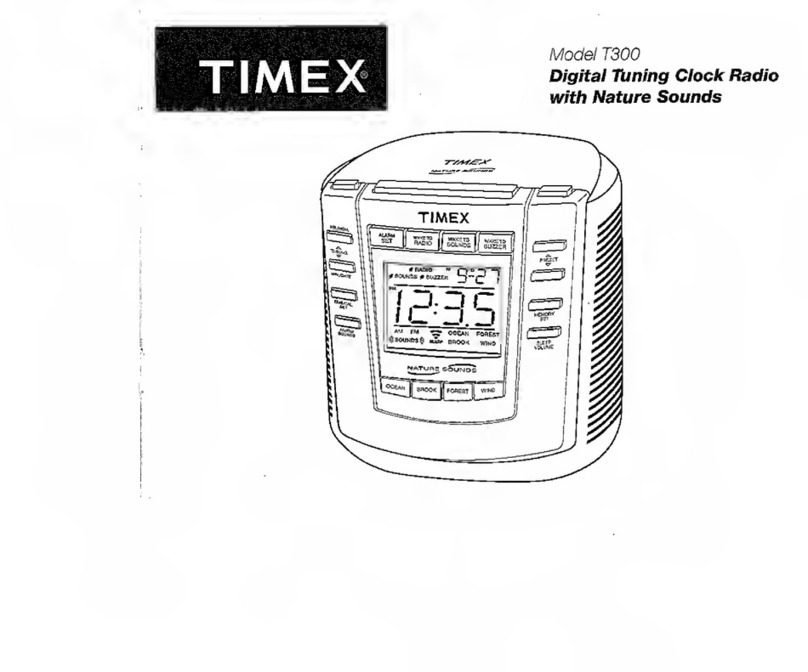
Timex T300 manual

Timex

Timex T300 manual

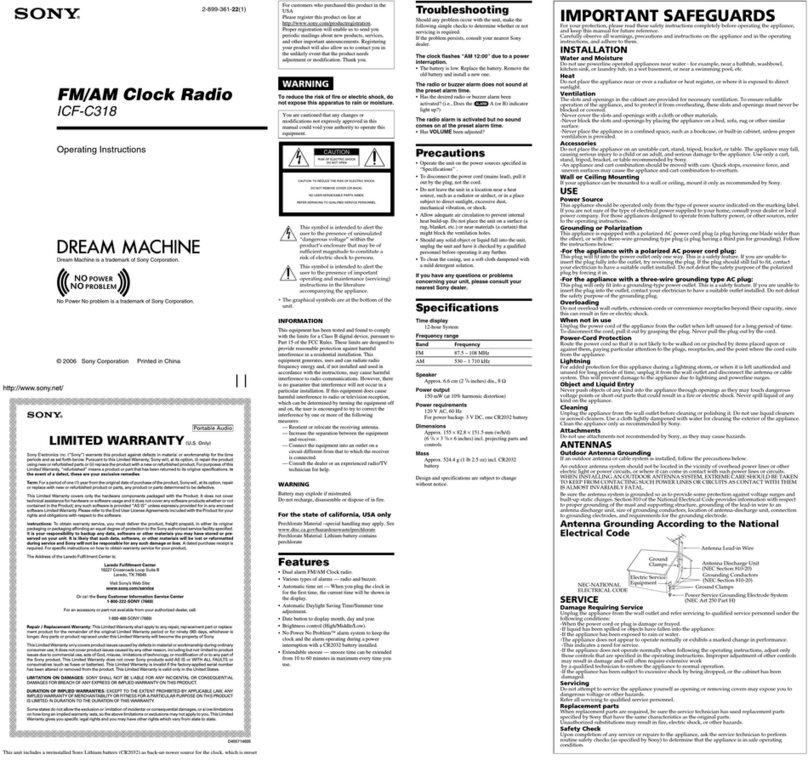
Sony DREAM MACHINE ICF-C318 operating instructions

Sony

Sony DREAM MACHINE ICF-C318 operating instructions

manuals.online logo
manuals.online logoBrands
  • About & Mission
  • Contact us
  • Privacy Policy
  • Terms and Conditions

Copyright 2025 Manuals.Online. All Rights Reserved.

All registered and unregistered trademarks are property of
their respective owners.
© 2013 Koninklijke Philips Electronics N.V.
All rights reserved.
AJ6000_05_Short UM_V1.0
Make sure that the Third Knob switches to CLOCK before
setting
Short User Manual
www.philips.com/welcome
Always there to help you
AJ6000/05
Register your product and get support at
Question?
Contact
Philips
Short User Manual
2 sec.
Before using your product, read all accompanying safety information.
SET RADIO
SET TIME
CLOCK
SOURCE
MINUTE TUNING MINUTE TUNING
FM
Store FM radio stations manually Select a preset radio stationStore FM radio stations automatically
Repeat steps 2-4 to store other stations.You can store a maximun of 20 FM radio stations.
SOURCE
FM
First knob
Second knob
Third knob
FM FM FMFM
2 sec.
FM
SET RADIO
SET TIME
CLOCK
SET RADIO
SET TIME
CLOCK
SET RADIO
SET TIME
CLOCK
3 sec.
SET RADIO
SET TIME
CLOCK
SET RADIO
SET TIME
CLOCK
SOURCE
FM
SET RADIO
SET TIME
CLOCK
SOURCE
FM
User Manual
www.philips.com/welcome
Always there to help you
Registeryour product and get support at
Question?
Contact
Philips
To download the full user manual, visit
www.philips.com/support
VOLUME
SOURCE
SOURCE
3 sec.
Switch to standby mode
OFF
SLEEP
SLEEP
AL1
AL2
CLOCK

SET RADIO
SET TIME
CLOCK
Specications
Rated Output Power 1 W RMS
Signal to Noise Ratio >50 dB
Tuning range 87.5-108 MHz
Power supply
- AC Power
- Battery
Model: ASSA36E-050250;
Input: 100-240 V~, 50/60 Hz, 0.6 A
Output: 5.0 V 2500 mA
2 x AA batteries
Operation Power Consumption <15 W
Standby Power Consumption <1 W
Dimensions: Main Unit (W x H x D) 195 x 99 x 123 mm
Weight: Main Unit 0.65 kg
Read and understand all instructions before you use this product. If damage is caused
by failure to follow the instructions, the warranty does not apply.
Safety
Warning
•Never remove the casing of this clock radio.
•Never lubricate any part of this clock radio.
•Never place this clock radio on other electrical equipment.
•Keep this clock radio away from direct sunlight, naked ames or heat.
•Make sure that you always have easy access to the power cord, plug or adaptor to
disconnect the clock radio from the power.
• Make sure that there is enough free space around the product for ventilation.
• The clock radio shall not be exposed to dripping or splashing.
• Do not place any sources of danger on the clock radio (e.g. liquid lled objects,
lighted candles).
• Where the plug of the Direct Plug-in Adapter is used as the disconnect device,
the disconnect device shall remain readily operable.
• Only use power supplies listed in the user manual.
• Battery usage CAUTION – To prevent battery leakage which may result in bodily
injury, property damage, or damage to the clock radio:
• Install the batter y correctly, + and - as marked on the clock radio.
• Remove the battery when the clock radio is not used for a long time.
• The battery shall not be exposed to excessive heat such as sunshine, re or
the like.
Notice
This product complies with the radio interference requirements of the European
Community.
Any changes or modications made to this device that are not expressly approved by
Philips Consumer Lifestyle may void the user’s authority to operate the equipment.
Your product is designed and manufactured with high quality materials and
components, which can be recycled and reused.
When this crossed-out wheeled bin symbol is attached to a product it means that the
product is covered by the European Directive 2002/96/EC.
Please inform yourself about the local separate collection system for electrical and
electronic products.
Please act according to your local rules and do not dispose of your old products with
your normal household waste. Correct disposal of your old product helps to prevent
potential negative consequences for the environment and human health.
Your product contains batteries covered by the European Directive 2006/66/EC, which
cannot be disposed with normal household waste.Please inform yourself about the
local rules on separate collection of batteries because correct disposal helps to prevent
negative consequences for the environmental and human health.
Environmental information
All unnecessary packaging has been omitted. We have tried to make the packaging
easy to separate into three materials: cardboard (box), polystyrene foam (buffer) and
polyethylene (bags, protective foam sheet.)
Your system consists of materials which can be recycled and reused if disassembled by
a specialized company. Please observe the local regulations regarding the disposal of
packaging materials, exhausted batteries and old equipment.
The making of unauthorized copies of copy-protected material, including computer
programs, les, broadcasts and sound recordings, may be an infringement of copyrights
and constitute a criminal offence.This equipment should not be used for such purposes.
Note
•The type plate is located on the bottom of the apparatus.