EnglishDeutsch
 logo
Brands
  1. Home
  2. •
  3. Brands
  4. •
  5. Philips
  6. •
  7. DVD Player
  8. •
  9. Philips DVP3600/98 User manual

Philips DVP3600/98 User manual

This manual suits for next models

1

Other Philips DVD Player manuals

Philips DVD 691 User manual

Philips

Philips DVD 691 User manual

Philips DVP2852/12 User manual

Philips

Philips DVP2852/12 User manual
Philips DVP6600 User manual

Philips

Philips DVP6600 User manual
Philips DVP2320BU User manual

Philips

Philips DVP2320BU User manual
Philips PD7006B User manual

Philips

Philips PD7006B User manual

Philips MAGNAVOX DVD405AT98 User manual

Philips

Philips MAGNAVOX DVD405AT98 User manual

Philips DVD950 User manual

Philips

Philips DVD950 User manual
Philips LX3750 User manual

Philips

Philips LX3750 User manual
Philips DVP5992/37B User manual

Philips

Philips DVP5992/37B User manual
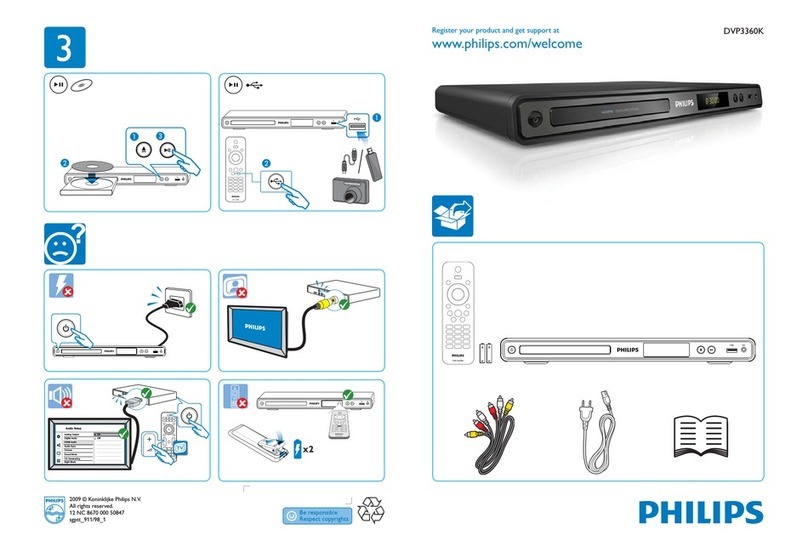
Philips DVP3360K/98 User manual

Philips

Philips DVP3360K/98 User manual
Philips DVP762/05 User manual

Philips

Philips DVP762/05 User manual

Philips DVDR5520H User manual

Philips

Philips DVDR5520H User manual

Philips DVP3126K User manual

Philips

Philips DVP3126K User manual
Philips DVD 972C User manual

Philips

Philips DVD 972C User manual
Philips DVP5140 User manual

Philips

Philips DVP5140 User manual

Philips DVP3144/75 User manual

Philips

Philips DVP3144/75 User manual

Philips DVP5960 User manual

Philips

Philips DVP5960 User manual

Philips DVD724 User manual

Philips

Philips DVD724 User manual
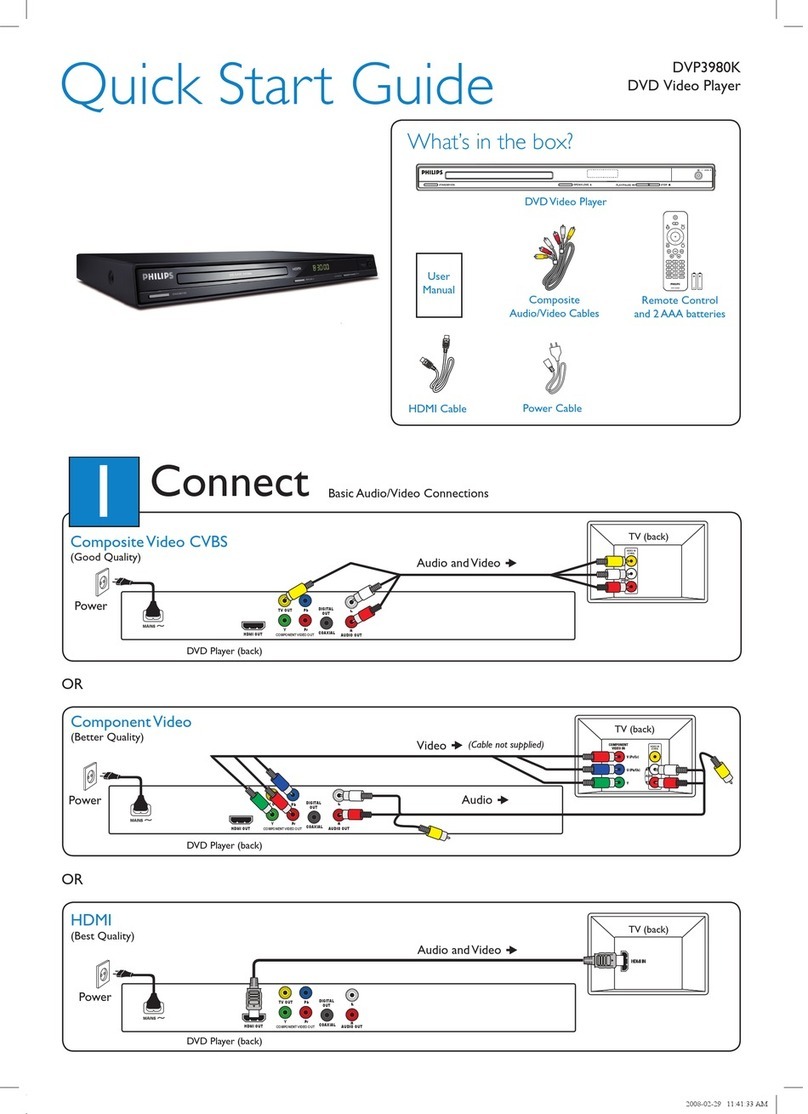
Philips DVP3980KX/78 User manual

Philips

Philips DVP3980KX/78 User manual

Philips DVP3368/94 User manual

Philips

Philips DVP3368/94 User manual

Philips DVP720SA/93 User manual

Philips

Philips DVP720SA/93 User manual

Philips DVD619 User manual

Philips

Philips DVD619 User manual

Philips DVP4320WH User manual

Philips

Philips DVP4320WH User manual

Philips DVDR3380/05B User manual

Philips

Philips DVDR3380/05B User manual

Popular DVD Player manuals by other brands

JVC XV-S300BK null

JVC

JVC XV-S300BK null

JVC XV-N312S null

JVC

JVC XV-N312S null

Sony DVP-F11 Service manual

Sony

Sony DVP-F11 Service manual

LENCO DVP-740 X2 user manual

LENCO

LENCO DVP-740 X2 user manual

JVC XV-N650BEU Service manual

JVC

JVC XV-N650BEU Service manual

Aiwa XD-DV370 operating instructions

Aiwa

Aiwa XD-DV370 operating instructions

MedeaWiz Sprite 4K DV-S4 user manual

MedeaWiz

MedeaWiz Sprite 4K DV-S4 user manual

Denon DVM-1805 - DVD Changer operating instructions

Denon

Denon DVM-1805 - DVD Changer operating instructions

Toshiba SD-3815 owner's manual

Toshiba

Toshiba SD-3815 owner's manual

Tevion 44330 user guide

Tevion

Tevion 44330 user guide

Samsung DVD-HD860 manual

Samsung

Samsung DVD-HD860 manual

Sylvania DP170SL8 Service manual

Sylvania

Sylvania DP170SL8 Service manual

Toshiba SD-P1200 Service manual

Toshiba

Toshiba SD-P1200 Service manual

Dolby Laboratories CP650 user manual

Dolby Laboratories

Dolby Laboratories CP650 user manual

Denon DVD-5900 Service manual

Denon

Denon DVD-5900 Service manual

Sony DVP-SR201P reference guide

Sony

Sony DVP-SR201P reference guide

Toshiba SD-V394SU owner's manual

Toshiba

Toshiba SD-V394SU owner's manual

Toshiba SD5300KC owner's manual

Toshiba

Toshiba SD5300KC owner's manual

https://manuals.online logo
https://manuals.online logoBrands
  • About & Mission
  • Contact us
  • Privacy Policy
  • Terms and Conditions

Copyright 2026 Manuals.Online. All Rights Reserved.

Register your product and get support at
www.philips.com/welcome
EN User manual
DVP3600
1 Hookup and play
Before you connect this DVD player, read and understand all accompanying instructions.
3
1
Register your product and get support at
www.philips.com/welcome
DVP 3600
EN User manual
TV OUT
COAXIAL
Y Pb Pr
AUDIO OUT
TV
O
U
T
Y
C
OA
XI
A
A
A
D
IO O
UT
DIO
O
UT
AL
A
UD
AL
A
UD
4
2
Pr PbY + AUDIO OUT
L R VIDEO
L R TV OUT
L
T
V
OU
U
T
TV OUT + AUDIO OUT
L R L R
L
R
5
3
5
4
SOURCE
TV
2
12
6
6
DVD
VCD
CD
3
4
12
Disc Setup
MP3 / JPEG
English
7EN
Table of contents
1 Hookup and play 2-6
2 Use your DVD player 8
Basic play control 8
Video options 9
Play a musical slideshow 9
Repeat play 10
Skip play 10
3 Change settings 11
General (sleep, standby...) 11
Picture 11
Sound 12
Preference (languages, parental control...) 12
4 Software update 13
  14
6 Troubleshooting 16
7 Safety and important notice 17
Table of contents
8EN
2 Use your DVD player

offers, register your product at www.philips.com/welcome.
Basic play control
Button Action
Access the home menu.
Open or close the disc compartment.
DISC MENU Access or exit the disc menu.
OPTIONS Access more options during video play.
Navigate the menus.
Slow forward or backward.
Press repeatedly to change a search speed.
/ Navigate the menus.
Fast forward or backward.
Press repeatedly to change a search speed.
OK 
Start, pause or resume play.
STOP Stop play.
BACK
/ 
SUBTITLE Select a subtitle language.
GOTO Skip to a title, a chapter or a track.
AUDIO Select an audio language or channel.
Fit the picture display to the TV screen.
Zoom the picture in or out.
VOLUME Activate volume control, and then press / to
change a volume level.
REPEAT/
REPEAT A-B
Select a repeat play option.
During play, press the following buttons to control the player.
English
9EN
Video options
During video play, press OPTIONS to access the following options.
 [Info]: Display the current play information.
 [PBC]: Display or skip the content menu for VCD and SVCD.
 [Aspect ratio]
 [Volume]: Change a volume level.
 [Angle]: Select a camera angle from which video is viewed.
Play a musical slideshow
Play music and pictures simultaneously to create a musical slideshow.
1 
2Press 
3Select a picture, and press OK to start slideshow.
4Press to stop slideshow.
5Press again to stop music play.
Control photo play
During a photo slideshow, use the remote control to control the play.
Button Action
Rotate a picture horizontally/ vertically.
/ Rotate a picture anti-clockwise/ clockwise.
OPTIONS
Access to select [Color] to display a picture in color or black and white.
Access to select [Photo preview] to display pictures in thumbnail.
Zoom in or out of a photo.
Play pauses in zoom mode.
OK Start or resume a play.
Stop a play.
10 EN
Repeat play
During play, press REPEAT/REPEAT A-B repeatedly to select a repeat play option.

1Press REPEAT/REPEAT A-B repeatedly to select as a start point.
2Press REPEAT/REPEAT A-B again to select as an end point.
»The repeat play of the marked section starts.
3To cancel repeat play, press until is displayed.
Skip play

1During play, press GOTO.
»
2Press to select a digit as a title/chapter/track number.
3After a digit is selected, press / to change a digit position.
4If necessary, repeat step 2 and 3 to complete a setting.
5Press OK.
»The play skips to the selected title, chapter or track.