English
6
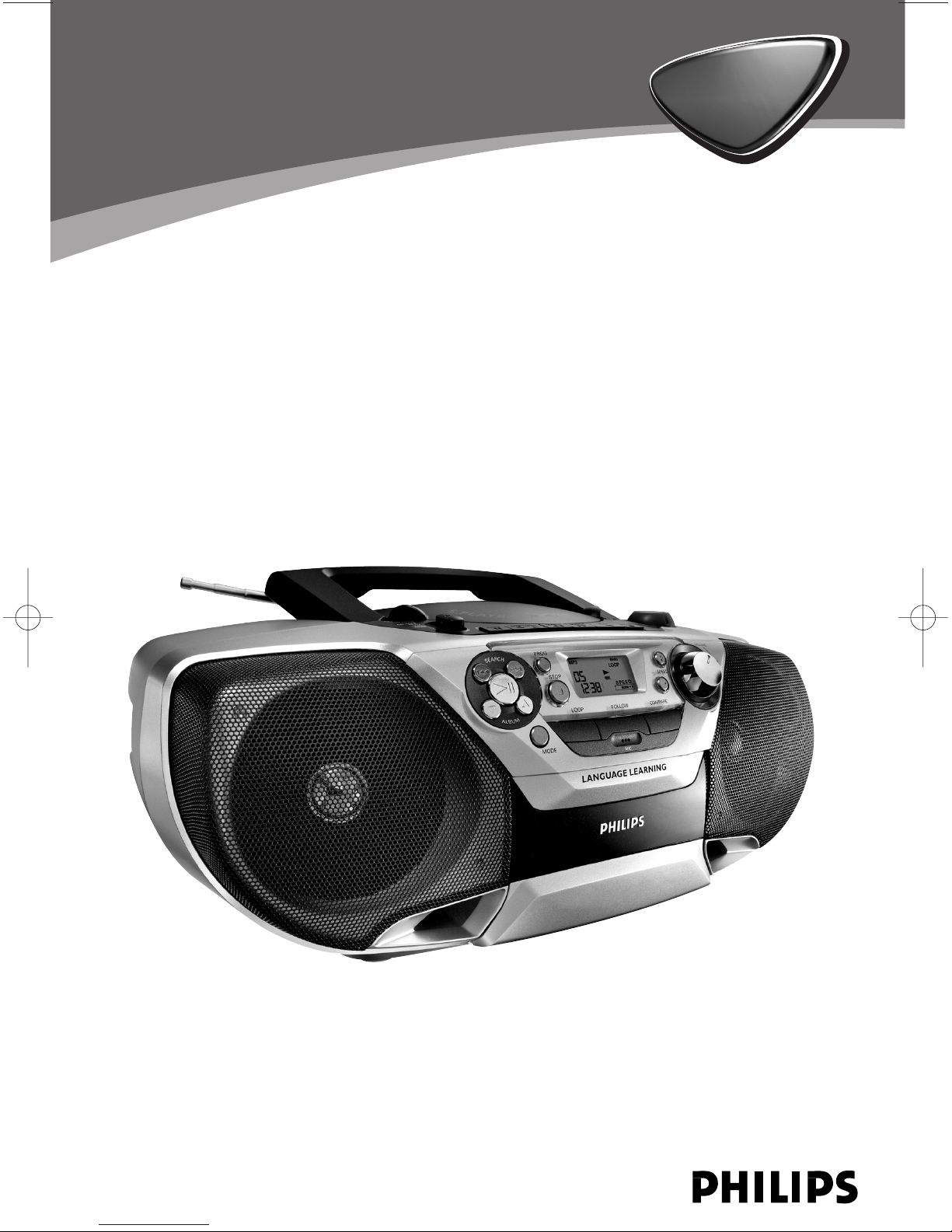
CONTROLS
1LIFTTO OPEN - to open the CD door.
2Source selector - POWER ON/OFF switch
and to select source of sound source:
CD•MP3/MW/FM/TAPE(OFF).
3Cassette keys:
PAUSE ;- to interrupt recording or
playback.
STOP•OPEN 9/- To stop the tape and to
open the cassette holder.
SEARCH 5or 6- to fast wind/rewind the
tape.
PLAY 1- to start playback.
RECORD 0- to start recording.
4PROG -
-
t
o program disc tracks in CD/MP3 playback
mode.
-
t
o set Point B for A-B playback in the
language learning mode.
5LCD Display - to show the MP3 functions
and disc status.
6TUNING - to tune to radio stations
7SEARCH ∞or §
-
t
o skip or search a passage or a track
-In the language learning mode, to set Auto
Loop, Follow, Compare, and adjust the
number of sentence breaks.
8PLAY•PAUSE 2;
-
t
o start or interrupt CD playback
-
t
o clear recorded contents in language
learning mode
9ALBUM 3 / 4
-
t
o.select the desired album up or down in
MP3 CD playback mode.
-
t
o adjsut the repeat times in the language
learning mode.
0STOP 9- to stop playback
!MODE
-
t
o select REPEAT, REPEAT ALL, SHUFFLE or
SHUFFLE ALL in the music mode.
-
t
o toggle between LANG ON and LANG
OFF modes.
-
t
o toggle between AUTO and MANU in the
language learning mode.
@LOOP - to activate the LOOP language
learning mode.
#MIC - to input voice in the recording mode.
$FOLLOW - to activate the FOLLOW
language learning mode.
%COMPARE - to activate the COMPARE
language learning mode
^SPEED + / - - to select the desired playing
speed in the language learning mode.
&VOLUME - to adjust volume level.
*Telescopic aerial - to improve FM radio
reception
(p- 3.5mm stereo headphone socket
Note:The speakers will be muted when the
headphones are connected to the set.
)Battery door - to open the battery
compartment
¡AC MAINS ~- socket for mains lead
™Voltage selector (inside battery
compartment, some versions only) - Adjust to
match the local volatage 110/220V before
plugging in the set
BACK PANEL
TOP AND FRONT PANEL