Recording with the Hand Microphone
EOL and Priority
(Optional)
(End-of-Letter)
Overwriting / Inserting Text
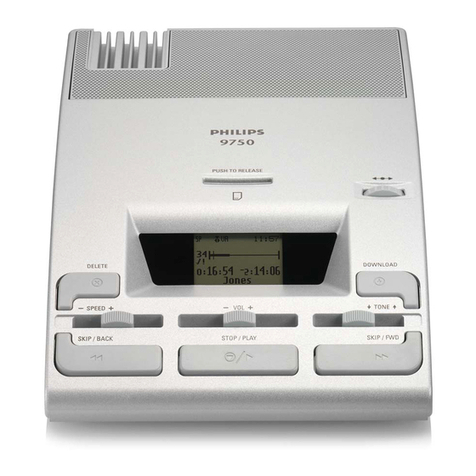
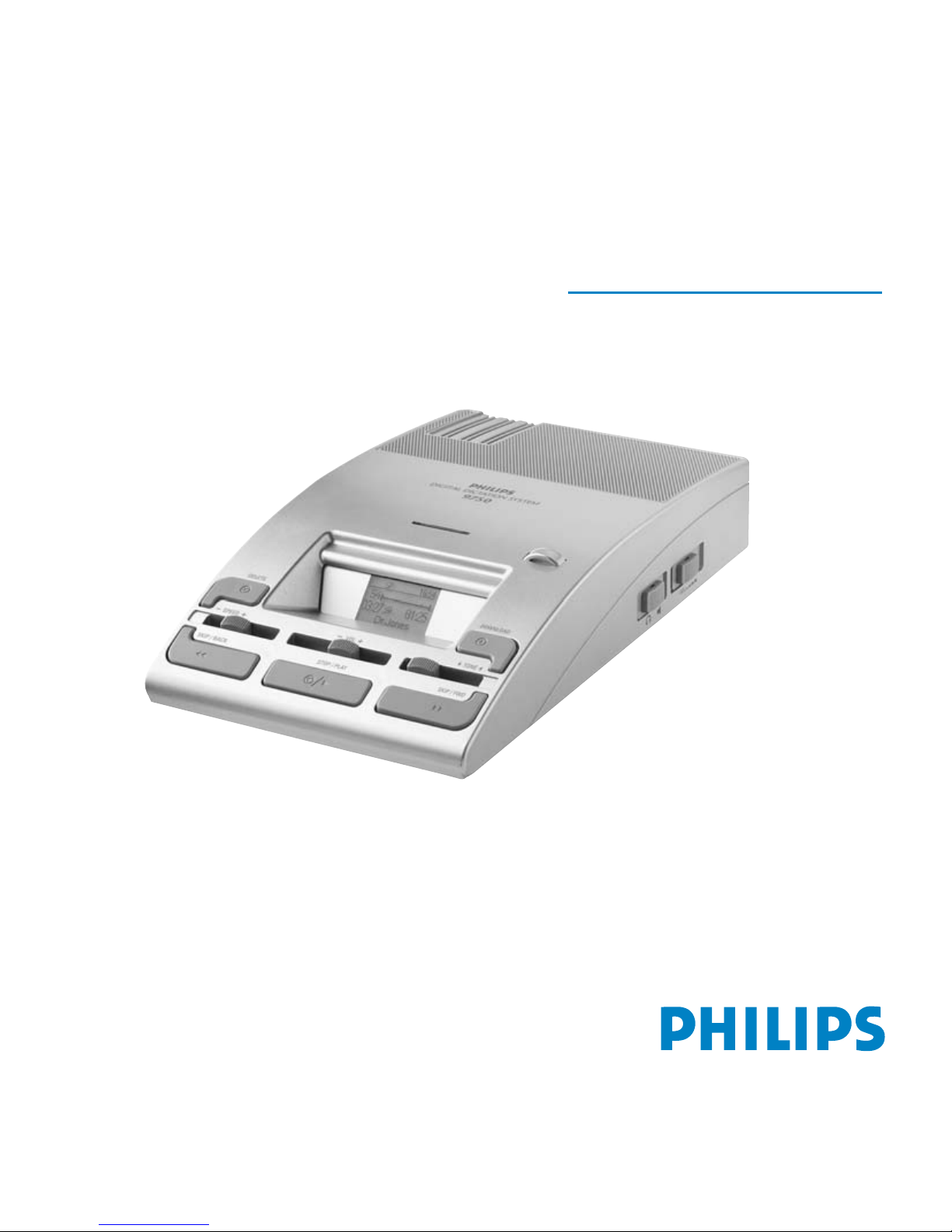
Your first recording with the DDT 9750 microphone LFH 276using the (optional), for example:
Check whether the memory card (optional) and microphone are correctly plugged into the device, the DDT
has power and the 4-position switch is in the stop position.
• Pressing the L/P button once marks the current file as finished.The file is closed and assigned the
• Pressing the L/P button quickly twice marks the file as finished and assigns it priority status. It is closed
and assigned the EOL symbol: and .
After closing the current file, the device automatically creates a new, empty file.
The DDT menu is used to switch between overwrite mode (standard setting) and insert mode (press the jog
dial for at least 2 seconds, select the corresponding menu entry by scrolling the jog dial and confirm by
pressing the jog dial again, scroll the jog dial once to the right, a tick will be displayed, press the jog dial again,
scroll to exit (open door ) and press jog shuttle again returns you to the dictation).To go back to
overwrite mode, repeat the operation and remove the „tick”.
Move the playback cursor (with PLAY, SKIP/BACK or SKIP/FWD) to the desired point
in the file. Stop the playback/skipping. Start the dictation that will overwrite the previous one as described
under „Recording” above.
Ending the Dictation
Overwriting text:
Press the EOL/P button (6) when you are finished with the dictation and do not wish to make any further changes.This only functions
if the 4-position switch is in the stop position and something has already been recorded to the file!
EOL symbol: .
In the DDT menu, select the menu entry „Insert” ( ) and follow the steps described
under „Overwriting” above.
Inserting text:
Quick Reference
Instruction manual
4.
3.
Start recording:
• Press record button.
The LED blinks indicating record standby.
• Move the 4-position switch to the playback
position.
LED lights up and stays lit.
Stop recording:
• Move the 4-position switch back to the stop
position.This takes it into record standby.
(LED blinking.)
• Deactivate the REC button (5).
(LED not lit.)
L/P button (6)
End-of-letter & priority
1.
2.
Hold the MIC approximately 10 centimetres away
from your mouth. Speak clearly.
4-position switch in the stop position.
Microphone sensitivity can be adjusted
by setting switch at the bottom of the microphone:
The DICT setting for recording in a normal dictation environment.
The CONF setting for recording in conference situations.
5.