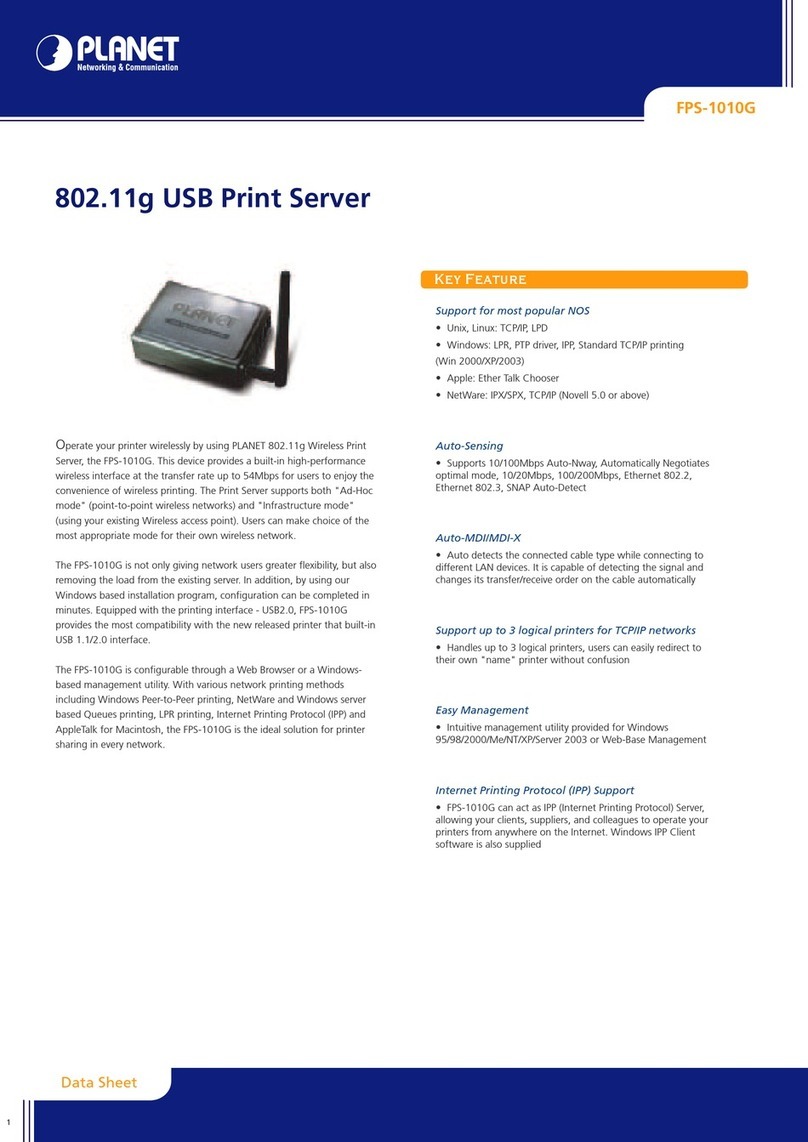
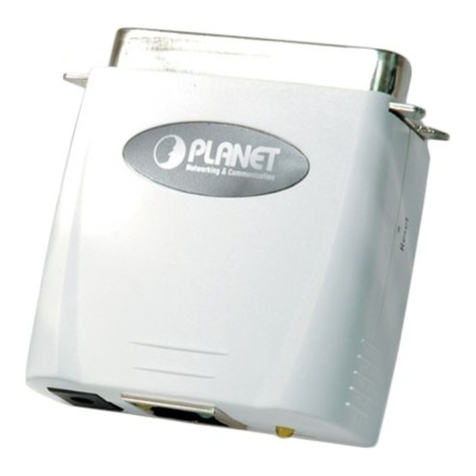
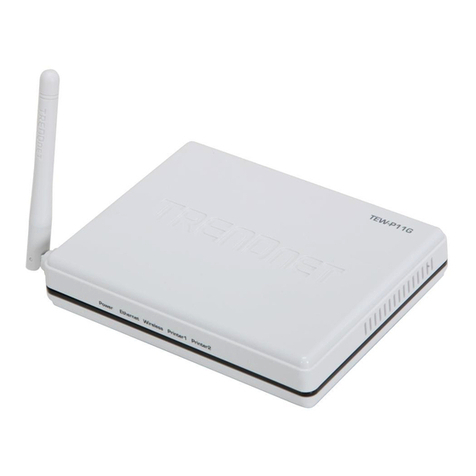
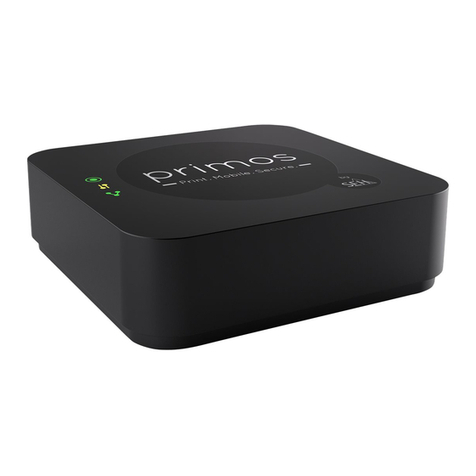
Planet FPS-1010G User manual

802.11g USB2.0 Print Server
FPS-1010G
User’s Manual

Copyright (C) 2005 PLANET Technology Corp. All rights reserved.
The products and programs described in this User’s Manual are licensed products of PLANET
Technology, This User’s Manual contains proprietary information protected by copyright, and this User’s
Manual and all accompanying hardware, software, and documentation are copyrighted.
No part of this User’s Manual may be copied, photocopied, reproduced, translated, or reduced to any
electronic medium or machine-readable form by any means by electronic or mechanical. Including
photocopying, recording, or information storage and retrieval systems, for any purpose other than the
purchaser's personal use, and without the prior express written permission of PLANET Technology.
Disclaimer
PLANET Technology does not warrant that the hardware will work properly in all environments and
applications, and makes no warranty and representation, either implied or expressed, with respect to the
quality, performance, merchantability, or fitness for a particular purpose.
PLANET has made every effort to ensure that this User’s Manual is accurate; PLANET disclaims liability for
any inaccuracies or omissions that may have occurred.
Information in this User’s Manual is subject to change without notice and does not represent a
commitment on the part of PLANET. PLANET assumes no responsibility for any inaccuracies that may be
contained in this User’s Manual. PLANET makes no commitment to update or keep current the information
in this User’s Manual, and reserves the right to make improvements to this User’s Manual and/or to the
products described in this User’s Manual, at any time without notice.
If you find information in this manual that is incorrect, misleading, or incomplete, we would appreciate your
comments and suggestions.
CE mark Warning
There are class A and class B device, In a domestic environment, this product may cause radio interference,
in which case the user may be required to take adequate measures.
Trademarks
The PLANET logo is a trademark of PLANET Technology. This documentation may refer to numerous
hardware and software products by their trade names. In most, if not all cases, these designations are
claimed as trademarks or registered trademarks by their respective companies.
Revision
User’s Manual for PLANET 802.11g USB2.0 Print Server
Model: FPS-1010G
Rev: 1.0 (June. 2005)
Part No. EM-FPS1010G

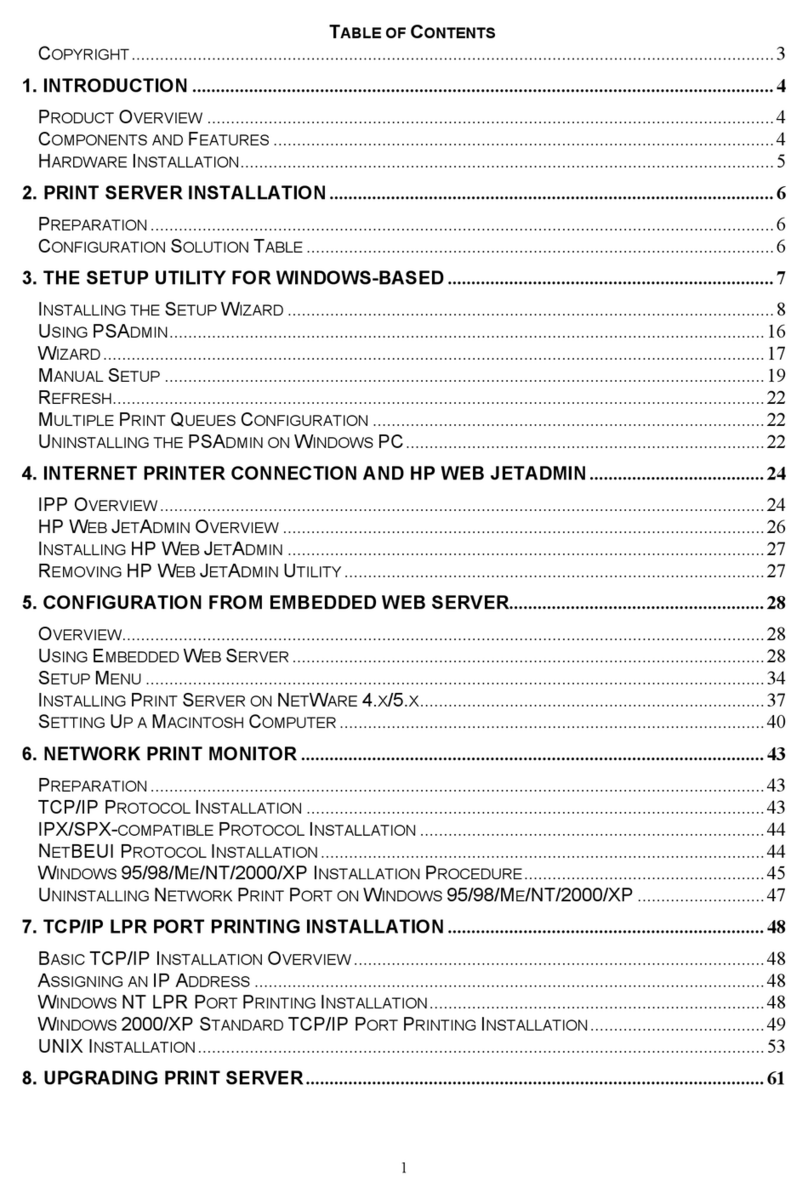
Table of Contents
CHAPTER1 INTRODUCTION............................................ 5
1.1 Product Introduction...............................................................................................................................5
1.2 Product Package....................................................................................................................................5
1.3 Print Server Outlook & LED Indicators...................................................................................................5
1.4 Network Printing Architecture ................................................................................................................6
1.4.1 Print Server Network Functions.......................................................................................................7
1.4.2 Network Printing Functions for Clients ............................................................................................8
1.4.3 Network Printing Functions for Network Server............................................................................. 10
1.5 Network Printing Environment ............................................................................................................. 10
1.6 Contents of the User’s Manual.............................................................................................................11
1.7 Firmware & Printing Function...............................................................................................................12
CHAPTER2 HARDWARE INSTALLATION .................... 13
CHAPTER3 WINDOWS PEER-TO-PEER NETWORK ... 14
3.1 System Architecture............................................................................................................................. 14
3.2 Administrator Installation and Setup ....................................................................................................14
3.3 Administrator Utilities ...........................................................................................................................21
3.4 Client Installation and Setup ................................................................................................................23
CHAPTER4 WINDOWS NT/2000 NETWORK................. 24
4.1 System Architecture............................................................................................................................. 24
4.2 Windows NT/2000 Server Installation and Setup.................................................................................24
4.3 User Installation and Setup..................................................................................................................25
CHAPTER5 NETWARE NETWORK ............................... 26
5.1 System Architecture............................................................................................................................. 26
5.2 NetWare 3.x/4.x/5.x Installation & Setup..............................................................................................26
5.2.1 Installation with Pconsole ..............................................................................................................27
CHAPTER6 UNIX SYSTEM NETWORK ......................... 29
6.1 Introduction ..........................................................................................................................................29
6.2 Enable Print Server’s TCP/IP Support .................................................................................................29
6.3 Setup Print Server’s IP Address...........................................................................................................29
6.3.1 DHCP ............................................................................................................................................29
6.3.2 BOOTP..........................................................................................................................................29
6.4 Verify Print Server’s IP Address...........................................................................................................30
6.5 Configure Remote LPD Printing on the Host .......................................................................................31
CHAPTER7 CONFIGURATION UTILITY ........................ 33
7.1 Introduction ..........................................................................................................................................33
7.2 Search for All Available Print Server ....................................................................................................34
7.3 Status of Print Server...........................................................................................................................35
7.4 Setting up the Print Server................................................................................................................... 36
7.5 General Configuration..........................................................................................................................37
7.6 TCP/IP Configuration ...........................................................................................................................38
7.7 Netware Configuration .........................................................................................................................39
7.8 AppleTalk Configuration.......................................................................................................................40
7.9 System Configuration...........................................................................................................................41
7.10 Wireless ...............................................................................................................................................42

7.10.1 Infrastructure Mode .......................................................................................................................42

7.10.2 Ad-Hoc Mode ................................................................................................................................48
7.11 SNMP ..................................................................................................................................................52
7.12 Wizard..................................................................................................................................................53
7.13 Report ..................................................................................................................................................58
CHAPTER8 WEB MANAGEMENT.................................. 59
8.1 Introduction ..........................................................................................................................................59
8.2 Web Management of Print Server ........................................................................................59
8.2.1 Login .............................................................................................................................................59
8.3 Device Status.......................................................................................................................................60
8.3.1 System ..........................................................................................................................................60
8.3.2 Printer............................................................................................................................................60
8.3.3 TCP/IP...........................................................................................................................................61
8.3.4 SMB ..............................................................................................................................................61
8.3.5 SNMP............................................................................................................................................62
8.3.6 NetWare ........................................................................................................................................62
8.3.7 AppleTalk ......................................................................................................................................63
8.4 Setup Wizard .......................................................................................................................................63
8.4.1 System ..........................................................................................................................................63
8.4.1.1 Advanced Settings ......................................................................................................................64
8.4.2 Wireless ........................................................................................................................................64
8.4.3 TCP/IP...............................................................................................................................................69
8.4.4 SMB ..............................................................................................................................................69
8.4.5 SNMP............................................................................................................................................70
8.4.6 NetWare ........................................................................................................................................70
8.4.7 AppleTalk ......................................................................................................................................71
8.5 System Tools .......................................................................................................................................72
8.5.1 Load Default..................................................................................................................................72
8.5.2 Upgrade Firmware..........................................................................................................................72
CHAPTER9 IPP PRINTING ............................................. 73
9.1 Introduction ............................................................................................................................................73
9.2 System Setup ........................................................................................................................................73
9.2.1 Print Server Side ............................................................................................................................73
9.2.2 Client Side.......................................................................................................................................73
APPENDIX A SPECIFICATION ............................................. 75

Chapter1 Introduction
1.1 Product Introduction
Thank you for purchasing and using our FPS-1010G. This print server allows your printer to
become a shared device on the network. It offers printing flexibility and manageability on your
Local Area Network at an extremely low cost and with an absolute minimum setup and
maintenance required.
1.2 Product Package
This package contains the following components:
1 x FPS-1010G
1 x Power Adapter
1 x Driver and User’s Manual CD
1 x Quick Installation Guide
1 x Dipole Antenna
1.3 Print Server Outlook & LED Indicators
Front View

Right View
Left View
Top View
LED Status Description
WLAN On: Indicates wireless interface is enable.
Off: Indicates wireless interface is disable.
Blink: Data is transferring via wireless interface.
ACT Blink: Indicates print server is transfer data to printer.
LAN On: LAN port is connected.
Off: LAN port is not connected.
Blink: Data transferring.
1.4 Network Printing Architecture
This section illustrates how FPS-1010G functions and operates on the network. Before you install
and use FPS-1010G, it is strongly suggested that you read this section completely, and select
only the chapters you need according to your network operating system by “Contents of the
User’s Manual” in next section.
This section will first introduce the role every component plays in the network-printing
environment.

Print Server
Client User
Network Server (optional)
Windows NT Server
NetWare Server
Windows 98Windows NT
Workstation
Windows 2000
Unix Print Server
Network Printing Environment
Print Server
Client User
Network Server
Detailed examples will then be illustrated through actual network environment.
1.4.1 Print Server Network Functions
Windows NT Server
NetWare Server
Windows 98
Windows NT
Workstation
Windows 2000
Unix
Print Server
Print Server
Because print server supports IPX, TCP/IP and AppleTalk network protocols, any networked
computer can directly print to the print server from any of its installed protocol.

1.4.2 Network Printing Functions for Clients
Windows NT Server
NetWare Server
Windows 98
Windows NT
Workstation
Windows 2000
Unix Print Server
Client User
Common operating systems for clients are classified as following:
Windows 95/98/Me/NT/2000/XP
Our print server system provides PTPP (Peer-to-Peer Printing) driver and utilities for Windows
95/98/NT/2000/XP users. PTPP (Peer-to-Peer Printing) supports TCP/IP protocol.

In the client installation procedure, after PTPP (Peer-to-Peer Printing Driver) is installed into
Windows, the system will automatically (manual configuration is also allowed) search through all
the print servers on the network, and then add their printing ports into Windows’ printing port.
(See below)
Windows 98
PTPP
Print Server
MIS-2
P1 P2
P3
P1
Print Server
MIS-1
UNIX / Linux
UNIX (include HP/UX, SCO Unix, SunOS, Solaris, Unixware DECUnix, IBM AIX and others) and
Linux use the system-standard LPR to print to print server.
MAC OS
MAC OS can use the system-standard AppleTalk network to print to print server.

1.4.3 Network Printing Functions for Network Server
Windows NT Server
NetWare Server
Windows 98
Windows NT
Workstation
Windows 2000
Unix Print Server
Network Server
Common network servers are classified as following:
Windows NT/2000
Our print server system provides PTPP (Peer-to-Peer Printing) driver and utilities for Windows
NT/2000. After PTPP is installed, the server can directly print to print server. Adding this printing
function into Windows NT/2000 Server allows print queue, user authority management, and many
other advanced features.
NetWare 3.x/4.x/5.x
In NetWare environment, print server offers various printing modes like print queue, remote
printer, etc.
1.5 Network Printing Environment
Common network environment are classified as following:
Windows Peer-to-Peer Network
The client’s PTPP driver will use TCP/IP protocol to print to print server.
Windows NT/2000 Network
Other manuals for FPS-1010G
1
Table of contents
Other Planet Print Server manuals

Planet
Planet FPS-1010MG User manual

Planet
Planet FPS-3300 User manual

Planet
Planet Multi-Port Fast Ethernet Print Server... User manual

Planet
Planet Print Server User manual

Planet
Planet FPS-1100DG User manual

Planet
Planet FPS-1010M User manual

Planet
Planet FPS-1012N User manual

Planet
Planet Multi-Port Fast Ethernet Print Server... User manual

Planet
Planet FPS-3300 User manual

Planet
Planet FPS-1101 User manual