manuals.online logo
Brands
  1. Home
  2. •
  3. Brands
  4. •
  5. PODVODOY
  6. •
  7. Flashlight
  8. •
  9. PODVODOY DNEPR Quick start guide

PODVODOY DNEPR Quick start guide

Popular Flashlight manuals by other brands

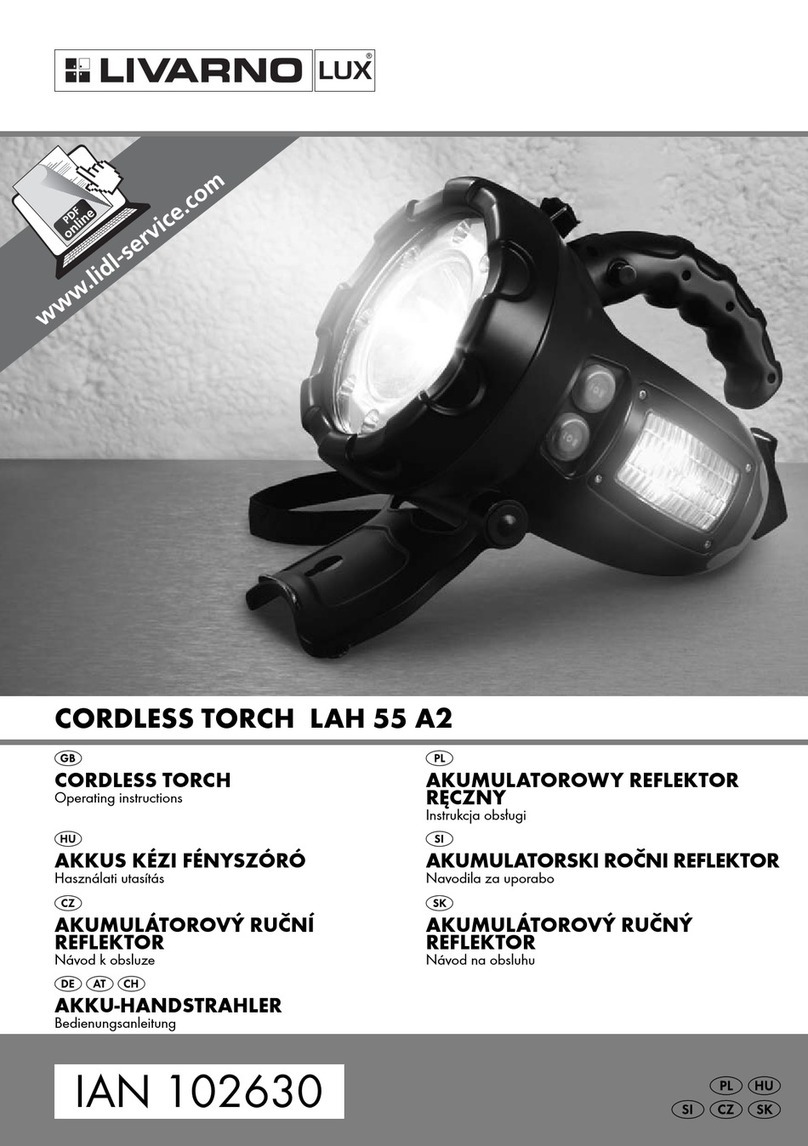
LIVARNO LUX LAH 55 A2 operating instructions

LIVARNO

LIVARNO LUX LAH 55 A2 operating instructions

Gama Sonic 23i60065 instruction manual

Gama Sonic

Gama Sonic 23i60065 instruction manual

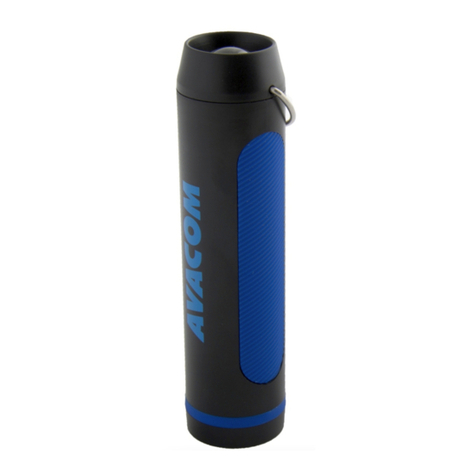
Avacom AVACOM Ain user manual

Avacom

Avacom AVACOM Ain user manual

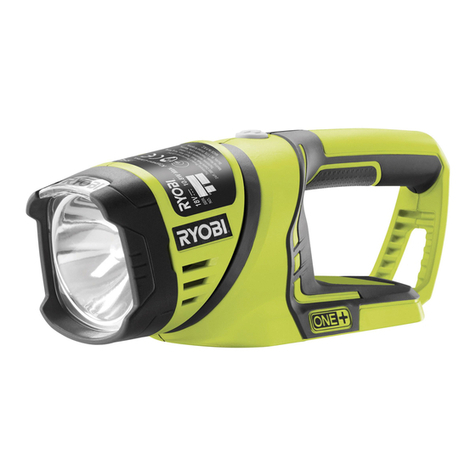
Ryobi RFL180M Original instructions

Ryobi

Ryobi RFL180M Original instructions

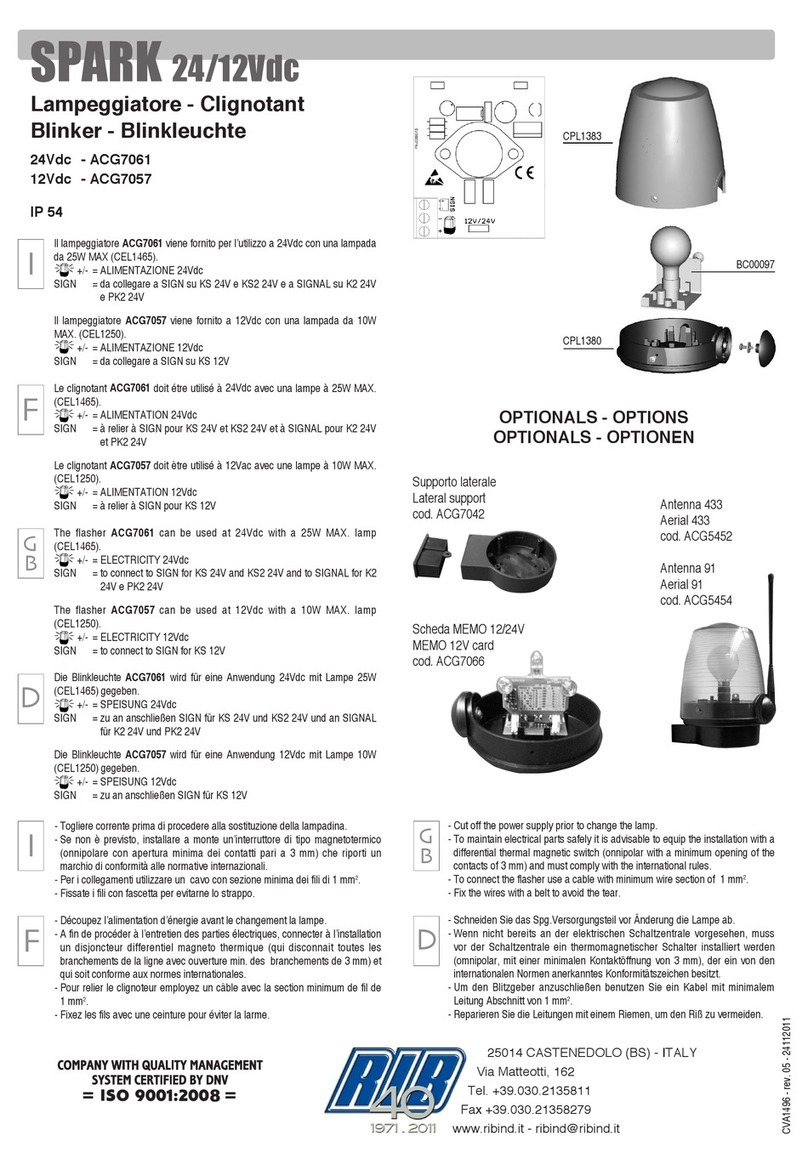
RIB SPARK ACG7061 quick start guide

RIB

RIB SPARK ACG7061 quick start guide

Abicor Binzel MB EVO PRO Series operating instructions

Abicor Binzel

Abicor Binzel MB EVO PRO Series operating instructions

PELI 7610 instruction manual

PELI

PELI 7610 instruction manual

Black & Decker FSL18 manual

Black & Decker

Black & Decker FSL18 manual

Black & Decker 9506 instruction manual

Black & Decker

Black & Decker 9506 instruction manual

Berner 341709 instruction manual

Berner

Berner 341709 instruction manual

PELI 3415 Zone 0 operating instructions

PELI

PELI 3415 Zone 0 operating instructions

ADC Adlite Pro Use, Care and Maintenance

ADC

ADC Adlite Pro Use, Care and Maintenance

tiki Cabos Warnings and Instructions

tiki

tiki Cabos Warnings and Instructions

Fervi 0338 Operation and maintenance manual

Fervi

Fervi 0338 Operation and maintenance manual

Milwaukee M18 IL Original instructions

Milwaukee

Milwaukee M18 IL Original instructions

Spectronics Spectroline LeakTracker SPI-LT instruction manual

Spectronics

Spectronics Spectroline LeakTracker SPI-LT instruction manual

Larson Electronics SLEDB-110V-M instruction manual

Larson Electronics

Larson Electronics SLEDB-110V-M instruction manual

vulta hurricane 262 lumen fg-e15 user manual

vulta

vulta hurricane 262 lumen fg-e15 user manual

manuals.online logo
manuals.online logoBrands
  • About & Mission
  • Contact us
  • Privacy Policy
  • Terms and Conditions

Copyright 2025 Manuals.Online. All Rights Reserved.

DNEPR flashlight operation manual
http://www.podvodoy.com.ua/en
Flashlight for spearfishing and diving "Dnepr" is enough complex product
involving the use of powerful Li-ion batteries, so for reliable, safe and long-term use of
this product, be sure to read this manual and follow its recommendations.
1. Purpose
The main purpose of this flashlight is additional lighting when practicing
underwater hunting, diving and underwater photography. The maximum tested depth
of use is 50 meters. Also, when choosing of medium and low intensity modes, the
flashlight can be used outdoors.
2. Main features
The main feature and difference of this model is the implementation the idea of
dividing a common light beam into a central part and a periphery. Thanks to this
opportunity, the user can, at will form a light spot, achieving the most comfortable
light under their specific conditions.
The implementation of this function became possible due to the development of
a unique two-channel driver. The driver has the highest efficiency, is silent and does
not give stripes when shooting video in ANY mode. Thanks to this, the user can
comfortably use the flashlight on any of hundreds of possible glow modes. The driver is
controlled microprocessor using the software developed by us, which provides the
most convenient and wide functionality.
Clusters of 3 and 6 modern and high-efficiency XPG-3 LEDs from CREE are used
as the center light source. The total maximum brightness is 4893 lumens, while the
center and halo are 2628 and 2265 lumens, respectively. At the request of the
customer, it is possible a combination of LEDs with different color temperatures 3000K
- warm, 4000K - neutral and 5000K - cold.
Also, in addition to the main lighting, there is a standby lighting created by three
low-power red LEDs or white - at the customer's choice. Such light is used at night, as
an aid when manipulating fish, moving along the shore, etc.
As a power source in the flashlight, the use of 4 protected lithium-ion batteries
of size 18650. Batteries removable and the user can independently change them, at
will. The charging process is carried out using an automatic charger through the socket
on the back of the cassette.
The device is controlled using a non-fixed end magnetic button. At the request
of the customer, the button can be made of polyacetal (plastic) or aluminum alloy with
subsequent anodizing and laser engraving.
3. Scope of delivery
There is a minimum or basic kit that does not include a charger and batteries. It
includes:
1. Flashlight
2. Case
3. Lanyard for hand
4. Spare o-rings
5. Lubrication
6. Soft cloth napkin
7. Passport
8. Original packaging
In addition, at the request of the customer, the flashlight can be completed
charger and high quality protected Li-ion batteries.
4. Specifications
1. Maximum luminous flux - 4893 lumens
1. center - 2628 lumens, optics CARCLO 10507, angle 25 degrees
2. halo - 2265 lumens, no secondary optics, 150 degree angle
3. Light source - XPG-3 CREE diodes - 9 pcs.
4. Color temperature of diodes - warm (3000K), neutral (4000K) and cold (5000K),
you can separately specify the temperature of the center and halo
5. Time of luminescence with the maximum possible brightness (provided using
cells with a capacity of 3400mAh) - 1 hour 20 minutes
6. Power source - a battery of 4 series-connected Li-ion protected cells of 18650
size
7. Management of the driver is microprocessor-based, through non-fixed magnetic
button
8. Mass-dimensional x-ki: length –150 mm., Diameter - 49 mm., Weight without
batteries –255 g.
9. Body material - aluminum alloy D16T
10.Coating - cold (hard) anode (HA II / III)
5. Functionality of the flashlight
By pressing the magnetic end button combinations, you can:
1. Turn on - turn off the flashlight
2. Lock - unlock the flashlight from accidental activation
3. Select one of the glow options (scenario) - only the center, only a halo or
custom, with subsequent memorization
4. When setting up a custom scenario, select the brightness separately center and
halo - in 8 steps each, with subsequent memorization
5. Select the brightness of a specific scenario (including custom) - in 8 steps, with
subsequent memorization
6. If necessary, quickly go to the minimum or maximum of the selected scenario
with one click
7. Use backlight diodes when the lamp is off
8. If necessary, switch to SOS mode
9. Find out the state of charge of the battery
In addition, without your participation, the flashlight performs:
1. Temperature control of the lamp with automatic transition to a lower level, or
complete shutdown in case of critical overheating
2. Control and announcement of the degree of discharge of batteries with
automatic dimming at discharge by 85% and complete shutdown at critical
discharge of cells
3. Automatic switch to power saving mode or "Sleep", after 5 seconds in the locked
state or after 10 minutes in operating mode, with the flashlight off.
6. Flashlight control
The flashlight is controlled using an end, not fixed magnetic button. There are
three basic commands –click (short-term pressing the button), holding the button and
pause between clicks.
There are also two basic states - the flashlight is "sleeping" or the flashlight
“awake”. When the flashlight sleeps, it practically does not consume energy (current
less than 1 microampere), which allows you not to worry about the discharge of the
batteries installed in the flashlight.
The flashlight status is indicated by the backlight LEDs –when they are on - the
lantern is awake; when they go out - the lantern has fallen asleep.
The flashlight goes into sleep mode automatically after 5 seconds when the
flashlight is locked and after 10 minutes in operating mode with the flashlight off.
6.1. Locking-unlocking the flashlight from accidental activation
The flashlight can be operated when the flashlight is awake. Therefore after
installing batteries and assembling the flashlight, wake up the flashlight with the first
click. The flashlight can be in normal or locked state.
If the flashlight is in the normal (unlocked) state, then the next click will turn on
the flashlight. When the device is blocked, this is not will happen and the flashlight will
fall asleep again after 5 seconds.
If the flashlight is locked, then to unblock it you need to: wake the flashlight with
one click, pause (from 1 to 4 seconds), and click three times button. After that, the
flashlight will unlock and turn on.
To block the flashlight from accidental activation - turn on the flashlight and
make 3 clicks. The flashlight will blink 3 times and turn off, the backlight LEDs will go
out after 5 seconds and the flashlight will go to sleep.
6.2. Glow intensity control
After turning on the flashlight, you can control its brightness in 8 steps.
To do this, with the flashlight on, press and hold the button, the brightness
enumeration begins in the direction of increasing. Let go of the button and press and
hold again - the search begins in the direction of decreasing. The mode selected in this
way is remembered, and when you turn it off and on again, the flashlight will shine
with the intensity you selected.
6.3. Scenario selection
In this flashlight, you can not only adjust its brightness, but also control the
shape of the light spot. This option is implemented using three glow scenarios.
only the central part is lit –(cluster of 3 XPG-3 under CARCLO optics 10507)
only the halo is lit (a cluster of 6 XPG-3 diodes without secondary optics)
custom mode (both center and halo are lit, while you can change the ratio of
their brightness).
To switch between the scenarios, you need to perform two clicks and hold from
the "flashlight on" position. After that, the search will begin scenarios with a frequency
of 1.5 seconds. Having chosen the one you need, release button. If we want to
continue the selection, press and hold again. For memorizing the selected scenario,
turn off the flashlight by clicking. Now, after switching on, you can adjust the
brightness of the selected scenario as described above (clause 6.2).
6.4. Custom scenario setup
The most interesting scenario is the custom one in which it is possible to
separately adjust the brightness of the central part and the halo. To do this, from the
position "the flashlight is unlocked, awakened and turned off" do two clicks and hold.
The lantern then shines (both the center and the halo), while the halo diodes wink
twice with an interval of 2 seconds. Thus, they signal that they are in editing mode.
Release the button, press and hold again - the search begins the brightness of
the halo in the direction of increasing, release and press with hold - the reverse search
begins. Having selected the necessary one, release the button and proceed to editing
the brightness of the center. To do this, from the current position (the button is
released, the flashlight lights up and the halo LEDs blink twice), make two clicks and

hold. The lantern then continues to glow, and at the same time once with a frequency
of once every 2 seconds the center blinks to indicate that it is in edit mode.
Likewise with adjusting the brightness of the halo, adjust the center.
To memorize the selected ratio - turn off the flashlight by clicking.
Now, after switching on, you get the selected ratio and can (if necessary) adjust
its overall brightness in 8 steps in the way, described above (clause 6.2).
6.5. Rapid transition to minimum or maximum brightness
In some cases (the need to view the "most important" place, etc.) there is a
need quickly, go to maximum or minimum brightness without any hesitation your
working script. At the same time, it is important not to lose the settings and the
selected brightness level.
To do this, turn off the flashlight by clicking, then press and hold button. The
flashlight will begin to move from minimum to maximum with an interval of 1 second.
Having selected the required mode - release the button - the search stops. Press and
hold - we resume the search.
6.8. Battery charge monitoring
If necessary, you can check the remaining battery charge. For this and from the
position "the flashlight is woken up and off", we make 6 clicks. After that, the flashlight
will blink from one to five times, showing a residual charge - 20% for one blink. Also,
the flashlight has automatic battery charge control and announcements of his
condition - will be described in a separate section.
6.9. SOS signaling
To switch to the mode when the flashlight blinks, the SOS signal in Morse code is
repeated at intervals, you need from the "flashlight awake" position (it does not
matter whether it is lit or not, locked or not) click the button 10 times. Exit SOS mode -
one click.
7. Automatic flashlight functions
7.1. Thermal protection
To prevent overheating in the flashlight, a two-point (driver and flashlight
housing itself) temperature control is implemented. Overheat flashlight is possible only
at maximum modes in very warm water (over 35 degrees Celsius) or in the air.
When overheated, the flashlight switches to a reduced glow mode, cools down
and returns to its original level.
In case of critical overheating, the flashlight will inform about this by blinking 4
times and will automatically turn off completely. It will be possible to enable it only
after cooling.
7.2. Monitoring the residual battery charge
When the flashlight is discharged by 50%, the flashlight begins to signal this with
a single short-term change in brightness when turned on and every 5 minutes.
When the flashlight is discharged by 85%, the flashlight starts to signal this two-
fold short-term change in brightness when turned on and each minute. In this case, the
possible maximum brightness is limited to 50%. When
In a critical discharge, the flashlight will indicate this by blinking twice and turn
off.
The residual charge of a battery is determined by its residual voltage. And since
when the flashlight is turned on, depending on the selected mode, there is a certain
"drawdown" of the voltage and then determining the degree of discharge and
subsequent signals may vary depending on the selected flashlight glow mode.
8. Preparation for work
8.1. Condition assessment
Before starting any manipulations with the flashlight, you need to make sure
that there are no mechanical damages - traces of falling, impacts, glass chips. If the
flashlight has been stored for a long time, you need to check the integrity, lubricate
and the need to replace the rubber o-rings (rubber seals). You should use a soft napkin
to remove dirt and remnants of old grease from the threads (grease (Litol-24), napkin
and spare o-rings are included in the basic minimum kit). If you find any serious
damage, do not try to eliminate - contact the manufacturer.
8.2. Installing Batteries
The flashlight does not provide for monitoring the voltage of each individual
battery element, therefore, for reliable and safe operation of the flashlight, we
strongly recommend using elements with built-in protection from overcharge and
overdischarge.
In addition, we recommend using 4 identical elements from a trusted
manufacturer and supplier.
Before installing items purchased separately from the flashlight, check the state
of charge of each item separately and make sure the fact that they are charged the
same way.
Unscrew the body of the flashlight and install the batteries, observing the
polarity and collect the lantern.
8.3. Battery charging
Before charging batteries, make sure they are not mechanically damaged and
heated to freezing temperatures. Can't try to charge damaged (crumpled, swollen,
rusty, etc.) or frozen items - this can lead to their fire or even explosion.
Battery charging is possible as in a separate charger, and without removing them
from the flashlight cassette. Charging is performed by a specialized (for 16.8V 1-3A li-
ion batteries) charger through the charging socket located in the back of the cassette.
The charger recommended and suggested by us works in the next mode - when
charging, the device indicator lights up red, when
When charging is complete, the indicator turns green. Charging time depends on
the selected device (2 to 8 hours).
You must remember that those used in this flashlight (and many others) Li-ion
cells can be dangerous - manufacturer credibility and availability protection does not
give a 100% guarantee. Therefore, keep children away from them and pay extra
attention when charging, and follow the recommendations manufacturers during use
and storage.
9. Flashlight storage
Store the assembled flashlight at room temperature and average humidity
values. For long-term storage, remove the batteries and follow the instructions for
storing and transporting Li-ion cells. It is convenient to transport the flashlight in a
protective case included in the basic kit.
After using in salty sea water, the lantern must be desalinated - rinse in fresh
water. Use non-aggressive materials to remove dirt. detergents - such as regular soap.
10. Warranty obligations
The product has a warranty that covers defects in design and materials for a
period of 1 year from the date of purchase, with a passport for product.
This warranty does not cover damage caused by:
misuse of the product;
not following the recommendations of this manual;
changes or repairs made by unauthorized persons;
accidents or natural factors;
use in liquids other than water;
prolonged exposure to sunlight or heat sources.
We do not accept any responsibility for damage caused by misuse of the
product.
Mechanical damage or depressurization (flooding) of the lantern by the user's
fault is not a warranty case.
Contact the manufacturer for any problem with the flashlight. Call the phone
number indicated in the flashlight passport, send a letter to the addresses indicated in
the passport or on the manufacturer's website.
http://www.podvodoy.com.ua/en