6
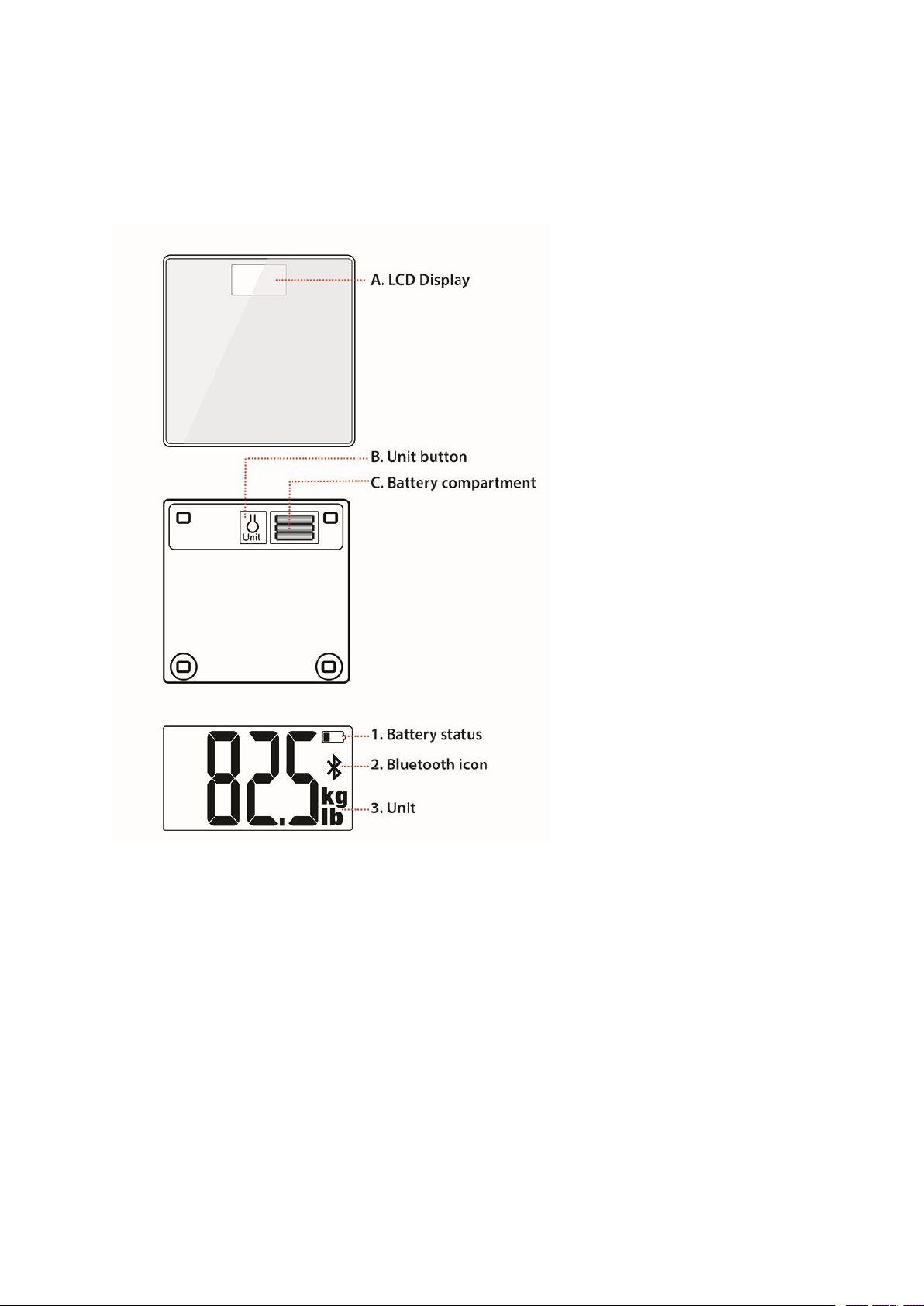
Please use the provided batteries. When you need to change them, do not use rechargeable batteries or
mix old and new batteries. Make sure you place the scale on ahard floor as carpet can distort weighing
results.
PAIR THE SCALE WITH YOUR WRIST UNIT
Before pairing the scale with your wrist unit, make sure you’ve done the first time setup for your
wrist unit in the Flow web service. See the user manual of your wrist unit for more information.
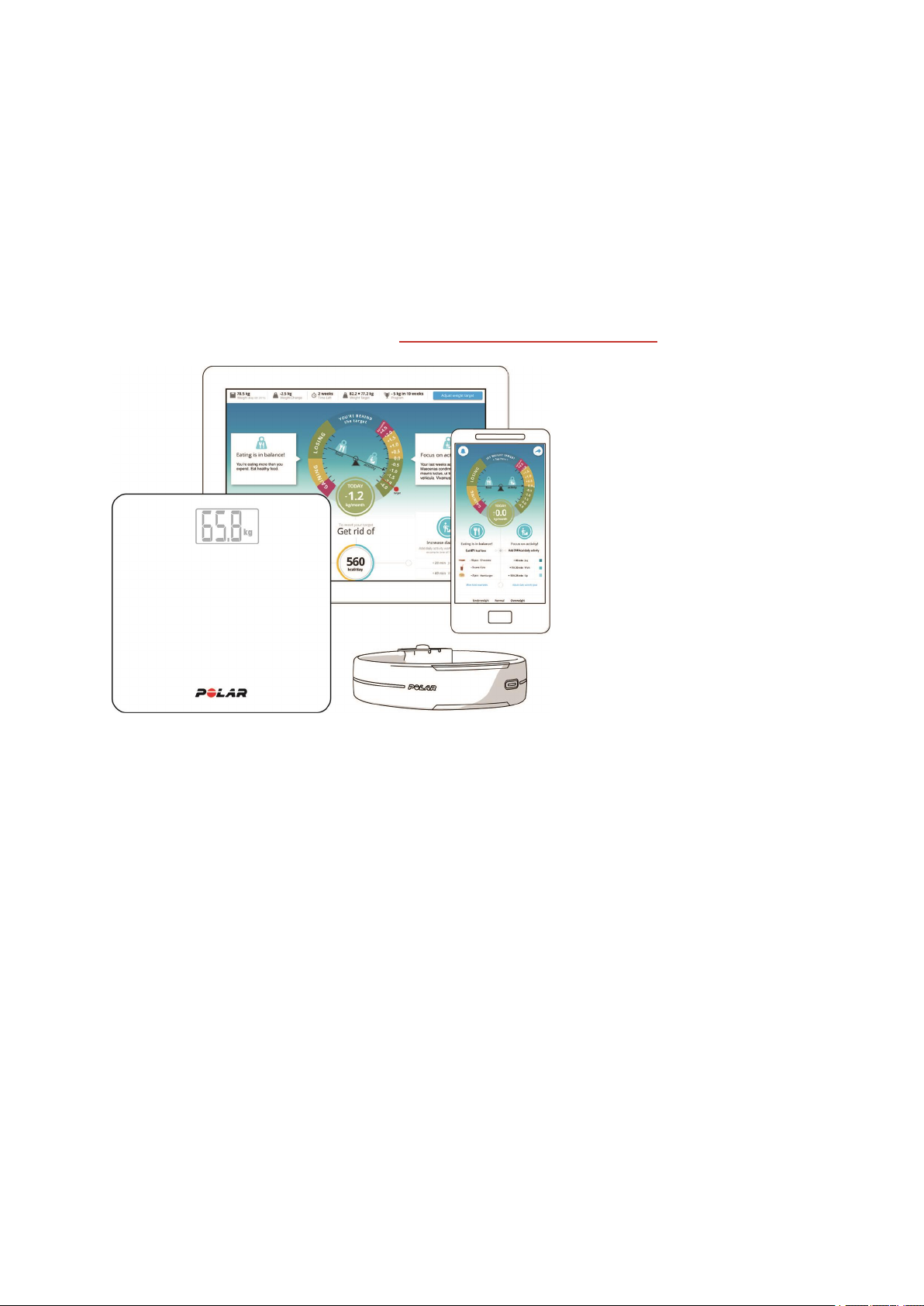
1. Step on the scale, the display shows your weight.
2. After abeep sound, the Bluetooth icon starts flashing, which means that the connection is now on. The
scale is now ready to be paired with aPolar wrist unit, such as atraining device or an activity tracker.
3. Press the button* on your wrist unit and wait until your wrist unit display indicates the pairing is
complete.
*If your wrist unit has one button (for example Polar Loop), press it until the display turns on and wait. If your
wrist unit has five buttons (for example Polar V800 and M400), press and hold the BACK button for 2seconds
and wait. With Polar A360, press and hold the button for acouple of seconds and wait.
The scale can be paired with 7different Polar devices. When the number of paired devices exceeds 7, the
first pairing will be removed and replaced.
Please note that if you do afactory reset on your wrist unit after the initial pairing, the wrist unit must be
paired with the scale again. Also, if you remove or change the batteries of your scale, the wrist unit must be
paired with the scale again.
MEASURE YOUR WEIGHT
1. Step on the scale, and after the beep sound press the button* on your wrist unit.
2. Your weight is updated when the scale display shows OK and your wrist unit display shows your
weight.
*If your wrist unit has one button (for example Polar Loop), press it until the display turns on and wait. If your
wrist unit has five buttons (for example Polar V800 and M400), press and hold the BACK button for 2seconds
and wait. With Polar A360, press and hold the button for acouple of seconds and wait.
lIf ERR is displayed, either the scale is not on aflat and hard enough surface, or the weight on the scale
exceeds the scale’s capacity. Make sure you remain still when on the scale, and that the scale is on a
flat and hard surface.
lIf you step off the scale before it reaches afinal weight reading, the scale turns off in 5seconds.
lThe scale is aprecise measurement instrument that is most accurate for weighing astationary object.
To ensure the most accurate readings, always try to stand on the same area on the scale and do not
move.