EnglishDeutsch
 logo
Brands
  1. Home
  2. •
  3. Brands
  4. •
  5. Polaroid
  6. •
  7. Digital Camera
  8. •
  9. Polaroid DMC User manual

Polaroid DMC User manual

Other Polaroid Digital Camera manuals
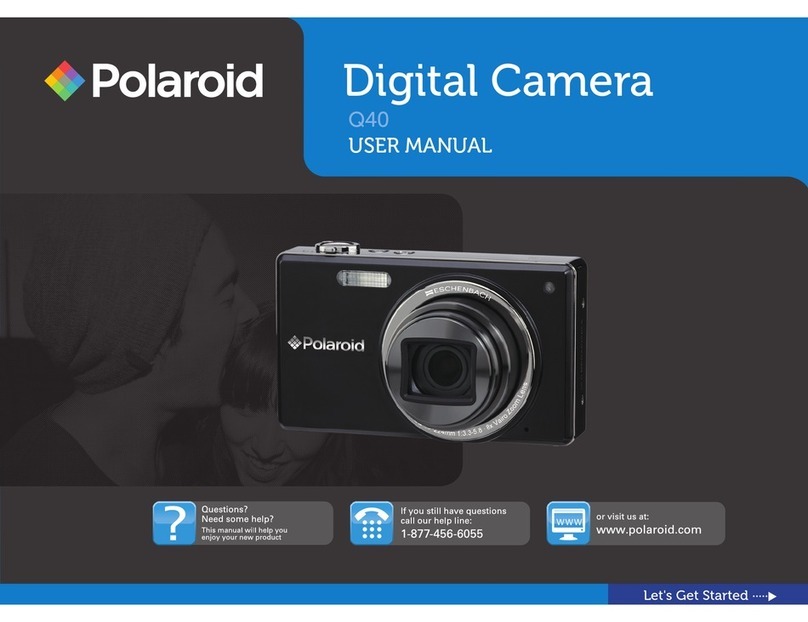
Polaroid Q40 User manual

Polaroid

Polaroid Q40 User manual

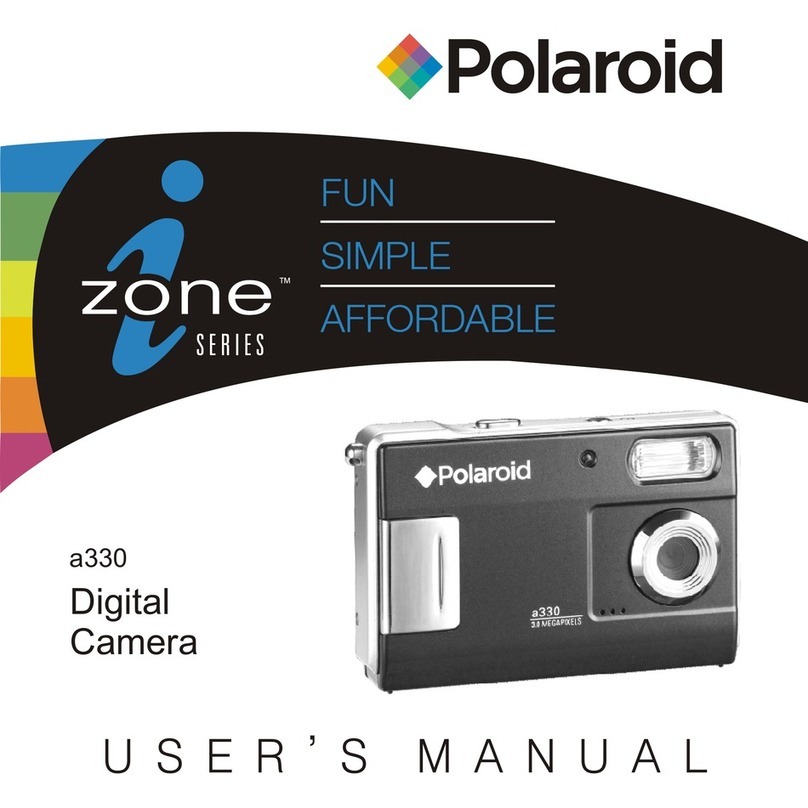
Polaroid a330 User manual

Polaroid

Polaroid a330 User manual
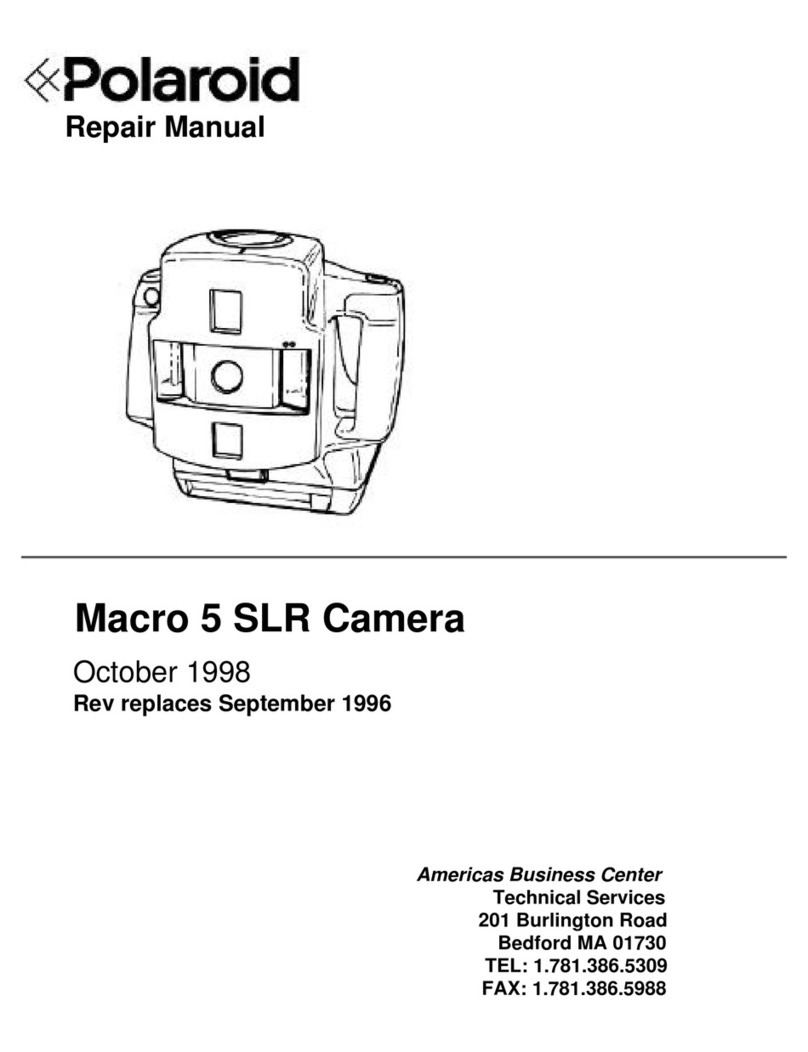
Polaroid Macro 5 SLR Operating instructions
Polaroid

Polaroid Macro 5 SLR Operating instructions

Polaroid PhotoMAX PDC 3350 User manual
Polaroid

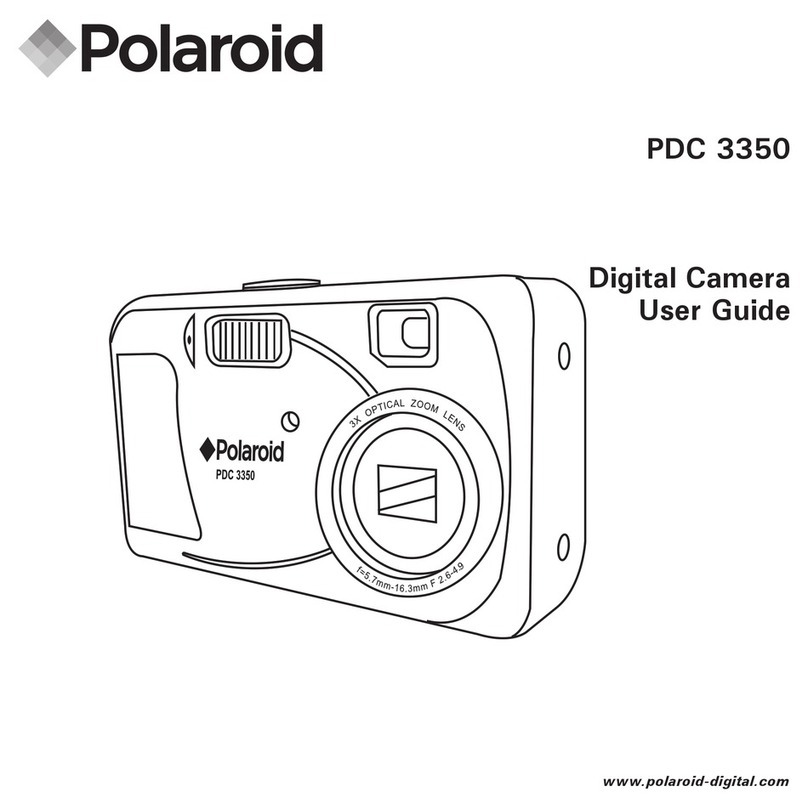
Polaroid PhotoMAX PDC 3350 User manual

Polaroid PDC 3050 User manual

Polaroid

Polaroid PDC 3050 User manual
Polaroid A520 - Digital Camera - Compact User manual
Polaroid

Polaroid A520 - Digital Camera - Compact User manual

Polaroid T1031 - Digital Camera - Compact User manual

Polaroid

Polaroid T1031 - Digital Camera - Compact User manual

Polaroid Miniportrait 204 User manual

Polaroid

Polaroid Miniportrait 204 User manual
Polaroid MP-4 Quick setup guide

Polaroid

Polaroid MP-4 Quick setup guide
Polaroid PDC 2350 User manual

Polaroid

Polaroid PDC 2350 User manual

Polaroid 620 User manual

Polaroid

Polaroid 620 User manual
Polaroid 660 - Autofocus 660 Land Camera User manual
Polaroid

Polaroid 660 - Autofocus 660 Land Camera User manual

Polaroid IX6038 User manual

Polaroid

Polaroid IX6038 User manual
Polaroid iZone iE877 User manual

Polaroid

Polaroid iZone iE877 User manual
Polaroid Snap Touch User manual

Polaroid

Polaroid Snap Touch User manual
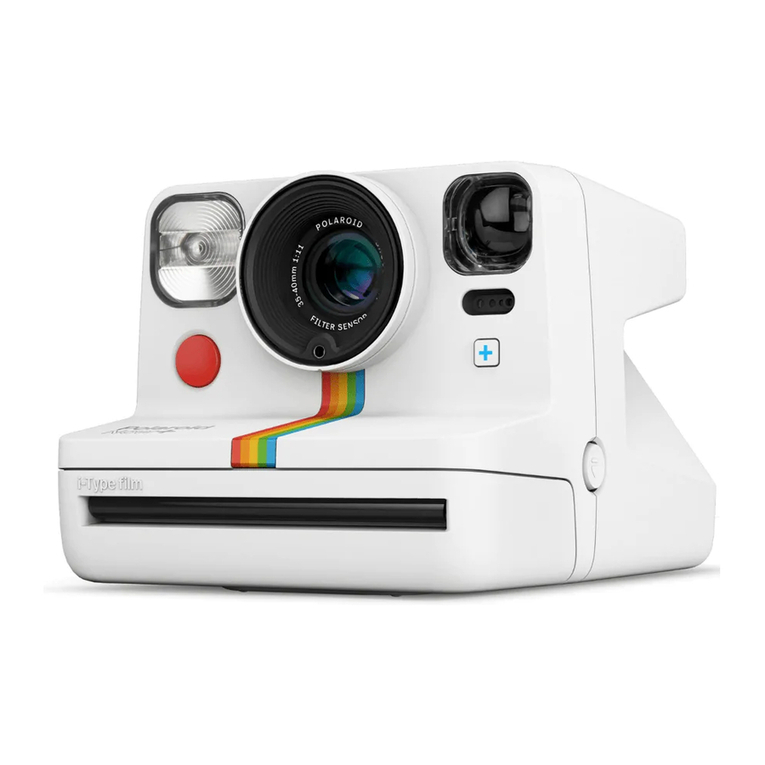
Polaroid Now+ User manual

Polaroid

Polaroid Now+ User manual
Polaroid A932 User manual

Polaroid

Polaroid A932 User manual
Polaroid PDC 5055 User manual

Polaroid

Polaroid PDC 5055 User manual
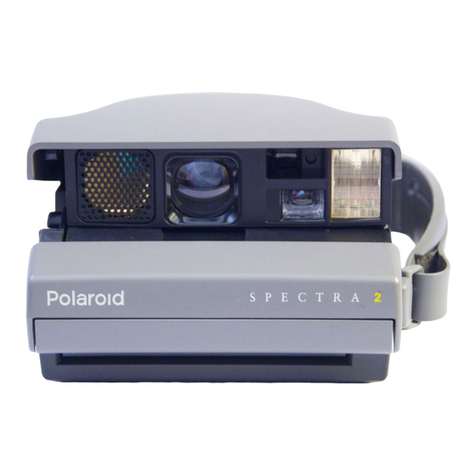
Polaroid Spectra 2 User manual

Polaroid

Polaroid Spectra 2 User manual

Polaroid DCM 2 Online Technical manual
Polaroid

Polaroid DCM 2 Online Technical manual
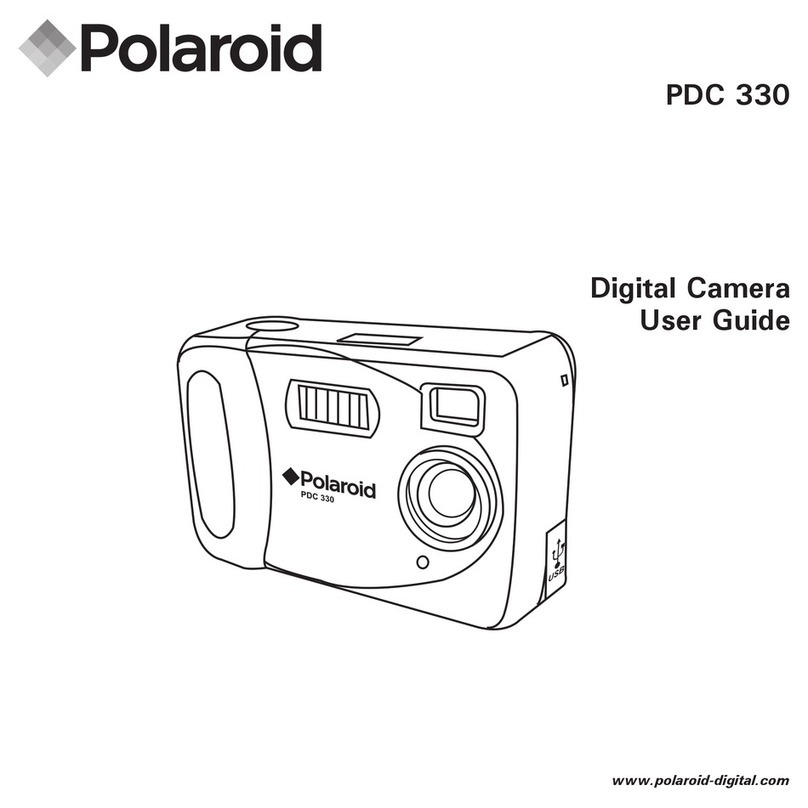
Polaroid PDC 3050 User manual

Polaroid

Polaroid PDC 3050 User manual

Polaroid PDC 330 User manual

Polaroid

Polaroid PDC 330 User manual

Polaroid Now+ User manual

Polaroid

Polaroid Now+ User manual

Polaroid PDC 3150 User manual

Polaroid

Polaroid PDC 3150 User manual

Popular Digital Camera manuals by other brands

GE C1440W null

GE

GE C1440W null

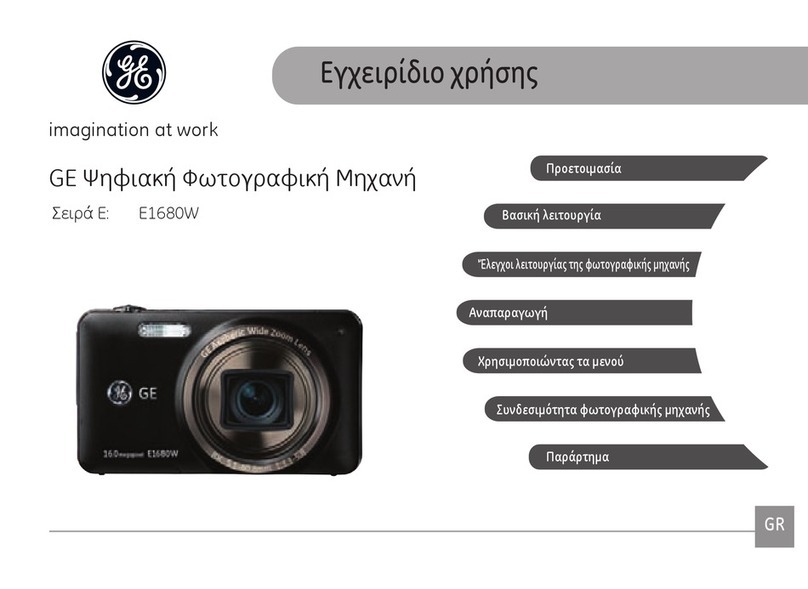
GE E1680W null

GE

GE E1680W null

GE J1470S null

GE

GE J1470S null

Konica Minolta DIMAGE X1 9979-2801-80/12984 null

Konica Minolta

Konica Minolta DIMAGE X1 9979-2801-80/12984 null

Epson r-d1 - Rangefinder Digital Camera null

Epson

Epson r-d1 - Rangefinder Digital Camera null

GE E1680W null

GE

GE E1680W null

GE J1456W null

GE

GE J1456W null

Mercury 350K user manual

Mercury

Mercury 350K user manual

Pentax Optio LS 465 operating manual

Pentax

Pentax Optio LS 465 operating manual

Sanyo VPC-S1085 instruction manual

Sanyo

Sanyo VPC-S1085 instruction manual

GE SMART A1255 user manual

GE

GE SMART A1255 user manual

Point Grey Gazelle Getting started

Point Grey

Point Grey Gazelle Getting started

Nikon COOLPIX A Reference manual

Nikon

Nikon COOLPIX A Reference manual

Pentax P-5 manual

Pentax

Pentax P-5 manual

BlazeVideo A280 instruction manual

BlazeVideo

BlazeVideo A280 instruction manual

Sony MCA-20 manual

Sony

Sony MCA-20 manual

Sony Alpha DSLR-A290 instruction manual

Sony

Sony Alpha DSLR-A290 instruction manual

ATIK Cameras One user manual

ATIK Cameras

ATIK Cameras One user manual

https://manuals.online logo
https://manuals.online logoBrands
  • About & Mission
  • Contact us
  • Privacy Policy
  • Terms and Conditions

Copyright 2026 Manuals.Online. All Rights Reserved.

Digital Microscope Camera
(DMC)
User Guide
i
Quick startup iv
Introduction 1
Introducing the DMC Digital Microscope Camera 1
System requirements 3
PC systems 3
PowerMac or PowerPC systems 3
Technical assistance 4
Using this manual 4
Setting up 7
Unpac ing 7
Camera switches and connectors 8
Setting the SCSI ID 10
Attaching the camera to your microscope 11
Connecting the camera to your PC 13
Installing a SCSI adapter 13
If the DMC is the only SCSI device 14
If your PC has other SCSI devices 15
Installing the DMC software on your PC 16
Table of Contents
ii
Connecting the camera to your PowerMac or PowerPC 18
If the DMC is the only SCSI device 19
If your PowerMac or PowerPC has other SCSI devices 20
Connecting to an Apple PowerBoo 21
Installing DMC software on your PowerMac/PowerPC 22
Parfocalizing 24
Using the DMC camera 25
Typical DMC wor flow 25
Turning on the camera 26
Starting the DMC application 26
Framing and focusing the image 28
Selecting picture options 28
Shutter speed 29
Film speed 30
Flash mode 30
Color temperature 30
Color or blac -and-white 30
Resolution 30
Using the focus indicator 31
Capturing the picture 32
Capturing and enhancing 33
Capturing and transferring to an application 34
Capturing and saving directly to dis 34
iii
Maintenance and troubleshooting 5
Caring for the DMC camera 35
Troubleshooting SCSI connection problems 36
PowerMac/PowerPC SCSI ID conflicts 36
Windows 95 SCSI ID registry entries 36
SCSI drivers 36
DMC full one-year warranty 37
Service 37
Radio and television interference 38
DMC camera specifications 41
Software license agreement 4
Polaroid Offices and Service Centers 47
Index 49
iv
Quick startup
For more information, see the page indicated.
Setting up
Page
PC/Windows
Page
(PowerMac/
PowerPC) Steps
7 7 1 Unpac the DMC camera.
10 10 2 Set the cameras SCSI ID.
11 11 3 Attach the camera to the microscope.
13 13 3 Connect the camera to your computer.
16 22 4 Install the DMC software on your
computer.
Taking pictures
Page Steps
26 1 Turn on the camera.
26 2 Start your computer, and start your
application or DMC Direct.
28 3 Frame and focus the image.
28 4 Select picture options.
32 5 Capture, enhance and save the picture.
Introduction 1
Introduction
Introducing the DMC Digital Microscope Camera
The Polaroid DMC Digital Microscope Camera captures
high-quality digital color images from light microscopes and
other optical instruments. The camera uses a unique, million-
pixel, 12.15mm CCD (charge coupled device) to capture
pictures with up to 16.7 million colors. It transfers these
pictures in seconds to an IBM-PC-, PowerMac- or PowerPC-
compatible computer as high resolution (800x600 pixels) or
super-high resolution (1600x1200 pixels) TIFF images.
Dmccam.ai
2
Using the Microsoft Windows or PowerMac/PowerPC
software provided with the camera, you can display a
viewfinder image on your computer screen, choose resolution
and other options, enhance color balance, brightness,
contrast and sharpness, then transfer the picture to your
image-processing application or a dis drive.
The camera has a SCSI-2 connection requiring no frame-
grabber or other special hardware or software. (For use with
IBM PCs or PC-compatible computers, the camera requires a
SCSI adapter board.)
Using a standard .63, 1:1, or larger c-mount adapter, the
camera attaches easily to microscopes for most types of
transmitted-light and reflected-light microscopy.
The camera also features a tripod mount and x-sync
connection for use with standard c-mount lenses on a
copystand.
For more detailed camera specifications, see page 41.
Introduction 3
System requirements
Using the DMC software to view and capture pictures ta en
with the DMC camera requires the following hardware and
software. If you do not have the required configuration,
contact your Polaroid dealer.
· An IBM PC or compatible computer, with at least a 66 MHz
Pentium-class processor and 20 megabytes (MB) of RAM (32
MB recommended).
· Microsoft Windows 95 or Windows NT operating system.
· A monitor and graphics adapter capable of displaying 24-bit
color (16.7 million colors) is recommended for optimal
display of DMC pictures. (DMC software can be used with
monitors and adapters capable of displaying fewer colors,
but the quality of pictures displayed on the monitor may not
be satisfactory.)
· An ASPI-compliant SCSI adapter and the appropriate
Windows 95 or Windows NT drivers.
· A TWAIN-compliant image-processing application, such as
Adobe Photoshop, is recommended for wor ing with DMC
pictures. If you do not have such an application, you can use
DMC Direct (provided and installed as part of the DMC
software) to capture pictures and save them on your
computers hard drive.)
· Light microscope with a .63 or larger C-mount adapter
· A PowerMac or PowerPC computer or compatible with a
PowerPC processor and 20 megabytes (MB) of RAM. (32
MB is recommended.)
· Apple system software version 7.5 or later.
· An image-processing application, such as Adobe Photoshop,
compatible with Adobe Photoshop plug-in modules, is
PC systems
PowerMac or
PowerPC systems
4
recommended for wor ing with DMC pictures. If you do not
have such an application, you can use DMC Direct (provided
and installed as part of the DMC software) to transfer
pictures from the camera and to control the camera from the
computer.
· Light microscope with a .63 or larger C-mount adapter
Technical assistance
Call Polaroid toll-free from within the U.S.A. at 1-800-432-
5355, Monday through Friday, 8 a.m. to 8 p.m., Eastern
time. Polaroid offers a variety of customer support services.
Call for details and applicable fees.
In Canada, call toll-free at 1-800-268-6970. Outside the
U.S.A. and Canada, contact the Polaroid office nearest you.
See Polaroid Offices and Service Centers on page 47.
Technical support is also available over the Internet. Connect
to the Polaroid World Wide Web site at
http://www.polaroid.com.
Using this manual
This boo explains how to set up and use your Polaroid
DMC camera. It also includes the procedures for installing
the DMC software on your PowerMac or PowerPC
computer or PC, and for ta ing and saving pictures. To use
these instructions, you should be familiar with the operation
of your PowerMac/PowerPC computer or PC with the
Microsoft Windows 95 operating system.
Heres what youll find in this boo :
Quick startup: Summarizes instructions for setting up the
DMC camera and software, and for ta ing pictures and
transferring them to the computer.
Introduction 5
Introduction: Briefly describes the DMC camera, lists system
requirements and explains how to obtain technical
assistance.
Setting up: Explains how to install the DMC software on
your PC or PowerMac/PowerPC computer, and how to
connect the DMC camera to your computer.
Using the DM camera: Provides detailed instructions for
ta ing and enhancing pictures.
Maintenance and troubleshooting: Contains camera care
information, solutions to problems that might occur, and
warranty and service information.
DM camera specifications: Detailed camera operating and
physical characteristics.
Software license agreement: License agreement for the DMC
software accompanying the camera.
Polaroid Offices and Service enters: Telephone numbers of
Polaroid locations throughout the world in case you need
service or support.