Load software
Download Poly Lens App to get the most out of your device. Some softphones require the
installation of Poly software to enable device call control (answer/end and mute)
functionality.
• Download Poly Lens Desktop App at poly.com/lens.
• Download Poly Lens Mobile App at poly.com/lens, the App Store or Google Play.
Poly Lens Mobile App Poly Lens Desktop App
Configure call control for
softphones
available for some
softphones
✓
Change headset language ✓ ✓
Enable features ✓ ✓
Battery meter ✓ ✓
Update device firmware ✓ ✓
Manage notifications and alerts ✓ ✓
Schedule health and wellness
reminders
✓ ✓
View user guide ✓ ✓
Find MyHeadset ✓
Update your Poly device
Keep your firmware and software up-to-date to improve Poly device performance and
add new features. Download the app at poly.com/lens.
Update earbuds
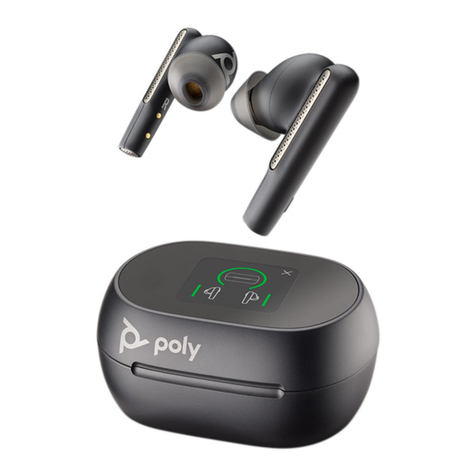
1To update your earbuds, first remove them from the case to automatically power
them on.
2Go to Poly Lens Mobile App on your paired mobile device or to Poly Lens Desktop
App on your connected computer.
3Select your earbuds from the device list in Poly Lens App to view available updates.
4Click the update button to wirelessly update earbud firmware or software.
Update charge case
Note: This device update requires Poly Lens Desktop App downloaded to your
computer
5With Poly Lens Desktop App downloaded, plug the charge case into your computer
using the provided USB cable.
6Select your charge case from the device list in Poly Lens Desktop App to view
available updates.
7Click the update button to update charge case firmware or software.
8