Rev A.3 – 2012/11 P2110-EVAL-01: Lifetime Power
®
Page 2
Energy Harvesting evelopment Kit for Wireless Sensors
www.powercastco.com
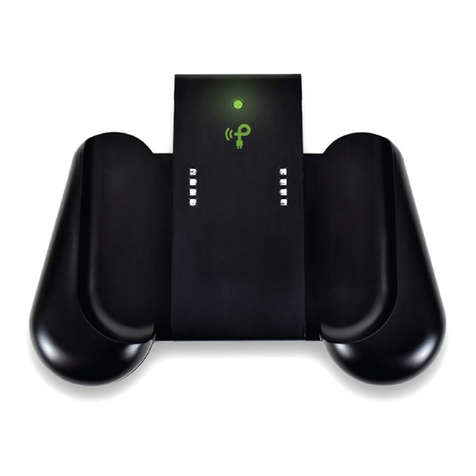
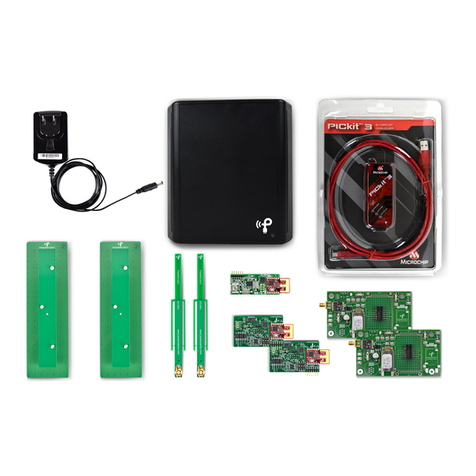
Transmitter
(TX91501-3W-I )
MHz transmitter for power and data
antenna and two power jacks. Sends a pre-programmed transmitter
I that is received by the P2110 Powerharvester component and is
decoded by the MCU on the Wireless Sensor Board
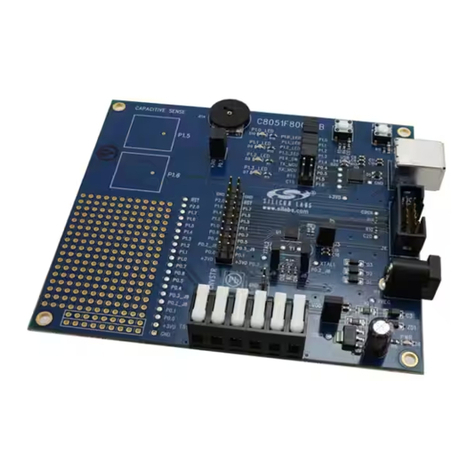
(P2110-EVB)
for P2110 Powerharvester Receiver. This
board has an SMA connector to connect the antennas and a 10-pin
connector for the Wireless Sensor Board
irectional antenna with 120
(included with the P2110 evaluation board)
directional antenna with 360
(included with the P2110 evaluation board)
(WSN-EVAL-01)
Sensor for Temp/Humidity/Light and an external
P2110 evaluation board, and sends data to the access point
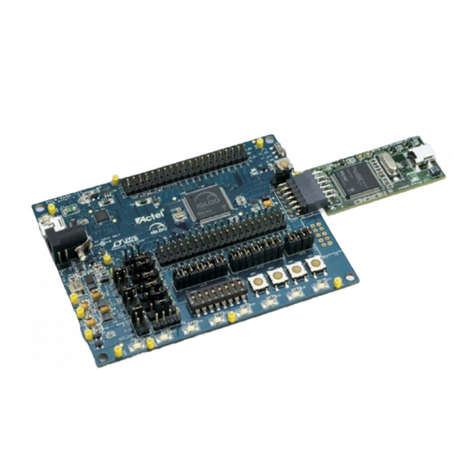
(Microchip 16-bit XLP evelopment Board)
evelopment Board
( M240311)
featuring Microchip’s PIC24F MCU
programmed to operate as an access point for receiving data from the
Wireless Sensor Boards. USB cable included in box.
PICtail/PICtail Plus
aughter Board
(AC164134-1)
802.15.4 radio that plugs into the 16
evelopment Board for receiving data from the Wireless Sensor
Boards
debugger
(PG164130)
Programming tool for updating code on the
and the 16-bit XLP evelopment Board. USB cable included in
package.
Set-up and Operation
Installation Overview
The following basis steps are required to operate the kit and are provided as an overview. etailed
installation instructions are provided immediately after this summary.
1. Install HyperTerminal (already installed with Windows XP) or equivalent terminal emulator program.
2. Install the USB Serial river for the Microchip 16-bit XLP evelopment Board.
3. Configure HyperTerminal or equivalent terminal emulator program.
4. Connect antennas and sensor boards to P2110 evaluation board.
5. Turn on the transmitter and point toward receivers.
Note:
The required software for steps 1 and 2 above is available for download from
http://www.powercastco.com/resources/ or the direct links provided in the next section.