manuals.online logo
Brands
  1. Home
  2. •
  3. Brands
  4. •
  5. PowerLocus
  6. •
  7. Headphones
  8. •
  9. PowerLocus PLX1 User manual

PowerLocus PLX1 User manual

Other PowerLocus Headphones manuals

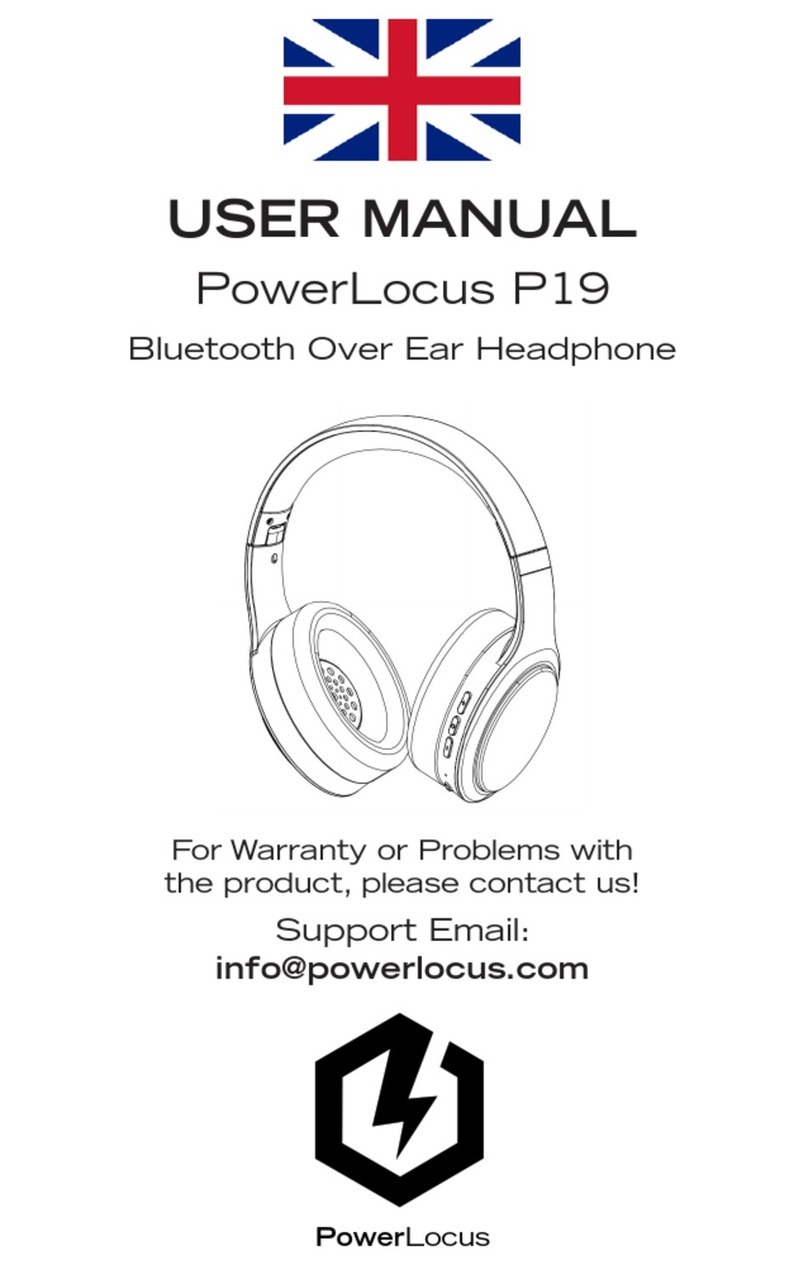
PowerLocus P19 User manual

PowerLocus

PowerLocus P19 User manual

PowerLocus PLX1 User manual

PowerLocus

PowerLocus PLX1 User manual

PowerLocus Ptouch User manual

PowerLocus

PowerLocus Ptouch User manual

PowerLocus SPORT PTOUCH User manual

PowerLocus

PowerLocus SPORT PTOUCH User manual

Popular Headphones manuals by other brands

Bose SoundSport owner's guide

Bose

Bose SoundSport owner's guide

Renkforce RF-WH-150 operating instructions

Renkforce

Renkforce RF-WH-150 operating instructions

Blu ARIA POD+ quick guide

Blu

Blu ARIA POD+ quick guide

Jabra Elite Active 45e Get started

Jabra

Jabra Elite Active 45e Get started

Denver TWE-36MK2 user manual

Denver

Denver TWE-36MK2 user manual

Grandstream Networks GUV3060 quick start guide

Grandstream Networks

Grandstream Networks GUV3060 quick start guide

iMoshion TWS In-Ear Headset user manual

iMoshion

iMoshion TWS In-Ear Headset user manual

Sven AP-B250MV user manual

Sven

Sven AP-B250MV user manual

BUXTON BTW 3800 user manual

BUXTON

BUXTON BTW 3800 user manual

HiFuture Voyager user manual

HiFuture

HiFuture Voyager user manual

Philips UpBeat SHB2505 user manual

Philips

Philips UpBeat SHB2505 user manual

Denon AH-C260 owner's manual

Denon

Denon AH-C260 owner's manual

WATSON KH2130B instruction manual

WATSON

WATSON KH2130B instruction manual

Pure Acoustics Golf TWS20 user manual

Pure Acoustics

Pure Acoustics Golf TWS20 user manual

Srhythm Soulmate Series user manual

Srhythm

Srhythm Soulmate Series user manual

Motorola Talkabout MHP71 user manual

Motorola

Motorola Talkabout MHP71 user manual

Sony MDR-NC8 Specifications

Sony

Sony MDR-NC8 Specifications

AUSounds AU-Stream quick start guide

AUSounds

AUSounds AU-Stream quick start guide

manuals.online logo
manuals.online logoBrands
  • About & Mission
  • Contact us
  • Privacy Policy
  • Terms and Conditions

Copyright 2025 Manuals.Online. All Rights Reserved.

QUICK GUIDE
PLX1
I. PAIRING THE EARBUDS
1. Take both earbuds out of
the case. They will turn on
and connect automatically
to each other.
Warning! If there is no power in the case, the headphones
will not power ON automatically and you would have to do it
manually by pressing the buttons for 4-5 seconds.
2. Open the Bluetooth menu
of your device and find “Pow-
erLocus PLX1”.
MY DEVICES
Connected
Bluetooth
PowerLocus PLX1
II. CHARGING THE EARBUDS
To charge the earbuds put
them in the case.
Battery Indicator Lights
Charging:
Solid white lights
Charged:
Lights off

III. CHARGING THE CASE
To charge the case connect
the USB cable (up to 5V).
IV. TURN OFF THE EARBUDS
Put the earbuds back in the
case.
Do not put them back in the
case while they are wet!
Battery Indicator Lights
V. MAIN FUNCTIONS
Check the cover of the box.
Check the warranty card which you received with the pack-
age and register your 24 month warranty at
www.powerlocus.com/en/register.
For questions or problems use
[email protected]