Use the recommended power adapter and cable to
connect to the Type-c interface. The icon lights up,
indicating that the power supply is connected.
Green light, battery power is normal.
The green light flashes, indicating low
battery power.
Red light, charging status.
*Recommended power adapter specifications: 5V/1A
Optical Power Meter
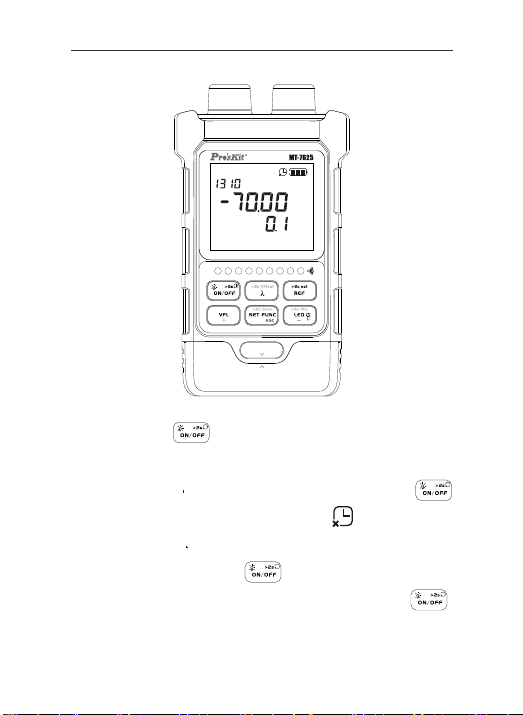
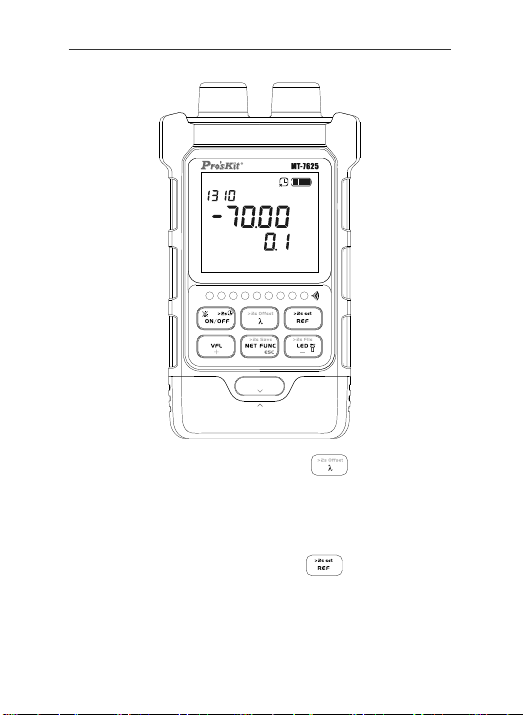
After power on, short press the " " to switch the
measurement wavelength. The device supports measure-
ment of 10 calibration wavelengths: 850nm,980nm,
1270nm, 1300nm, 1310nm, 1490nm, 1550nm, 1577nm,
1625nm, 1650nm. Short press the " " to switch units
and view the REF setting value. Long press to set the
current measurement value as the new REF value.
7
1 2 3 4 5 6 7 8 G
d B m
nm
n
W
P UL L
LO C K