8
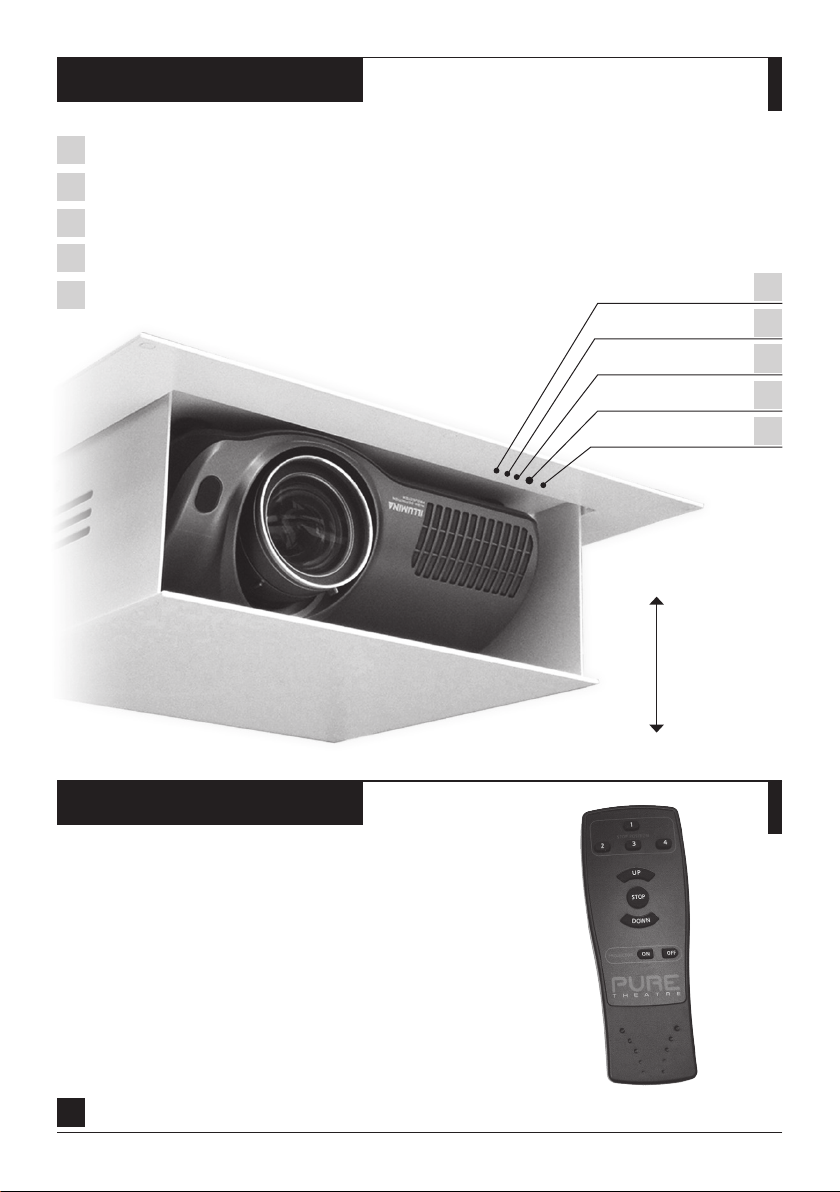
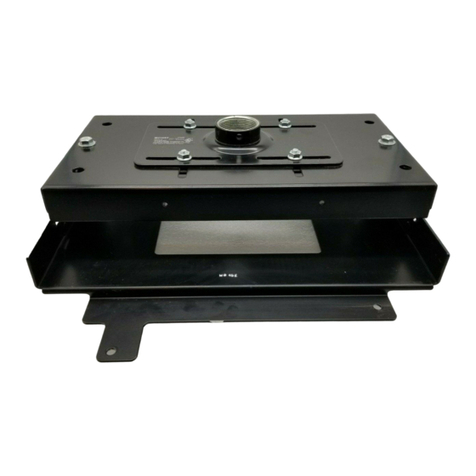
The projector lift can learn commands from the majority of domestic remote controls, allowing your
TV or projector remote to control the lift.
Programming a new remote will NOTdisable the PureTheatre™ IR Remote.
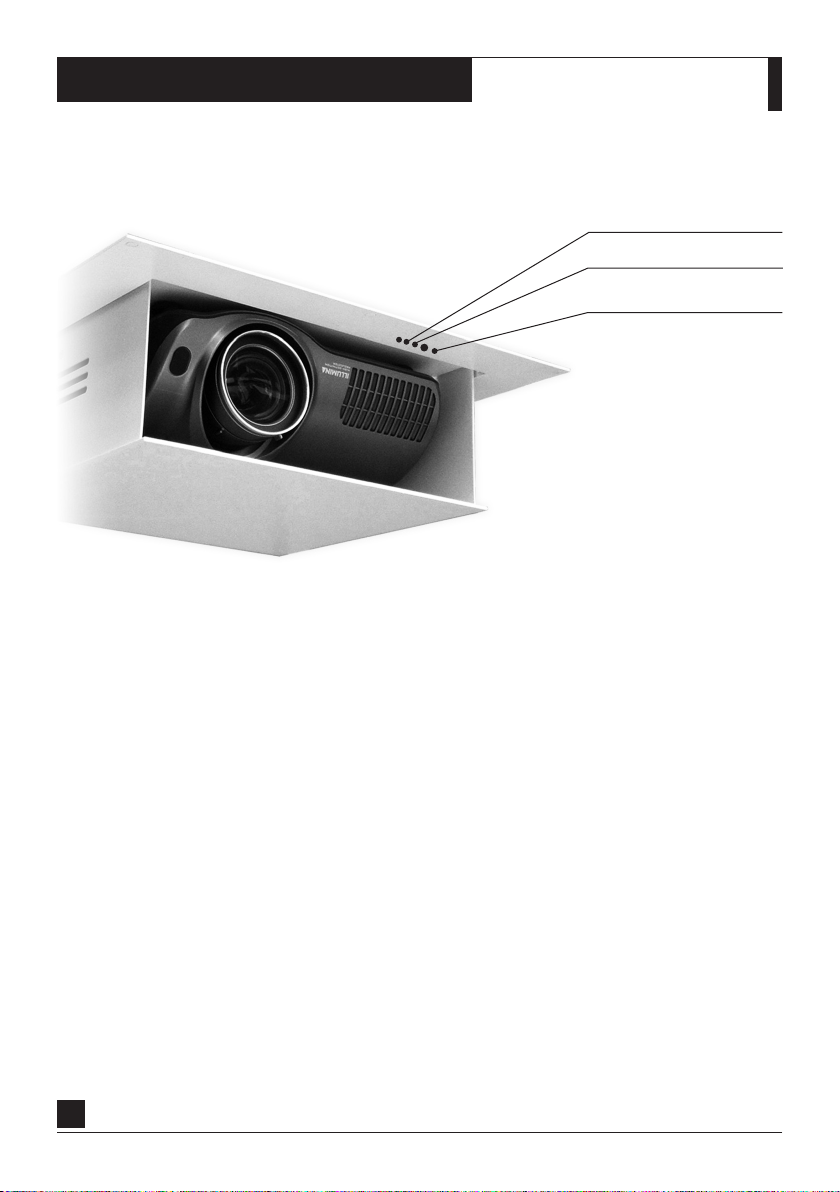
SYSTEM STATUS
IR STATUS LED
PROGRAMMING BUTTON
PROGRAMMING IR REMOTE CONTROL:
STEP 1. Press programming button until SYSTEM STATUS LED & IR STATUS LED illuminate. (Approx 2 sec)
STEP 2. Then only SYSTEM LED illuminates. (Watch LEDS when programming as IR is very fast.)
STEP 3. Press desired UP button briefly on the domestic remote control.
The IR LED flashes GREEN for learning then RED for storing the new button.
STEP 4. Press UP button again briefly on domestic remote control.
The IR LED flashes GREEN for learning then RED for storing the new button.
STEP 5. Now press desired STOP button briefly on the domestic remote control.
The IR LED flashes GREEN for learning then RED for storing the new button.
STEP 6. Press STOP button again briefly on domestic remote control.
The IR LED flashes GREEN for learning then RED for storing the new button.
STEP 7. Now press desired DOWNbutton briefly on the domestic remote control.
The IR LED flashes GREEN for learning then RED for storing the new button.
STEP 7. Press DOWN button again briefly on domestic remote control.
The IR LED flashes to confirm success then extinguishes.
NOTE. When LEDS go out your domestic IR remote control is ready to use.
PROGRAMMING IR REMOTE