7
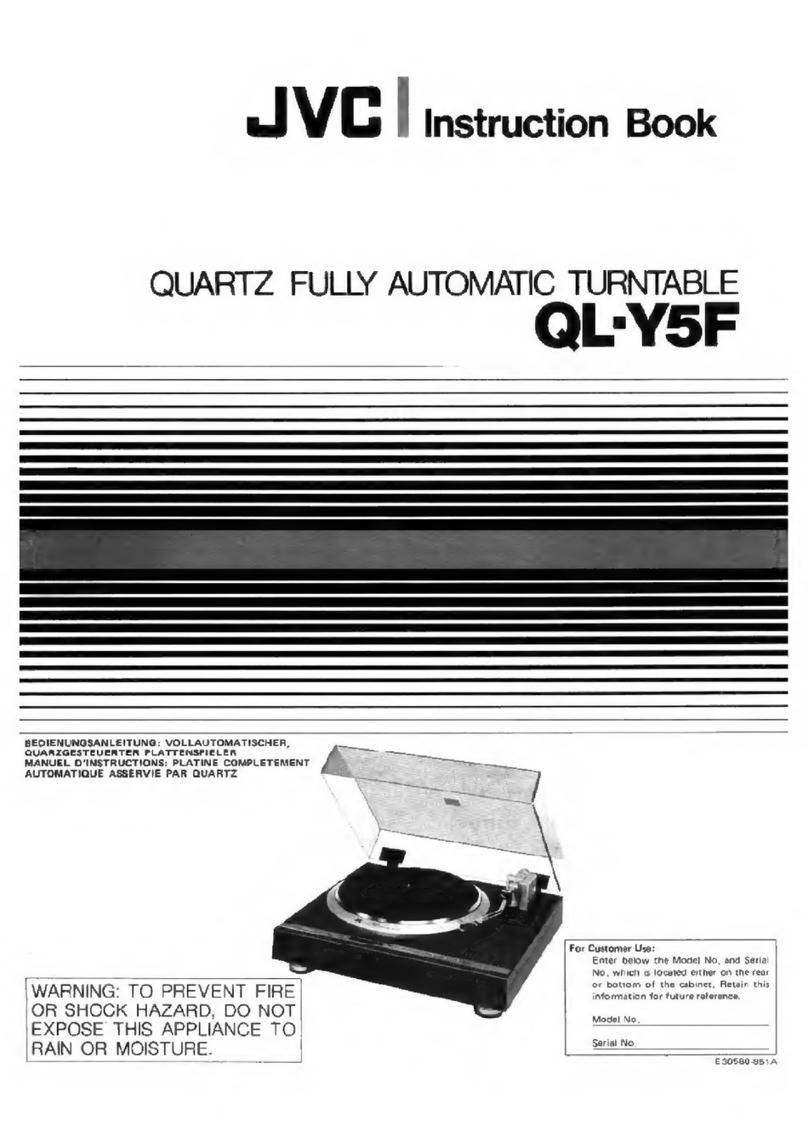
1. Open the dust cover and turn the volume knob clockwise toturn the equipment on.
2. Use the function selector toselect PHONO mode.
3. Set the speed selector tothe appropriate position: 33, 45 or 78, depending on the
record to be played.
4. Set the auto stop control toON if you want the turntable tostop turning when it has
reached the end of the record. If the switch is set toOFF, the turntable will continue
turning at the end of the record.
5. Place the record on the turntable (use the 45 rpm adaptor, if required).
6. Move the lift lever towards the back to raise the tone arm from the arm park, then slowly
move the arm tothe record, as illustrated on the right. The turntable will start rotating.
7. Move the lift lever towards the front, the tone arm will gently drop onto the record and
playback will start.
8. To stop playback, move the lift lever towards the back to raise the tone arm. The
turntable will still be rotating but the record will stop playing. Tocontinue playback, move
the lift lever towards the front.
9. To play a different piece on the record, move the lift lever towards the back, move the
raised tone arm tothe start of the piece and then move the lift lever towards the front to
lower the tone arm and start playback.
10. To adjust the volume level, turn the volume knob tothe right or left.
11.At the end of the record, move the lift lever towards the back to raise the tone arm and
move it back tothe tone arm park, and then move the lift lever towards the front to
lowerthe arm onto its rest.
12. Alternatively, lift the tone arm off the record and return it tothe arm rest manually.
13. When you havefinished playing records, engage the tone arm lock to protect it from
accidental movement. Turn the volume knob in a counterclockwise direction to switch
the unit off. Unplug it from the power supply if you are not going to use it for a while.