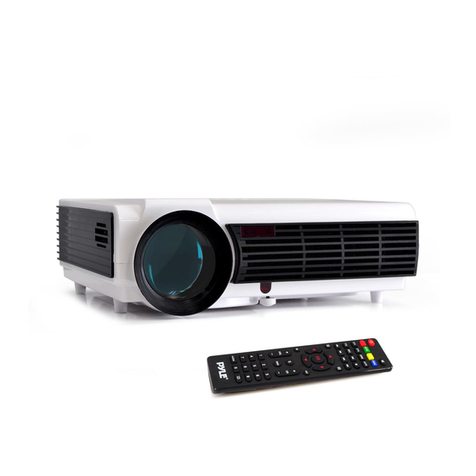
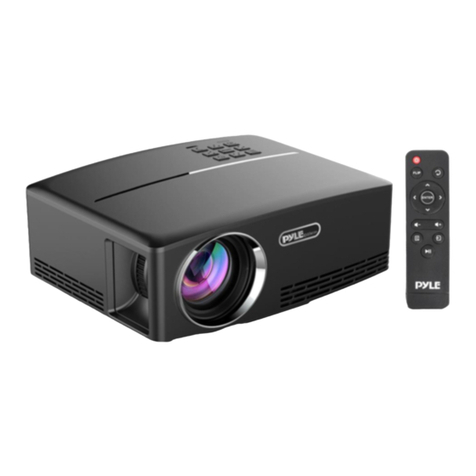
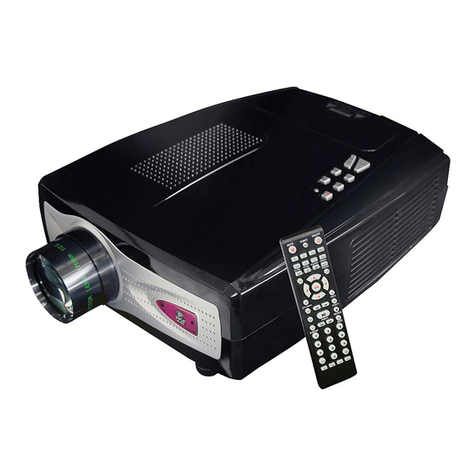
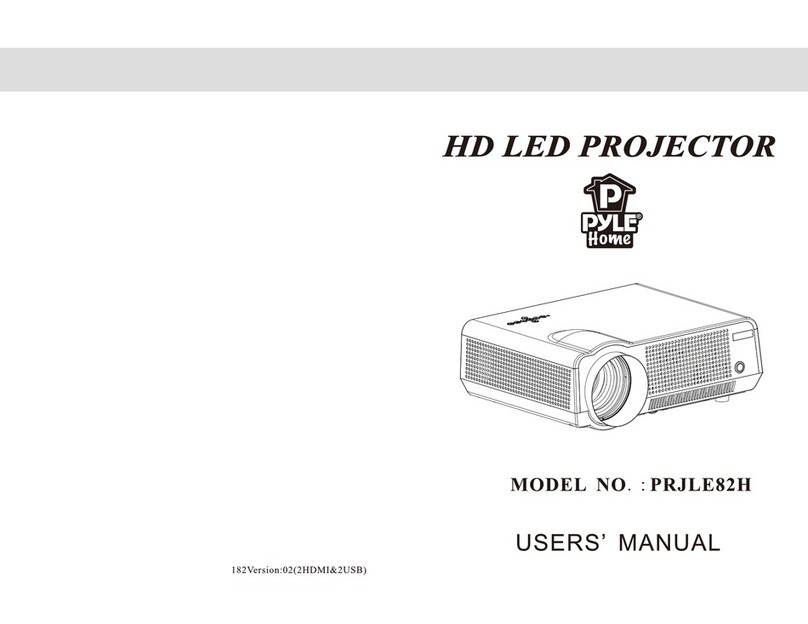
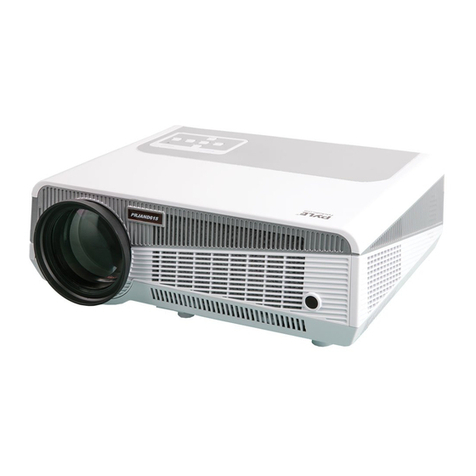
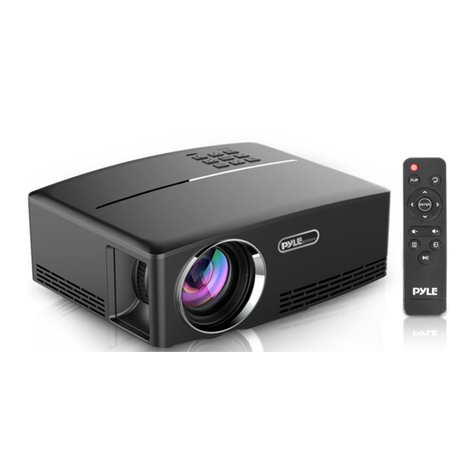
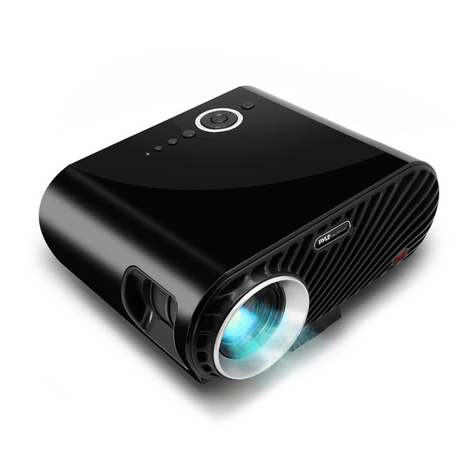
Pyle PRJ3D89 User manual

PRJ3D89
USERMANUAL
www.PyleAudio.com

1
7KDQN\RXIRUEX\LQJRXUSURGXFW
:DUQLQJV
Please read this manual carefully so that you can understand and use the
projector correctly. After reading, please save this manual for future
reference.
1RWLFH
The specifications are subject to change without notice.
The manufacturer is not responsible for typographical errors, incorrect
images, product descriptions and specifications.
$ERXWWKHEUDQG
VGA&XGA is the registered trademark of International Business
Machines Corporation.
VESA&SVGA is the registered trademark of Video Electronics Standard
Association.
Windows is the registered trademark of Microsoft Corporation.
All other trademarks are the property of their respective owners.

$FFHVVRULHV
Remote
Control
Power Cord (2 m)
Paired Composite, Analog Audio cable. (1.5 m)
Owner’s Manual
Warranty Card
Batteries for Remote Control
1RWLFH
To project a clear image it might be necessary to adjust the contrast ratio,
brightness, focus and keystone. The image may look blurry or skewed
without these adjustments.
To lengthen the life of your projectors lamp the projector will lock out
power commands during the first 3 minutes of use and for 5 minutes after
the power off command.
:DUQLQJ
The projector lamp creates high temperatures; Avoid handling the
projector lamp there is a risk of serious injury while hot.
Do not touch the lens/exhaust fan/intake during projector use, to limit risk
of bodily injury and damage to the projector.
Do not obstruct the lens, exhaust fan and intake vents.
The internal of projector contains high voltages; to reduce the risk of
electrical shock, do not remove the cover. No user serviceable parts
inside. Refer servicing to qualified service personnel.
2

................
Section 12 Zoom…………………………..………………….13
Section 7Language ………………….………………..…..11
Section 8 Transparence ……………………………….…..11
Section 9 Vertical / Horizontal flip…….…………..….….11
Section 2 Turning off the Projector……………….……… 8
Section 1 Turning on the Projector………….…………… 7
3
&RQWHQW
&KDSWHU3UHS DUDWLRQ
Section 1 Set
up……..…………………………………….. 4
Section 2 Connecting Devices…………………………… 5
Section 3 Remote Control Operation…………………… 6
&KDSWHU%DVLF 2SHUDWLRQV
Section 3 Adjusting
the Picture of the Projector……..… 8
Section 4 Adjusting the Quality of the Picture …………. 8
&KDSWHU$GYDQFHG 2SHUDWLRQV
Section 1 Input
Menu ………………………….……..….. 9
Section 2 Contrast Ratio ……………………………….…. 9
Section 3 Brightness ……………………………………….10
Section 4 Color ……………………………………………..10
Section 5 Tint ........................ ..........................10
Section 6 Sharpness ……………………………………….11
Section 10 Default Settings…………… ……………….…..12
Section 11 VGA Input Adjusting ………………………..…..12
&KDSWHU$SSHQGL[
Section 1 Troubleshooting ………………………………...13
Section 2 Maintenance……………………………….........15
Section 3 Specifications ………………..…………………. 17

115.0/120.1
108.3/114.2
93.7/99.2
>LQFK@>LQFK@
202.4/207.9
190.6/196.9
175.2/185.0
163.8/171.3
152.0/159.478.8/82.7
or shelf keeping the projector in line
6HFWLRQ6HW8S
&KDSWHU3UHSDUDWLRQ
6HWWLQJ
There are two methods to project this projector, please choose the best
method base on the condition of the place.
1. Table top: Place projector on table
with the screen.
2. Suspended: Hang the projector from the ceiling with appropriate
ceiling mount.
1RWLFH
You need to use a projector ceiling mount if you want to suspend the
projector from the ceiling.
7KH6L]HRI3URMHFWLRQ6FUHHQDQGWKH'LVWDQFHRI3URMHFWLRQ
Please refer to the diagram to confirm the size of picture and the distance
of projection.
(a) Sizeofscreen
(b) Projector and screen (±5%).
6FUHHQUDWLR 6FUHHQUDWLR
'LDJRQDO
VFUHHQ
VL]H˄
˄
,QFK
˅
3URMHFWLRQ'LVWDQFH
ˁ
'LDJRQDO
VFUHHQ
VL]H>,QFKP@
3URMHFWLRQ'LVWDQFH
ˁ
60 120
72 130
84 140
90 150
100 160
6HFWLRQ&RQQHFWLQJ'HYLFHV
4
126.8/133.1

compartment .
with corresponding input ports located on the side of the projector.
the PC/AV button located on the top of the projector until AV is select.
To select the AV source use the mode button on supplied remote or press
connector fits the inpu
Please confirm the type of
VGA source while the power is on may result in operational errors.
Please turn off the power of the projector and signal before connecting a
Video output and left/right audio output of signal source should connect
1RWLFH
&RQQHFWLQJ$XGLR9LGHR6RXUFHV
connections located on the side of the projector.
Connect audio and video output sources to the corresponding input
frequency.
Refer to the VGA source manual to configure the source resolution and
5
&RQQHFWLQJDFRPSXWHU
t on the projector, the
projector can be damaged if the wrong connector is inserted.
Set projector to the “VGA” by using the button “PC/ AV”.
6HFWLRQ8VLQJWKHUHPRWHFRQWURO
,QVHUWLQJEDWWHULHV
1. Remove the rear cover
2. Load the batteries as indicated by the marks in the battery
3. Put the rear cover back on
1RWLFH

-Press this button to turn on the set. Press again to enter
the standby mode.
place it on wet objects.
range.
The Infrared portion of the remote control should point to the remote
sensor of the projector for proper remote control operation.
The range of the remote sensor is 18'±5% feet with a 30±10% degree
1RWLFH
Do not drop or expose the remote control to physical impact.
Do not get the remote control wet or
Remove the batteries from the remote control and store them in a safe
place if you will not be using the remote control for an extended period.
Remote control show below as the picture:
-POWER:
- MUTE:
-Press this button to silence the sound system. Press again to activate it.
-Numeric Keys (0~9):
-Press these buttons to select the TV channel.
-MENU:
-Access the main menu of the projector or exit the current item.
-IMAGE:
-Select the best display between Bright / Normal / Soft / Optional.
-MODE:
-Select the signal input Video/S-video/VGA.
-OK:
-Image vertical flip.
-:
- Press this button to jump between two channels.
- CH( +/-):
6
Change channels sequentially up or down in viewing mode
6

and move to the next higher or lower item in the menu.
If there is no image displayed, check all connections and input setting.
that the projector is working normally.(If no sources have been
connected to the projector the indicator light will stay red.)
button on the remote control, The indicator light will turn green indicating
Press the POWER button on the projector of the STANDBY/ON
6. When the projector is turned on, the indicator light rurns red to orange
5. Turn on hard power switch located on the back of the projector.
4. Connect the projector to an electrical outlet using the supplied power
2. Connect a video source to the projector.
6HFWLRQ7XUQLQJRQWKH3URMHFWRU
--Press these buttons to increase or decrease the sound volume level
and directly choose the item in the menu.
--/--˖
-Select the channel rapidly.
-Call:
-Press this button to view the current signal input and current channel
number.
&KDSWHU%DVLF2SHUDWLRQ
1. Make sure that power of the projector and all equipment connecting with
the projector is not on.
3. Remove the lens cover.
cable.
1RWLFH
7

6HFWLRQ3LFWXUH$GMXVWPHQW
when the exhaust fan turns off it is safe to remove the power cable.
3. The projector lamp will turn off ,the exhaust fan will continue to run for
2. Press the POWER button on the projector or STANDBY/ON button
on the remote control.
up to 3 minutes in order to cool the projector lamp and extend lamp life.
1. Turn off the power of the video source equipment, which is connected
to the projector.
6HFWLRQ7XUQLQJRIIWKH3URMHFWRU
4. Place lens cap over lens.
$GMXVWLQJ3LFWXUHVL]H
The picture size is a variable based on the distance between projector and
screen. You can get the best image by adjusting the distance between
projector and screen.
Please refer to form (1)
$GMXVWLQJWKH.H\VWRQH
You can adjust the projector degree to proper degree by adjusting the
keystone. To reduce distortion, align the projector to the center of the screen
as close as you can. Degree offsets of 30 degrees off the center point of the
screen can cause visual distortion.
6HFWLRQ$GMXVWLQJ3LFWXUH4XDOLW\
$GMXVWLQJWKHIRFXV
Grasp the metal portion of the lens and rotate in either direction until the
image is clear and sharp.

] button, move cursor to “CONTRAST”.
choose what you need such as AV/S-VIDEO/YPbPr/VGA/HDMI.
AV Video input
YPbPr YPbPr input
/VGA /HDMI . of one of the AV /S-VIDEO /YPbPr
HDMI HDMI input
9
1RWLFH
If the projector distance is out of range, the projector will be not able to
focus. If it is hard to get correct focus, please confirm the distance of projector
from the screen.
&KDSWHU$GYDQFH2SHUDWLRQ
1RWLFH
Under the situation of menu off, Press the “PC/AV” button of projector or
remote control to choose the signal
6HFWLRQ,QSXW0HQX
Signal: press “PC/AV” button to get “PROGRAM” menu.
S-VIDEO S-Video input
VGA Computer
Operation
Press “PC/AV” button on the control board/remote control, you can
6HFWLRQ&RQWUDVW5DWLR
Operation
1. Press “MENU” button on the control board, it will show “menu function
window” on the screen.
2. Press [Ĺ] button or [Ļ] button, move cursor to “Picture”.
3. Press [ĺ] button to enter “Picture” menu function.
4. Press [Ĺ] button or [Ļ
Table of contents
Other Pyle Projector manuals