manuals.online logo
Brands
  1. Home
  2. •
  3. Brands
  4. •
  5. Pyle
  6. •
  7. Receiver
  8. •
  9. Pyle PWPBT47 User manual

Pyle PWPBT47 User manual

Other Pyle Receiver manuals

Pyle PLMRM4BTA User manual

Pyle

Pyle PLMRM4BTA User manual

Pyle PT694BT User manual

Pyle

Pyle PT694BT User manual

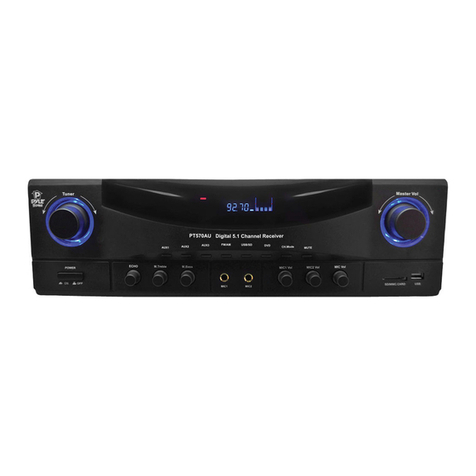
Pyle PT570AU User manual

Pyle

Pyle PT570AU User manual

Pyle PT684BT User manual

Pyle

Pyle PT684BT User manual

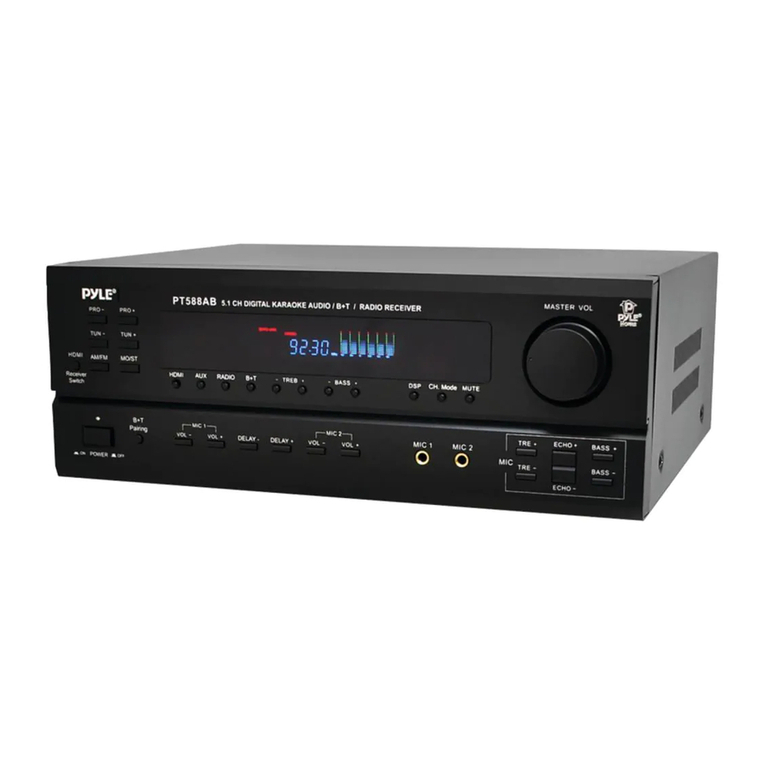
Pyle PT588AB User manual

Pyle

Pyle PT588AB User manual

Pyle PBMSPG2BK User manual

Pyle

Pyle PBMSPG2BK User manual

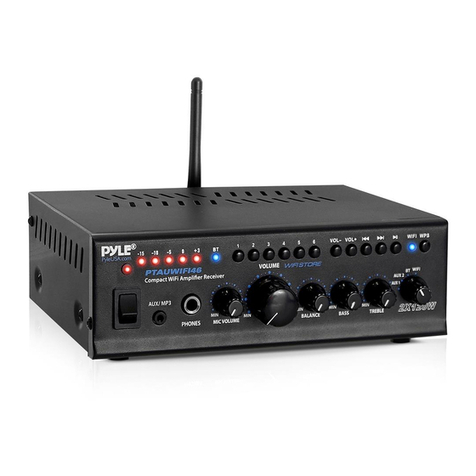
Pyle PTAUWIFI46 User manual

Pyle

Pyle PTAUWIFI46 User manual

Pyle PT980AUH User manual

Pyle

Pyle PT980AUH User manual

Pyle PT798SBA User manual

Pyle

Pyle PT798SBA User manual

Pyle PT592A User manual

Pyle

Pyle PT592A User manual

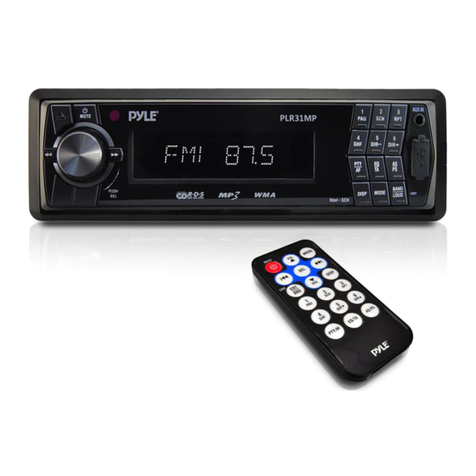
Pyle PLR31MP User manual

Pyle

Pyle PLR31MP User manual

Pyle PDWM18BT User manual

Pyle

Pyle PDWM18BT User manual

Pyle PLCDUSB79MP3 User manual

Pyle

Pyle PLCDUSB79MP3 User manual

Pyle PLMR90UW User manual

Pyle

Pyle PLMR90UW User manual

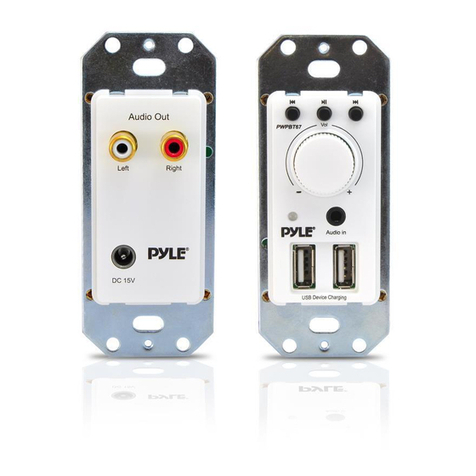
Pyle PWPBT67 User manual

Pyle

Pyle PWPBT67 User manual

Pyle PSLSW4 User manual

Pyle

Pyle PSLSW4 User manual

Pyle PDWM17BT User manual

Pyle

Pyle PDWM17BT User manual

Pyle PWA25WIFIBT User manual

Pyle

Pyle PWA25WIFIBT User manual

Pyle PT260A User manual

Pyle

Pyle PT260A User manual

Pyle PT684BT User manual

Pyle

Pyle PT684BT User manual

Pyle PLRVST400 User manual

Pyle

Pyle PLRVST400 User manual

Pyle PPRE70BT User manual

Pyle

Pyle PPRE70BT User manual

Pyle PLRVST400 User manual

Pyle

Pyle PLRVST400 User manual

Pyle PT696BT User manual

Pyle

Pyle PT696BT User manual

Popular Receiver manuals by other brands

Televes ZAS HD SAT user manual

Televes

Televes ZAS HD SAT user manual

Realistic DX-75 Operating and service instructions

Realistic

Realistic DX-75 Operating and service instructions

Saris 4620 Assembly instructions

Saris

Saris 4620 Assembly instructions

Mini DTR 206C PVR user manual

Mini

Mini DTR 206C PVR user manual

RF Elements TwistPort manual

RF Elements

RF Elements TwistPort manual

Denon DN-200WS user guide

Denon

Denon DN-200WS user guide

Yamaha RX-V467 owner's manual

Yamaha

Yamaha RX-V467 owner's manual

Russound SaphIR 858 instruction manual

Russound

Russound SaphIR 858 instruction manual

Quasonix RDMS Firmware update procedure

Quasonix

Quasonix RDMS Firmware update procedure

Pioneer XV-HTD1 Service manual

Pioneer

Pioneer XV-HTD1 Service manual

ATZ HDMI-V2-44HE150 manual

ATZ

ATZ HDMI-V2-44HE150 manual

Sony XNV-770BT MyTomTom Specifications

Sony

Sony XNV-770BT MyTomTom Specifications

Grundig STR 7122 TWIN Service manual

Grundig

Grundig STR 7122 TWIN Service manual

Creative Blaster Modem user guide

Creative

Creative Blaster Modem user guide

Panduit ATLONA AT-OME-RX11 installation guide

Panduit

Panduit ATLONA AT-OME-RX11 installation guide

VOLTCRAFT UTPS-40 operating instructions

VOLTCRAFT

VOLTCRAFT UTPS-40 operating instructions

JVC KW-ADV794 instructions

JVC

JVC KW-ADV794 instructions

Litelink VT-1001 operating instructions

Litelink

Litelink VT-1001 operating instructions

manuals.online logo
manuals.online logoBrands
  • About & Mission
  • Contact us
  • Privacy Policy
  • Terms and Conditions

Copyright 2025 Manuals.Online. All Rights Reserved.

2
3
PWPBT47
with Bluetooth
Power on the Unit:
1.) The unit can be powered via the included DC 5V/1A power adapter -
- or hard-wired prior to in-wall installation via the 2-Pin screw
terminal located on the back panel of the unit.
2.) Press and hold the ‘PAIRING’ button, located on the front panel, for
3-4 seconds to Power ON. The ‘BT’ (Bluetooth) LED indicator light
will also activate.
Aux (3.5mm) Input Connection & Operation:
1.) Once the unit is powered on, any device connected to the wall
plate’s Aux (3.5mm) jack, via audio connection cable, will play
automatically. As soon as the wall plate detects audio transmission
via Aux Input, it will play -- overriding any Bluetooth or NFC
connected audio signal transmission.
Bluetooth Pairing & Operation:
1.) Before attempting to pair / connect any Bluetooth device, ensure
that you remove / disconnect any Aux (3.5mm) Input connection.
2.) Once the unit is powered ON, press and hold the ‘PAIRING’ button
for 2 seconds, until the Bluetooth LED indicator light begins to slowly
blink.
3.) Then, within your device’s Bluetooth settings, select the Bluetooth
Network Named: ‘BT-RY’, to pair / connect.
- Upon pairing, the Bluetooth LED Indicator light will blink progressively
quicker until the unit successfully pairs with a compatible Bluetooth
device.
- When a successful Bluetooth connection is established, the Bluetooth
LED indicator light will shine solid, indicating that the unit is ready to
transmit audio.
- Note: if a successful Bluetooth connection is not made within 90
seconds, the unit will cease attempts to establish a Bluetooth
connection. To attempt re-connecting to a Bluetooth device again,
press and hold the ‘PAIRING’ button for 1-2 seconds.
NFC Wireless Android Pairing & Operation:
1.) The unit features wireless audio streaming NFC (Near Field
Communication) connectivity. NFC allows you to pair compatible
Android devices by simply touching your device to the to the unit’s
front panel.
- Please ensure your device features, and is compatible with NFC
connectivity.
2.) Powered on and then hold the “PAIRING” button 1-2 seconds to
begin NFC connection. ( Please make sure the both Bluetooth
and NFC must be “ON”.)
- When a successful NFC connection is established, the Bluetooth
LED indicator light will shine solid, indicating that the unit is ready
to transmit audio.
Bluetooth LED Indicator Status:
Pairing Mode: Blinking / Flashing LED Light (device is ready to pair)
Bluetooth / NFC Mode: Constant / Solid LED Light (device is
successfully paired and ready to transmit audio)
Aux (3.5mm) Mode: LED Light OFF
Wall Plate Audio Receiver:
The Pyle Wall Plate Wireless Audio Receiver is a quick and easy way
to get your music playing through a locally connected home theater or
speaker s ystem. The rear panel of the wall plate features a
convenient screw terminal block for speakers, Aux (3.5mm) jack,
along with the ability to ‘hard-wire’ a power supply -- as opposed to
using the included power adapter. The wall plate allows convenient
audio streaming options including Bluetooth, NFC (Near Field
Communication), and Aux (3.5mm) input to connect even more
external devices. Enjoy hassle-free audio transmission with the Pyle
PWPBT47 Bluetooth & NFC Wireless Audio Control Receiver.
Universal Compatibility:
Pyle’s Wall Plate Audio Receiver fits virtually all U.S. Electrical Gang
Boxes. The universal standard wall plate size was designed to install
conveniently in-wall, allowing and unlocking access to audio control
like never before. A great choice for adding hassle-free audio control
in homes, offices and businesses.
In-Wall Audio Control - Bluetooth & NFC Wireless
Receiver, Aux (3.5mm) Input, Wall Mount
In-Wall Audio Control - Bluetooth & NFC Wireless
Receiver, Aux (3.5mm) Input, Wall Mount

In-Wall Audio Control - Bluetooth & NFC Wireless
Receiver, Aux (3.5mm) Input, Wall Mount
54 6
Connection Diagram:
Function Instruction:
1)POWER LED
2)BT LED: BT/PAIRING LED
3)NFC: Near Field Communication
4)AUX IN: AUX 3.5 INPUT
5)PAIRING: Power ON/OFF or Pairing Button
6)Power Input ( DC 5V/1A): Power Jack for Adapter/
2-PIN Screw Terminal
7)Audio Output: 3.5mm Stereo Audio Phone Jack/
3-PIN Screw Terminal for Connecting
2
1
3
4
5
6
7
POWER INPUT: 5V ONLY
PWPBT47
FRONT PANEL BACK PANEL
POWER INPUT: 5V ONLY
PWPBT47
USB CHARGEUSB CHARGE AUX/MP3 INAUX/MP3 IN
NFCNFC
STEREO POWER AMPLIFIER w/BT/NFC/USB CHARGESTEREO POWER AMPLIFIER w/BT/NFC/USB CHARGE
PTA1000BTPTA1000BT
BT ONBT ON
BT OFFBT OFF
AUX IN
SPEAKER
ADAPTER
(5VDC/1A ONLY)
AUDIO SOURCE
FRONT PANEL
BACK PANEL
AMPLIFIER
POWER IN
Features:
In-Wall, Wall Plate Audio/Music Control
Built-in Bluetooth for Wireless Audio Streaming
NFC (Near Field Communication) Android Pairing
Universal Standard Wall Plate Size
Fits U.S. Electrical Gang Boxes
Full Range Audio & Stereo Sound Transmission
Front Panel Aux (3.5mm) Audio INPUT Jack
Connect & Stream Audio from External Devices
Rear Panel Aux (3.5mm) Audio OUTPUT Jack
Transmit the Audio to Your Home Theater System
Audio Output: 3-Pin Screw Terminals
System can be Optionally ‘Hard-Wire’ Powered
Includes DC Power Adaptor
LED Connection Indicator Lights
Perfect for the Home, Office or Business
*Aux Input Must Be Disconnected to Allow Bluetooth/NFC Pairing
Bluetooth Connectivity:
Easy & Hassle-Free Wireless Connection
Compatible with All of Today’s Latest Devices
(Smartphones, Tablets, Laptops, Computers, etc.)
Bluetooth Network Name: ‘BT-RY’
Bluetooth Version: 4.0
Wireless Range: 30’+ ft.
What’s in the Box:
Audio Control Wall Plate Receiver
Decorative Plate Frame Cover
Wall Power Adapter
Technical Specs:
Frequency Response: 40Hz-20kHz
Input Sensitivity: 200mV/1V
Power: 5V, DC/1A
Dimensions (L x W x H): 4.1’’ x 1.38’’ x 1.38’’
Unit Weight: 0.069lb
In-Wall Audio Control - Bluetooth & NFC Wireless
Receiver, Aux (3.5mm) Input, Wall Mount
In-Wall Audio Control - Bluetooth & NFC Wireless
Receiver, Aux (3.5mm) Input, Wall Mount
In-Wall Audio Control - Bluetooth & NFC Wireless
Receiver, Aux (3.5mm) Input, Wall Mount
NFC
AUDIO OUTPUT
AUDIO OUTPUT